Free Text Generator Picture Maker
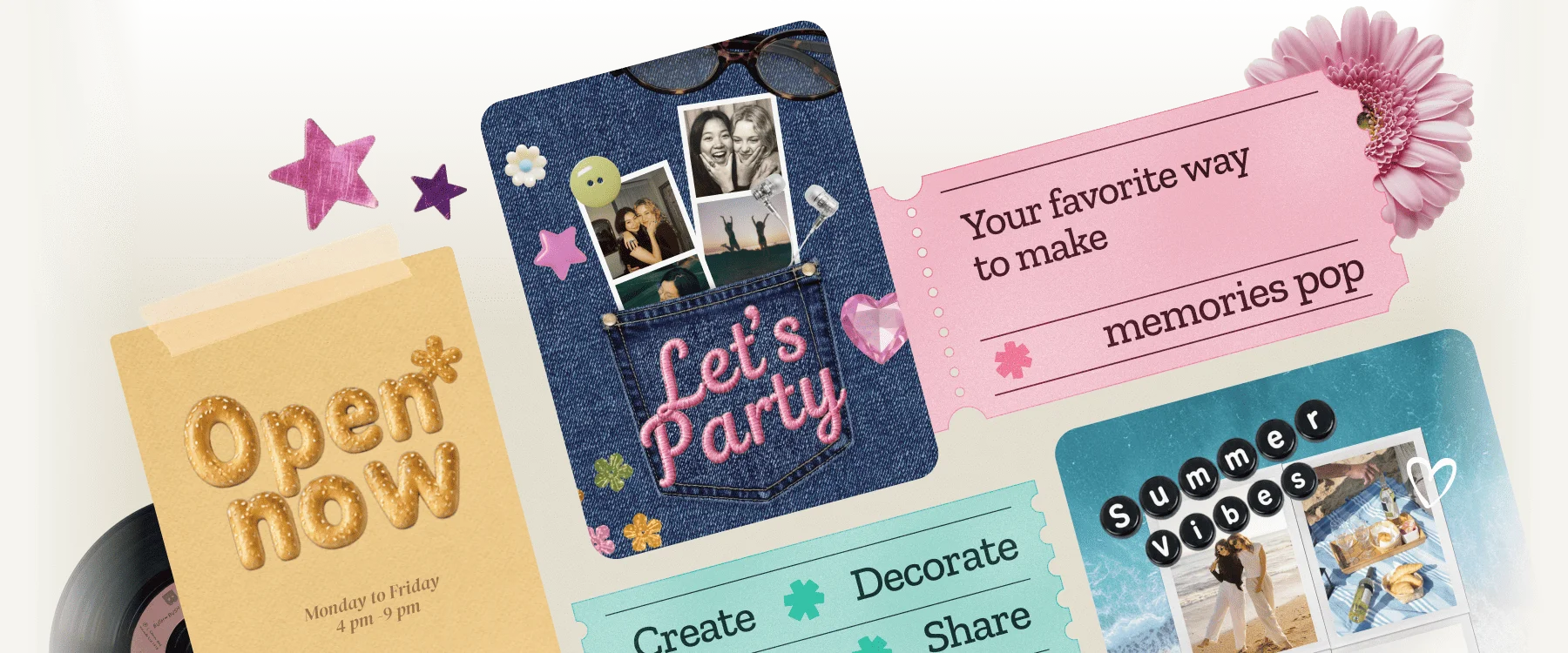
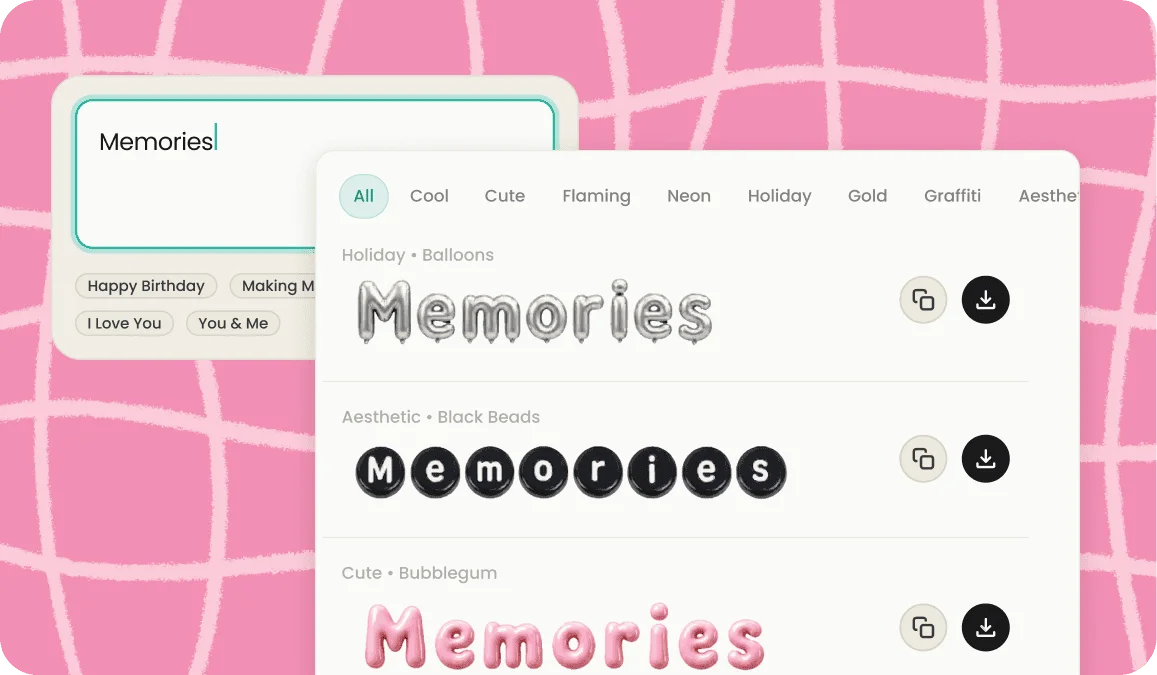
Type your words, pick a style, download the image. Flaming, neon, 3D chrome, gold, graffiti, and more, ready in a couple of taps.Type your words, pick a style, and turn them into a cool text image you can download and use anywhere. Flaming letters, glowing neon, 3D chrome, gold, graffiti, and more render in seconds as a ready-to-save graphic. Whether you want a text generator picture for a thumbnail, a wordmark for a logo, or cool fonts on a story, you get a finished image in a couple of taps.
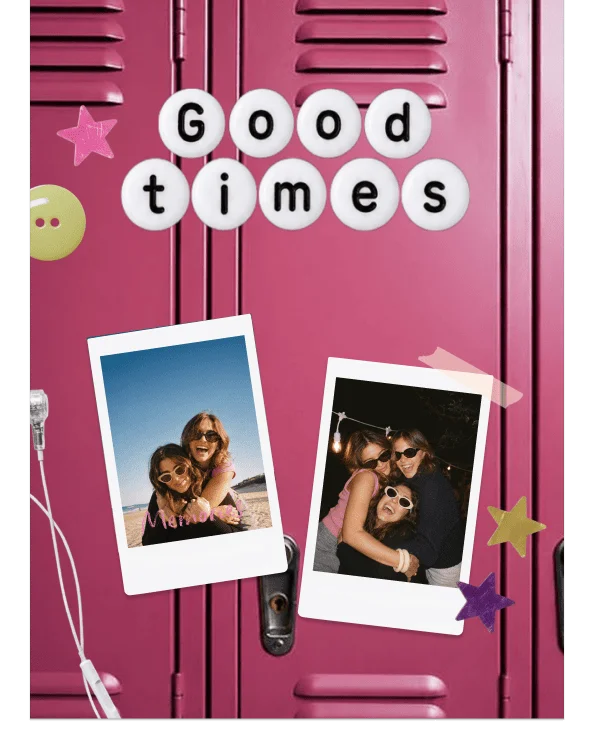
- Cute • Black Beads
- Holiday • Balloons
- Aesthetic • Embroidery
- Aesthetic • Emblem
- Graffiti • Ransom
- Cute • Bubblegum
- Cute • Friends
- Neon • Float
- Cute • Jelly
- Cute • Breadphabet
- Holiday • Glimmer Balloon
- Cute • Cloudle
- Cute • Watermelon
- Cute • Sizzlebyte
- Cute • Blush Keyboard
- Script • Plushjoy
- Cute • Donut
- Cool • Frostbite
- Holiday • Twinkle
- Holiday • Gleam
- Cute • Furry
- Gold • Sequins
- Flaming • Spark
- Script • Frosting
- Gold • Tape
- Graffiti • Stencil
- Cute • Yarn
- Holiday • Ribbon
- Script • Fluff
- Cool • Fridgeabet
- Cute • Snuggle
- Neon • Holo
- Neon • Glowgrid
- Flaming • Fluffernimbus
- Cool • Arcade
- Cute • Stitch
- Graffiti • SprayPop
- Neon • Glimmer








































We've brought the same powerful features you love in our app directly to your browser.
How it works
How to make a text image in three steps
Type your text
Enter the word, name, or title you want to turn into a graphic. Short and punchy works best for logos and headers.
Choose your effect
Pick a look and watch your text render into it. Fire, neon, 3D, gold, chrome, graffiti, gradient, and dozens more give you a finished style without any design skills.
Download your image
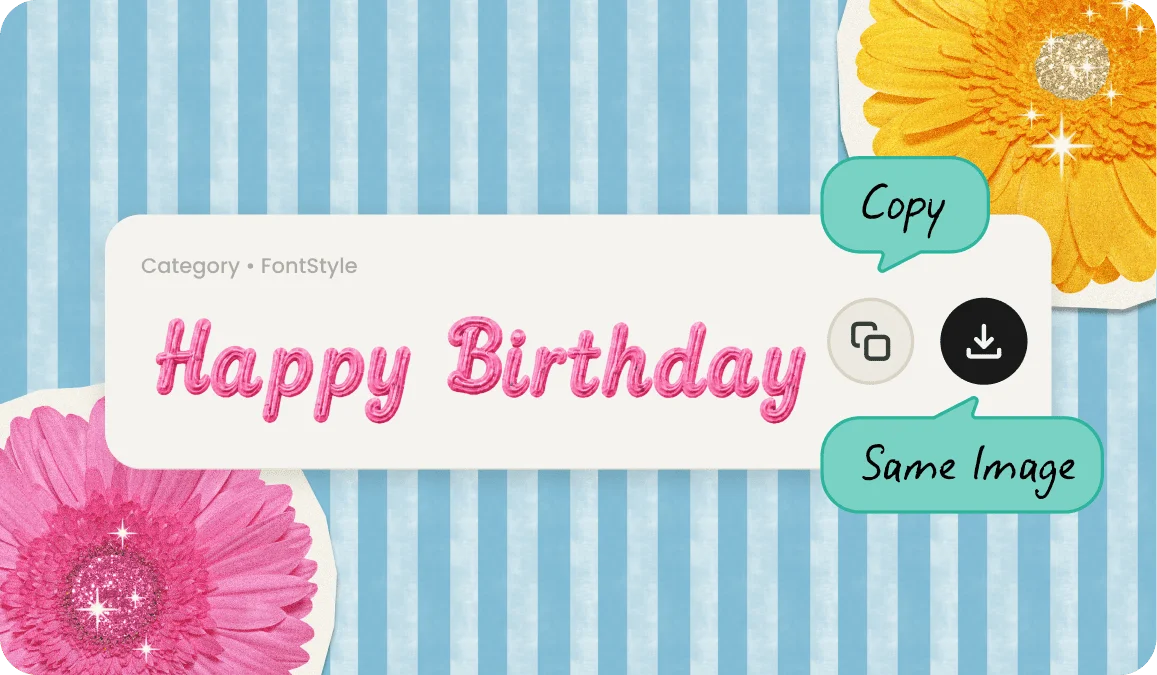
Save your cool text as an image and use it wherever you need it. Because it downloads as a file, you can reuse the same graphic across as many projects as you want. You can also copy and paste it!
What a text font generator makes
This tool turns typed words into a styled picture. You are not copying characters into a text field, you are generating an actual text generator image with effects that plain fonts can't do, like flames licking off the letters, a neon tube glow, or a glossy 3D finish. When you're happy with it, you download the result as an image file and place it anywhere a picture goes.
That is the key difference from a copy-paste font tool. Here, the output is visual. A poster, a logo, a banner, a thumbnail. The effect is baked into the image, so the moment you save it, the look is locked in and ready to drop into a design.
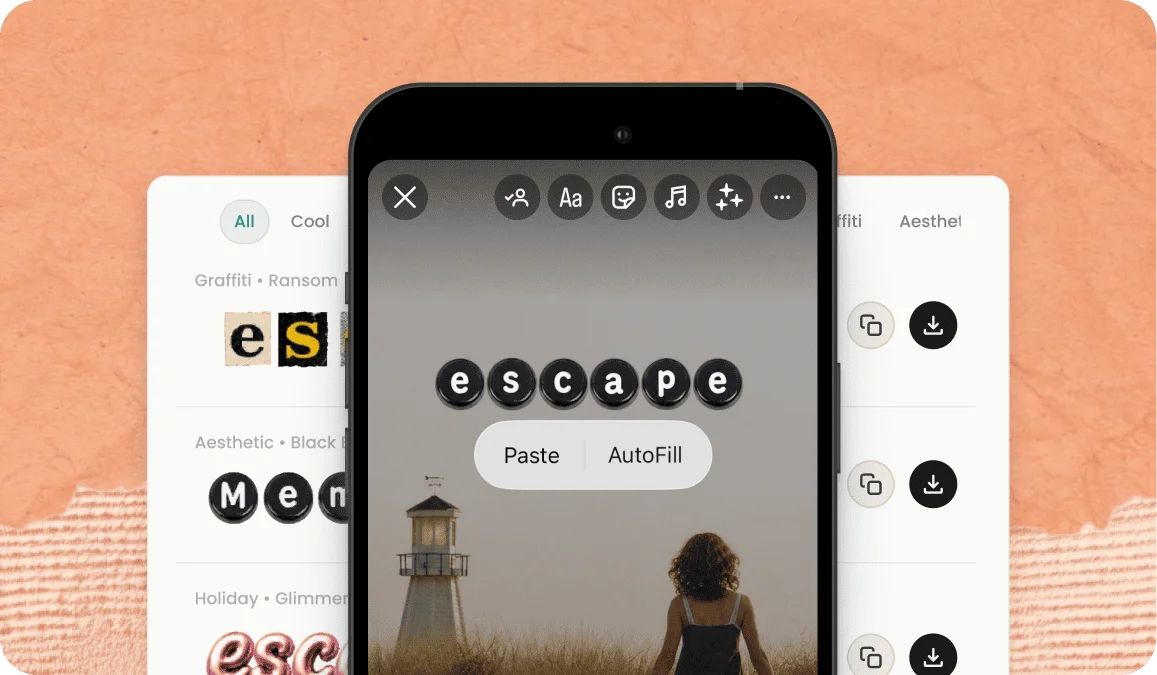
Flaming and fire text, done in one tap
The effect is where the fun is. Set your text on fire with flame and burning styles, or light it up with neon and glowing letters. Give it depth with 3D and chrome, shine with gold and metallic finishes, or edge with graffiti and spray-paint looks. Add gradients, glitter, drip, and retro 8-bit styles when you want something with a specific vibe. There are fun, colorful, and scary looks in the mix too, and each one renders your exact words so you see the finished graphic before you download it.
Fire is the effect people ask for most, so it gets the full treatment. Turn your words into flames text or fire letters, wrap fire fonts around every character with a font with fire, or build a fire logo that looks like it's burning off the screen.
Use cases
What people make with the text font generator
Cool text logos and wordmarks
Used as a logo text maker, it turns a brand name or handle into a styled wordmark without opening design software. A chrome, fire, or gold treatment from the logo font generator gives a small project a finished, professional look, and the transparent PNG drops straight onto packaging, a site header, or merch.
Thumbnails, titles, and stream overlays
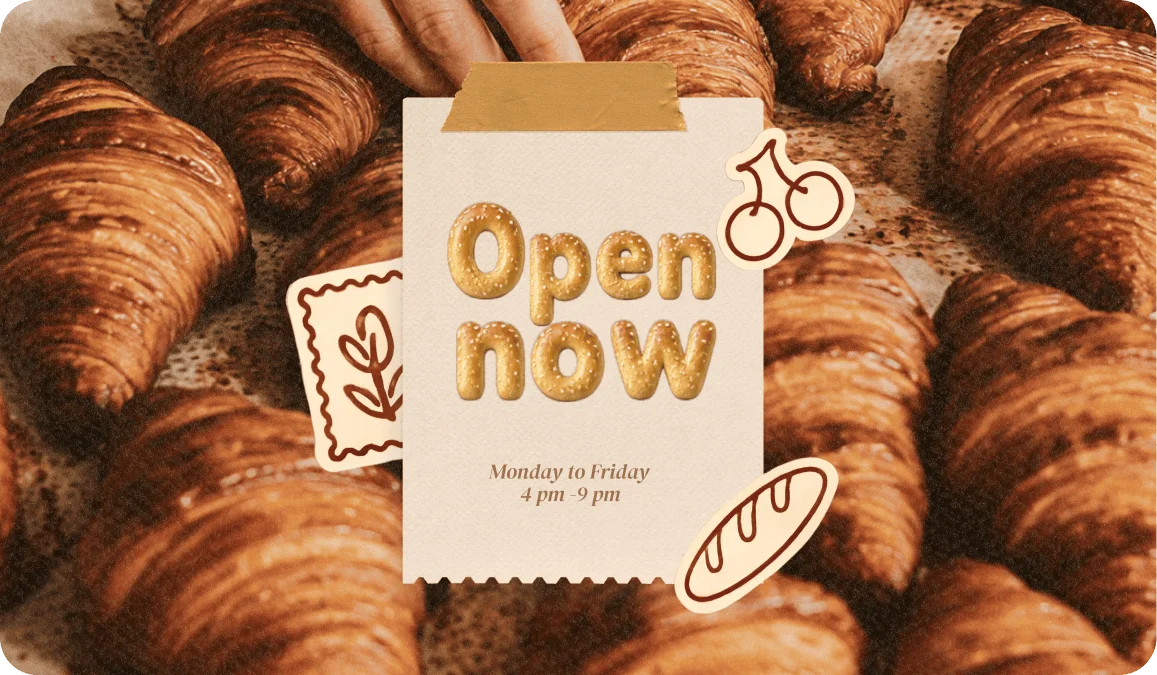
A bold text graphic is what makes a thumbnail get clicked. Generate a glowing or 3D title, download it, and layer it over your video or stream. Great for channel names, episode titles, and callouts that need to pop on screen.
Story headers and post graphics
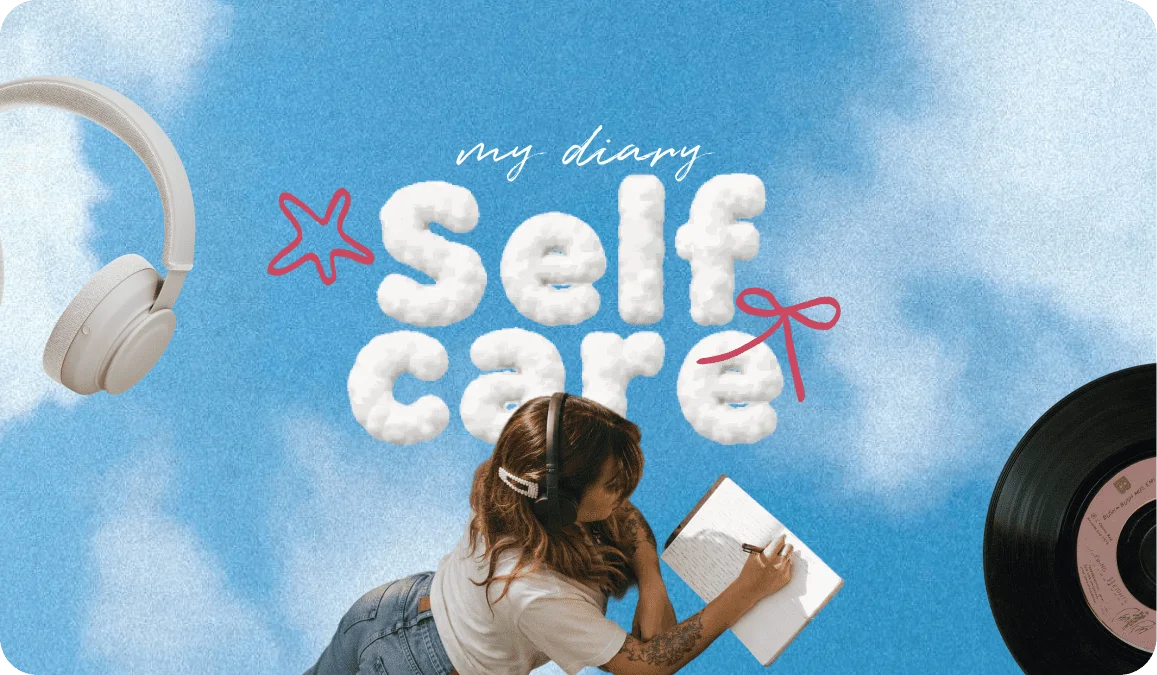
Give a post or story a headline that looks designed instead of typed. A neon or graffiti text image sits perfectly over a background photo and instantly lifts the whole layout above a plain caption.
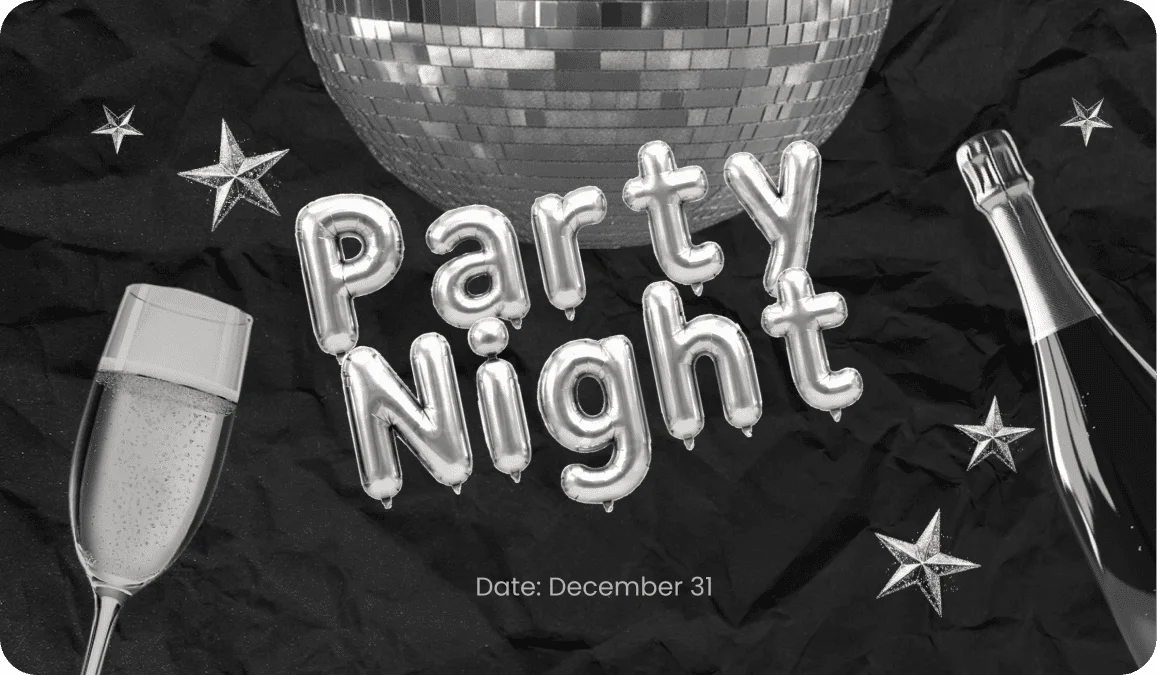
Posters, flyers, and party graphics
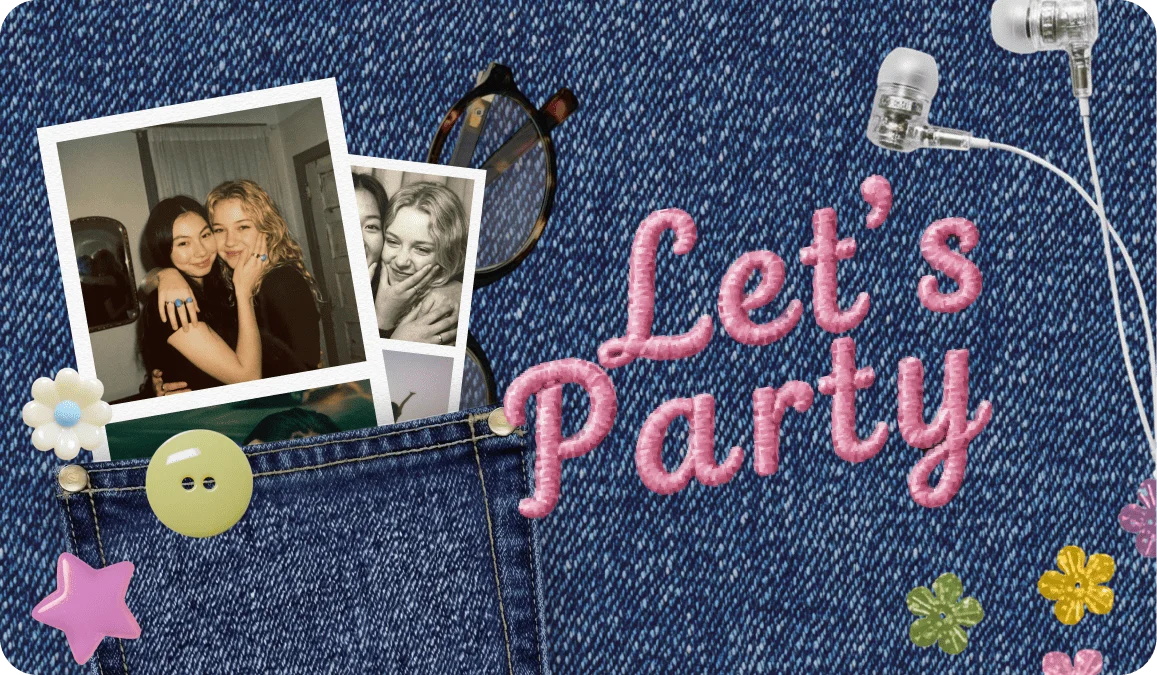
Need a standout title for a poster, an invite, or an event flyer? Generate the headline as a graphic, download it, and place it into your layout. The styled image does the heavy lifting so the rest of the design stays simple.
Save any text as an image
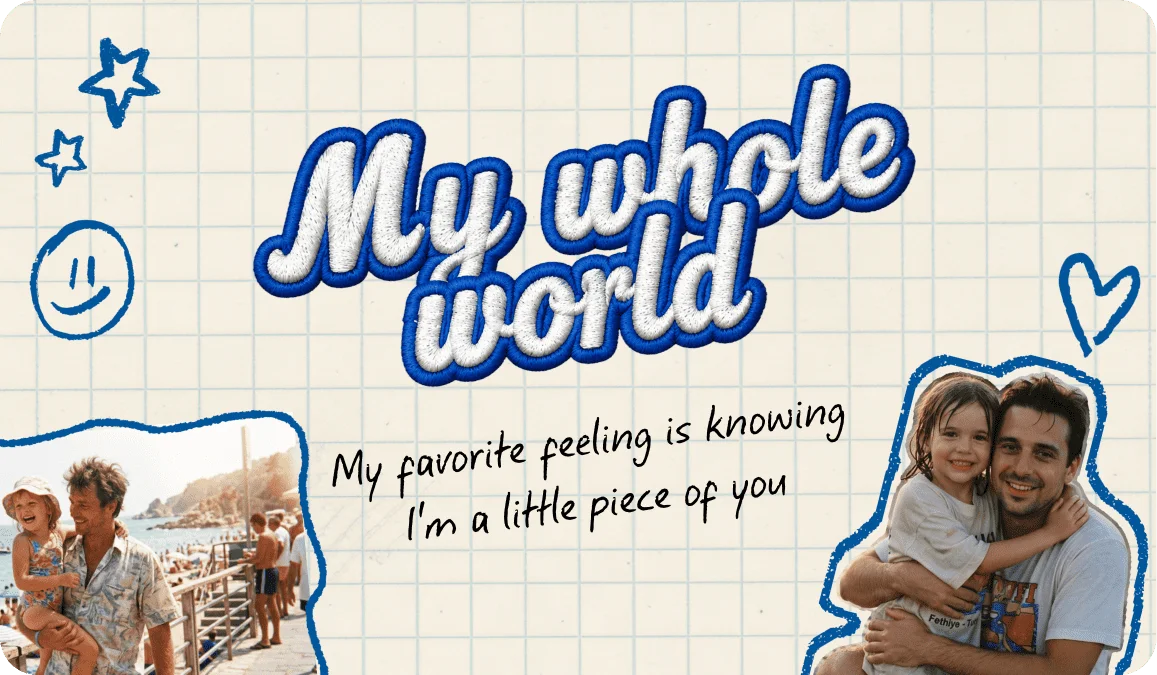
Everything you make comes out as an image you can keep. Create PNG text with a transparent background when you want it to sit on top of any photo or design with no white box around the letters. It works like clean text clipart you can layer anywhere. Save it, reuse it, and build it into whatever you're working on, from a video title card to a printed flyer.
Free, fast, and no design skills needed to create a cool text image!
You don't need to know a design tool to make something that looks like you did. Pick an effect, and the styling is handled for you in one step, more like an AI font generator that does the work than a program you have to learn. It's free to generate and free to download, so you can try a few styles side by side, from a fun text banner to a scary title, and keep the one that fits.
Features
Generate and download your text images at no cost

🎨 Dozens of effects
Fire, neon, 3D, chrome, gold, graffiti, gradient, glitter, and more, all rendered from your own words.
🖼️ Real image output
Download your creation as an image, including clean PNGs with transparent backgrounds.
📸 Instant preview
See the finished graphic before you save, so you pick the right look the first time.
🖌 No design skills required
Type, choose a style, download. The effect does the work.
Frequently Asked Questions
Yes. You can create and download your styled text images for free, with no account required.
A copy-paste tool gives you styled characters you paste into a bio or post. This tool gives you a downloadable image with effects like fire, neon, and 3D that plain text can't do. Here the output is a picture you save and reuse, not text.
Yes. You can save your creation as an image, and a PNG lets you keep a transparent background so your styled text sits cleanly on top of any photo or design.
Absolutely. Many people use it exactly that way. Type your name or brand, apply a style like gold or chrome, and download it as a wordmark you can place on a site, merch, or packaging.
Effects include fire and flames, neon and glow, 3D and chrome, gold and metallic, graffiti and spray paint, plus gradients, glitter, and retro looks. Each one renders your exact text.
Yes. Once you download it, the image is yours to use across as many projects as you want, from videos to prints, without generating it again.