
Free Online Photo Tools

Remove a background, blur it, resize a photo, expand it wider, enhance the quality, make a collage, or style your text. Every tool runs right in your browser. Free, no account, no download.

Free Online Photo Tools

Remove a background, blur it, resize a photo, expand it wider, enhance the quality, make a collage, or style your text. Every tool runs right in your browser. Free, no account, no download.

Free Online Photo Tools

Remove a background, blur it, resize a photo, expand it wider, enhance the quality, make a collage, or style your text. Every tool runs right in your browser. Free, no account, no download.

What Makes PicCollage's Photo Tools Worth Using?

What Makes PicCollage's Photo Tools Worth Using?

Free, Fast, and Right in Your Browser

  • Use every tool at no cost, with no sign-up and no watermark

  • Add a photo from your phone or computer and get a result in seconds

  • Works on iPhone, Android, laptop, any device with a browser

Free, Fast, and Right in Your Browser

  • Use every tool at no cost, with no sign-up and no watermark

  • Add a photo from your phone or computer and get a result in seconds

  • Works on iPhone, Android, laptop, any device with a browser

Magic Editing, Built In

  • Magic finds your subject and cleans up the background on its own

  • Sharpen, upscale, and unblur photos that were never quite right

  • Slide to control the effect, or pick a preset and let it do the work

Magic Editing, Built In

  • Magic finds your subject and cleans up the background on its own

  • Sharpen, upscale, and unblur photos that were never quite right

  • Slide to control the effect, or pick a preset and let it do the work

One Set of Tools, One Place to Work

  • Cut out a background, blur it, resize, expand, enhance, or style text

  • Jump from one tool to the next without opening a new app

  • Send any result into the PicCollage app to make something with it

One Set of Tools, One Place to Work

  • Cut out a background, blur it, resize, expand, enhance, or style text

  • Jump from one tool to the next without opening a new app

  • Send any result into the PicCollage app to make something with it

Edit Your Photos Right From Your Browser

You don't need a laptop, a design degree, or expensive software to fix a photo or make something with it. Every PicCollage web tool runs in the browser you already have open, on the phone or computer in front of you.

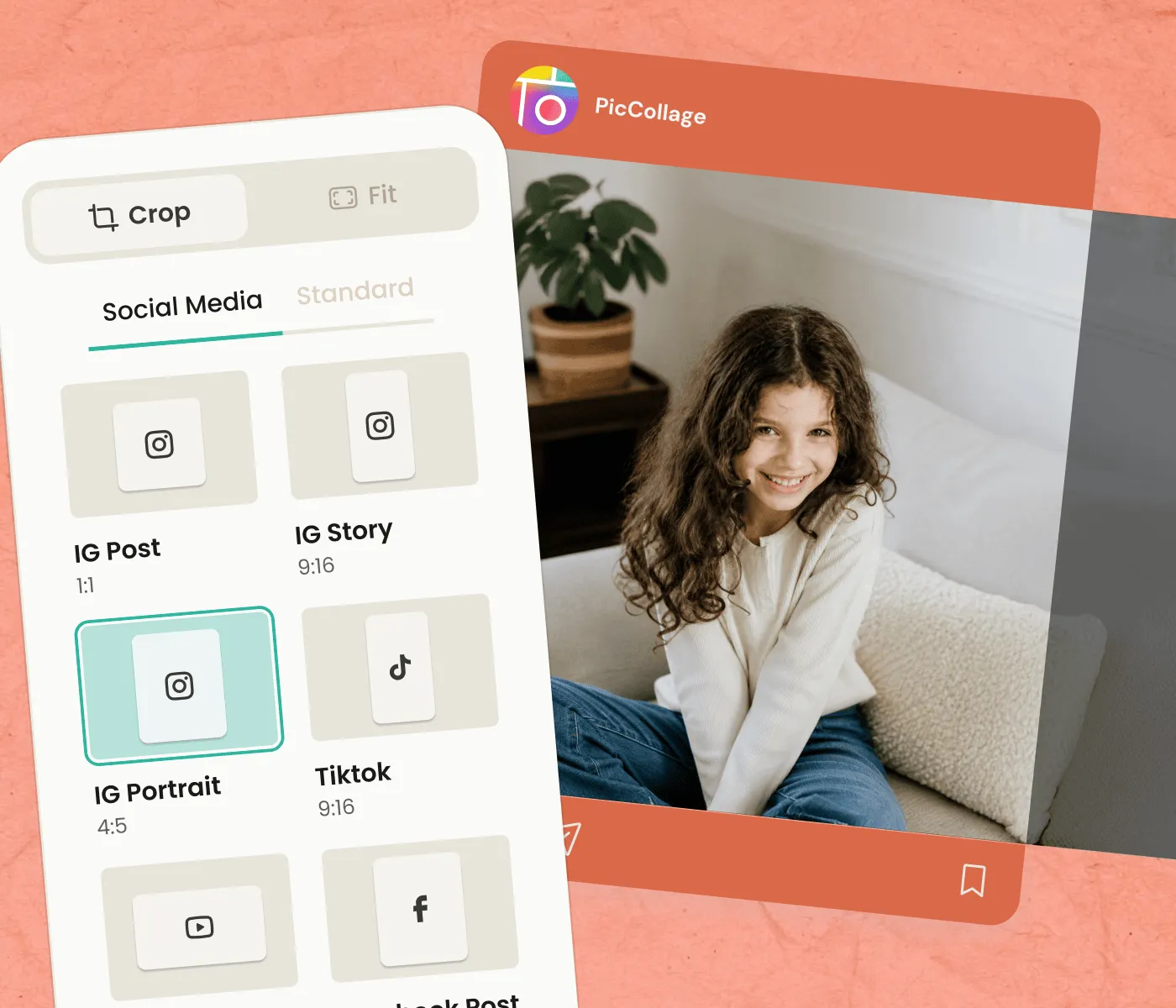
Pick the tool that matches the job. The background remover cuts out your subject and saves a clean transparent PNG. The blur tool adds that soft depth-of-field look to any photo. The image resizer changes dimensions without losing quality, and the image extender fills in new scenery beyond the edges so a photo fits a wider space. The image enhancer sharpens and upscales photos that came out soft. Each one handles the technical side. You just add a photo and decide when it looks right.

The tools are free, and nothing gets watermarked. Use one on its own, or clean a photo up here first and bring it into the app where the templates and stickers live.

Edit Your Photos Right From Your Browser

You don't need a laptop, a design degree, or expensive software to fix a photo or make something with it. Every PicCollage web tool runs in the browser you already have open, on the phone or computer in front of you.

Pick the tool that matches the job. The background remover cuts out your subject and saves a clean transparent PNG. The blur tool adds that soft depth-of-field look to any photo. The image resizer changes dimensions without losing quality, and the image extender fills in new scenery beyond the edges so a photo fits a wider space. The image enhancer sharpens and upscales photos that came out soft. Each one handles the technical side. You just add a photo and decide when it looks right.

The tools are free, and nothing gets watermarked. Use one on its own, or clean a photo up here first and bring it into the app where the templates and stickers live.

All the PicCollage Web Tools

All the PicCollage Web Tools

How to Edit a Photo in Three Steps

01

Pick a Tool

Choose what you want to do with your photo. Remove the background, blur it, resize or expand the frame, enhance the quality, make a collage, or style your text. Each tool does one job well.

02

Add Your Photos

Drop in a JPG, PNG, WEBP, or HEIC from your phone or computer. No account, no software to install. The tool goes to work the moment your photo lands.

03

Save or Keep Going

Download your result in full quality, free and with no watermark. Or send it into the PicCollage app to build a card, a collage, or a whole design around it.

Use the Tools on iPhone, Android, or Any Browser

The tools work the same way everywhere, but the entry point depends on where you are when you need one.

On iPhone and Android, you can open any tool right in your mobile browser. No app install, no account. Add a photo from your camera roll, let the tool do its work, and save the result back to your phone. It is the fastest way to fix one photo when you are already on your phone.

On a laptop or desktop, the same tools run in your browser with more room to work. Add a photo, adjust, and download in full quality. Most people end up using two or three tools on one photo: remove the background, resize it for the right platform, then bring it into the PicCollage app where the templates and stickers live.

The result is consistent on every device. A high-resolution image with no watermark that you can post, send, print, or keep editing.

Free Tools With No Watermarks or Hidden Limits

Free should mean free, so the PicCollage web tools do not stamp a watermark on your work or lock the good part behind a paywall.

Every tool on this page runs at no cost. Remove a background, blur one, resize a photo, expand it, enhance it, make a collage, or style your text without paying anything or making an account. Your download comes out clean, at full resolution, ready to use.

There is a daily free limit on the tools, which keeps them fast and available for everyone. If you hit it, you can come back the next day or download the PicCollage app for unlimited use plus the full library of templates, stickers, and editing tools. The app is free on iOS and Android too.

Premium options exist for people who want the wider sticker library and exclusive templates in the app. Everything you need to fix a photo or make something on the web is here for free.

Save, Share, or Keep Editing What You Made

The file you download at the end is yours to use however you want. Save it to your phone or computer and it behaves like any other image file, which means it goes anywhere a photo goes.

For sharing, send it through any messaging app, social platform, or email. A transparent cutout keeps its clear background. A resized photo lands at the exact dimensions you set. Your recipient just sees a clean image.

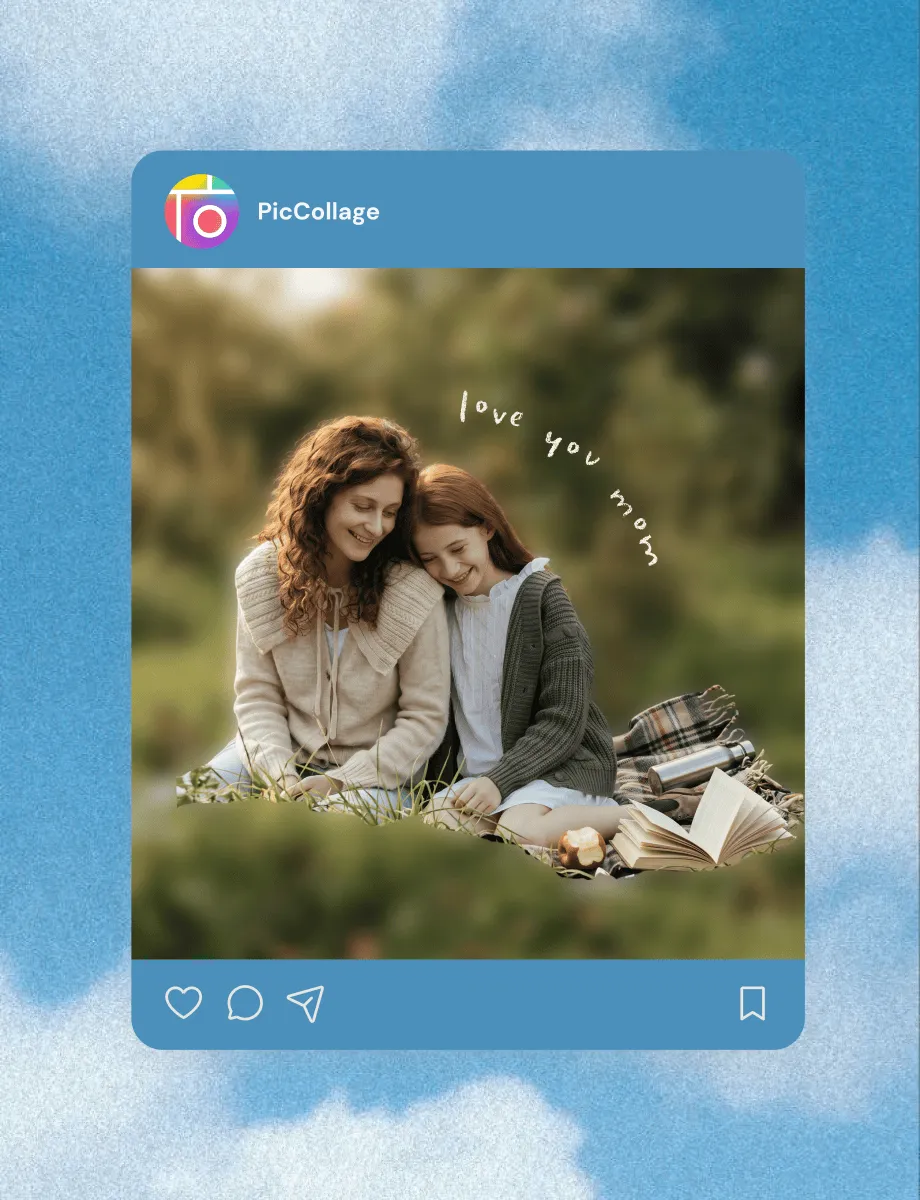
For your next project, bring the result into the PicCollage app. A background you removed becomes a sticker in a collage. A photo you enhanced goes into a birthday card. An expanded photo fits a wider layout with room for text. The web tools clean things up. The app turns them into something you share.

For printing, download in full resolution and the quality holds up, because the tools export without compression.

01

Pick a Tool

Browse the categories below. A collage for the wall, a birthday card, a wedding invitation, a Christmas card, a save the date for next summer. Every category has its own templates.

02

Add Your Photos

Drop in photos from your camera roll. Adjust the layout, swap fonts, change colors, drag elements around, add text and stickers. The template is just a starting point. The final design is whatever you want it to be.

03

Save or Keep Going

Download in high resolution. Send digitally to anyone, anywhere. Print at home or at a local print shop. The file is yours to use however the project demand!

How to Create a Photo Collage in Three Steps

Frequently Asked Questions

Are the PicCollage web tools free?

Yes. Every tool on this page is free to use, with no account and no watermark on your download. There is a daily free limit that keeps the tools fast for everyone. If you need more, the PicCollage app is also free on iOS and Android and removes the limit.

Do I need to download anything or make an account?

No. The tools run right in your browser on any device. Add a photo, get your result, and download it, all without installing an app or signing up. Downloading the app is optional and only unlocks unlimited use plus templates and stickers.

What can I do with the PicCollage web tools?

Remove or blur a background, resize a photo, expand it wider or taller, enhance and unblur it, make a photo collage, and turn text into fancy fonts or styled image graphics. Each tool does one job, and you can run a photo through several.

Do the tools work on iPhone and Android?

Yes. Open any tool in your phone's browser and add a photo from your camera roll. No app needed to use the tools. Everything works the same on a laptop or desktop, just with more room to work.

What's the difference between the web tools and the app?

The web tools fix and prepare individual photos in your browser, free and with no download. The app is where you make full designs: collages, cards, and invitations with templates, stickers, and the complete set of editing tools. Many people clean a photo up on the web, then finish the project in the app.