






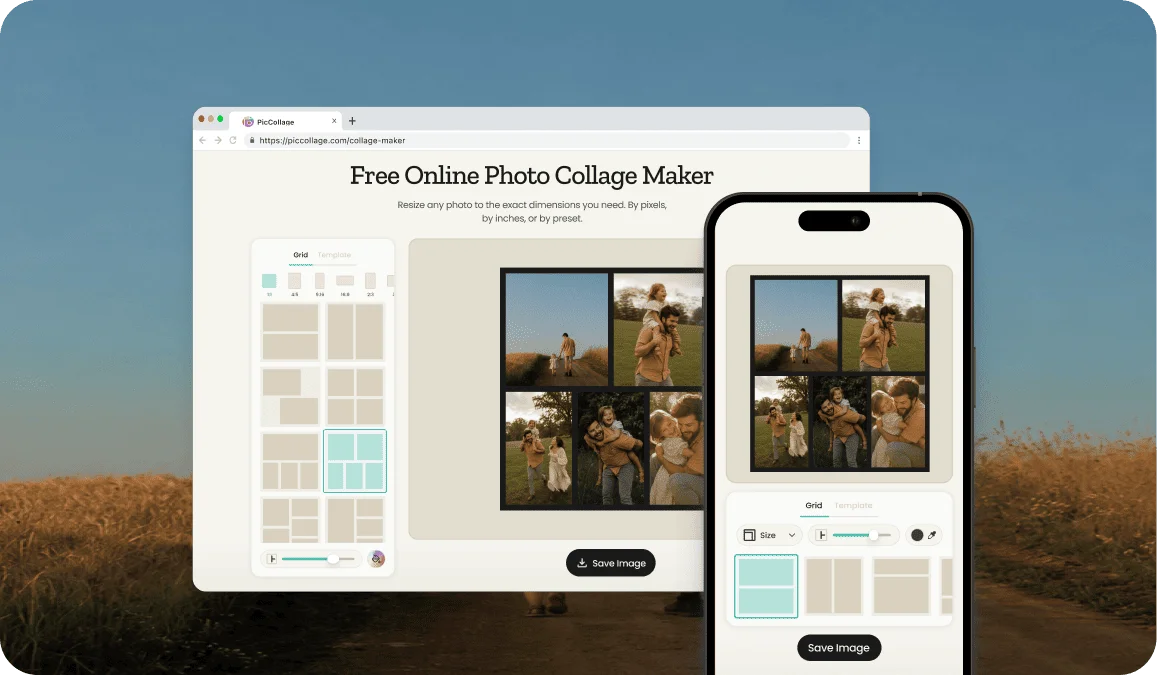

"Best and Easy Collage Maker! PicCollage is a simple and effective way to create photos in 1 picture. From birthdays to months to occasions this app has got you covered!! 🤍☑️"
moonjelly67United States
Make a collage in your browser. No download, no account, no watermark. Pick a layout, drop in your photos, customize, and save in seconds.
Click to browse from your deviceDrop your photos here or click to browse from your device
JPEG, PNG, WEBP, HEIC
By uploading a file, you agree to PicCollage's Terms of Use and Privacy Policy.
or try a sample photo set
We've brought the same powerful features you love in our app directly to your browser.
HOW-TO STEPS
Step 01
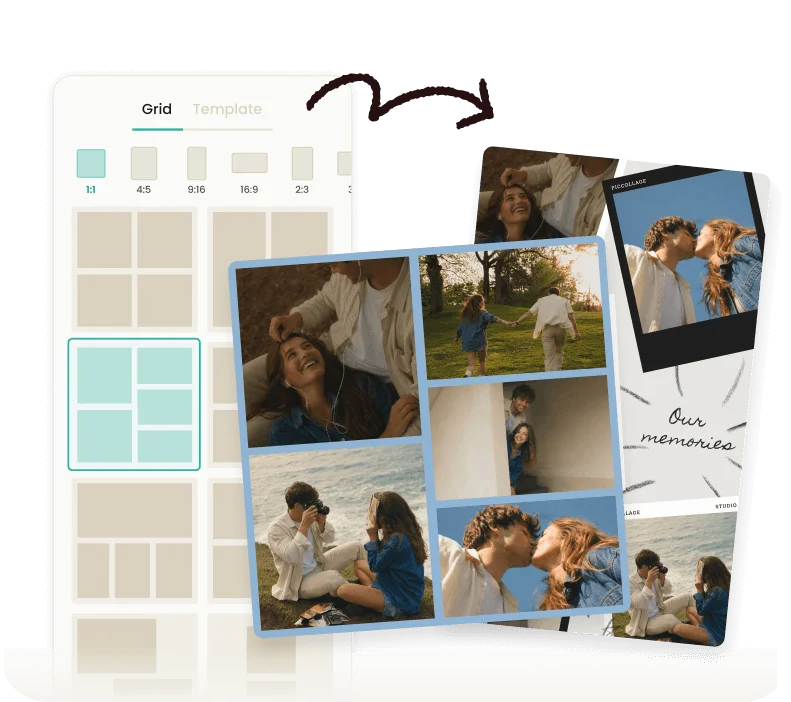
Choose a grid or a designed template from our selection and upload your JPEG, PNG, WEBP or HEIC files from your phone or computer.
Step 02
Drag photos around, resize them inside the cells, swap one for another. And then, add a background color if the collage needs it!
Step 03
Download your finished collage. Post it on Instagram, share it in any messaging app, print it on canvas, or set it as your wallpaper. And yes: there's no watermark!
Most photo collage makers ask you to download software or create an account before you've even seen what they can do. This one doesn't. Open the page, upload your photos, and the collage maker is ready to go. The whole tool lives in your browser, so it works on a laptop, a tablet, a phone, or any device with a modern browser installed.
The output quality matches what you'd get from a desktop app. Full resolution exports, no compression, no watermark on the saved file. The only difference is that you didn't have to install anything to get there.
Behind the browser tool is PicCollage, the photo collage app that's been downloaded over 280 million times on iOS and Android. The web version shares some of the core features of the app: layout templates, freeform canvases, text tools, stickers, and full control over how your photos sit inside the design. If you decide later that you want the mobile app for ongoing projects, downloading it is a tap away. But you don't need to. Everything you need to make a simple collage is already on this page.
USE CASES
A single photo says one thing. A collage says three or four at once. Build event recaps, outfit grids, travel highlights, and before-and-after reveals in the exact dimensions Instagram and other platforms expect. Pick the format before you start so nothing gets cropped after posting.
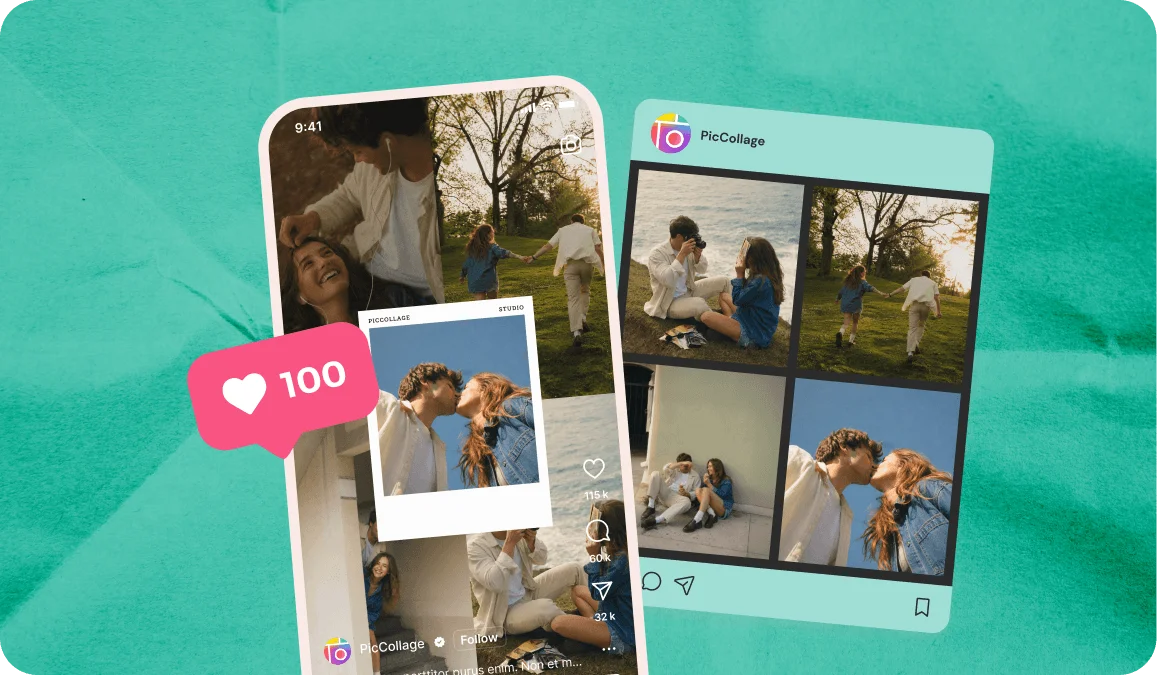
A trip, a school year, a baby's first months, a pet's greatest hits. Some memories are too big for a single photo. The online collage maker lets you fit the whole story into one image without losing the small moments that make it personal. Print it on canvas, set it as a phone wallpaper, or send it to family.

A greeting card with a single photo is fine. A card with a collage of your best moments together is something people actually keep. Build a 4-photo grid for a birthday card, a year-in-photos for a Christmas card, or a relationship timeline for an anniversary. The collage becomes the card.

Some stories only land when you see the two photos together. Home renovations, fitness journeys, hair transformations, plant growth, room makeovers, kid milestones. A two-cell or three-cell collage puts the moments side by side so the change does the talking.
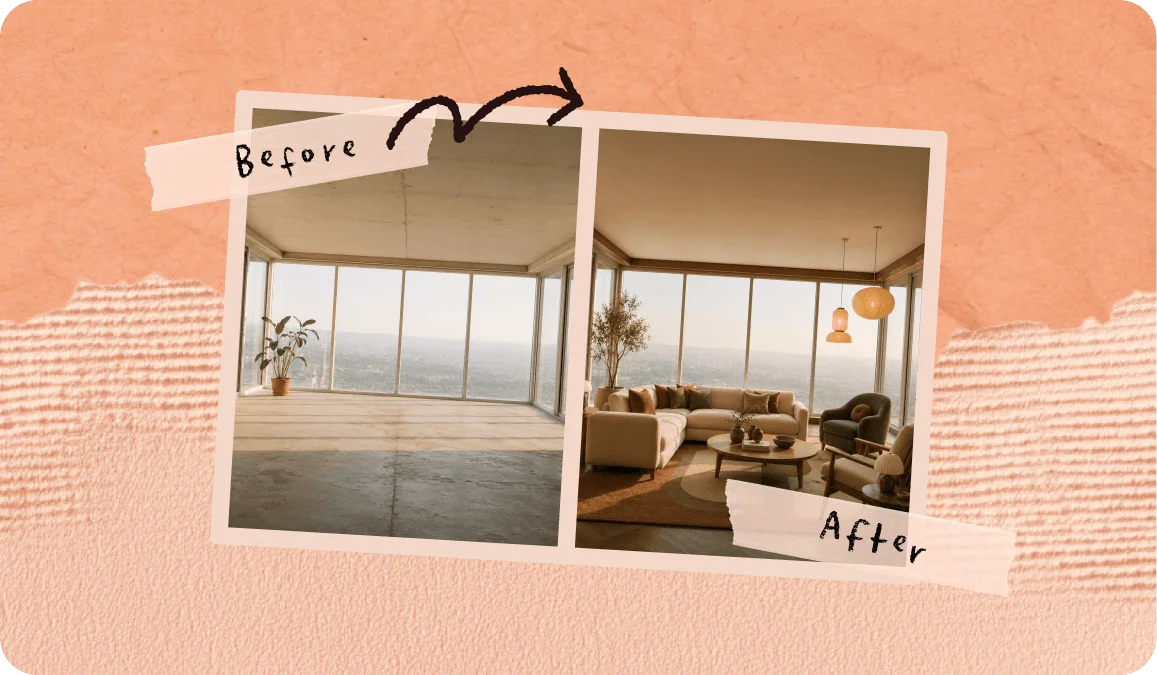
A browser-based photo collage maker solves a specific problem. You need to make a collage right now, you're on a computer you don't own (a work laptop, a borrowed device, a public machine), and you can't install software. Or you're on a phone and you don't want another app on your home screen for a one-time project.
The online tool handles both situations. Open the page, upload your photos, and the collage maker is creating the perfect output immediately. No account creation, no email verification, no "upgrade for full features" pop-ups.
This also makes the tool useful for quick projects where the mobile app would be overkill. A teacher building a yearbook collage on a school computer. A small business owner making an Instagram post during a coffee break. A parent putting together a birthday card from a hotel laptop.
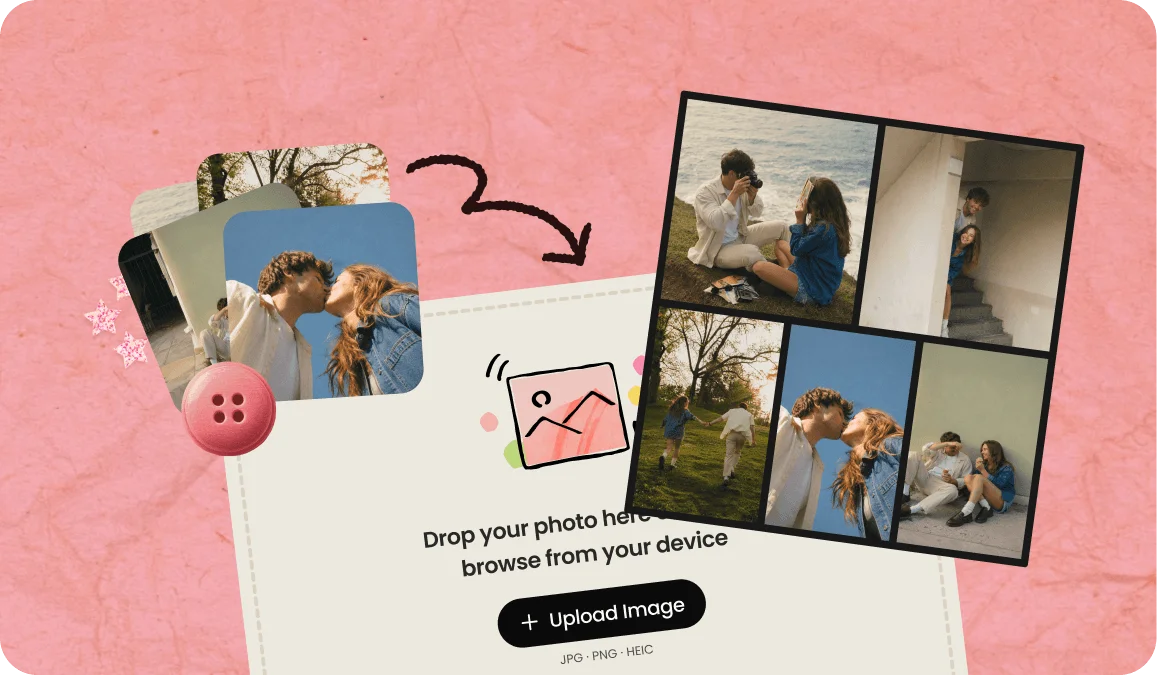
"Free" means different things on different sites. This one is free without conditions. Save your collage at full resolution. Download as many collages as you want. Use the tool as often as you need. No watermark, no resolution cap, no usage limit, no account required to access anything.
The trade-off (because there's always one) is that the most advanced features (premium template library, exclusive stickers, certain editing tools) live in the PicCollage mobile app, which has an optional subscription for users who want them. But the core collage maker (layouts, photo placement, basic text and export) is free both in the browser and in the app. Most people make great collages without ever paying anything.

FEATURES

🌐 Runs in Any Browser, on Any Device
Chrome, Safari, Firefox, Edge. iPhone, Android, tablet, laptop, desktop. If it has a browser, the collage maker works. No installation, no account, no platform limitations.
🎨 Grids and Templates
Start with a structured grid for clean, even spacing. Or open a template designed for a specific use case. Two approaches, both free.
✏️ Background Color & Canvas Sizes
Add captions, dates, names, or quotes in any font and color. Pick a background color that complements your photos. Every element is optional and fully adjustable, including the canvas size.
💾 Full Resolution, No Watermark
What you save is what you'd expect from a professional design tool. No watermarks, no compression artifacts, no resolution caps. The free version exports at full quality.
Yes. No account, no credit card, no trial period, no watermark. Upload your photos, make your collage, and download the result at full resolution. The browser version is free!
No. The collage maker opens immediately when you visit the page. You can use the full tool, save your collage, and leave without signing up for anything.
JPG, PNG, WEBP and HEIC. These cover virtually every photo on a phone or computer. The collage exports as a high-quality!
Yes. The online photo collage maker works in any mobile browser, so you can upload photos from your camera roll and make a collage directly on your phone. If you want a more native mobile experience, the PicCollage app on iOS and Android offers additional features and templates.
The online tool supports collages from 1 to 12 photos depending on the layout. Grid layouts also work best with 1 to 12 photos.
The online tool runs in your browser and covers the core collage maker features: layouts, photo placement, text and export. The PicCollage app on iOS and Android adds more templates, exclusive features, and works offline. Both are free at the core, with optional premium features in the mobile app.
TESTIMONIALS