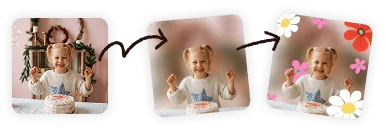




I love PicCollage. I love that I can edit my photos. Sometimes, in my pictures, there are people in the background, and with PicCollage, I can blur them out.
:)$!!!!!!!United States
That professional depth-of-field look, on any photo from any phone. Free, no account needed.
Click to browse from your deviceDrop your photo here or click to browse from your device
JPEG, PNG, WEBP, HEIC
By uploading a file, you agree to PicCollage's Terms of Use and Privacy Policy.
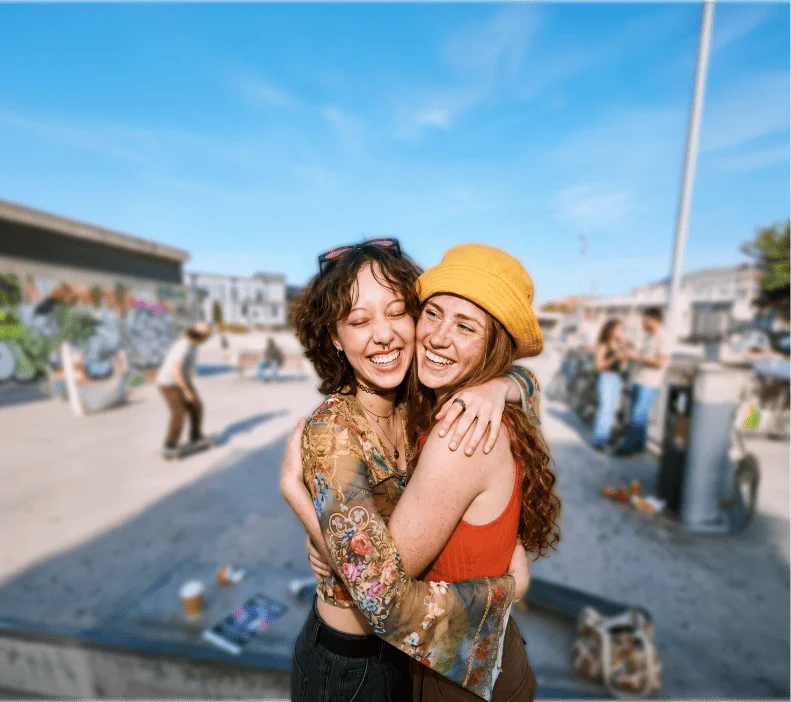
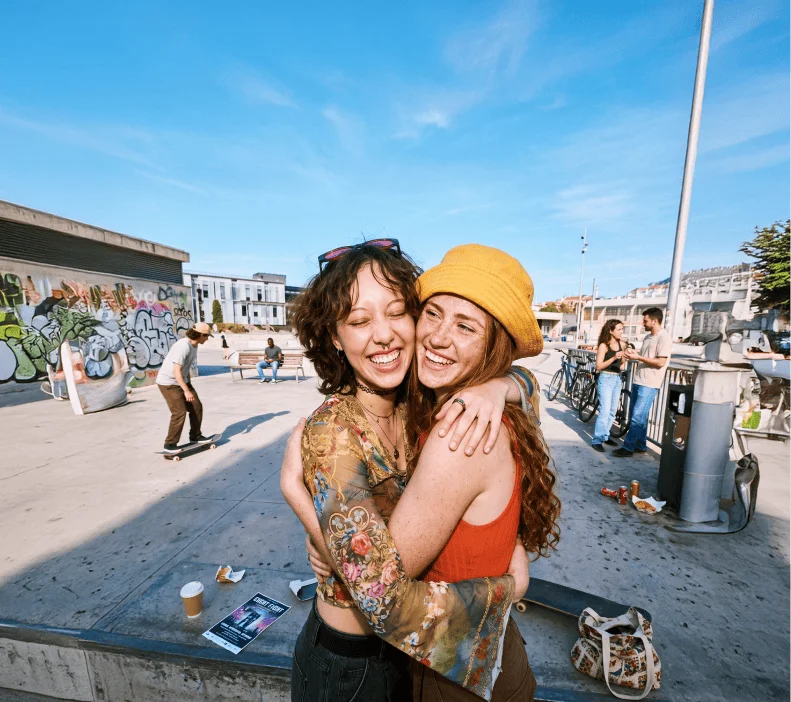
or try a sample photo
We've brought the same powerful features you love in our app directly to your browser.
HOW-TO STEPS
Step 01
📤 Drop In Your Photo Any JPG, PNG, WEBP, or HEIC. From any phone, any camera, any year. Even screenshots.
Step 02
🎯 The AI Finds Your Subject It detects people, pets, objects, and food automatically. No tracing, no painting, no manual selection.
Step 03
🎚️ Set the Blur and Save Slide to control the intensity. Subtle softness or full bokeh, your call. Download in full resolution for free in seconds.
Portrait Mode only works if you switch to it before pressing the shutter. It only works on subjects within a certain distance. It sometimes creates weird artifacts around ears, glasses, and flyaway hair. And it doesn't exist at all on older iPhones or on most Android phones.
So what about every other photo in your camera roll? The hundreds or thousands of pictures you took in regular Photo mode over the years? Portrait Mode can't touch those. The depth data simply isn't there.
This tool takes a completely different approach. Instead of relying on depth data from your camera, it uses AI to analyze what's actually in the image. It looks at the shapes, edges, and context to figure out what the subject is, and then it blurs everything else. That means it works on any photo. An old selfie. A group shot from last weekend. A food pic from this morning. A screenshot from a video call. If there's a subject and a background, it can blur it.
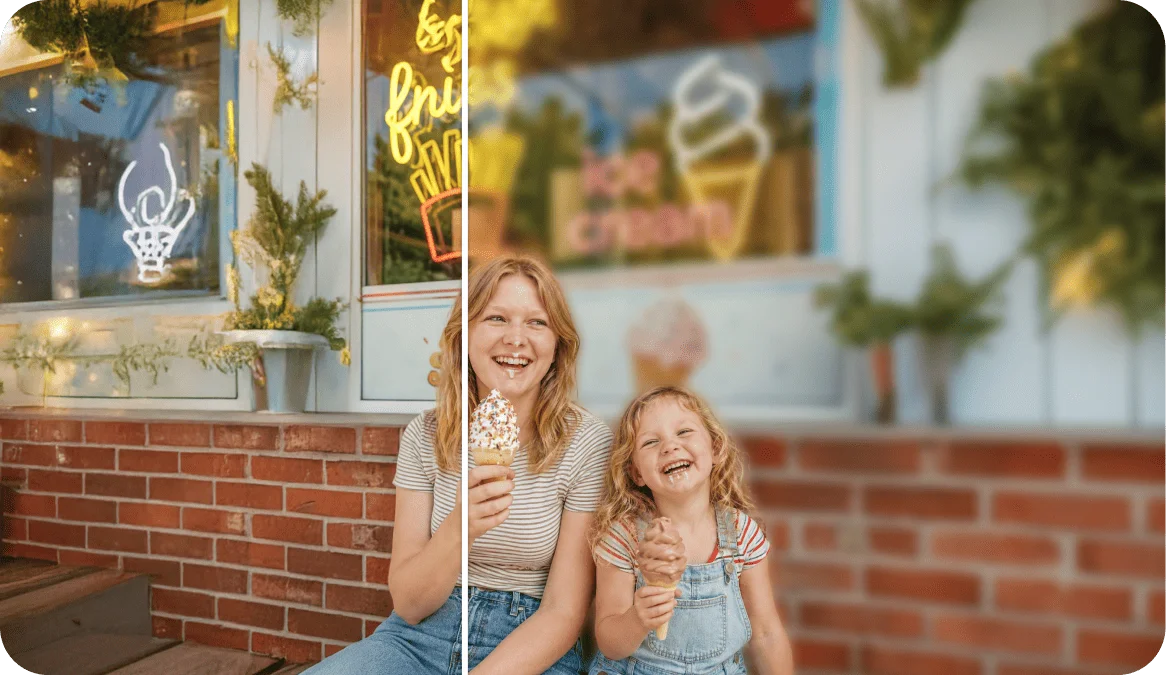
USE CASES
That selfie you took at dinner, at the park, in your living room. Blur the background and suddenly it looks like you had a photographer following you around.
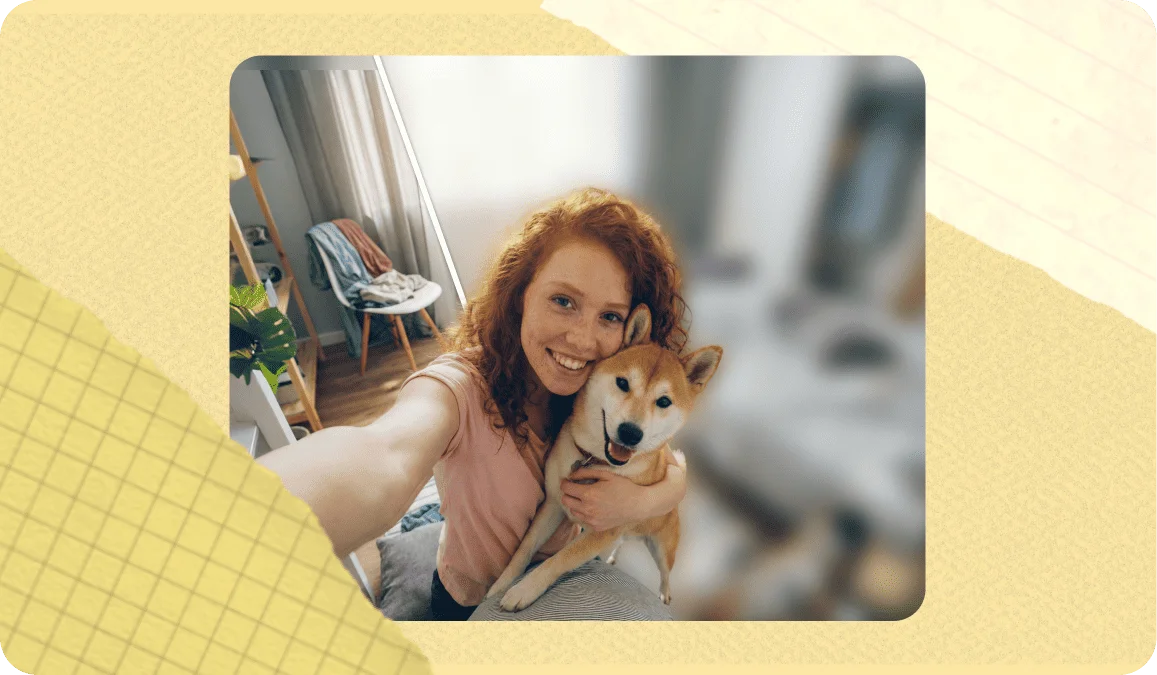
Blur the background on a candid shot of the birthday star or a holiday family moment. It brings all the focus to the people who matter and gives the photo a warm, polished feel.
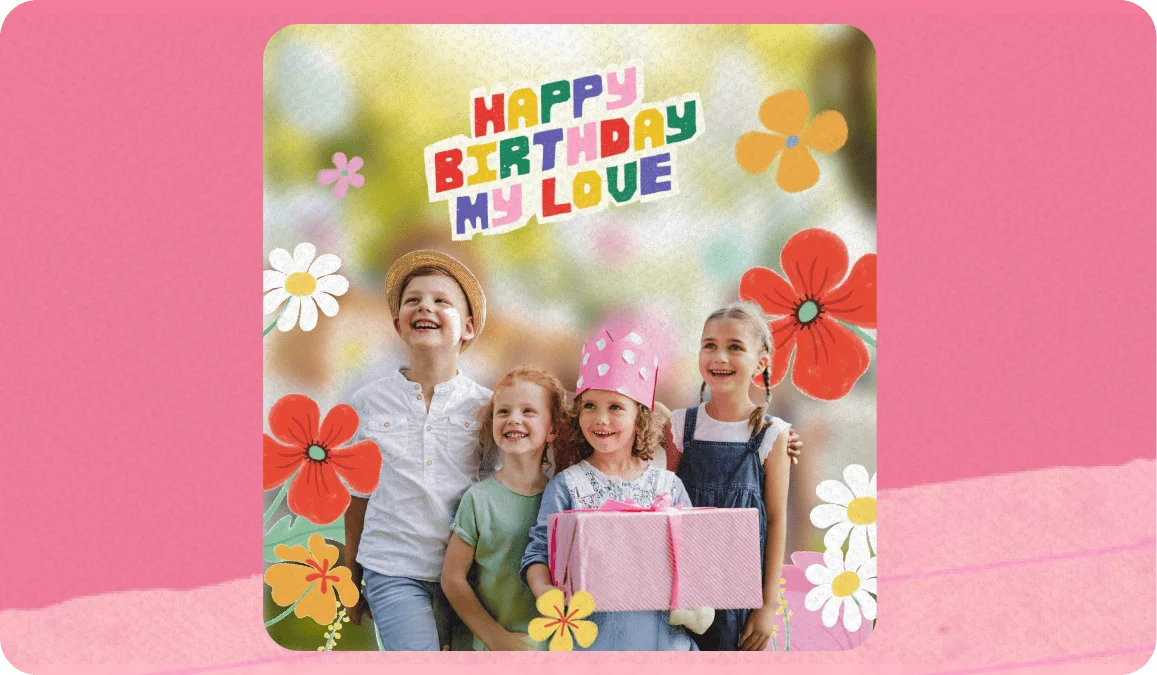
A blurred background makes your subject pop instantly. Whether it's an outfit pic, a pet photo, or a flat lay, it's the easiest edit for better-looking Instagram posts and stories.
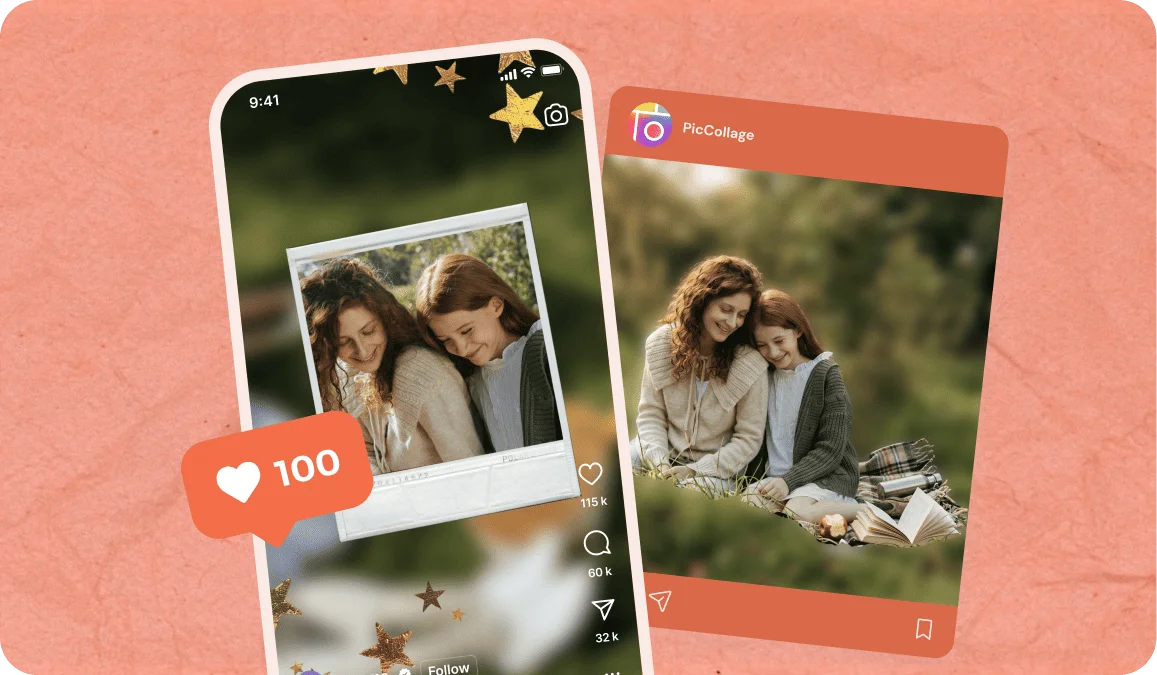
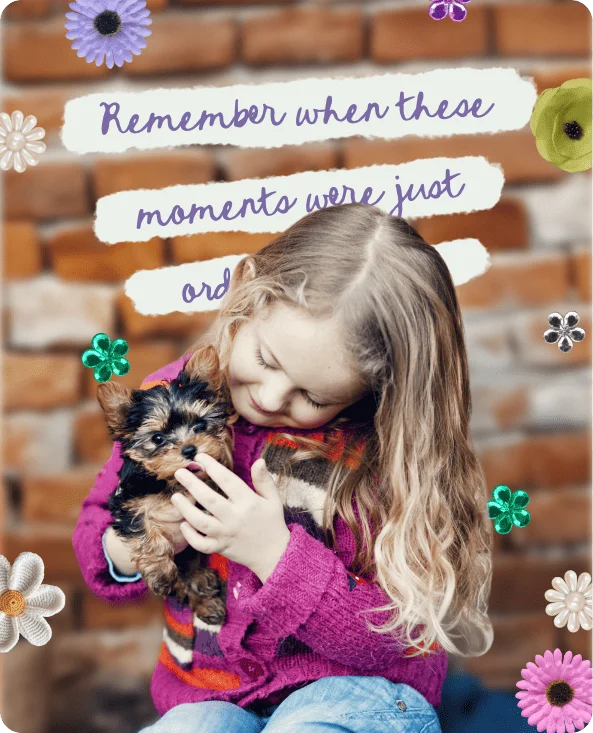
Kids move. Pets move. Backgrounds get chaotic. Blur the mess and keep the adorable moment front and center, exactly the way you remember it.
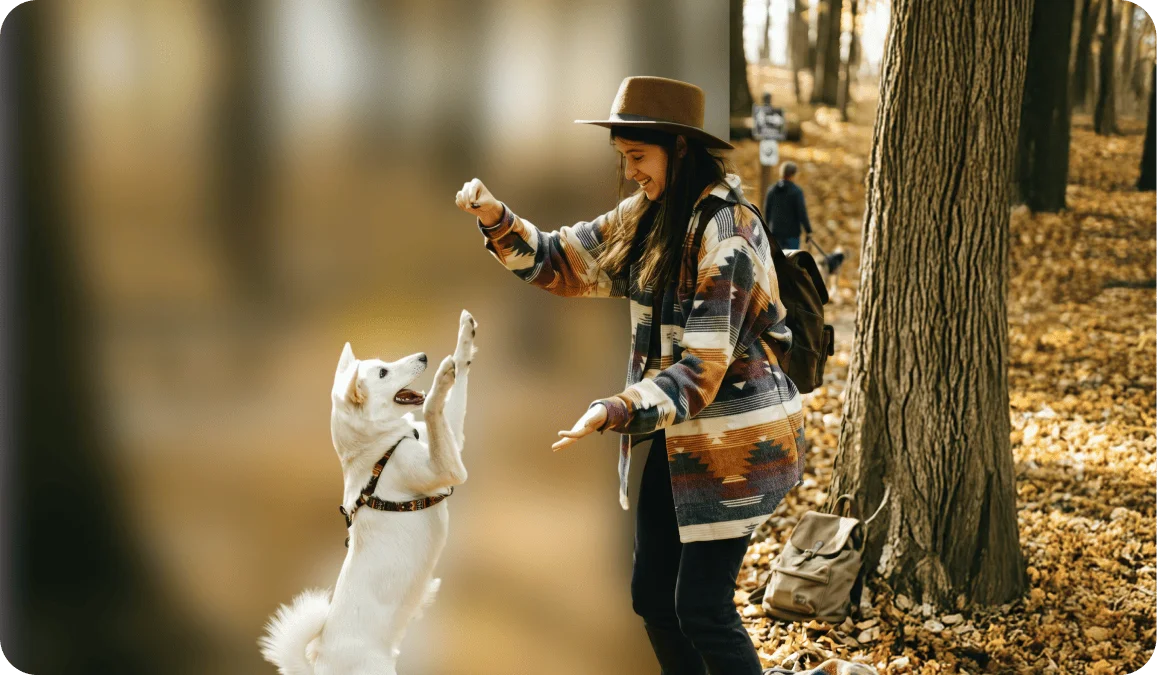
Tap the upload area and select the photo from your camera roll. The AI will detect your subject within a couple of seconds. You'll see the background soften while your subject stays perfectly sharp. Adjust the blur slider until it looks right, and download. Done.
There's no app to install for this. It runs entirely in your browser and works on every iPhone or Android phone.
If you want to keep editing after blurring (adding text, stickers, building a collage), the PicCollage app on iOS picks up right where the web tool leaves off.
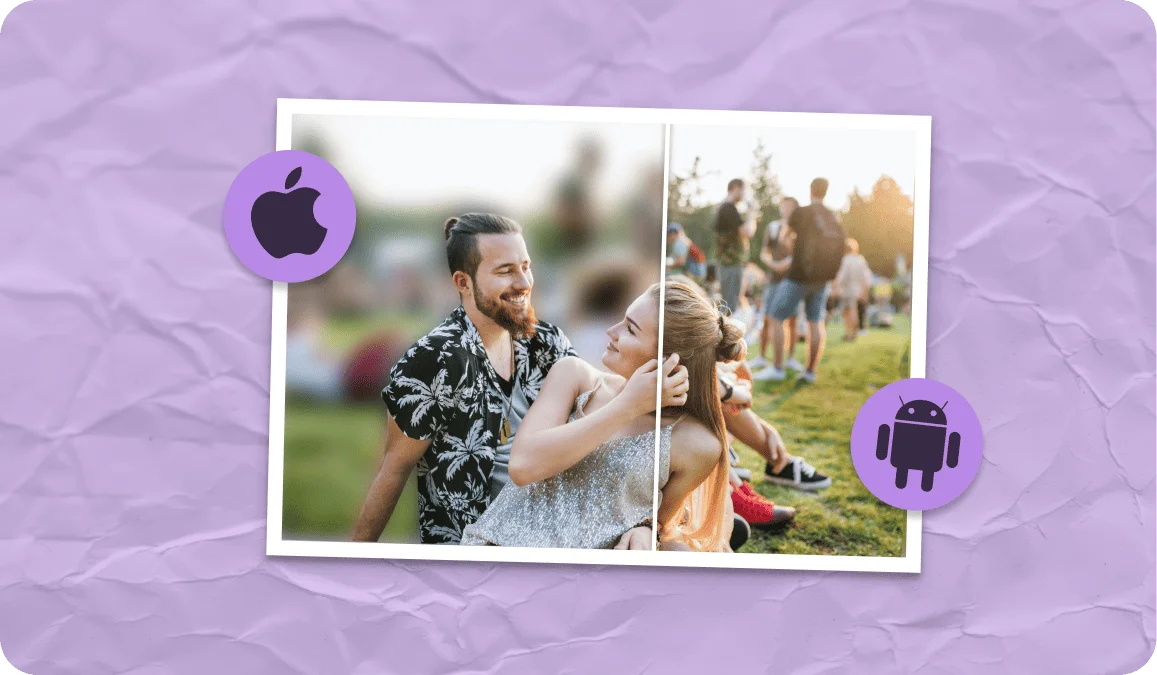
This is the question nobody talks about, and it's actually the difference between a photo that looks professionally shot and one that looks obviously filtered.
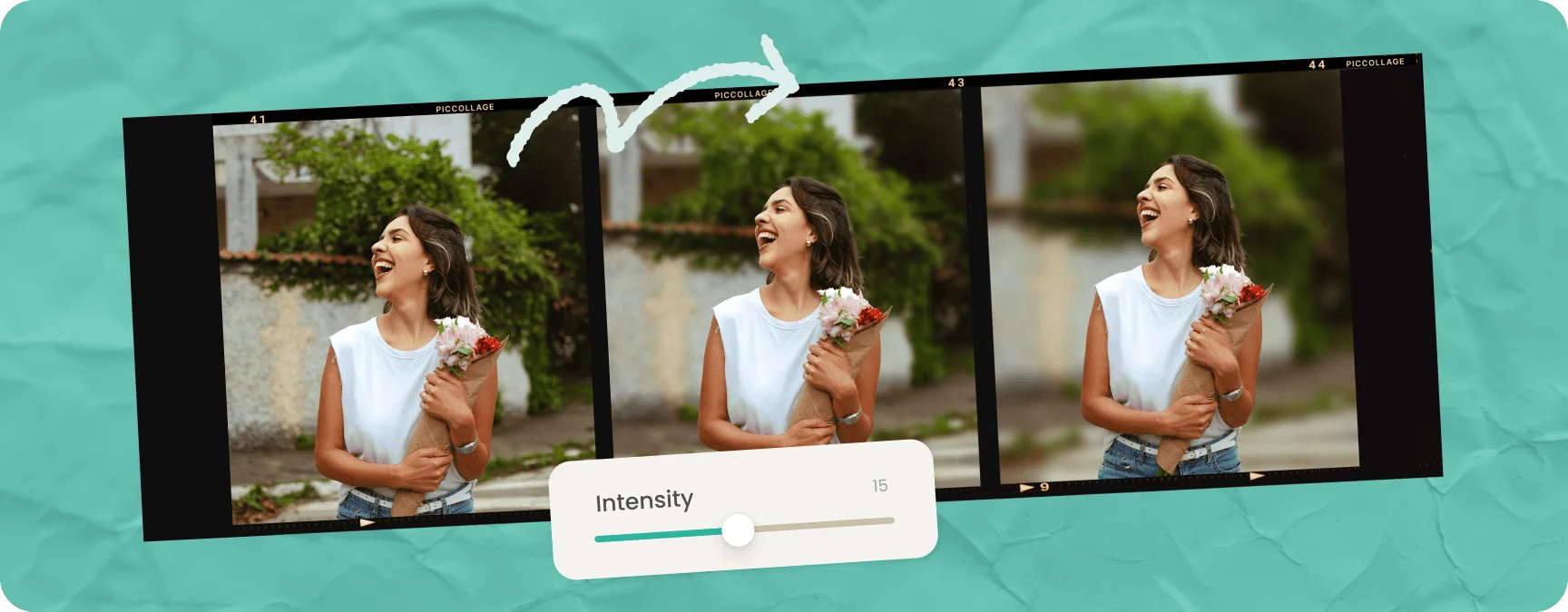
Light blur barely softens the background. You can still make out shapes, colors, and details behind the subject. This is the right amount for casual photos, group shots, and situations where the background adds to the story. It's the "something feels better about this photo but I can't tell what changed" level.
Medium blur is what most portrait photographers aim for. The background is clearly out of focus, but you can still tell where the photo was taken. A park, a café, a living room. This works beautifully for headshots, dating profile photos, and social media portraits.
Heavy blur melts the background into pure color and light. Shapes become unrecognizable. This is a strong stylistic choice that works for dramatic portraits and certain product shots, but it can look unnatural if overdone. Use it intentionally, not as the default.
FEATURES
📱 Runs on Any Device
Any Browser, iPhone, Android, tablet, laptop. If it has a browser, it works. No app download required.
🧠 Magic Analysis
It doesn't just blur a circle in the middle. It detects people, pets, food, and objects, then blurs only what's behind them.
🎚️ Full Control Over Intensity
Slide from barely-there softness to full cinematic bokeh. Preview in real time before saving.
📸 Full Resolution Output
What you download is the same quality as what you uploaded. No compression, no downscaling, no watermarks.
Yes, and that's the whole point. Portrait Mode requires you to choose it before taking the photo, and it's only available on certain phone models. This tool works on any photo that already exists in your camera roll, regardless of how or when it was taken. Upload a photo from any phone, any camera, any year, and the AI will blur the background.
Start with a medium setting and preview the result. If you can still tell where the photo was taken but the background isn't competing with your subject, that's usually the sweet spot. Less blur for group photos and casual shots, more blur for portraits and headshots.
That's a different tool. If you need a clean cutout with a transparent or solid-color background, use our background remover instead. Blur keeps the background visible but softer. Removal eliminates it completely.
The AI specifically identifies the main subject (people, pets, objects) and keeps it sharp. Only the background gets blurred. On photos with complex scenes or multiple subjects, you can preview the result before downloading to make sure it looks right.
TESTIMONIALS