
Free Christmas Cards Made with Your Photos
Your family, your year, your photos. Pick a Christmas card template, add the moments that mattered, and send something nobody else could. Free on iOS and Android

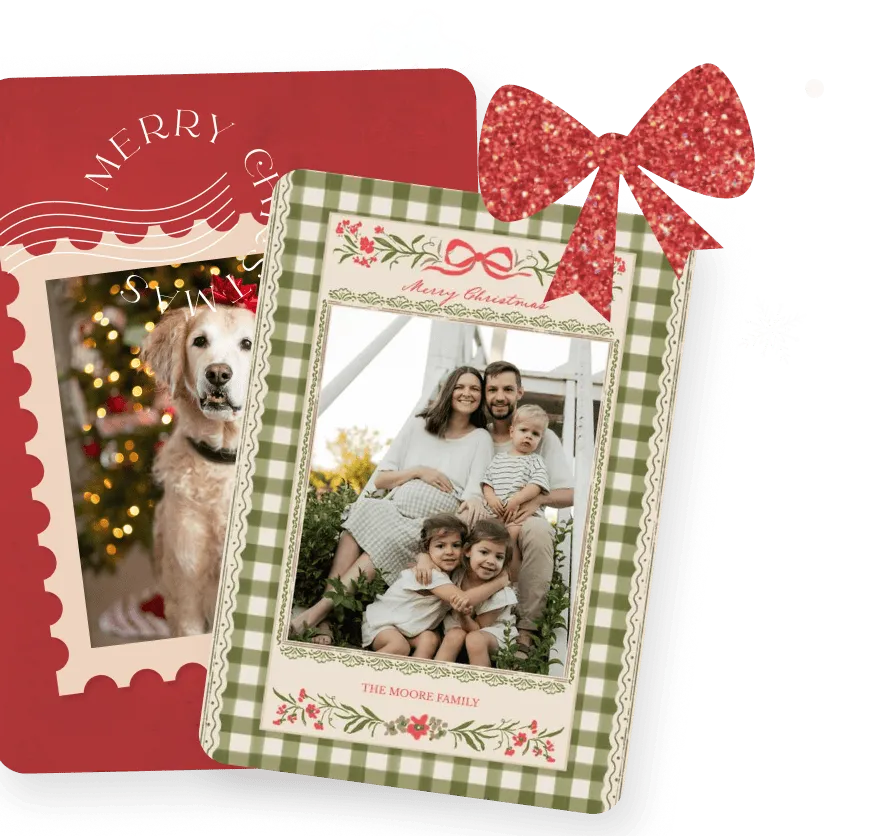

Free Christmas Cards Made with Your Photos
Your family, your year, your photos. Pick a Christmas card template, add the moments that mattered, and send something nobody else could. Free on iOS and Android
Free Christmas Cards Made with Your Photos
Your family, your year, your photos. Pick a Christmas card template, add the moments that mattered, and send something nobody else could. Free on iOS and Android

Why Make Christmas Cards in PicCollage?
Why Make Christmas Cards in PicCollage?
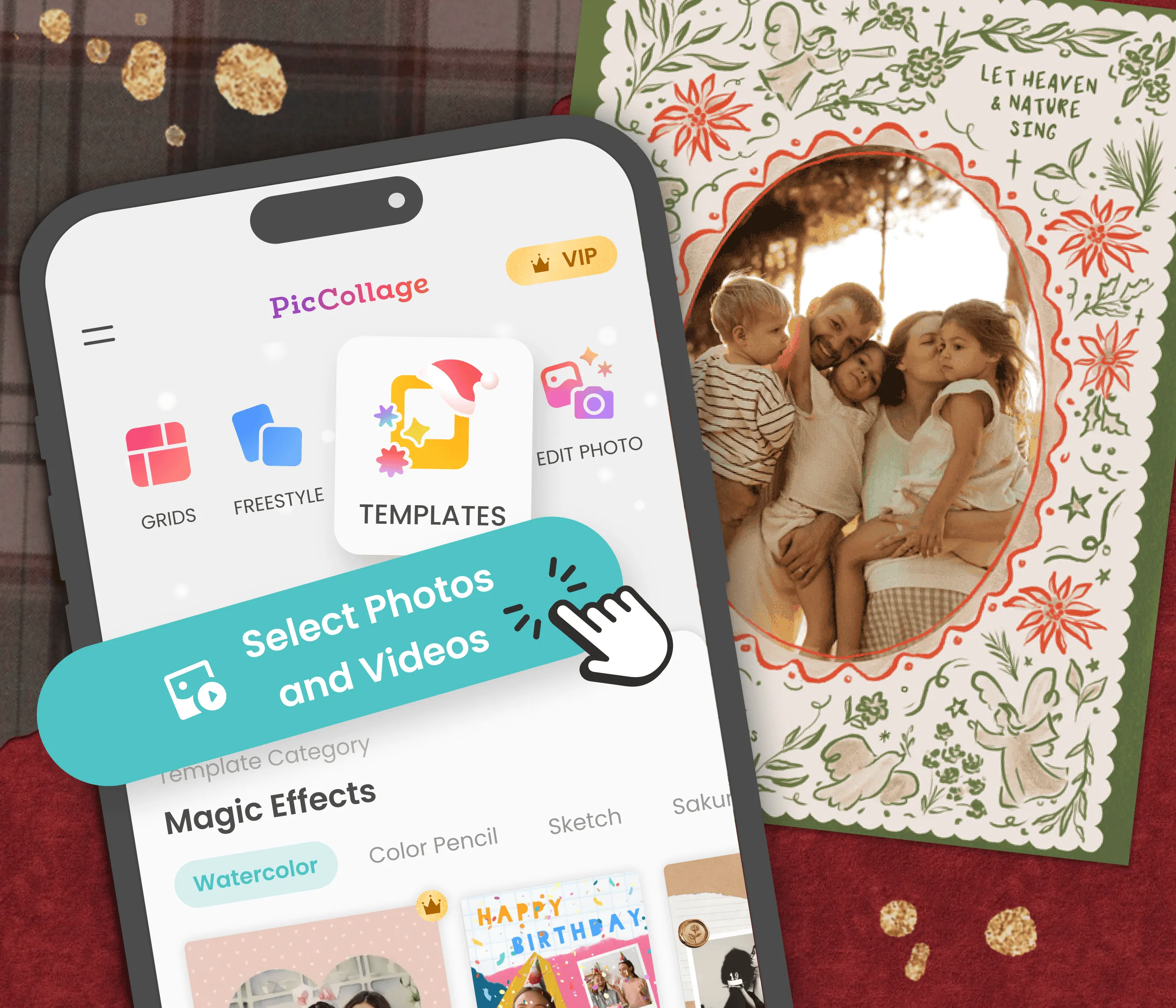
Your Family's Year on the Card
Use photos from your camera roll: the trips, the milestones, the everyday moments
Pick from Christmas card templates for every style, from cozy to colorful
Finish a custom Christmas card in a few minutes on your phone
Your Family's Year on the Card
Use photos from your camera roll: the trips, the milestones, the everyday moments
Pick from Christmas card templates for every style, from cozy to colorful
Finish a custom Christmas card in a few minutes on your phone
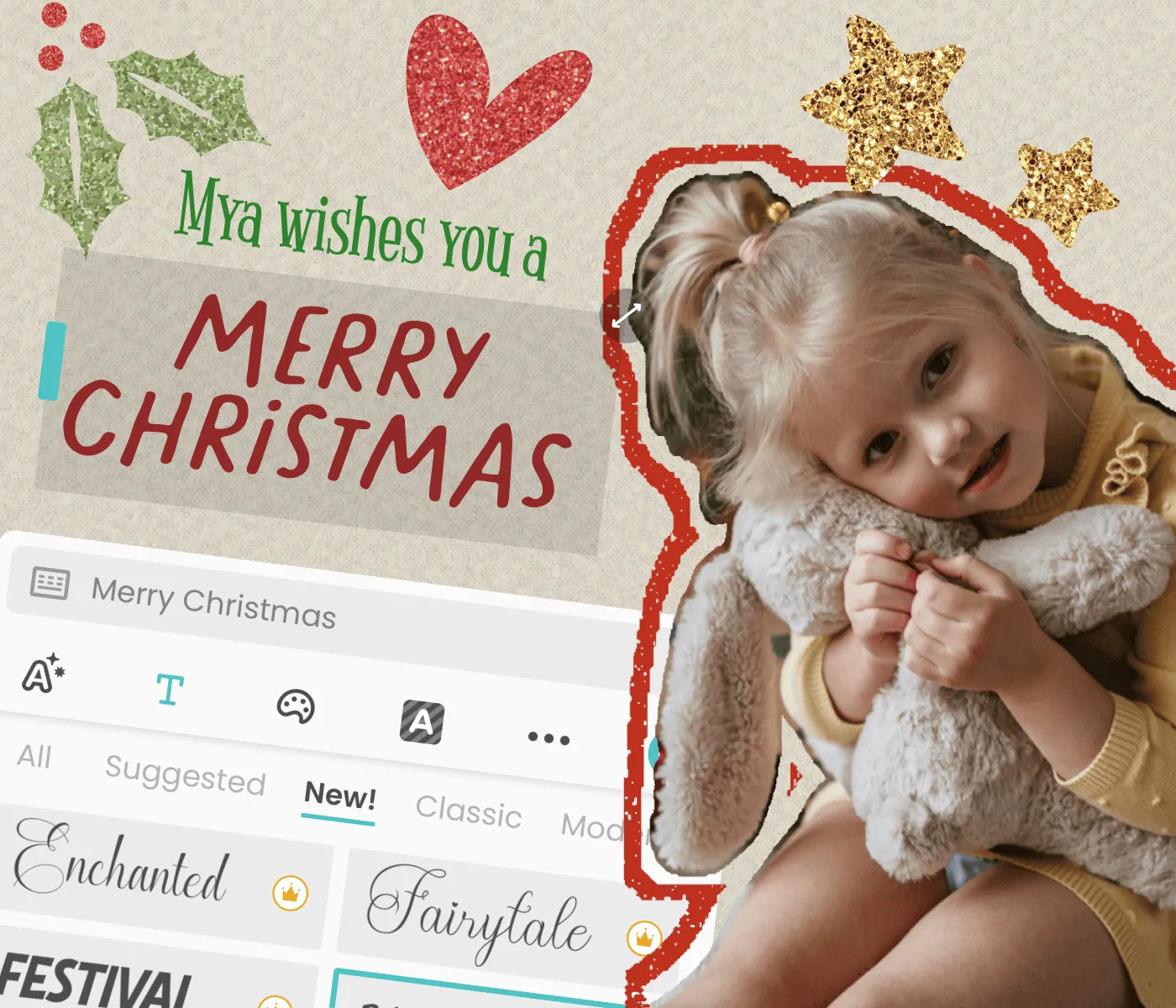
Write a Message That Sounds Like You
Add your own holiday greeting, not a pre-written verse
Choose fonts, holiday stickers, and colors that match your family's vibe
Make a personalized Christmas card people keep, not recycle
Write a Message That Sounds Like You
Add your own holiday greeting, not a pre-written verse
Choose fonts, holiday stickers, and colors that match your family's vibe
Make a personalized Christmas card people keep, not recycle

Send It However They'll See It
Send a digital Christmas card via text, the group chat, WhatsApp, or email
Save in HD and print your Christmas cards at home for the mailing list
Gets there the same day, even if it is already December
Send It However They'll See It
Send a digital Christmas card via text, the group chat, WhatsApp, or email
Save in HD and print your Christmas cards at home for the mailing list
Gets there the same day, even if it is already December
Christmas Card Templates for Every Family
Christmas Card Templates for Every Family
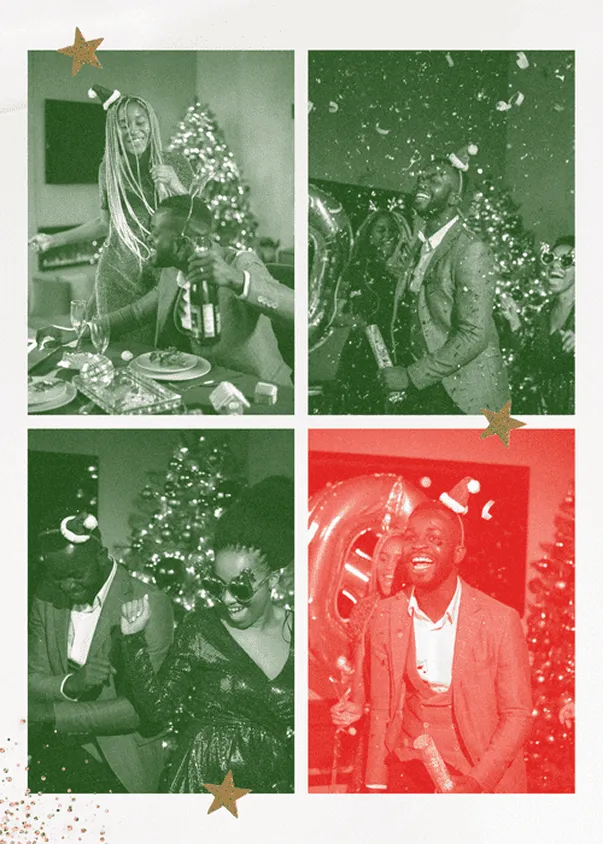
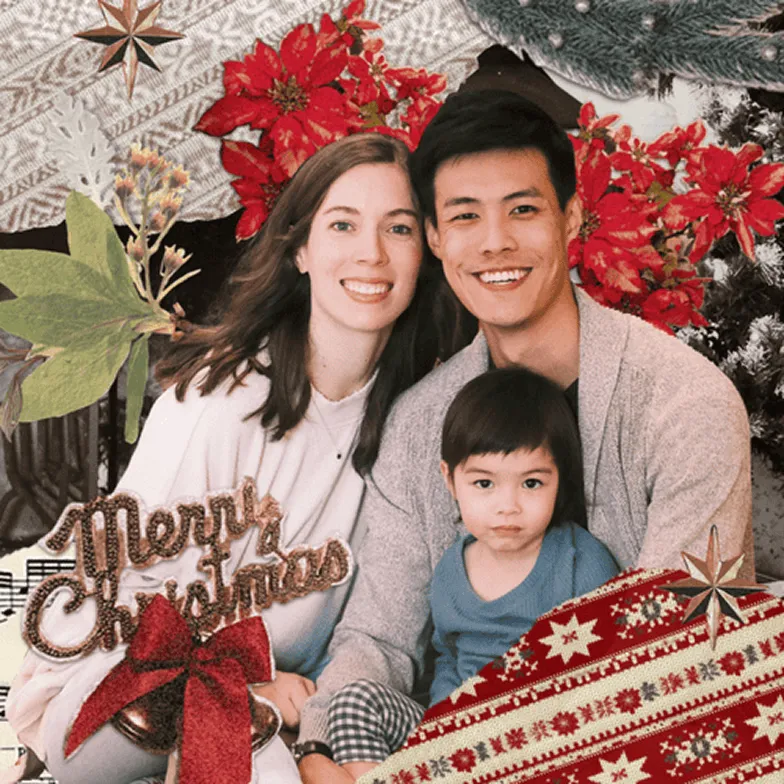
Christmas card templates give you a starting point for every kind of holiday card, whether your year was cozy and quiet or loud and full. Browse family layouts, funny designs, and photo collage grids, add your best shots from the year, and send something that looks like your family made it.
Also see Greeting Cards, Birthday Cards, and Mother's Day Cards.
Christmas card templates give you a starting point for every kind of holiday card, whether your year was cozy and quiet or loud and full. Browse family layouts, funny designs, and photo collage grids, add your best shots from the year, and send something that looks like your family made it.
Also see Greeting Cards, Birthday Cards, and Mother's Day Cards.


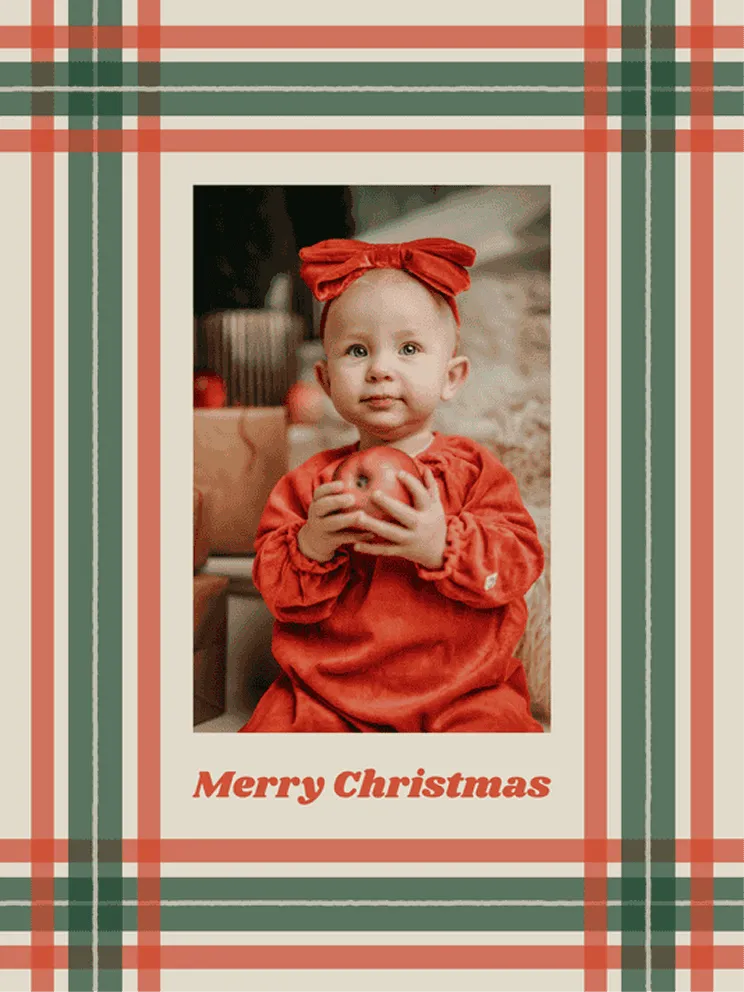



How to Make a Christmas Card with PicCollage
01
🎄 Pick a Christmas Template
Open PicCollage and browse the Christmas card templates. Festive layouts, seasonal colors, holiday stickers. Find one that matches the vibe of your family's Christmas, whether that's cozy and warm or loud and colorful.
02
📸 Add Your Best Photos from the Year
Drop in your favorite shots from the past twelve months. The family trip, the backyard barbecue, the new puppy, the silly moment at Thanksgiving. Your photos are what turn a template into a card worth keeping.
03
✉️ Send It or Print It
Share your finished Christmas card through WhatsApp, text, email, or social media. Or save it in high resolution to print at home and slip into envelopes the old fashioned way.
01
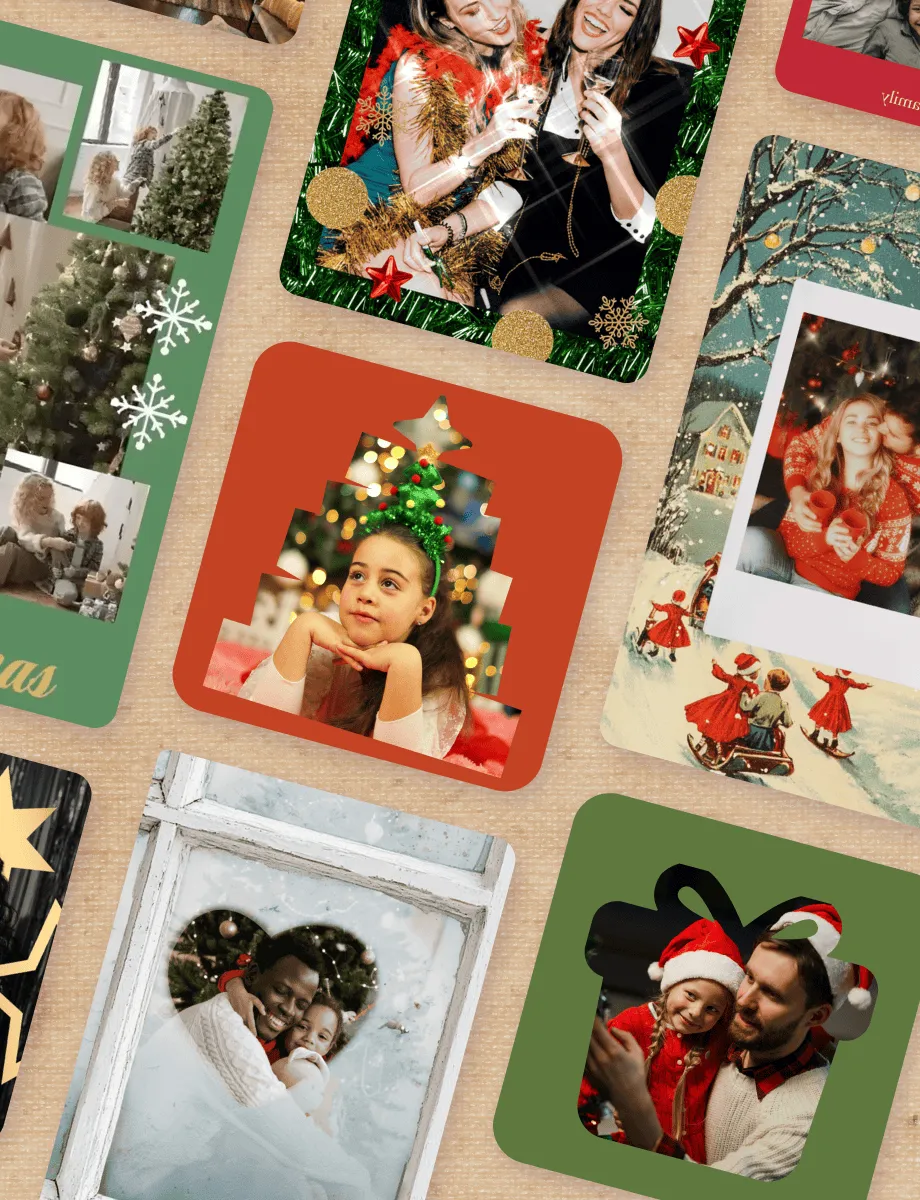
🎄 Pick a Christmas Template
Open PicCollage and browse the Christmas card templates. Festive layouts, seasonal colors, holiday stickers. Find one that matches the vibe of your family's Christmas, whether that's cozy and warm or loud and colorful.
02
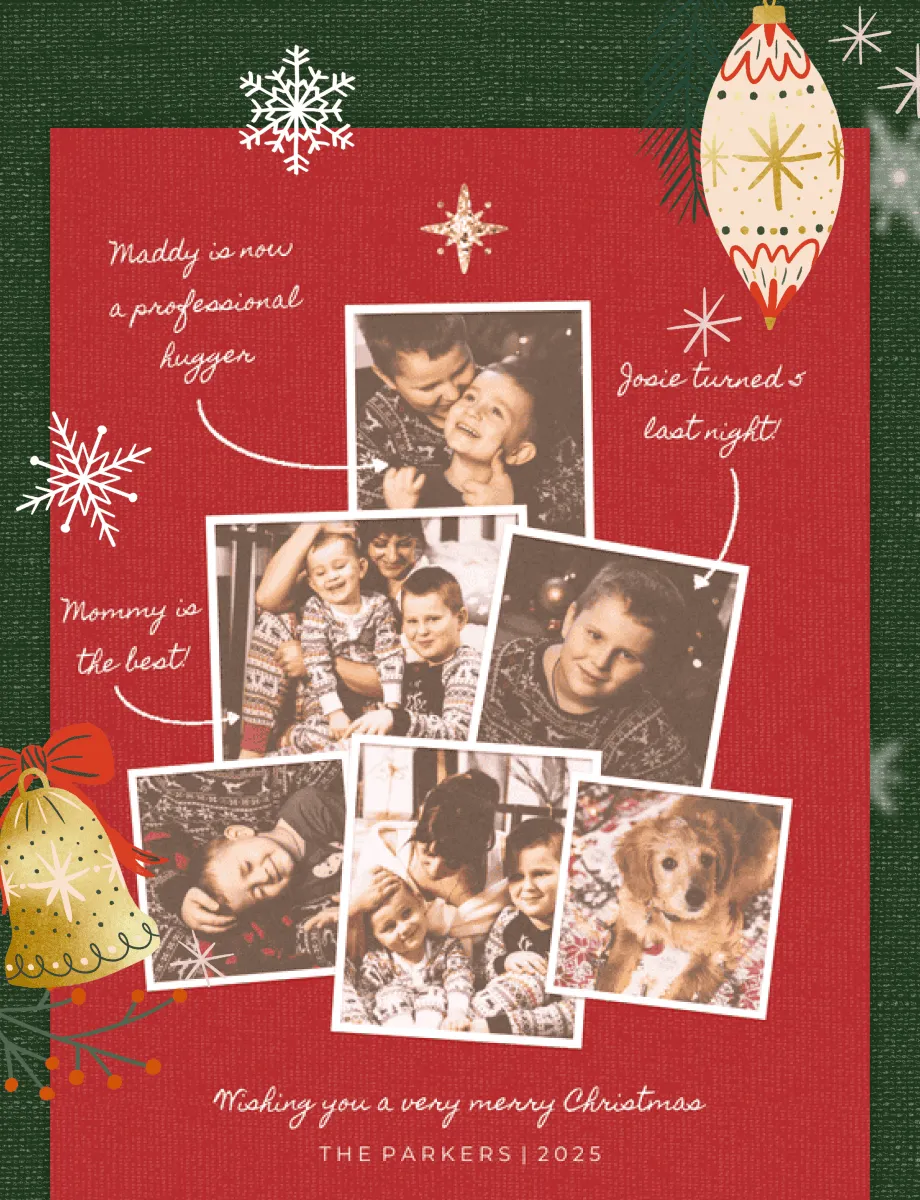
📸 Add Your Best Photos from the Year
Drop in your favorite shots from the past twelve months. The family trip, the backyard barbecue, the new puppy, the silly moment at Thanksgiving. Your photos are what turn a template into a card worth keeping.
03
✉️ Send It or Print It
Share your finished Christmas card through WhatsApp, text, email, or social media. Or save it in high resolution to print at home and slip into envelopes the old fashioned way.

How to Make a Christmas Card with PicCollage
PicCollage helps you make photo or video holiday cards in minutes — no design skills needed.
Custom Christmas Cards with Your Own Family Photos
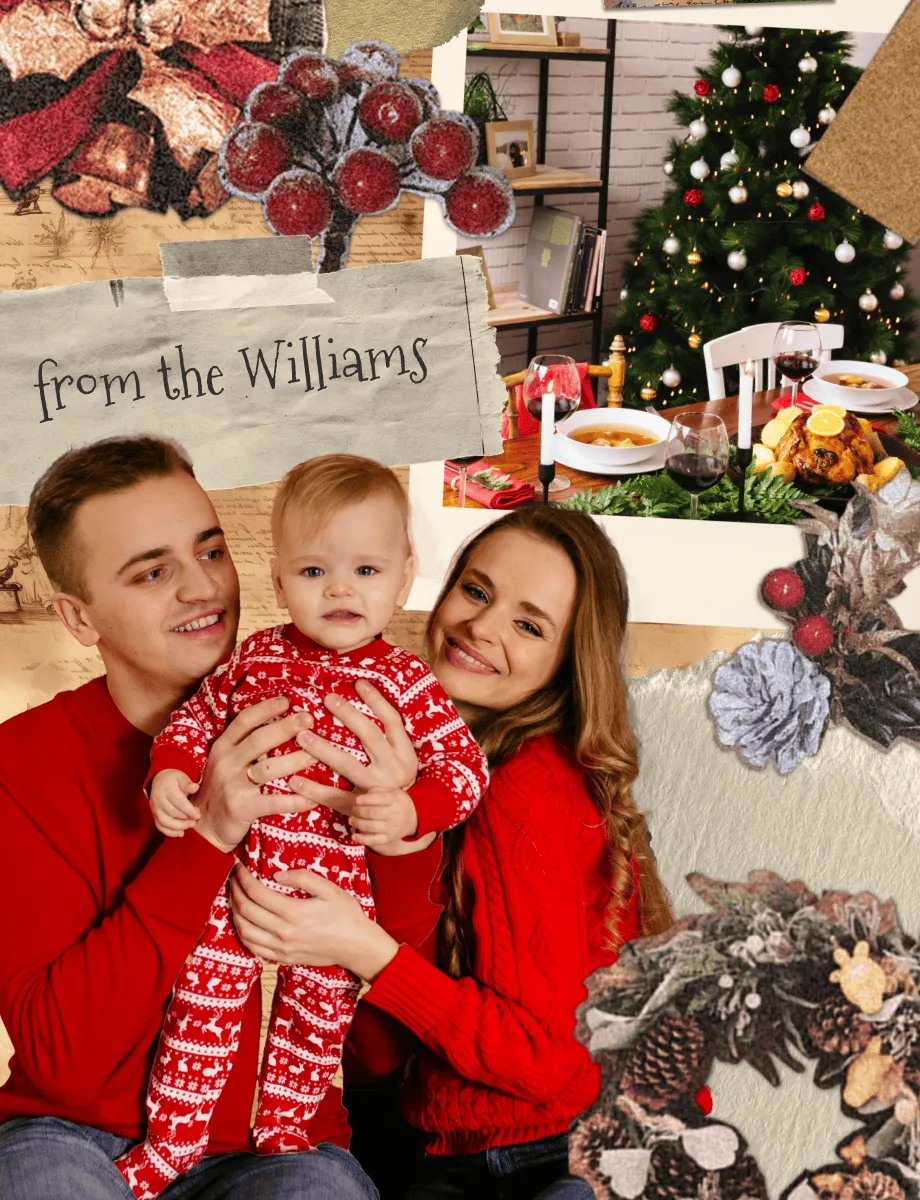
The best Christmas cards are the ones that look like they came from your family and nobody else's. Not a stock photo of a snowy cabin. Not a pre-written message signed with a generic font. Your actual photos, your actual message, arranged in a way that feels like the year you just had together.
PicCollage Christmas cards start with the photos already on your phone. That beach trip in July, the first day of school, the Thanksgiving table before anyone sat down, the dog wearing reindeer antlers. Pick the moments that made the year and arrange them in a holiday template.
You control the layout, the fonts, the colors, and the message. Want a single hero photo with a bold "Merry Christmas" across the bottom? That works. Want a photo collage with six highlights from the year and a short note underneath? That works too. The templates give you a starting point, and you decide how far to take it.
Most custom Christmas card services charge per card and require you to order in bulk. PicCollage is free to download on iOS and Android. Design your card once, then send it digitally to everyone on your list or print as many copies as you need. No minimum order, no per-card fee, no two-week wait.
Custom Christmas Cards with Your Own Family Photos
The best Christmas cards are the ones that look like they came from your family and nobody else's. Not a stock photo of a snowy cabin. Not a pre-written message signed with a generic font. Your actual photos, your actual message, arranged in a way that feels like the year you just had together.
PicCollage Christmas cards start with the photos already on your phone. That beach trip in July, the first day of school, the Thanksgiving table before anyone sat down, the dog wearing reindeer antlers. Pick the moments that made the year and arrange them in a holiday template.
You control the layout, the fonts, the colors, and the message. Want a single hero photo with a bold "Merry Christmas" across the bottom? That works. Want a photo collage with six highlights from the year and a short note underneath? That works too. The templates give you a starting point, and you decide how far to take it.
Most custom Christmas card services charge per card and require you to order in bulk. PicCollage is free to download on iOS and Android. Design your card once, then send it digitally to everyone on your list or print as many copies as you need. No minimum order, no per-card fee, no two-week wait.
Digital Christmas Cards You Can Send the Same Day
Here's the reality of the holiday season. You mean to order Christmas cards in early November. Then Thanksgiving happens, and suddenly it's December 15 and you haven't sent a thing. Every year.
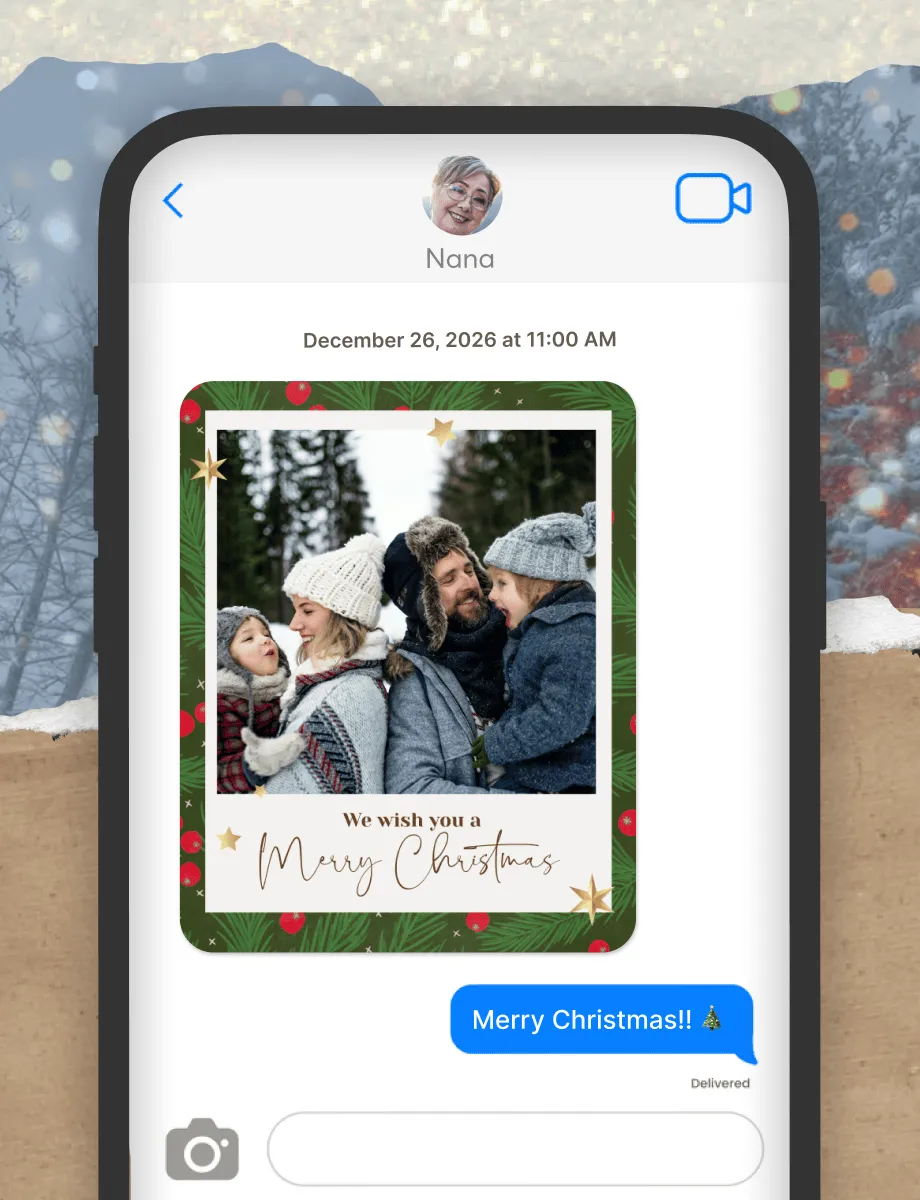
Digital Christmas cards fix the timing problem entirely. You don't need to order, wait for shipping, stuff envelopes, buy stamps, or stand in line at the post office. You design the card on your phone and send it the same day, directly through WhatsApp, iMessage, email, or any messaging app. The person on the other end gets your card with your photos in it, not a generic ecard link that opens a website.
Going digital also means you can send different cards to different people. A photo collage for the grandparents, a funny one for your friends, a more formal version for coworkers. One app, multiple designs, zero postage.
Digital Christmas Cards You Can Send the Same Day
Here's the reality of the holiday season. You mean to order Christmas cards in early November. Then Thanksgiving happens, and suddenly it's December 15 and you haven't sent a thing. Every year.
Digital Christmas cards fix the timing problem entirely. You don't need to order, wait for shipping, stuff envelopes, buy stamps, or stand in line at the post office. You design the card on your phone and send it the same day, directly through WhatsApp, iMessage, email, or any messaging app. The person on the other end gets your card with your photos in it, not a generic ecard link that opens a website.
Going digital also means you can send different cards to different people. A photo collage for the grandparents, a funny one for your friends, a more formal version for coworkers. One app, multiple designs, zero postage.
Digital Christmas Cards You Can Send the Same Day
Here's the reality of the holiday season. You mean to order Christmas cards in early November. Then Thanksgiving happens, and suddenly it's December 15 and you haven't sent a thing. Every year.
Digital Christmas cards fix the timing problem entirely. You don't need to order, wait for shipping, stuff envelopes, buy stamps, or stand in line at the post office. You design the card on your phone and send it the same day, directly through WhatsApp, iMessage, email, or any messaging app. The person on the other end gets your card with your photos in it, not a generic ecard link that opens a website.
Going digital also means you can send different cards to different people. A photo collage for the grandparents, a funny one for your friends, a more formal version for coworkers. One app, multiple designs, zero postage.
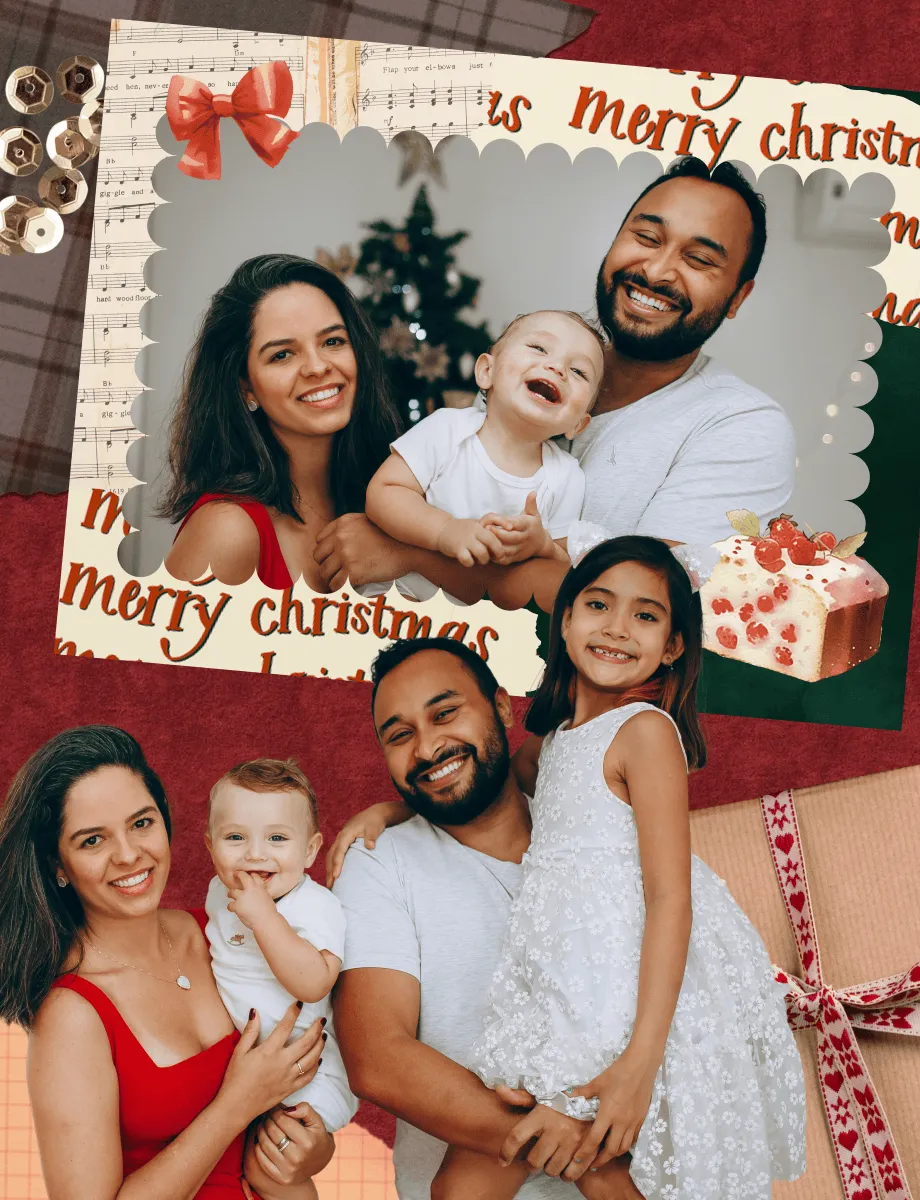
Christmas Card Ideas When You Don't Know Where to Start
You've opened the app. You're looking at a blank template. And now you're frozen. Here's how to get past it.
Start with the photos. Scroll through your camera roll from the past year and look for moments that capture your year. The big ones are obvious: vacations, milestones, holidays. But the small ones often make better Christmas cards. A candid at the dinner table. The kids building something in the backyard. Your dog doing something absurd. Those photos carry more personality than a perfectly posed portrait ever could.
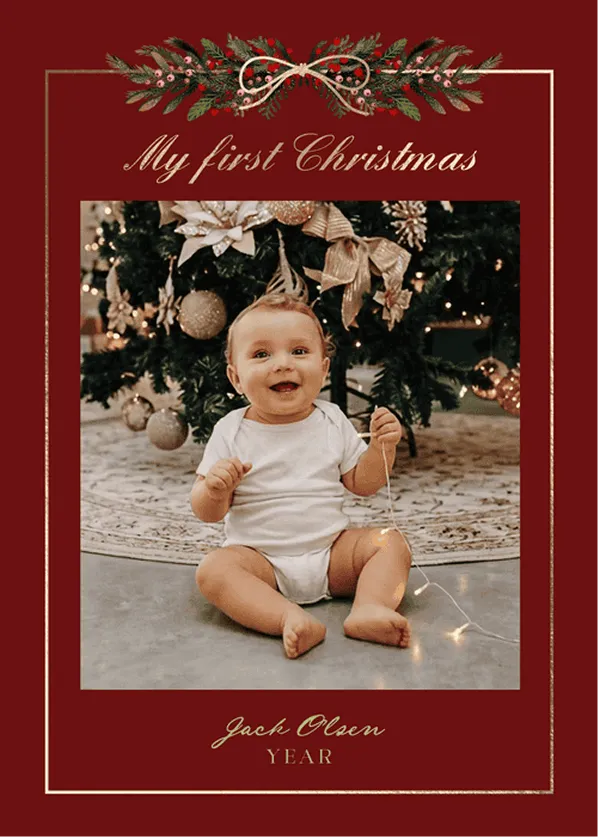
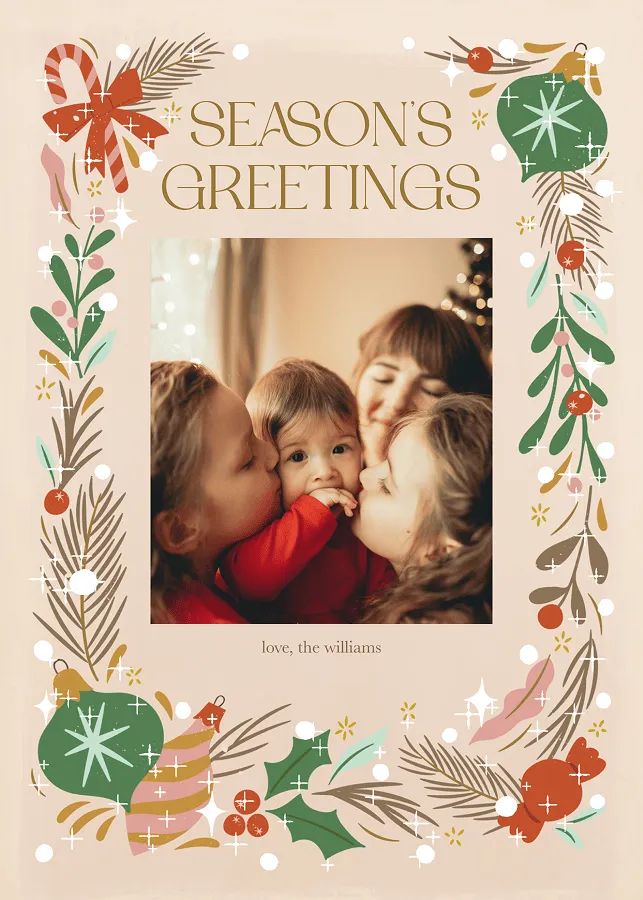
If you want a classic look, go with a single photo in a clean holiday frame. One strong image says more than a cluttered collage, and it's the fastest way to finish. If your year was packed with highlights, try a grid layout with four or five photos and a simple "Merry Christmas from the [your family name]" at the bottom.
For funny Christmas card ideas, lean into the embarrassing moments. The matching pajamas, the kitchen disaster, the photo where everyone blinked. Add a caption that owns it. People love these because they're real, and real is way more interesting than polished.
Christmas Card Ideas When You Don't Know Where to Start
You've opened the app. You're looking at a blank template. And now you're frozen. Here's how to get past it.
Start with the photos. Scroll through your camera roll from the past year and look for moments that capture your year. The big ones are obvious: vacations, milestones, holidays. But the small ones often make better Christmas cards. A candid at the dinner table. The kids building something in the backyard. Your dog doing something absurd. Those photos carry more personality than a perfectly posed portrait ever could.
If you want a classic look, go with a single photo in a clean holiday frame. One strong image says more than a cluttered collage, and it's the fastest way to finish. If your year was packed with highlights, try a grid layout with four or five photos and a simple "Merry Christmas from the [your family name]" at the bottom.
For funny Christmas card ideas, lean into the embarrassing moments. The matching pajamas, the kitchen disaster, the photo where everyone blinked. Add a caption that owns it. People love these because they're real, and real is way more interesting than polished.
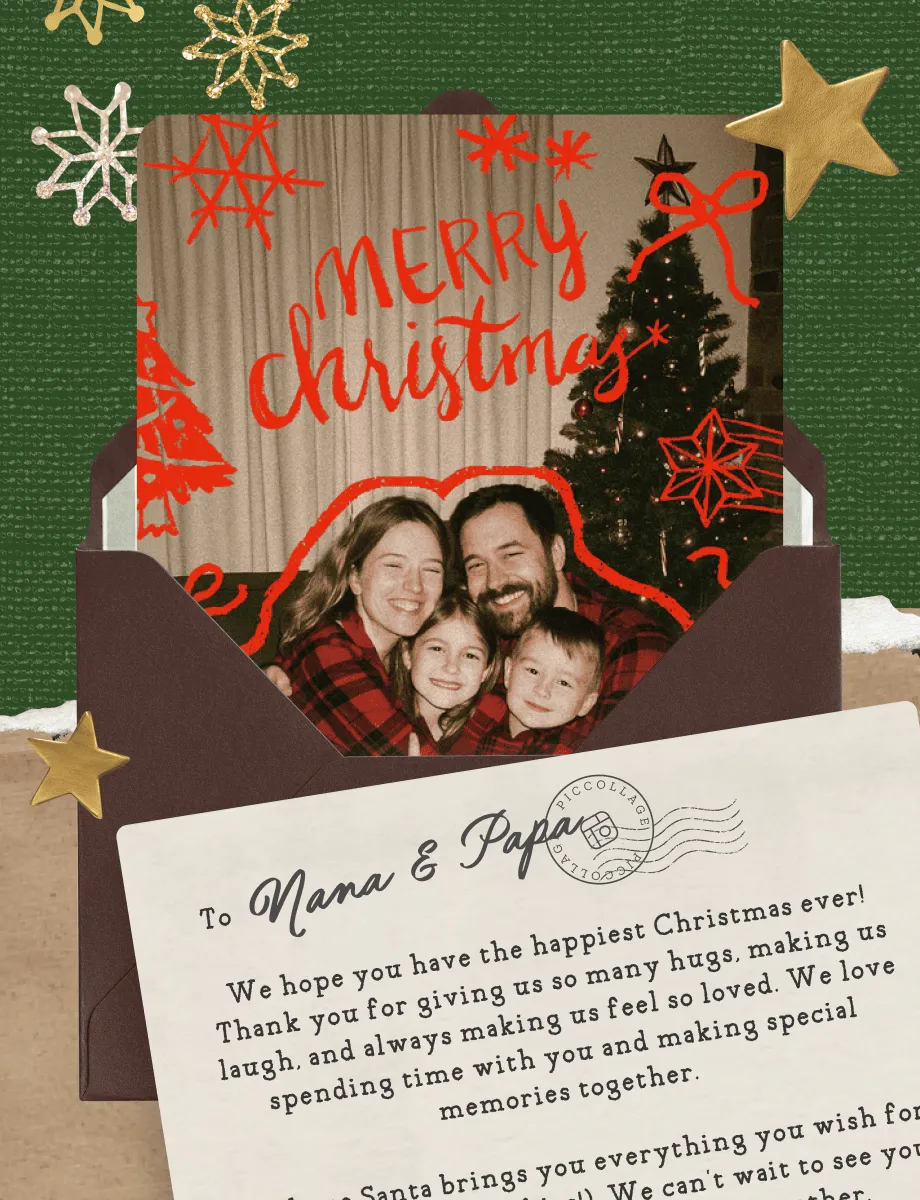
Print Your Christmas Cards at Home (or Send Them Digitally)
If you want to print, save your finished Christmas card in high resolution and print it at home on cardstock or glossy photo paper. Standard sizes like 4×6 and 5×7 work well with most home printers. You can also take the file to a local print shop for a more polished finish on thicker paper. Either way, you control how many copies you make, and there's no minimum order.
If you want to go digital, share your card directly from the app. Send it through WhatsApp, iMessage, email, or any messaging app. Your recipients get the card with your photos on it, ready to save to their phone.
Most people end up doing a mix of both. Printed cards for the grandparents and the neighbors. Digital for everyone else. PicCollage handles it either way because the finished product is your image, saved in whatever size you need.
Print Your Christmas Cards at Home (or Send Them Digitally)
If you want to print, save your finished Christmas card in high resolution and print it at home on cardstock or glossy photo paper. Standard sizes like 4×6 and 5×7 work well with most home printers. You can also take the file to a local print shop for a more polished finish on thicker paper. Either way, you control how many copies you make, and there's no minimum order.
If you want to go digital, share your card directly from the app. Send it through WhatsApp, iMessage, email, or any messaging app. Your recipients get the card with your photos on it, ready to save to their phone.
Most people end up doing a mix of both. Printed cards for the grandparents and the neighbors. Digital for everyone else. PicCollage handles it either way because the finished product is your image, saved in whatever size you need.

Frequently Asked Questions
Frequently Asked Questions
Is PicCollage free for making Christmas cards?
Yes. Download the app on iOS or Android, pick a template, add your photos and message, and make as many Christmas cards as you want. Some premium stickers and templates are available with a subscription, but the free options are more than enough to make a great card.
What is a digital Christmas card?
A digital Christmas card is one you create and send on your phone instead of ordering printed cards. With PicCollage, you build it using your own photos and a holiday template, then share it through WhatsApp, text, email, or social media. The person on the other end gets your card with your photos in it, not a link to a generic holiday ecard.
Can I print my Christmas card at home?
Yes. Save your finished card as a high-resolution image and print it on your own printer. Cardstock and glossy photo paper in standard sizes (4×6, 5×7) work well. You can also take the file to a local print shop for a more polished result.
Do I need design experience to make holiday cards?
Not at all. PicCollage is an easy holiday card app for beginners. Just choose a template, add your photos or video clips, and your personalized design is ready in minutes.
Can I make a Christmas party invitation with PicCollage?
Yes. The same templates and tools you'd use for a Christmas card work for party invitations. Add your event details (date, time, location, dress code) instead of a holiday greeting, drop in a photo, and share it with your guest list. It looks a lot better than a text message with the address.