Free Birthday Cards with Your Own Photos in PicCollage
Add your photos, pick a birthday card template, write something personal, and send it from your phone. No account needed. Free on iOS and Android.

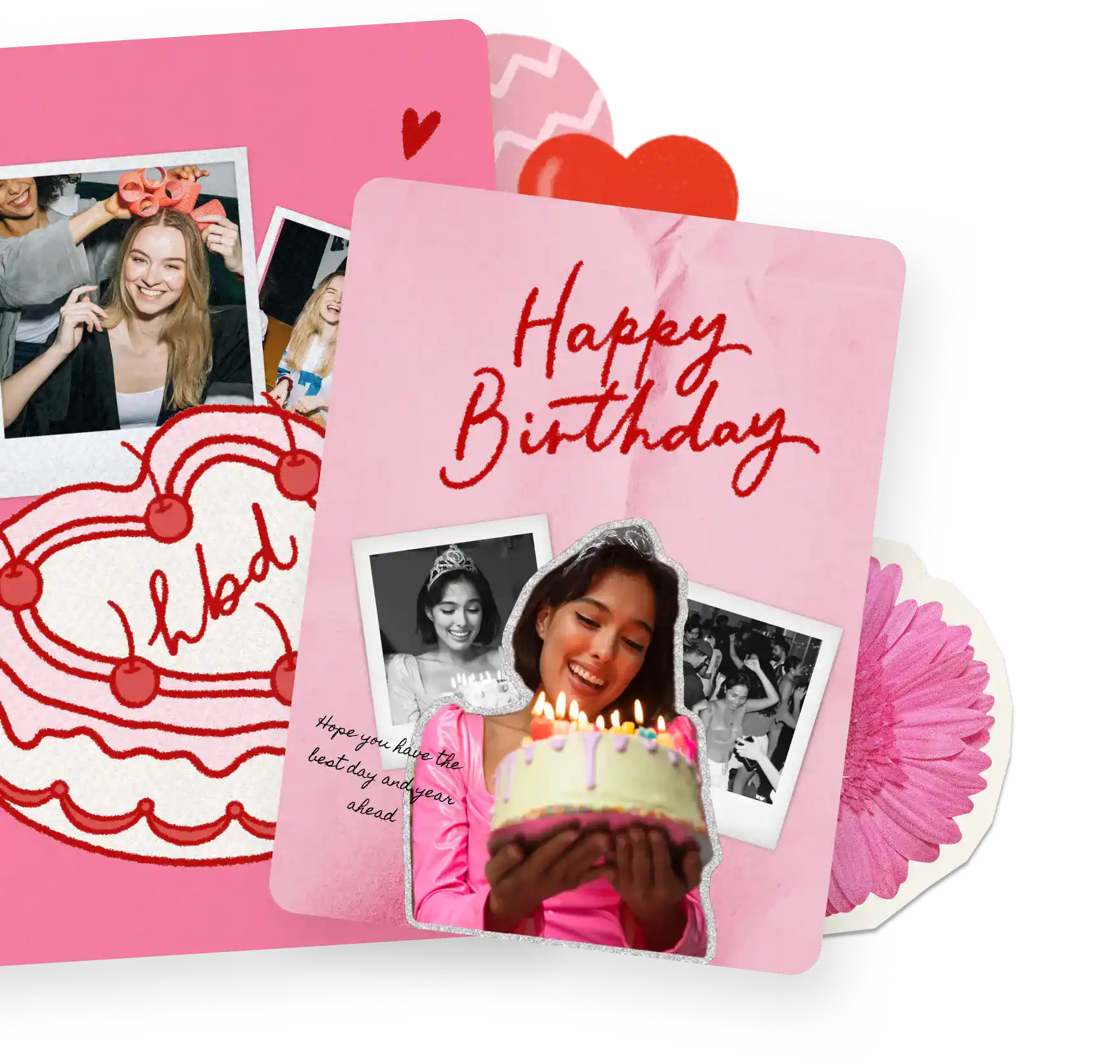
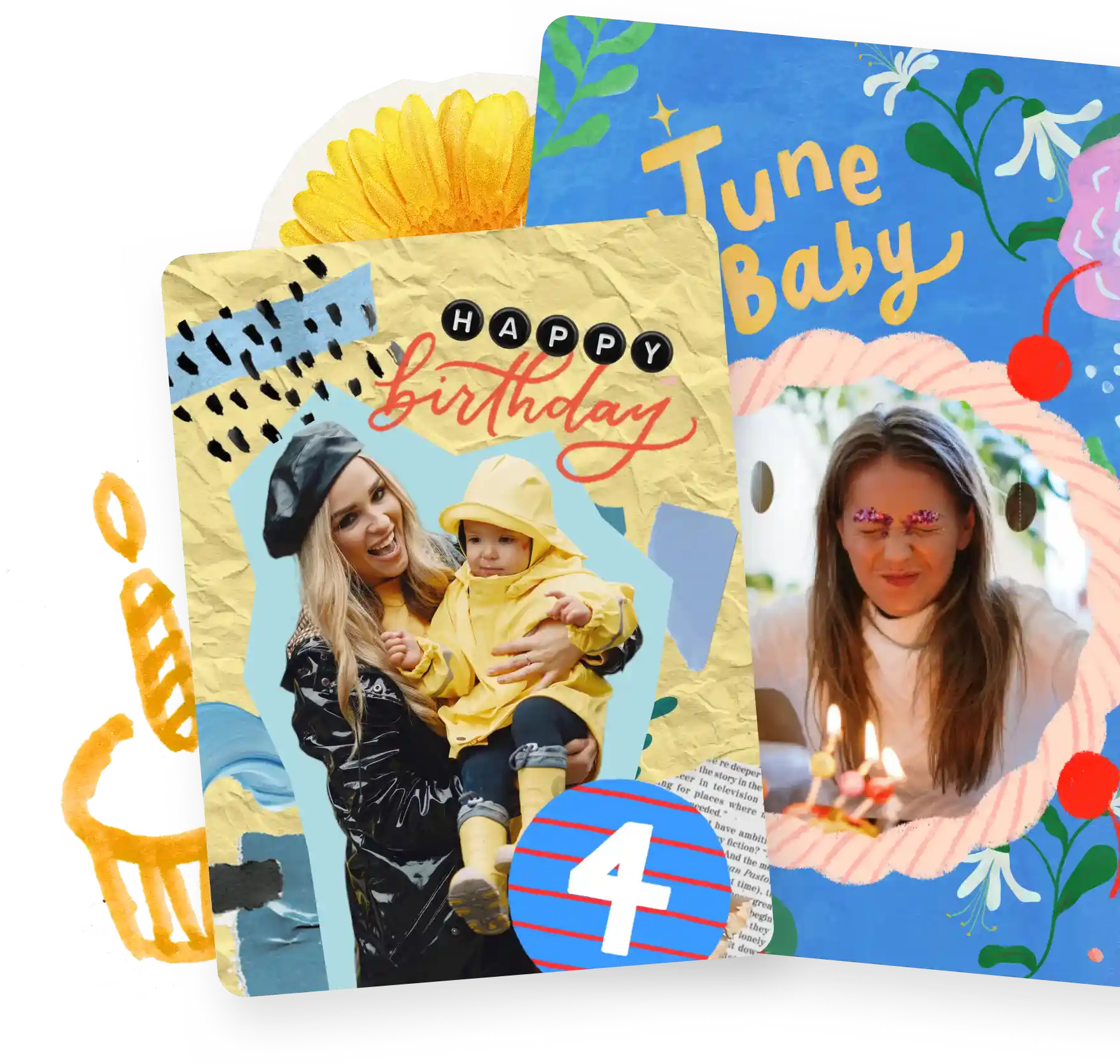
Free Birthday Cards with Your Own Photos in PicCollage
Add your photos, pick a birthday card template, write something personal, and send it from your phone. No account needed. Free on iOS and Android.
Free Birthday Cards with Your Own Photos in PicCollage
Add your photos, pick a birthday card template, write something personal, and send it from your phone. No account needed. Free on iOS and Android.
Why Make Birthday Cards in PicCollage?
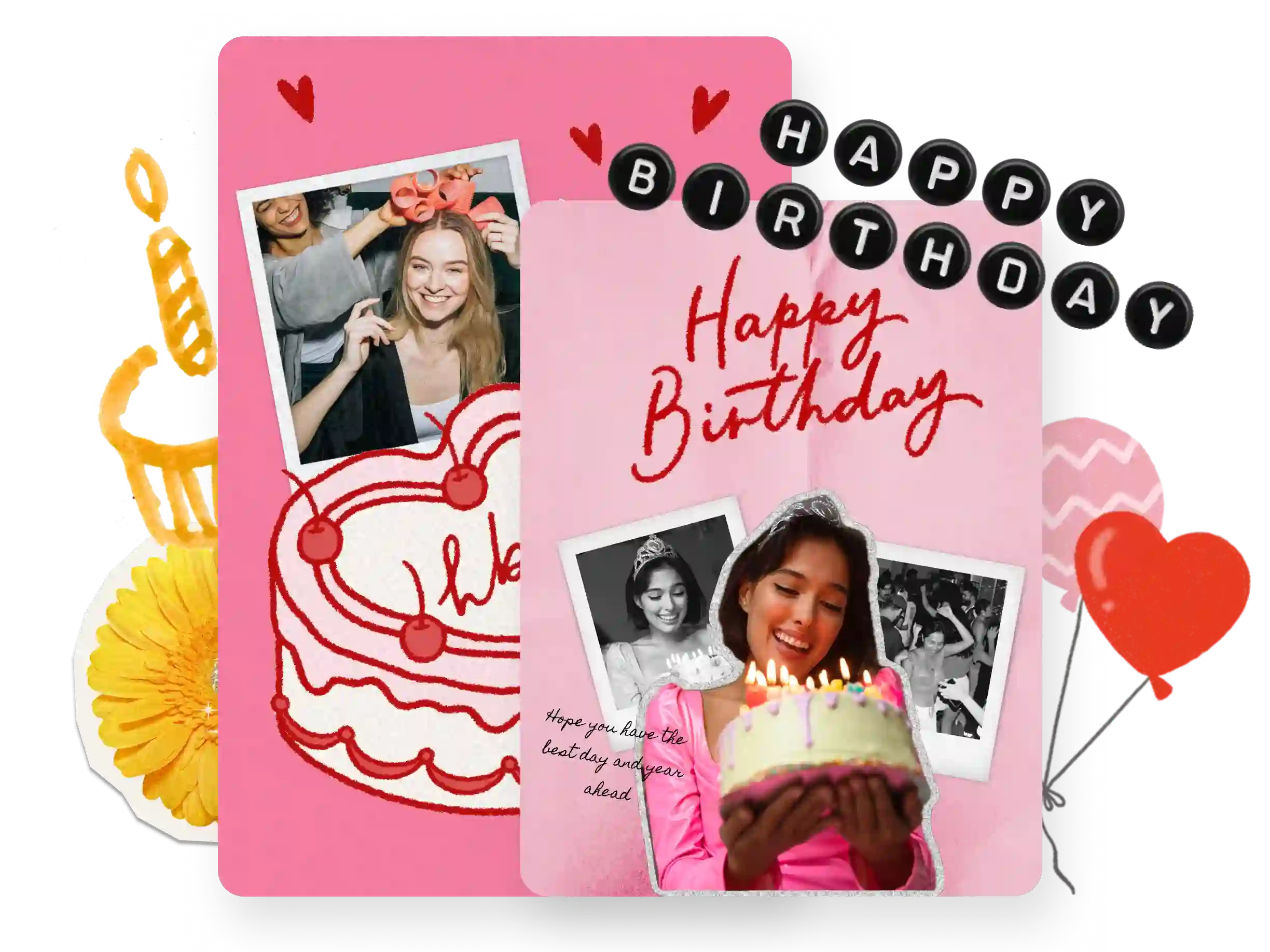
Why Make Birthday Cards in PicCollage?
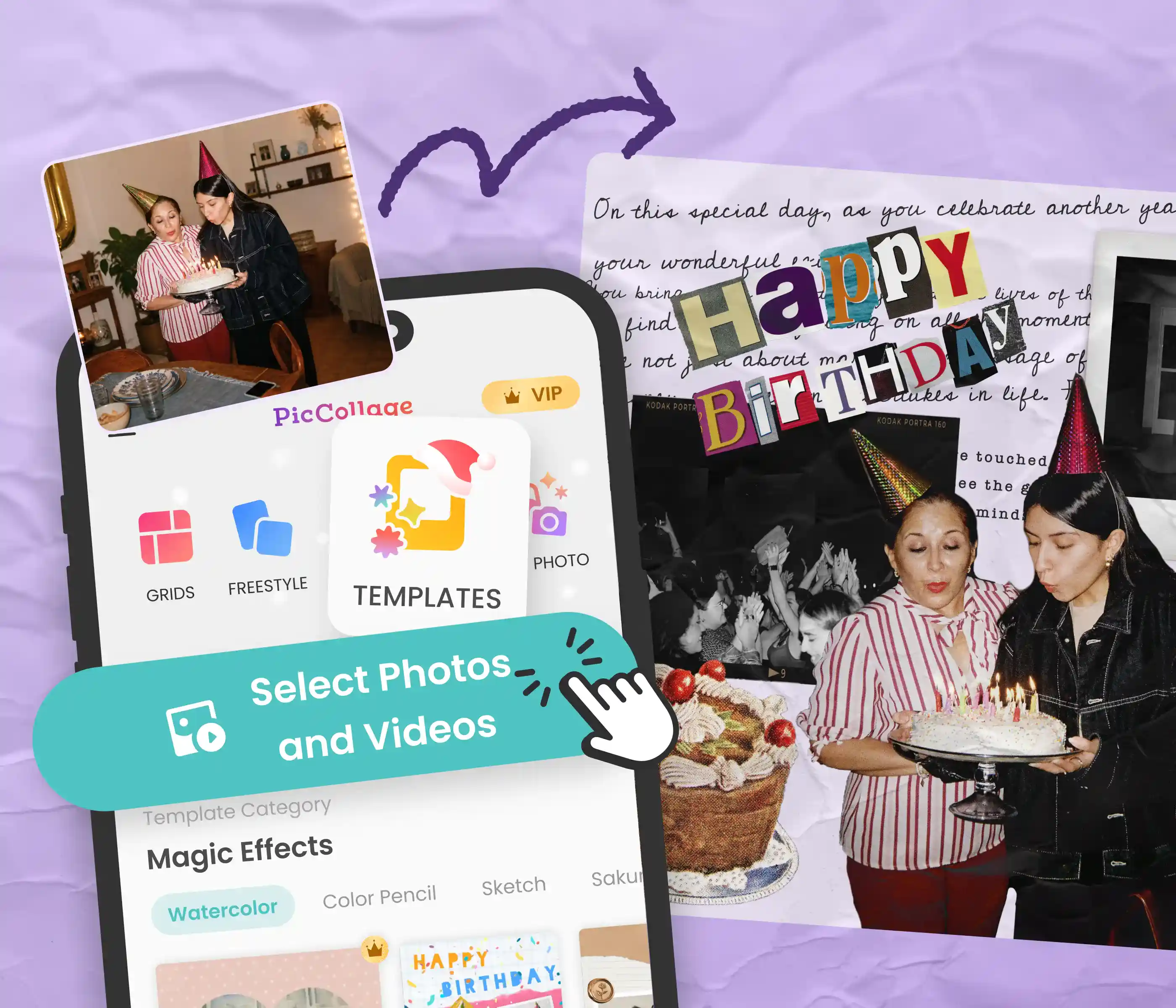
Their Photos on the Card
Use photos from your camera roll of you and the birthday person
Pick from birthday card templates for every style
Finish the card in a few minutes on your phone
Their Photos on the Card
Use photos from your camera roll of you and the birthday person
Pick from birthday card templates for every style
Finish the card in a few minutes on your phone
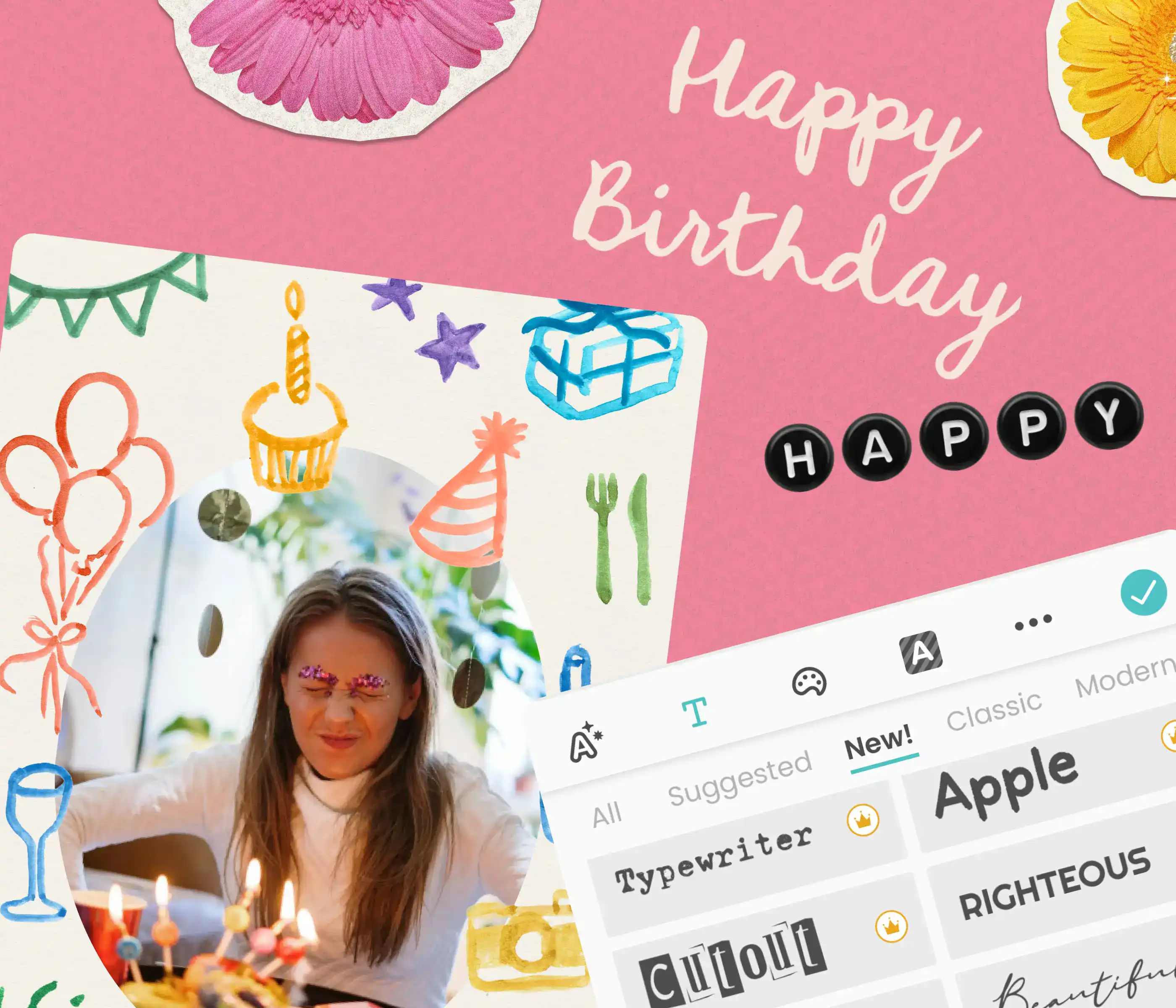
Write Something That Sounds Like You
Add your own birthday message, not a pre-written one
Choose fonts, stickers, and colors that match the vibe
Make a birthday card they'll screenshot, not swipe past
Write Something That Sounds Like You
Add your own birthday message, not a pre-written one
Choose fonts, stickers, and colors that match the vibe
Make a birthday card they'll screenshot, not swipe past
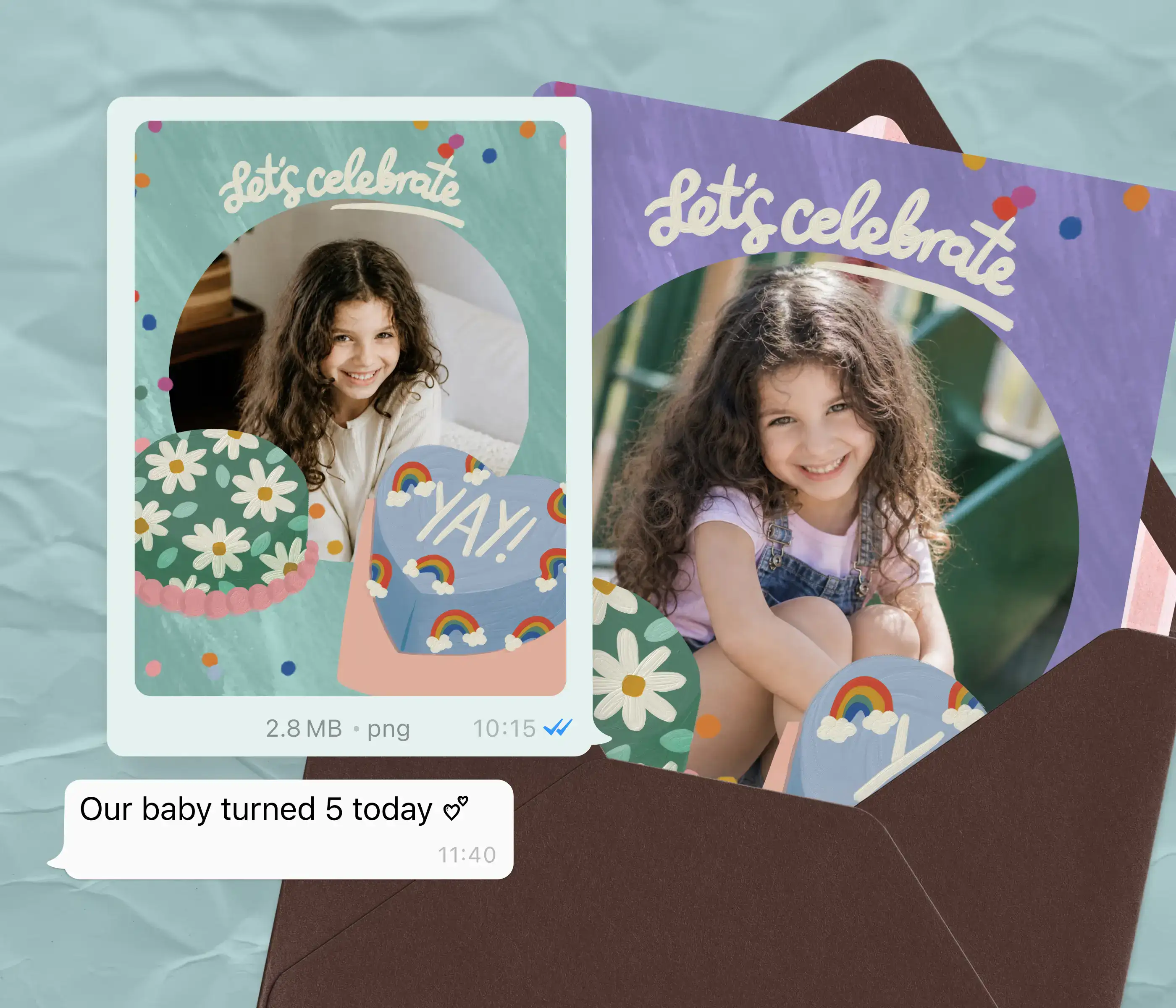
Send It However They'll See It
Send a digital birthday card via text, the group chat, WhatsApp, or email
Save in HD and print at home for a physical birthday greeting card
Gets there the same day, even if you remembered last minute
Send It However They'll See It
Send a digital birthday card via text, the group chat, WhatsApp, or email
Save in HD and print at home for a physical birthday greeting card
Gets there the same day, even if you remembered last minute
Birthday Card Templates for Everyone You Know
Birthday Card Templates for Everyone You Know
For mom, your best friend, your partner, your sister, or the coworker whose birthday you almost forgot. Browse birthday card templates, add your photos, and send something better than a wall post. Also see Greeting Cards and Mother's Day Cards.
For mom, your best friend, your partner, your sister, or the coworker whose birthday you almost forgot. Browse birthday card templates, add your photos, and send something better than a wall post. Also see Greeting Cards and Mother's Day Cards.

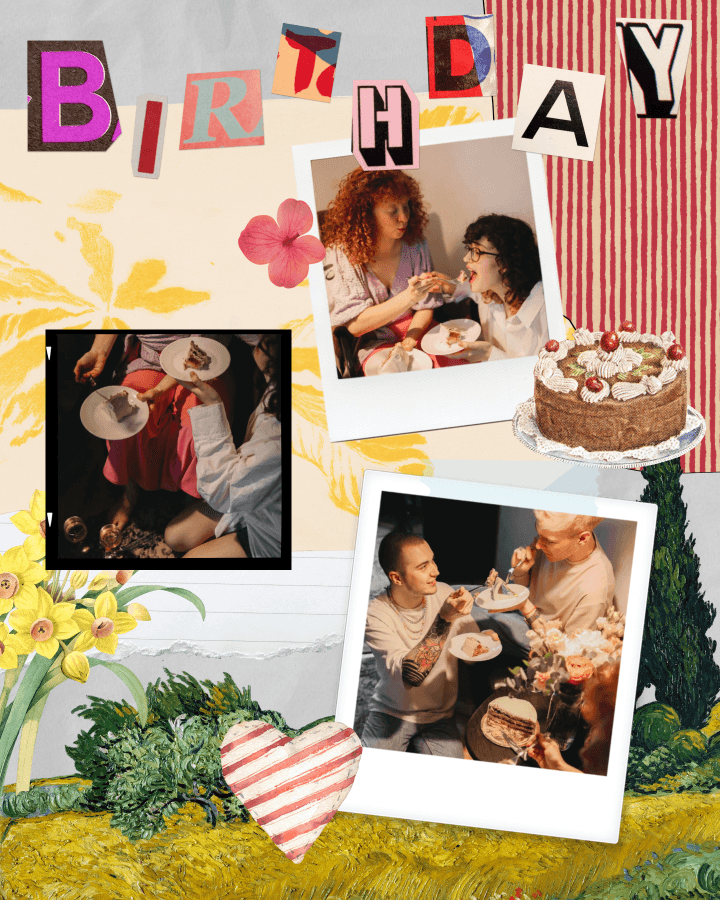
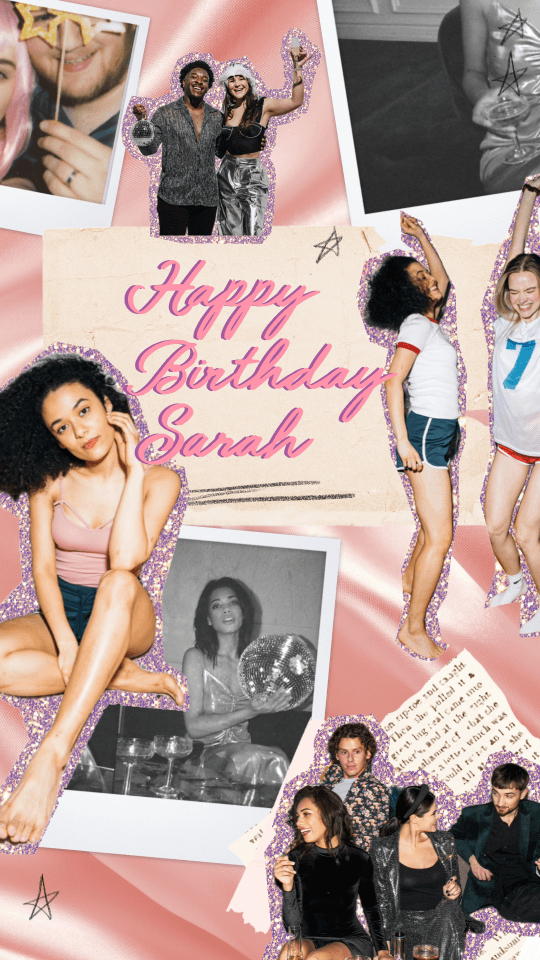
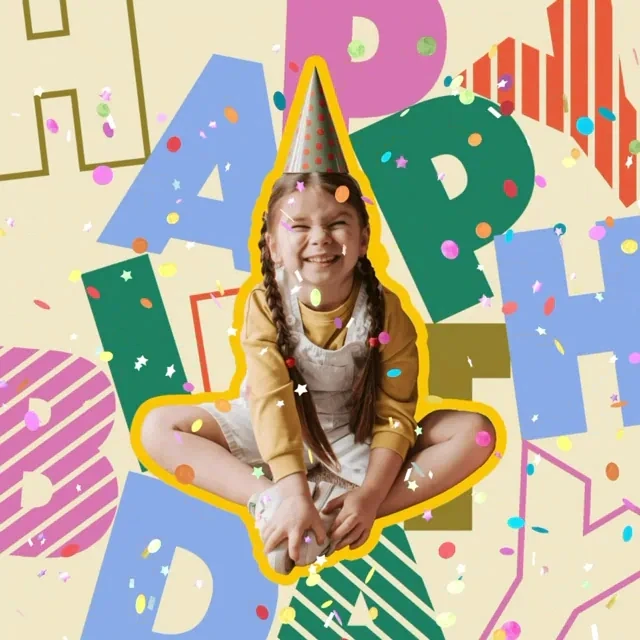

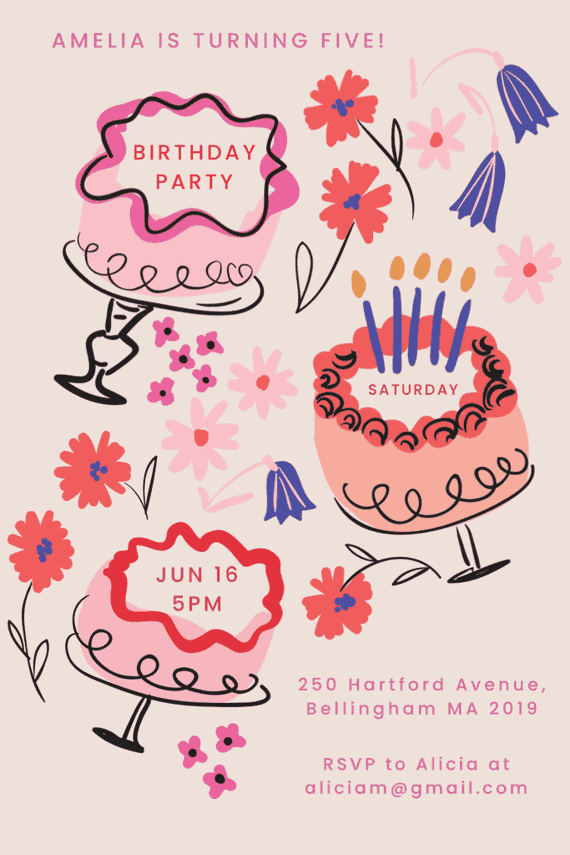
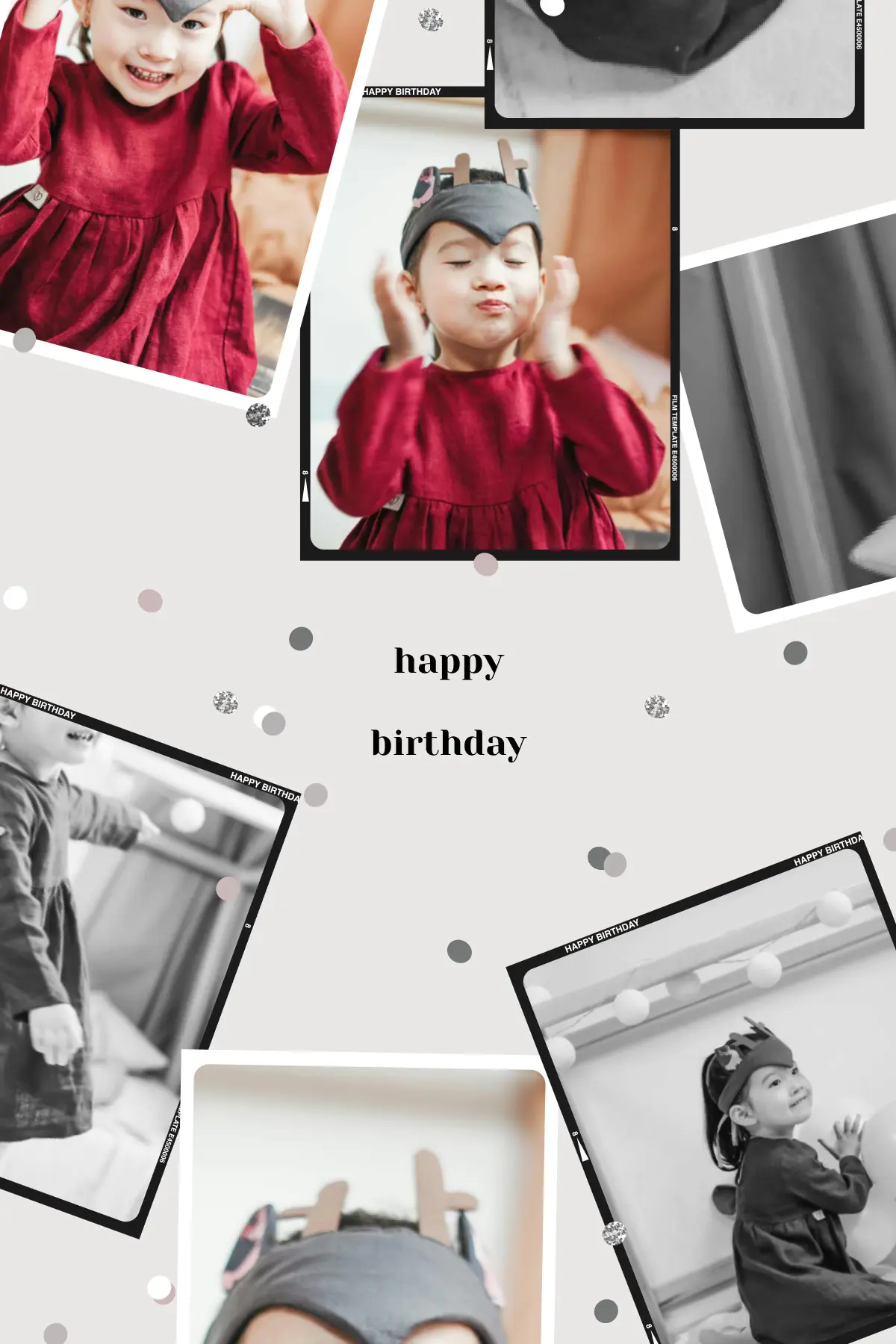
How to Make a Birthday Card in PicCollage
01
Pick a Template
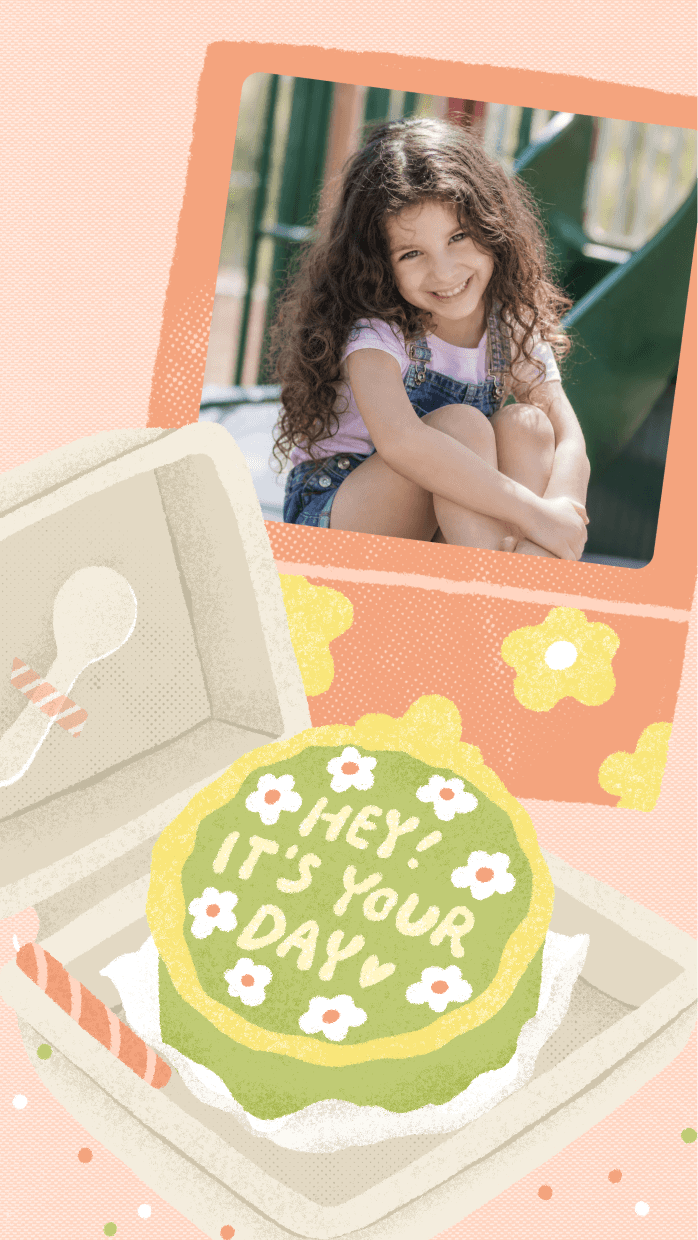
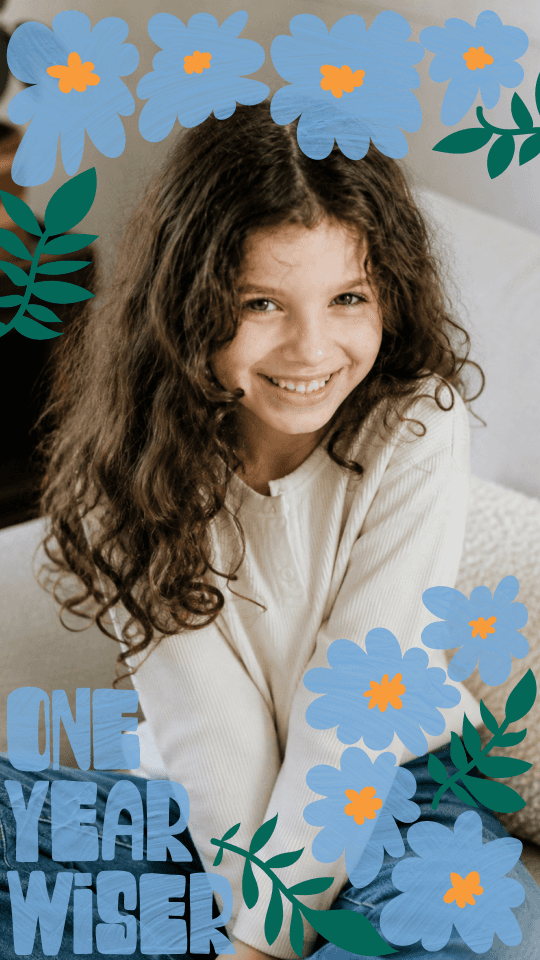
Open PicCollage and browse birthday card templates. Simple, colorful, funny, or sentimental. Pick one that fits the person.
02
Add Your Photos and Write Your Message
Pull in photos from your camera roll. The funnier or more personal, the better. Write a birthday message that sounds like your actual voice.
03
Send It or Print It
Share through text, WhatsApp, or the group chat. Or save it in HD and print at home. The whole thing takes about five minutes.
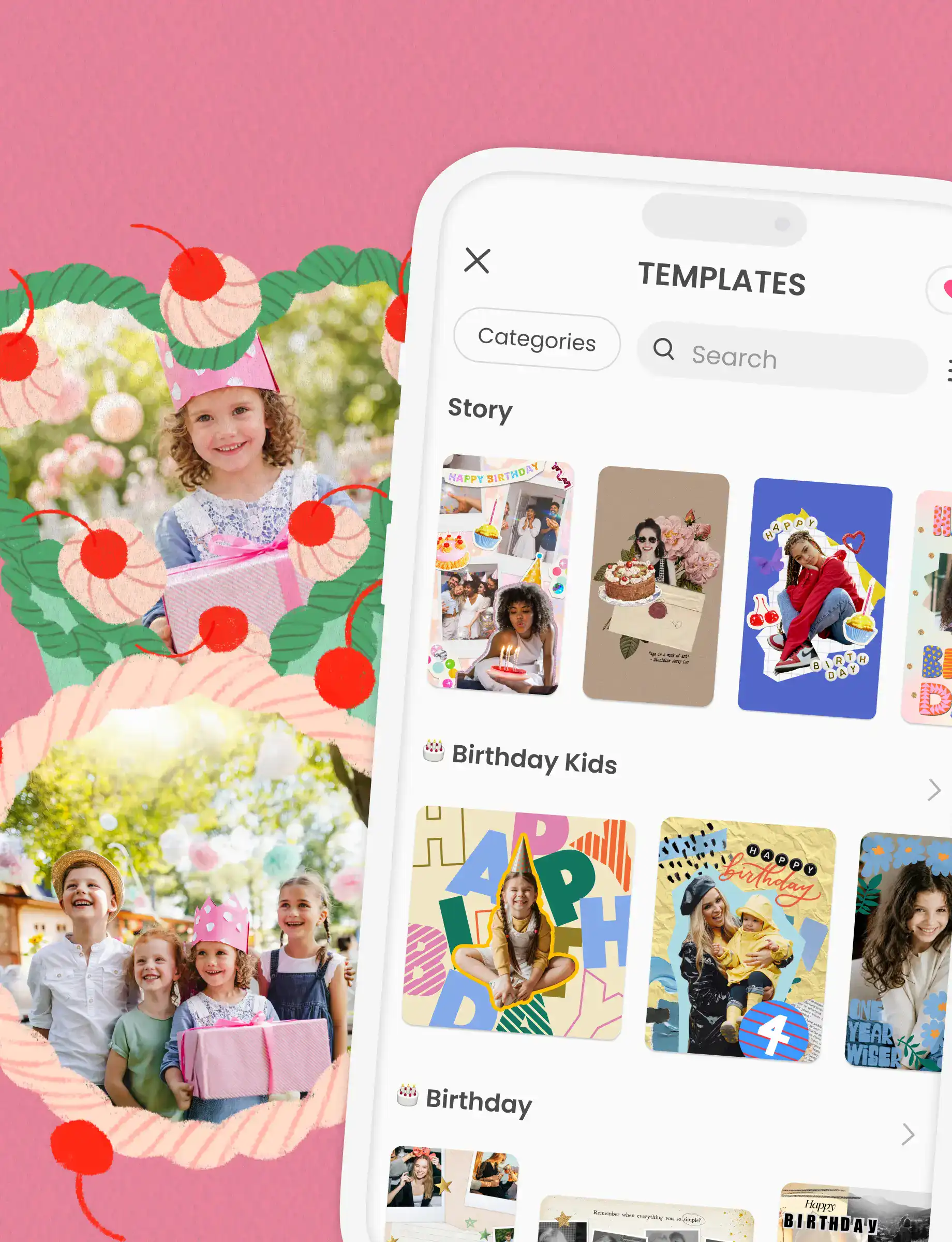
01
Pick a Template
Open PicCollage and browse birthday card templates. Simple, colorful, funny, or sentimental. Pick one that fits the person.
02
Add Your Photos and Write Your Message
Pull in photos from your camera roll. The funnier or more personal, the better. Write a birthday message that sounds like your actual voice.
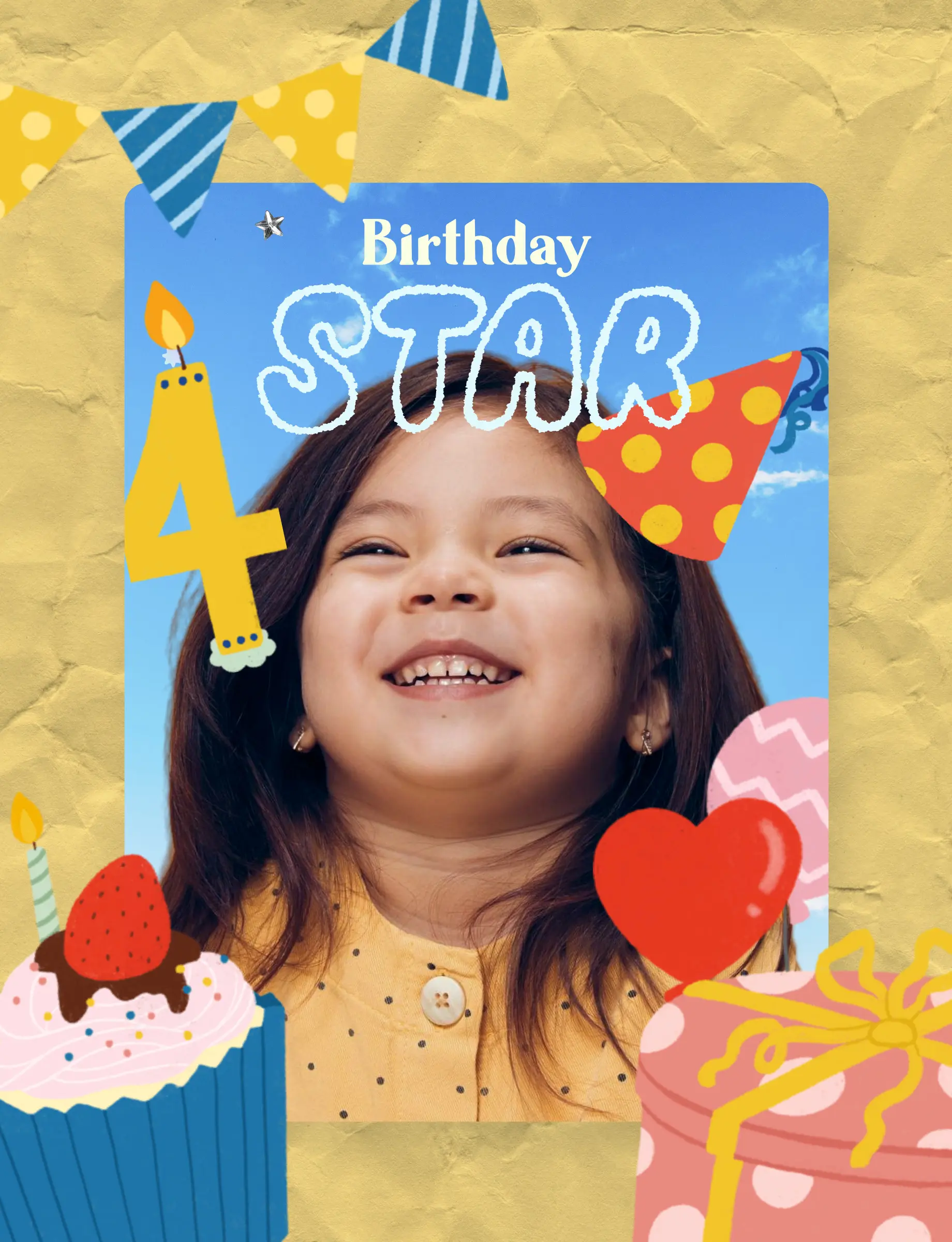
03
Send It or Print It
Share through text, WhatsApp, or the group chat. Or save it in HD and print at home. The whole thing takes about five minutes.
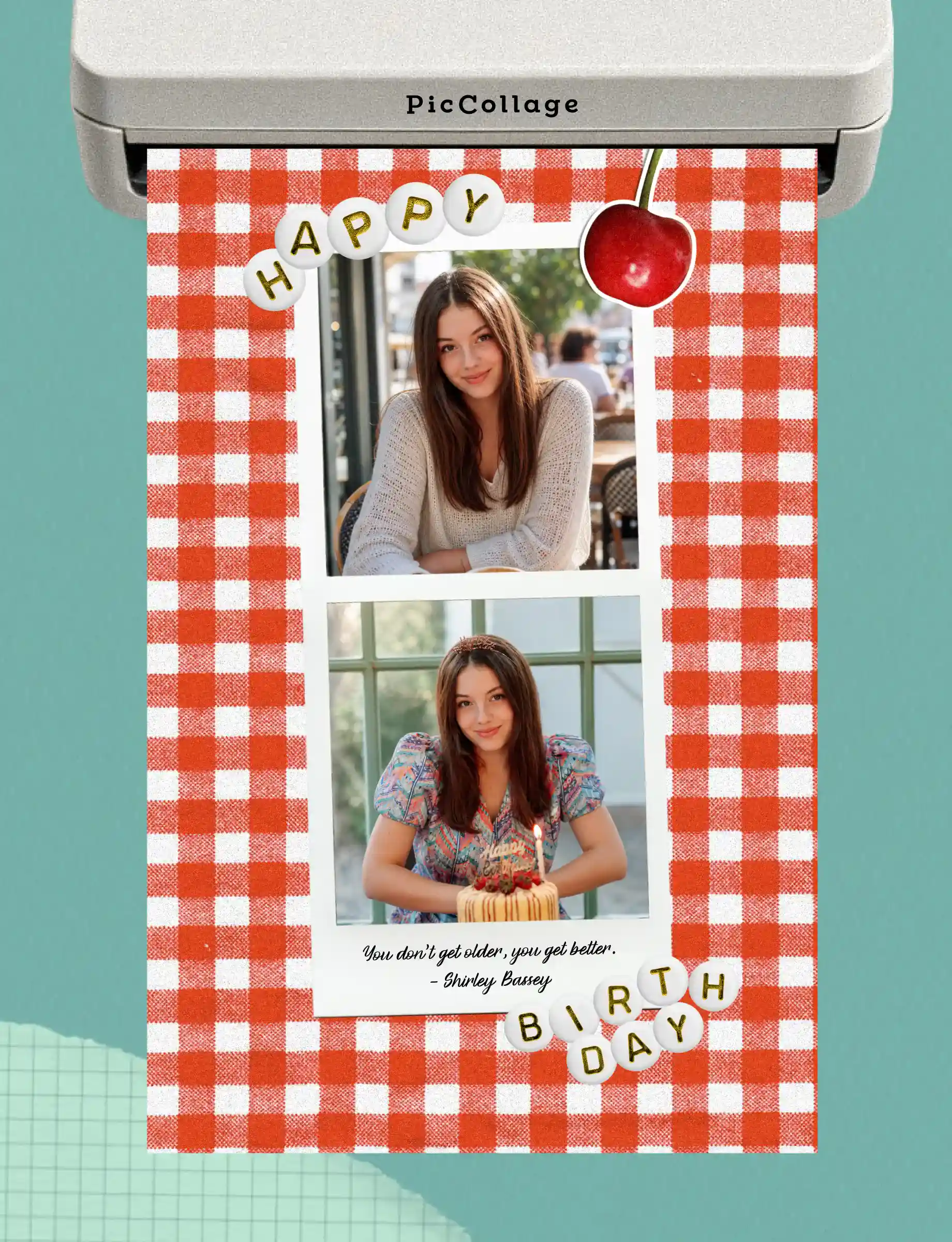
How to Make a Birthday Card in PicCollage
No design experience needed. If you can take a video, you can make a beautiful collage.
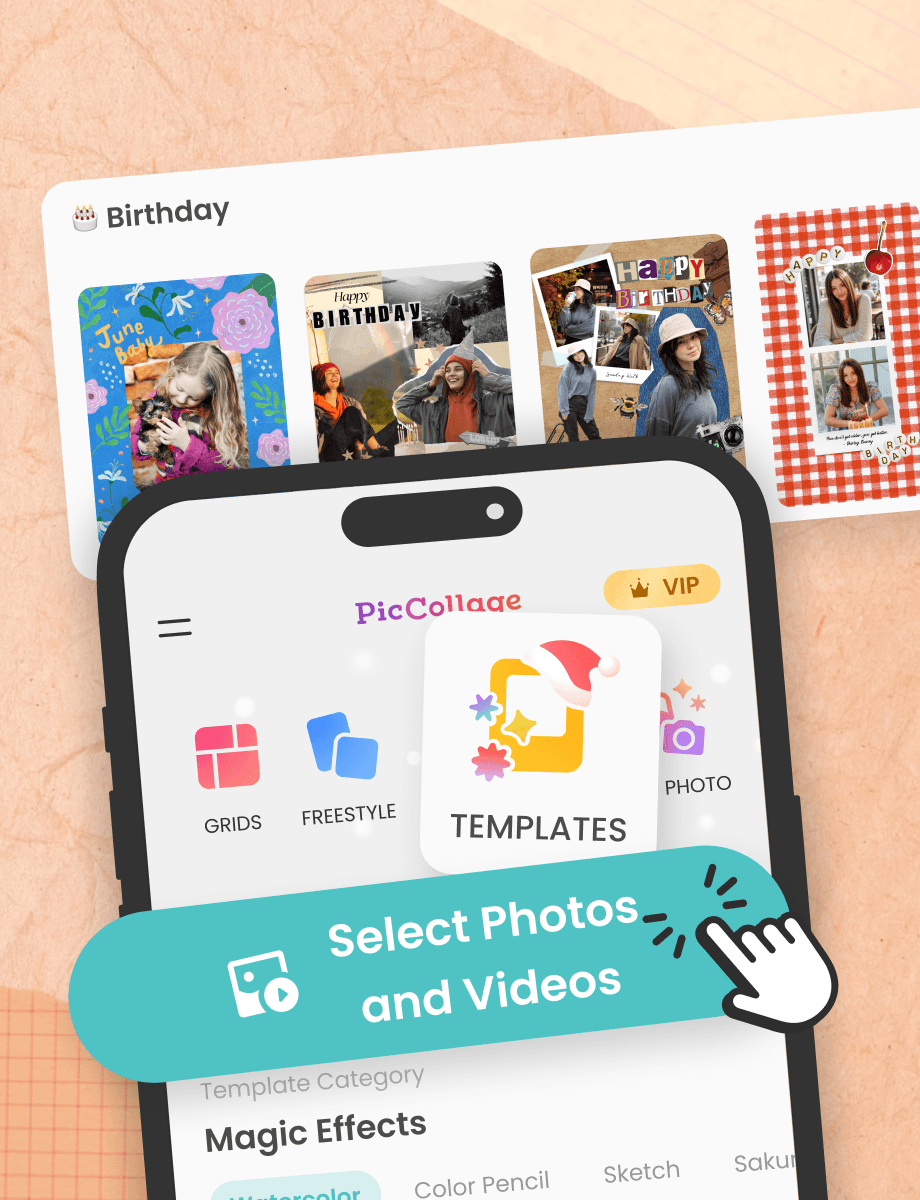
Birthday Card Ideas When You Don't Know Where to Start
The hardest part of making a birthday card isn't the design. It's figuring out what to do with it. You open the app, see a blank template, and freeze. Here's how to get past that.
Start with the photos. Scroll through your camera roll and look for pictures of you with the birthday person. Funny ones work great. So do candid ones they haven't seen. The photos will tell you what kind of card to make. A goofy selfie leads to a funny birthday card. A photo from a meaningful day leads to something warmer.
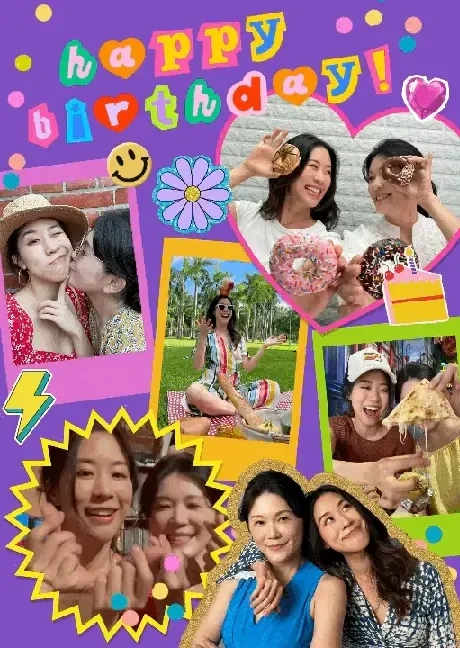
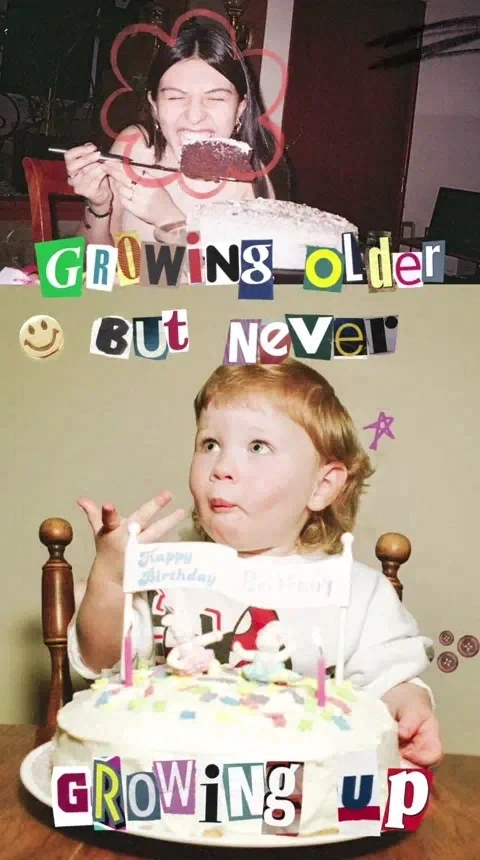
If you want cute birthday card ideas, try a photo collage from the past year. Arrange four or five moments in a grid layout, add a simple "Happy Birthday" with a sticker or two, and you're done. If you want something funny, pick an embarrassing photo and lean into it. Add a caption they'll laugh at. PicCollage has stickers and text tools that make both directions easy.
The best birthday cards aren't complicated. They're specific. A card with a photo only you would choose, and a message only you would write. That's what makes someone save it instead of swiping past.
Birthday Card Ideas When You Don't Know Where to Start
The hardest part of making a birthday card isn't the design. It's figuring out what to do with it. You open the app, see a blank template, and freeze. Here's how to get past that.
Start with the photos. Scroll through your camera roll and look for pictures of you with the birthday person. Funny ones work great. So do candid ones they haven't seen. The photos will tell you what kind of card to make. A goofy selfie leads to a funny birthday card. A photo from a meaningful day leads to something warmer.
If you want cute birthday card ideas, try a photo collage from the past year. Arrange four or five moments in a grid layout, add a simple "Happy Birthday" with a sticker or two, and you're done. If you want something funny, pick an embarrassing photo and lean into it. Add a caption they'll laugh at. PicCollage has stickers and text tools that make both directions easy.
The best birthday cards aren't complicated. They're specific. A card with a photo only you would choose, and a message only you would write. That's what makes someone save it instead of swiping past.
What to Write in a Birthday Card
The blank message box is the scariest part. You've picked the photos, chosen the layout, and now you have to write something. Here's the thing: it doesn't need to be long. It needs to be specific.
Instead of "Happy Birthday! Hope it's a great one!" try referencing something real. "Happy birthday. Remember when we got lost in that parking garage? Still one of my favorite days." One specific detail does more than three lines of generic wishes.
For family, match the tone to how you actually talk to them. If you text your mom in full sentences, write that way. If you and your brother communicate in memes, your birthday card message can reflect that. The best birthday wishes sound like the person who wrote them.
If you're stuck, keep it simple. "Thinking of you today. Glad you were born." Short is fine. What matters is that the photos and the message together feel like they came from someone who knows the person. That's the whole point of making a card instead of buying one.
What to Write in a Birthday Card
The blank message box is the scariest part. You've picked the photos, chosen the layout, and now you have to write something. Here's the thing: it doesn't need to be long. It needs to be specific.
Instead of "Happy Birthday! Hope it's a great one!" try referencing something real. "Happy birthday. Remember when we got lost in that parking garage? Still one of my favorite days." One specific detail does more than three lines of generic wishes.
For family, match the tone to how you actually talk to them. If you text your mom in full sentences, write that way. If you and your brother communicate in memes, your birthday card message can reflect that. The best birthday wishes sound like the person who wrote them.
If you're stuck, keep it simple. "Thinking of you today. Glad you were born." Short is fine. What matters is that the photos and the message together feel like they came from someone who knows the person. That's the whole point of making a card instead of buying one.
What to Write in a Birthday Card
The blank message box is the scariest part. You've picked the photos, chosen the layout, and now you have to write something. Here's the thing: it doesn't need to be long. It needs to be specific.
Instead of "Happy Birthday! Hope it's a great one!" try referencing something real. "Happy birthday. Remember when we got lost in that parking garage? Still one of my favorite days." One specific detail does more than three lines of generic wishes.
For family, match the tone to how you actually talk to them. If you text your mom in full sentences, write that way. If you and your brother communicate in memes, your birthday card message can reflect that. The best birthday wishes sound like the person who wrote them.
If you're stuck, keep it simple. "Thinking of you today. Glad you were born." Short is fine. What matters is that the photos and the message together feel like they came from someone who knows the person. That's the whole point of making a card instead of buying one.
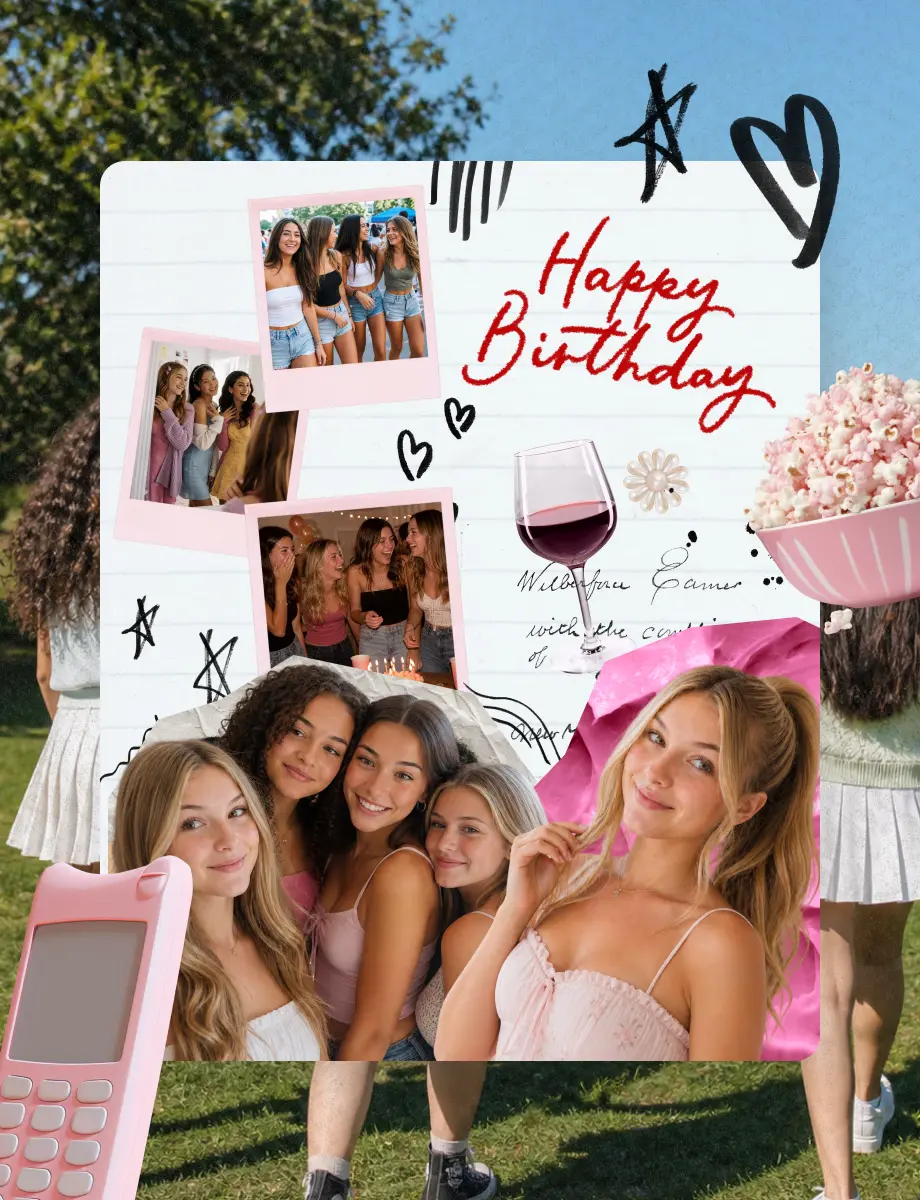
Sweet 16 Birthday Cards Made with Photos from the Year
Sweet 16 is a milestone birthday. The kind that gets remembered long after the candles go out. A sweet 16 birthday card built around photos from her year, the friends, the party, the moments she'll want to look back on, turns into something she'll save instead of swiping past.
Open PicCollage and pick a template that fits her style. Add photos from her camera roll or yours. Group selfies, candid shots from the party planning, the dress fitting, the friends she's been inseparable from this year. The card becomes a snapshot of who she is at sixteen.
If you're looking for sweet 16 birthday ideas beyond the card itself, the same templates work for sweet 16 party invites, thank-you notes, and a recap collage to share after the sweet 16 party. One app, one set of photos, everything that needs a personal touch covered.
For sweet 16 wishes that actually sound like you, keep the message short and specific. Reference something only the two of you would know. The inside joke, the song from the road trip, the thing she said last summer. The photos do the rest.
Sweet 16 Birthday Cards Made with Photos from the Year
Sweet 16 is a milestone birthday. The kind that gets remembered long after the candles go out. A sweet 16 birthday card built around photos from her year, the friends, the party, the moments she'll want to look back on, turns into something she'll save instead of swiping past.
Open PicCollage and pick a template that fits her style. Add photos from her camera roll or yours. Group selfies, candid shots from the party planning, the dress fitting, the friends she's been inseparable from this year. The card becomes a snapshot of who she is at sixteen.
If you're looking for sweet 16 birthday ideas beyond the card itself, the same templates work for sweet 16 party invites, thank-you notes, and a recap collage to share after the sweet 16 party. One app, one set of photos, everything that needs a personal touch covered.
For sweet 16 wishes that actually sound like you, keep the message short and specific. Reference something only the two of you would know. The inside joke, the song from the road trip, the thing she said last summer. The photos do the rest.
Digital Birthday Cards You Can Send Instantly
Digital birthday cards solve the timing problem. You remember it's someone's birthday, you want to send something better than a text, but you don't have a physical card and you're not driving to the store. PicCollage lets you make one on your phone and send it in minutes.
A virtual birthday card made with your own photos hits differently than a generic ecard. Those pre-made ecards feel like they came from a website, because they did. When you add your own photos, the person on the other end knows you didn't just click "send." You picked the pictures, arranged them, and wrote something yourself.
You can share your card through text, WhatsApp, email, or any messaging app. Save it to your camera roll first, then send it however you normally reach that person. No links to click, no accounts to create on their end. They just get a birthday card with your photos in it.
Digital Birthday Cards You Can Send Instantly
Digital birthday cards solve the timing problem. You remember it's someone's birthday, you want to send something better than a text, but you don't have a physical card and you're not driving to the store. PicCollage lets you make one on your phone and send it in minutes.
A virtual birthday card made with your own photos hits differently than a generic ecard. Those pre-made ecards feel like they came from a website, because they did. When you add your own photos, the person on the other end knows you didn't just click "send." You picked the pictures, arranged them, and wrote something yourself.
You can share your card through text, WhatsApp, email, or any messaging app. Save it to your camera roll first, then send it however you normally reach that person. No links to click, no accounts to create on their end. They just get a birthday card with your photos in it.

Frequently Asked Questions
Frequently Asked Questions
Is PicCollage free for making birthday cards?
Yes. PicCollage is a free birthday greeting card maker app for iOS and Android. You don't need an account. Pick a birthday card template or start from scratch, add your photos, write a happy birthday message, and send it. No credit card, no trial, no watermark.
Can I make a funny birthday card?
Yes. Pick a goofy or embarrassing photo from your camera roll, add a sarcastic caption, and use playful stickers. The humor comes from your photos and your message, not a pre-made punchline. PicCollage has templates that work for both funny and sentimental birthday cards.
Can I send a digital birthday card through text or WhatsApp?
Yes. Save your finished birthday card to your camera roll and send it however you normally reach that person. Text, WhatsApp, email, or any messaging app. No links to click and no accounts to create on their end. They just get a birthday card with your photos on it.
How long does it take to make a birthday card?
About five minutes. Pick a free birthday card template, add photos from your camera roll, write your message, and send it. You can spend more time customizing fonts, stickers, and layout if you want, but most people are done in under five minutes.