
Free Video Collage Maker: Combine Your Photos and Videos
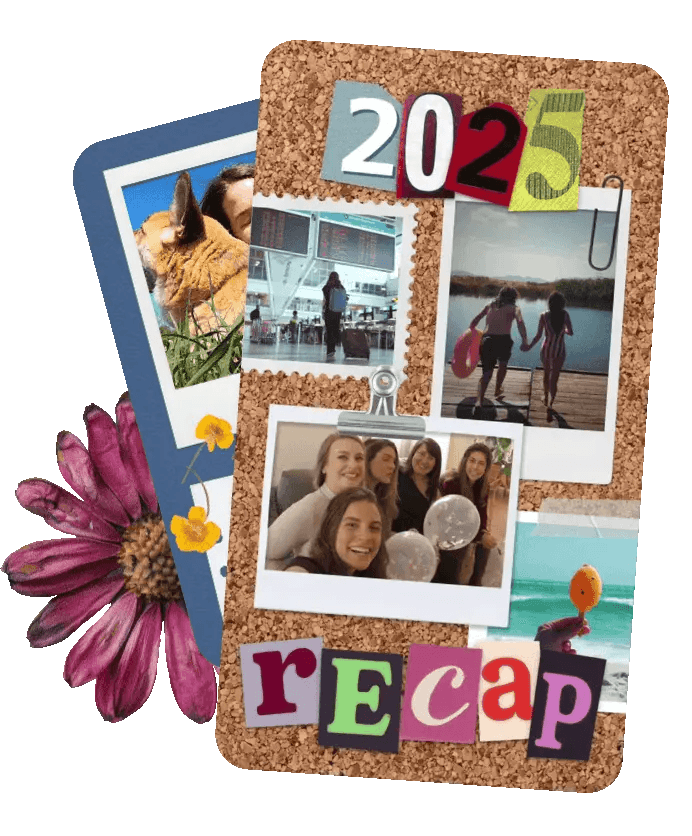
The easiest way to make a video collage with your photos and clips. Templates do the work in minutes. Simple enough for Tuesday nights, special enough to keep forever.


Free Video Collage Maker: Combine Your Photos and Videos
The easiest way to make a video collage with your photos and clips. Templates do the work in minutes. Simple enough for Tuesday nights, special enough to keep forever.
Free Video Collage Maker: Combine Your Photos and Videos
The easiest way to make a video collage with your photos and clips. Templates do the work in minutes. Simple enough for Tuesday nights, special enough to keep forever.

Why Make Video Collages in PicCollage?
Why Make Video Collages in PicCollage?
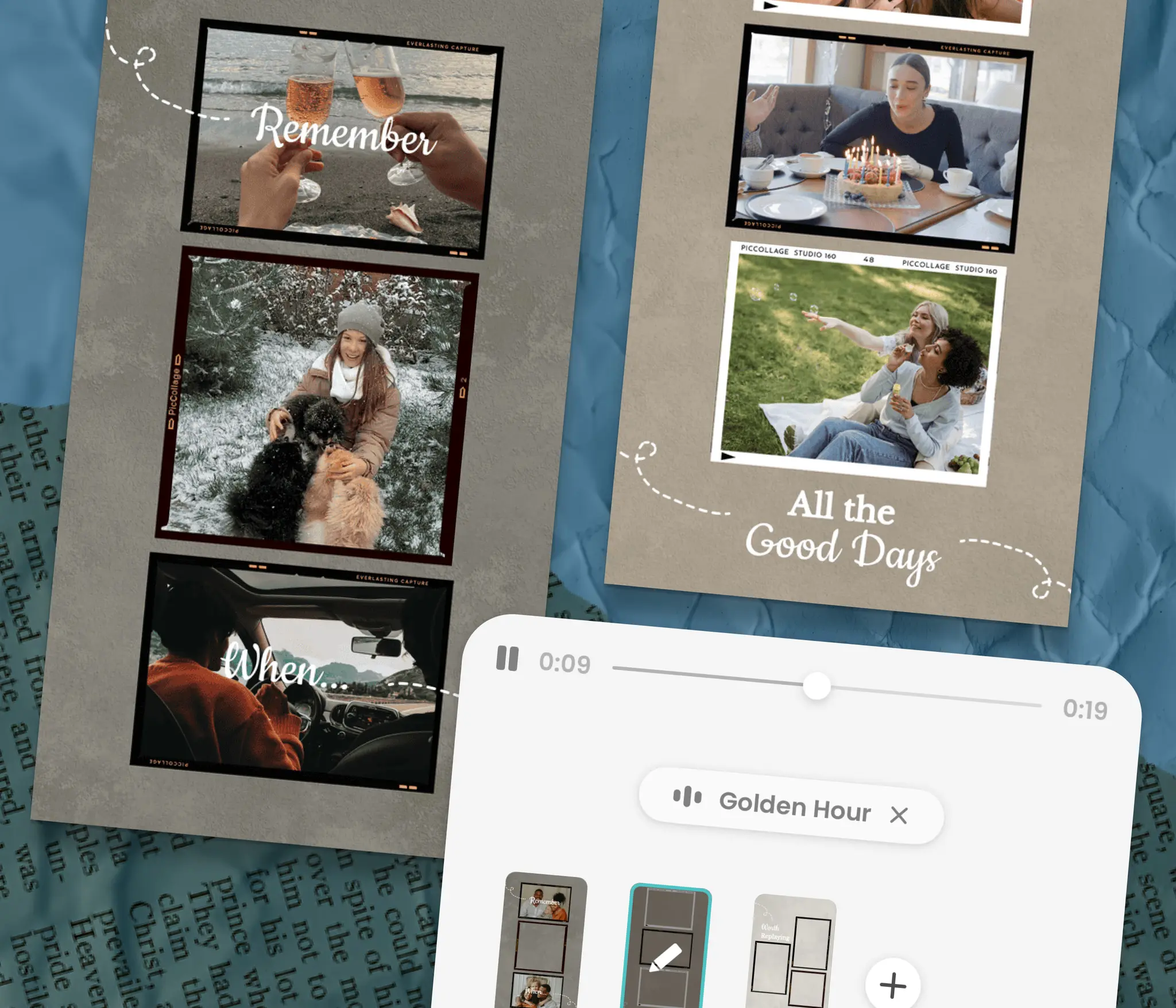
Create Mini Home Movies
Templates handle the layout for you
Add music to set the perfect tone
Create memory books that last
Create Mini Home Movies
Templates handle the layout for you
Add music to set the perfect tone
Create memory books that last
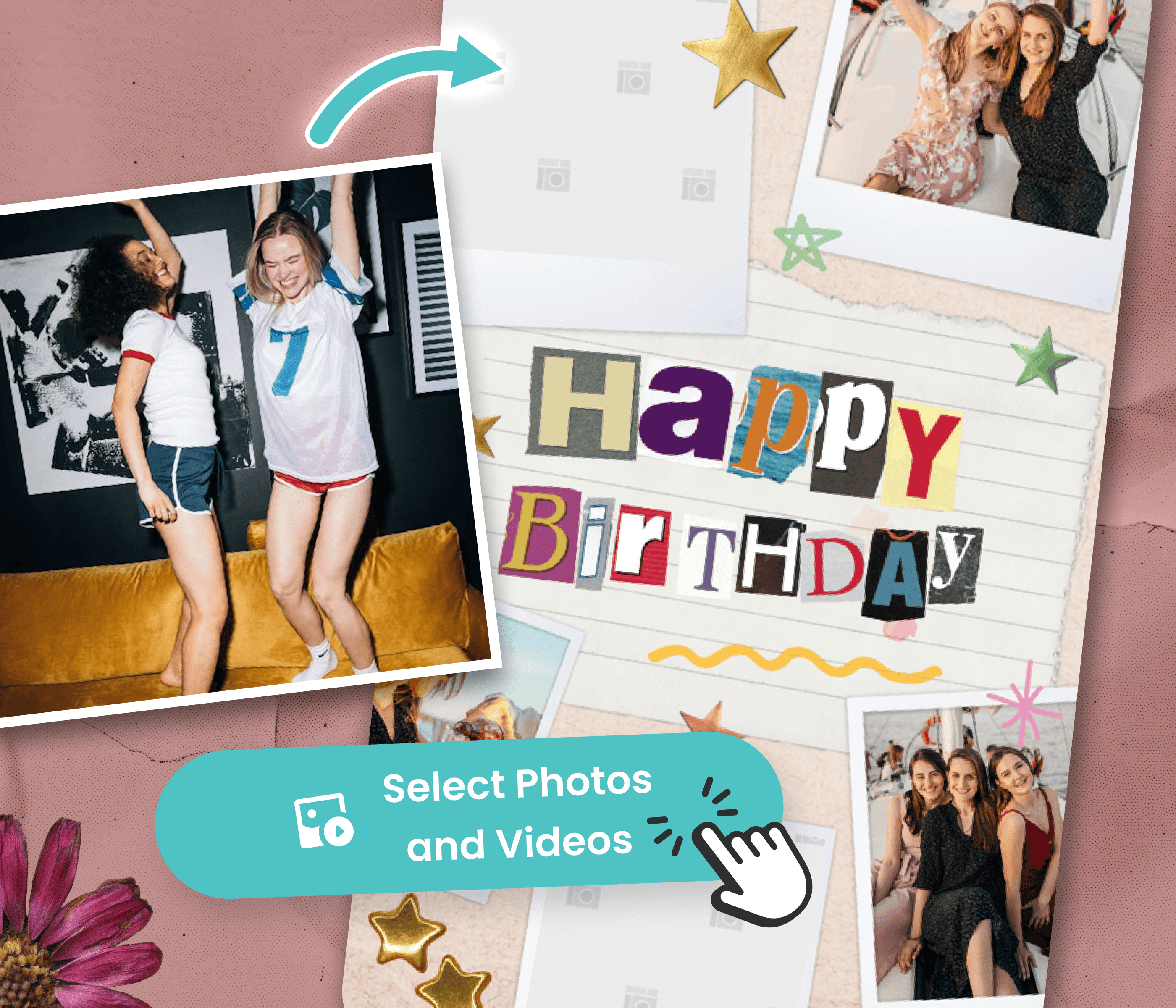
Finish in Minutes, Not Hours
Upload right from your phone
Pick a template that fits your moment
No editing, no learning, no frustration
Finish in Minutes, Not Hours
Upload right from your phone
Pick a template that fits your moment
No editing, no learning, no frustration
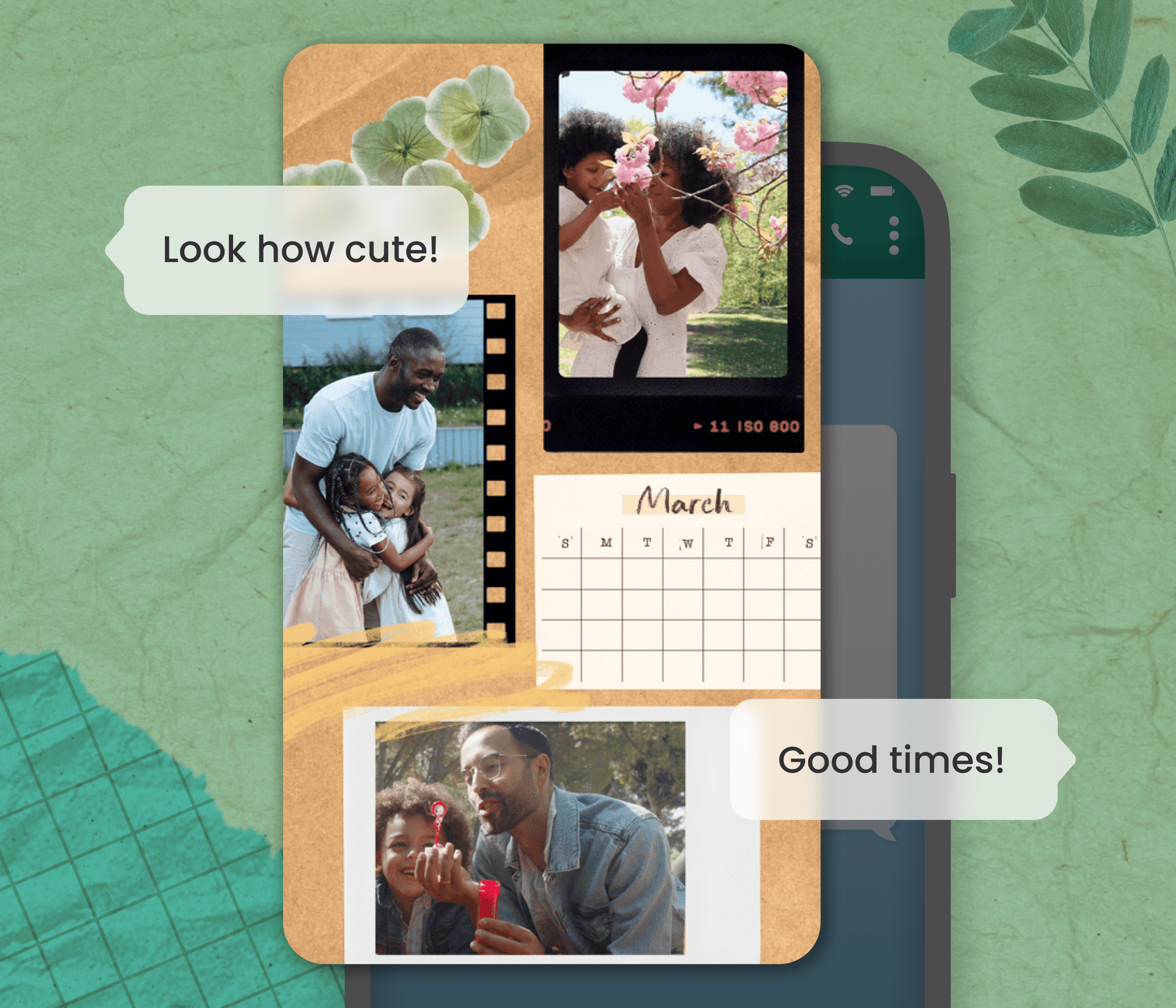
Celebrate Everyday Moments
Big celebrations to regular weeknights
Send via WhatsApp, texts, or socials
Videos that get replayed, not forgotten
Celebrate Everyday Moments
Big celebrations to regular weeknights
Send via WhatsApp, texts, or socials
Videos that get replayed, not forgotten
Video Collage Ideas for Every Occasion
Video Collage Ideas for Every Occasion
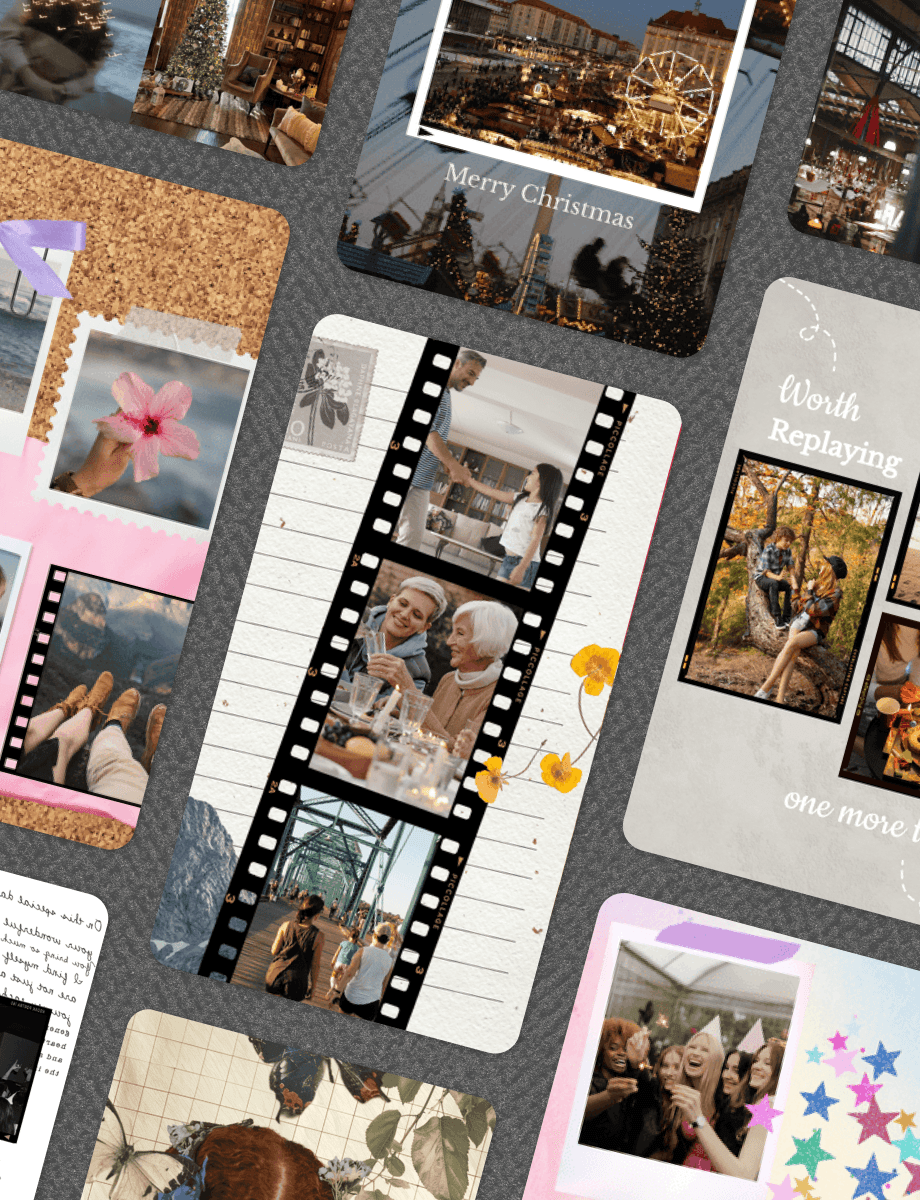
Whether you're making a birthday surprise, holiday greeting, or just collecting everyday moments, find the perfect style to match. Pair your video collage with a digital scrapbook page for a keepsake that combines photos, clips, and decorations.
Whether you're making a birthday surprise, holiday greeting, or just collecting everyday moments, find the perfect style to match. Pair your video collage with a digital scrapbook page for a keepsake that combines photos, clips, and decorations.









How to Make a Video Collage in PicCollage
01
Pick a Template
Start with a video collage template that you like. Each template adjusts to fit your videos perfectly.
02
Add Photos, Videos & Personal Touches
Add photos or videos from your camera roll. Add music, stickers, and captions for the moment.
03
Save and share
Download your video collage. Share privately through messages, post to Instagram stories, or save to your phone. Your creation stays yours to share however you want.

What Is a Video Collage and How to Make One
A video collage puts multiple video clips and photos on screen at the same time, in a designed layout. Think of it as a photo collage that moves. Instead of one clip playing after another, you see several moments together in one frame, set to music.
PicCollage is a video collage maker that handles the hard parts. Pick a template, add your photos and videos, and the app takes care of sizing, timing, and transitions. You do not need to be a video montage creator with editing experience. The templates do the design work.
Open PicCollage, choose a layout, add clips and photos from your camera roll, pick a music track, and save. The whole process takes about five minutes. The app works as both a photo and video collage maker, so you can mix still images with moving clips on the same page.
Video Collage Ideas for Different Occasions
Video collage ideas start with the moments you already have on your phone. Birthday parties, holiday mornings, vacations, and regular weeknights all become short video stories when you combine clips and photos in one layout. The best starting point is whatever you shot most recently.
Birthday video collages are the most popular choice. Pull together clips and photos from the party, add a birthday song, and send it to the guest of honor. Holiday recaps work just as well: gather the best moments from Thanksgiving, Christmas, or a summer trip into one collage.
For a video collage for Instagram, use templates already sized for stories or feed posts. Weekly recap collages are another easy format: grab a few photos and clips from the week and put them together on Sunday evening. You can also turn these same moments into a digital scrapbook page with more room for photos, decorations, and text alongside your clips.
Tips for Making Better Video Collages
A few small choices make the difference between a video collage that gets replayed and one that gets skipped. These tips apply whether you are putting together a birthday recap, a holiday montage, or a quick video collage of photos and clips from the week.
Keep clips short. Two to five seconds per clip works best. Longer clips lose attention when multiple things are on screen at once. If you are making a video collage on iPhone, trim clips in your Photos app before adding them.
Mix video with still photos. A photo to video collage that blends both types is more dynamic than all-video or all-photo. Anchor your layout with a few stills and let the video clips provide the movement.
Pick music that matches the mood. A video collage with music feels more polished. PicCollage's music library is sorted by mood so browsing is fast.
Birthday Card Ideas When You Don't Know Where to Start
Content
Digital Scrapbooking vs. Physical Scrapbooking
A video collage puts multiple video clips and photos on screen at the same time, in a designed layout. Think of it as a photo collage that moves. Instead of one clip playing after another, you see several moments together in one frame, set to music.
PicCollage is a video collage maker that handles the hard parts. Pick a template, add your photos and videos, and the app takes care of sizing, timing, and transitions. You do not need to be a video montage creator with editing experience. The templates do the design work.
Open PicCollage, choose a layout, add clips and photos from your camera roll, pick a music track, and save. The whole process takes about five minutes. The app works as both a photo and video collage maker, so you can mix still images with moving clips on the same page.
What Is a Video Collage and How to Make One
A video collage puts multiple video clips and photos on screen at the same time, in a designed layout. Think of it as a photo collage that moves. Instead of one clip playing after another, you see several moments together in one frame, set to music.
PicCollage is a video collage maker that handles the hard parts. Pick a template, add your photos and videos, and the app takes care of sizing, timing, and transitions. You do not need to be a video montage creator with editing experience. The templates do the design work.
Open PicCollage, choose a layout, add clips and photos from your camera roll, pick a music track, and save. The whole process takes about five minutes. The app works as both a photo and video collage maker, so you can mix still images with moving clips on the same page.
Sweet 16 Birthday Cards Made with Photos from the Year
Content
Video Collage Ideas for Different Occasions
Video collage ideas start with the moments you already have on your phone. Birthday parties, holiday mornings, vacations, and regular weeknights all become short video stories when you combine clips and photos in one layout. The best starting point is whatever you shot most recently.
Birthday video collages are the most popular choice. Pull together clips and photos from the party, add a birthday song, and send it to the guest of honor. Holiday recaps work just as well: gather the best moments from Thanksgiving, Christmas, or a summer trip into one collage.
For a video collage for Instagram, use templates already sized for stories or feed posts. Weekly recap collages are another easy format: grab a few photos and clips from the week and put them together on Sunday evening. You can also turn these same moments into a digital scrapbook page with more room for photos, decorations, and text alongside your clips.
What to Write in a Birthday Card
Content
Video Collage Ideas for Different Occasions
Video collage ideas start with the moments you already have on your phone. Birthday parties, holiday mornings, vacations, and regular weeknights all become short video stories when you combine clips and photos in one layout. The best starting point is whatever you shot most recently.
Birthday video collages are the most popular choice. Pull together clips and photos from the party, add a birthday song, and send it to the guest of honor. Holiday recaps work just as well: gather the best moments from Thanksgiving, Christmas, or a summer trip into one collage.
For a video collage for Instagram, use templates already sized for stories or feed posts. Weekly recap collages are another easy format: grab a few photos and clips from the week and put them together on Sunday evening. You can also turn these same moments into a digital scrapbook page with more room for photos, decorations, and text alongside your clips.

01
Pick a Template
Start with a video collage template that you like. Each template adjusts to fit your videos perfectly.
02
Add Photos, Videos & Personal Touches
Add photos or videos from your camera roll. Add music, stickers, and captions for the moment.
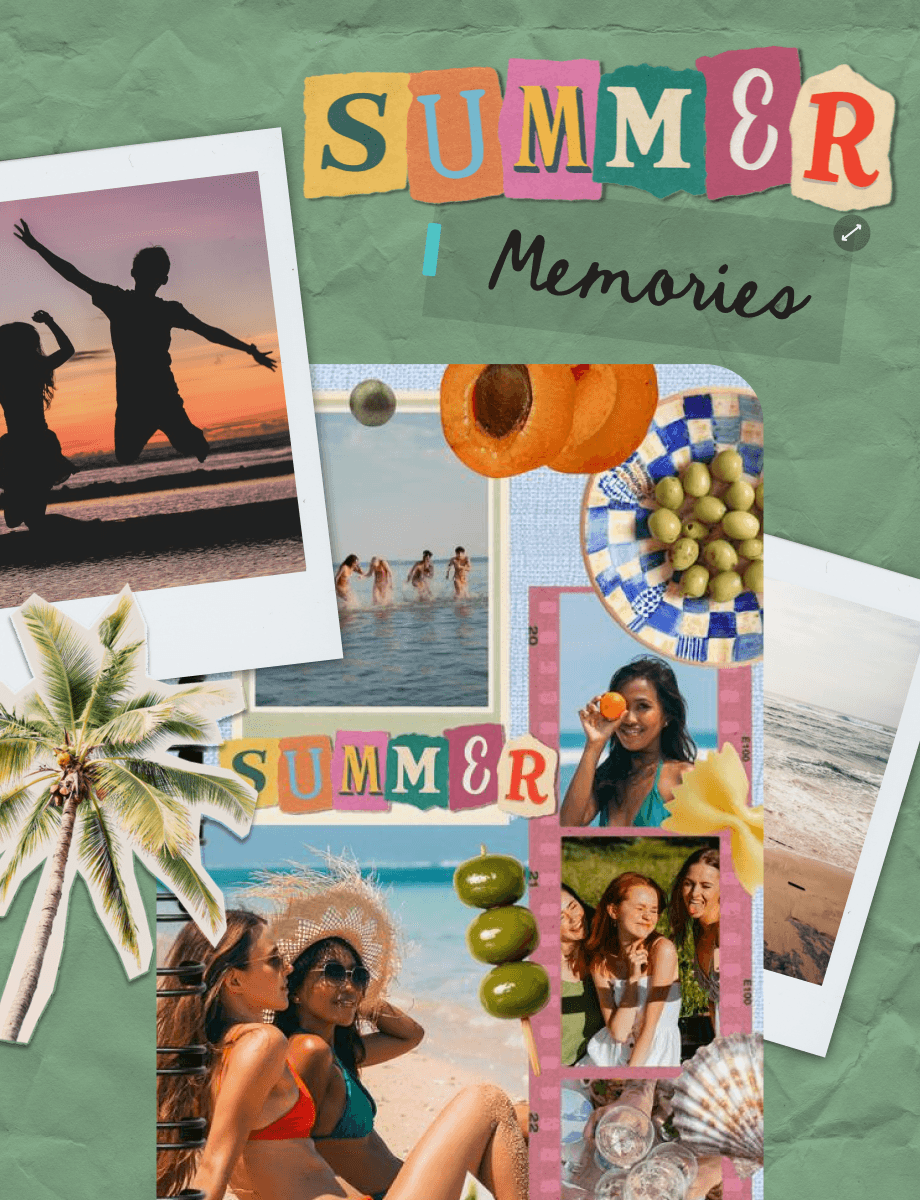
03
Save and share
Download your video collage. Share privately through messages, post to Instagram stories, or save to your phone. Your creation stays yours to share however you want.
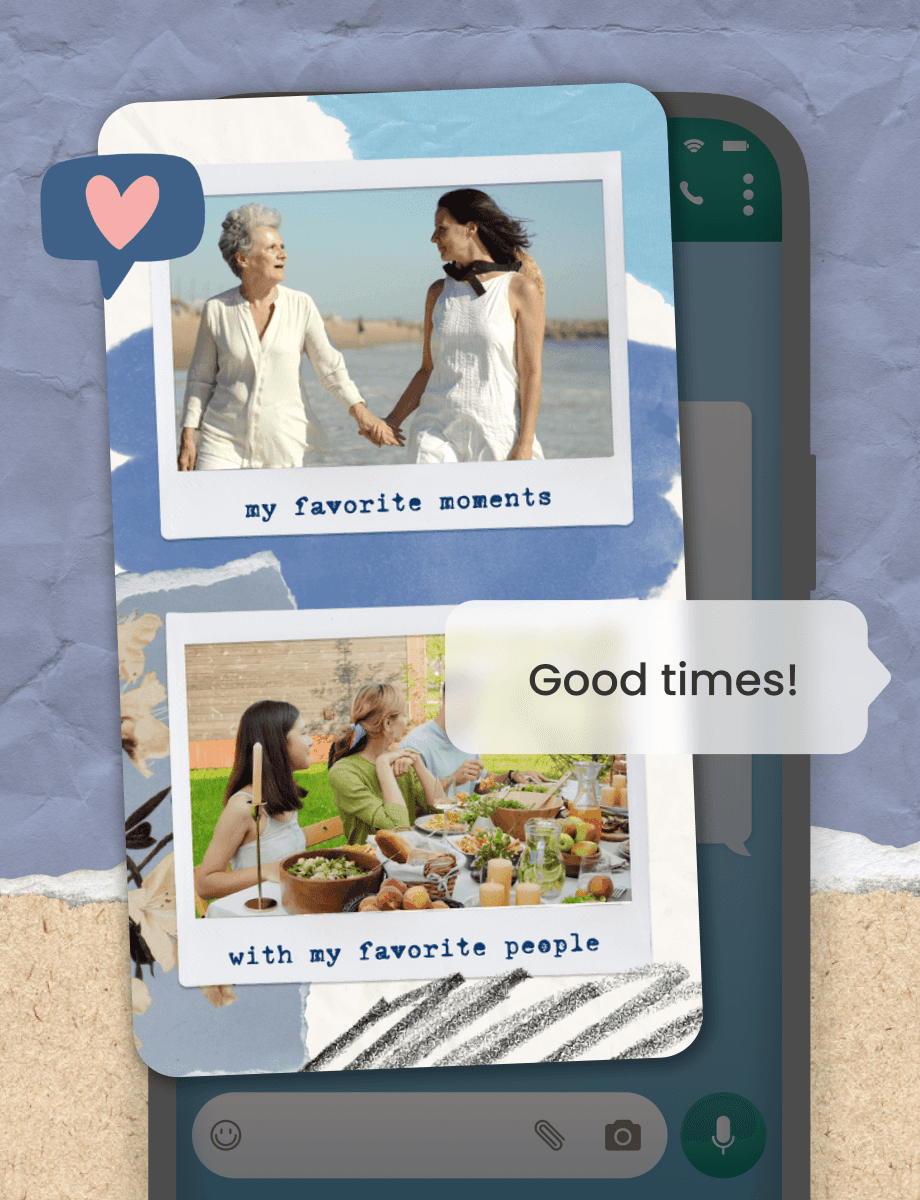
How to Make a Video Collage in PicCollage
No design experience needed. If you can take a video, you can make a beautiful collage.

Frequently Asked Questions
Frequently Asked Questions
Is PicCollage free for making video collages?
Yes! Make and download video collages for free. PicCollage works as a video collage maker and video montage creator in one app. Premium music tracks and templates are available, but you can make video collages without paying anything
Can I combine photos and videos in one collage?
Absolutely. Mix video clips with still photos in the same photo and video collage. It works well for birthday recaps, holiday mornings, or any event where you shot a mix of photos and short clips.
Do I need video-editing experience to use PicCollage?
Not at all. If you can select photos or videos, you can make a collage. PicCollage handles the layout, timing, and transitions so you can focus on the story you want to tell.
Can I add music to my collage?
Of course. Choose a track from our music library. A little music goes a long way in making your video story feel emotional and complete.