




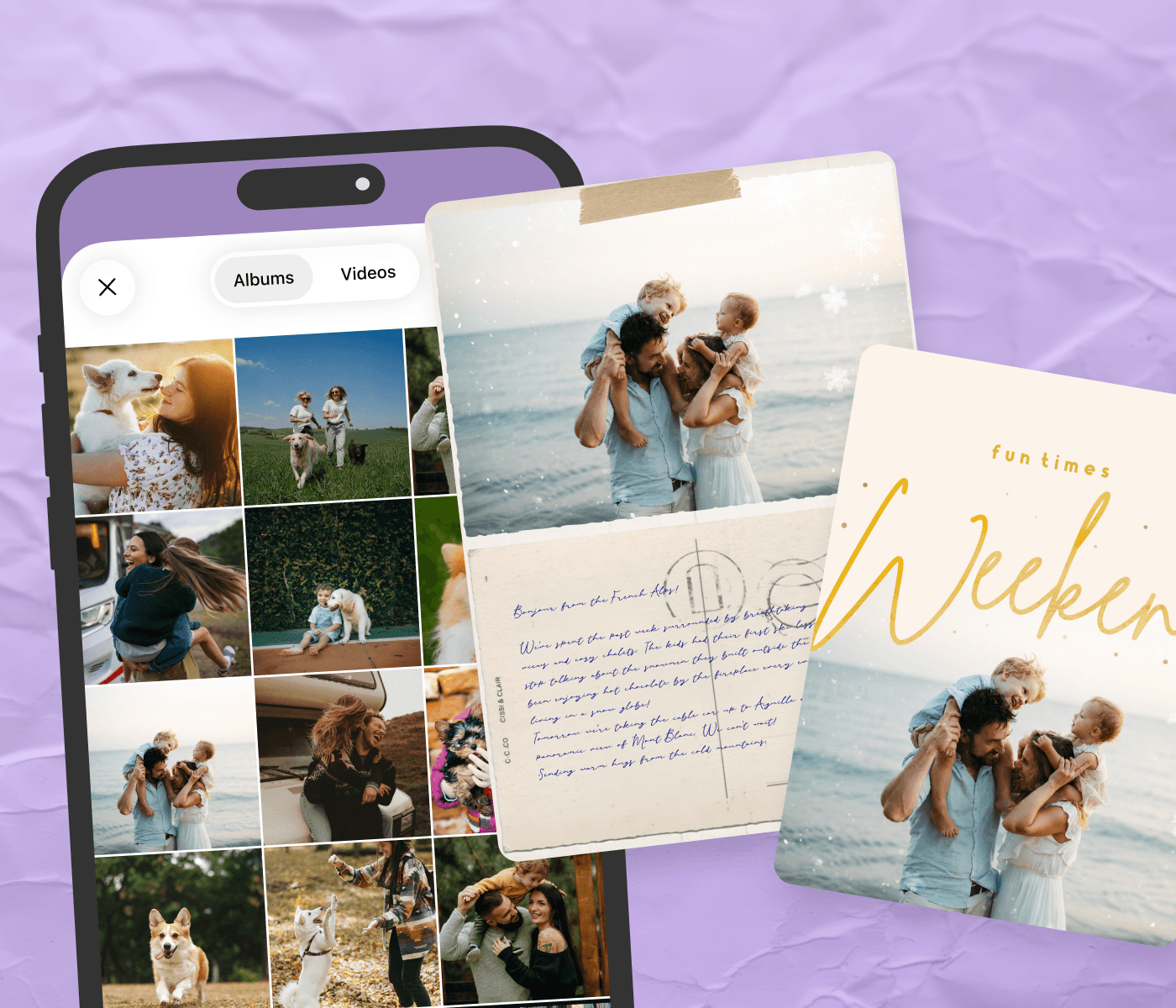


Photo collages work best when they’re tied to a specific moment. A birthday party, a graduation, the school year ending, a holiday card for the family. PicCollage has templates for thank-you notes, get-well wishes, save the dates, and everything in between, plus a blank canvas for the projects that don’t fit a mold.



Frequently Asked Questions
How do I create a photo collage in PicCollage?
Open the app, choose a template or start from blank, add your photos, customize the layout and text, and save. The whole process takes a few minutes for most projects. Detailed steps are at the top of this page.
Is PicCollage free?
Yes, the app is available to download for free on iOS and Android, and the online tools are also free to use, without an account. Most templates and tools are free. Premium options (additional templates, exclusive stickers, advanced features) are available with a subscription, but the free tools cover everything most people need.
Can I create a photo collage online without downloading the app?
Yes. PicCollage works directly in your browser for some specific tools. No download, no account required to start. The web version is offering different tools like Background Remover, Image Resizer, Expand Images…
What can I create with PicCollage?
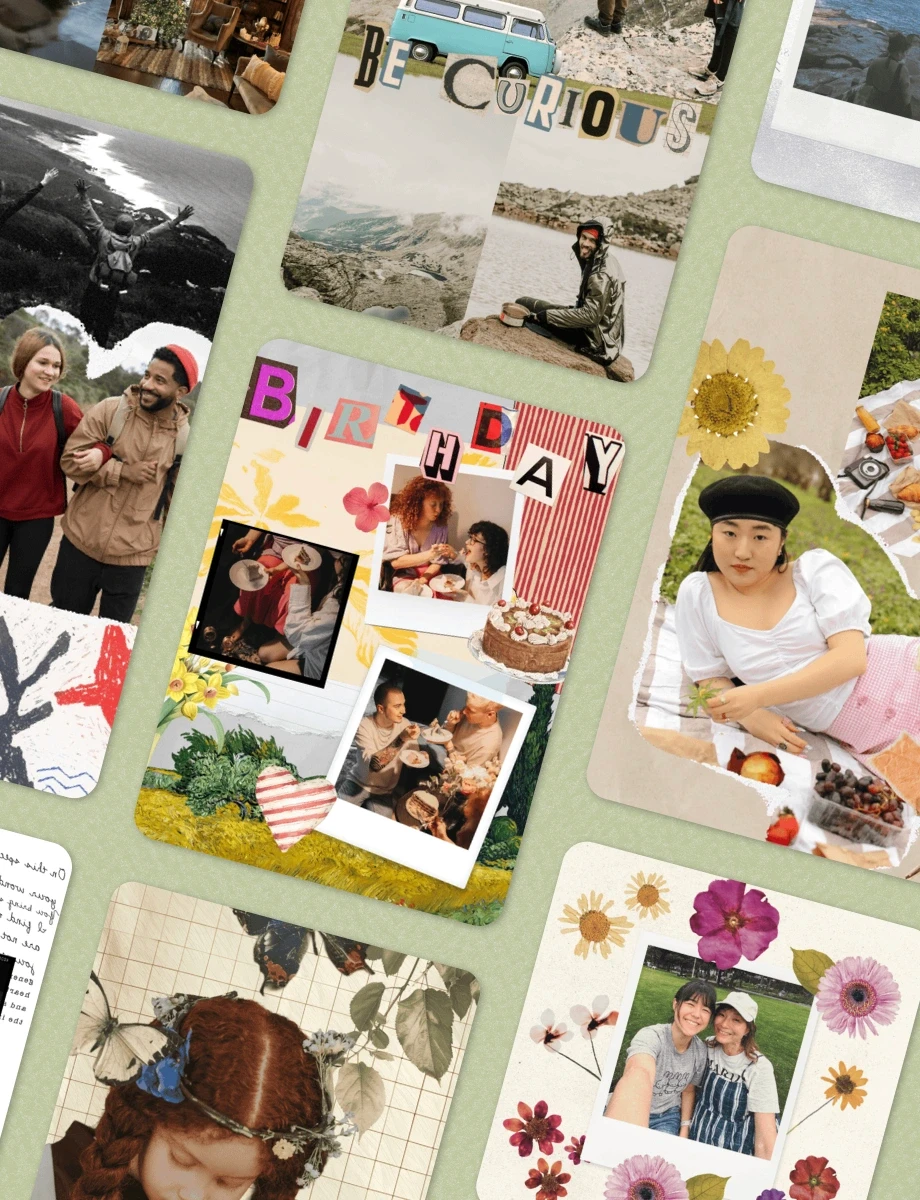
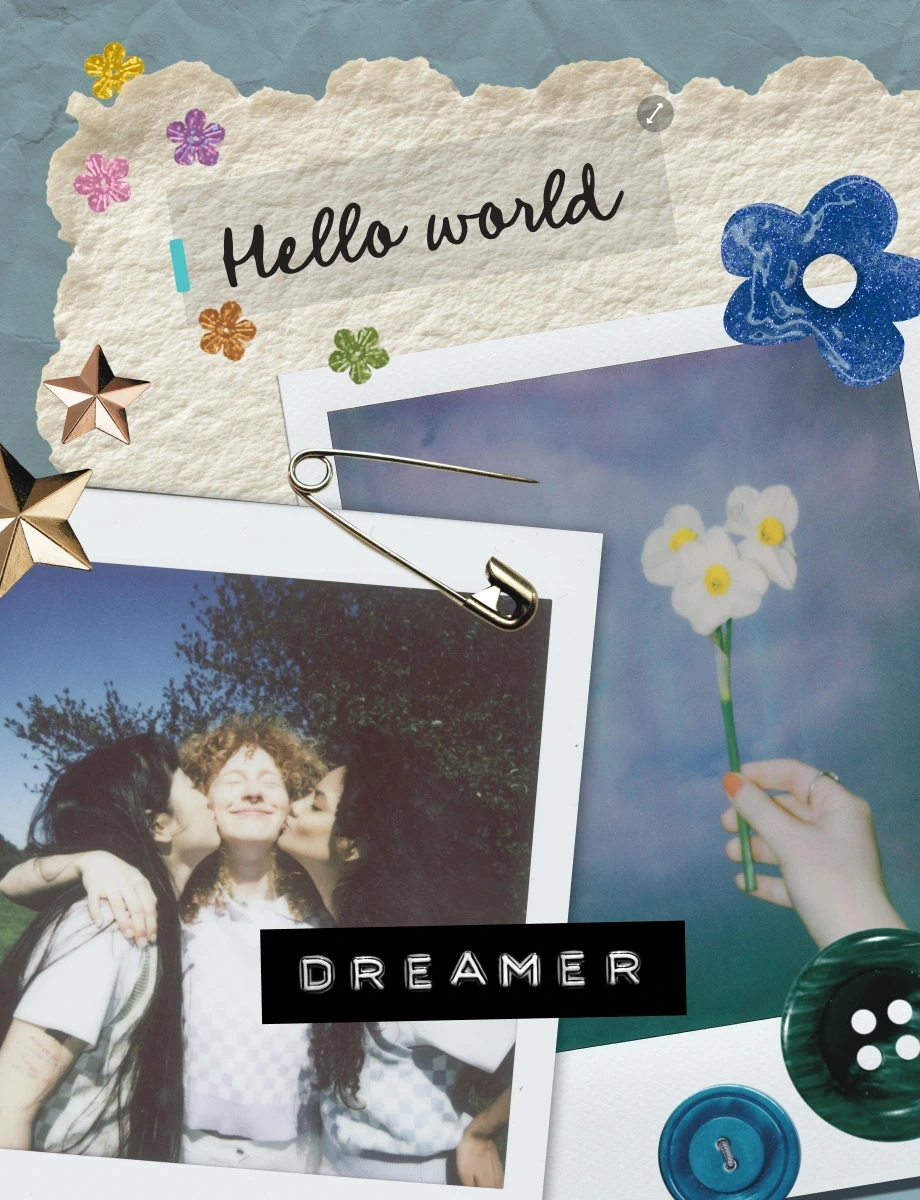
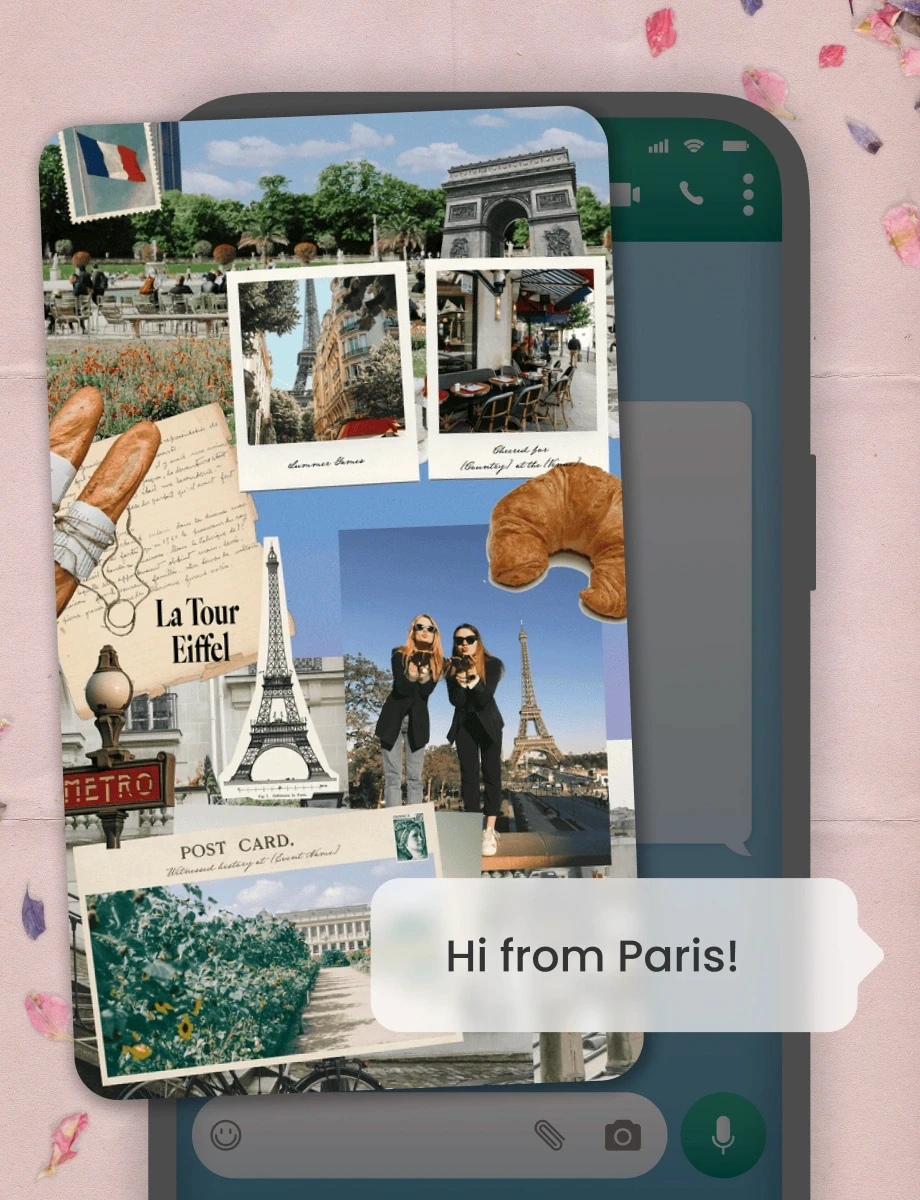
Photo collages, greeting cards (birthday, holiday, thank you, sympathy, anniversary), invitations (wedding, baby shower, gender reveal, graduation, dinner party, Halloween, Christmas), save the date cards, posters, social media graphics, phone wallpapers, and printable wall art. Anything that combines photos, text, and design elements is fair game.
Can I create a photo collage for Facebook or Instagram?
PicCollage has templates and aspect ratios designed specifically for social media. Square (1:1) for Instagram feed posts, vertical (9:16) for Stories and Reels, landscape for Facebook covers, custom dimensions for Twitter and LinkedIn. Set the format before you start and the design fits the platform!