




"I use this for my class all the time because we can remove the background and make it look like the kids are doing things and hang it on the bulletin board."
NancileUnited States
Upload a photo, remove the background, download a clean cutout. Free, with no account required.
Click to browse from your deviceDrop your photo here or click to browse from your device
JPEG, PNG, WEBP, HEIC
By uploading a file, you agree to PicCollage's Terms of Use and Privacy Policy.

or try a sample photo
We've brought the same powerful features you love in our app directly to your browser.
HOW-TO STEPS
Step 01
📤 Upload Your Photo - Drop any JPG, PNG, WEBP or HEIC from your phone or computer. No sign-up, no software to install, and it's free!
Step 02
✂️ Watch the Background Disappear, as the AI detects your subject and removes everything behind it in seconds. Hair, fur, complex edges, all handled.
Step 03
⬇️ Download Your Clean Cutout - Save as a transparent PNG to use anywhere, or pick a new background before downloading.
We've all been there. You take a great photo and then notice the cluttered desk in the background, or a stranger walking right through your shot, or your kitchen counter making your carefully plated dinner look a lot less appetizing. The subject is perfect. The background? Not so much.
That's exactly what a background remover fixes. Upload your picture, and the AI figures out what matters in the image and strips away everything else. You get a clean cutout of your subject with smooth, natural edges that you can save as is or drop onto any background you want.
The whole thing works directly in your browser. There's nothing to download, no Photoshop skills required, and no account to create. You pick your photo, the tool does its thing, and you walk away with a result that looks like it was done by hand. It works well on portraits and selfies, but also on pets, products, food, plants, and pretty much anything with a clear subject.
USE CASES
Remove busy backgrounds so your subject pops on Instagram stories, profile pictures, YouTube thumbnails, and TikTok posts.

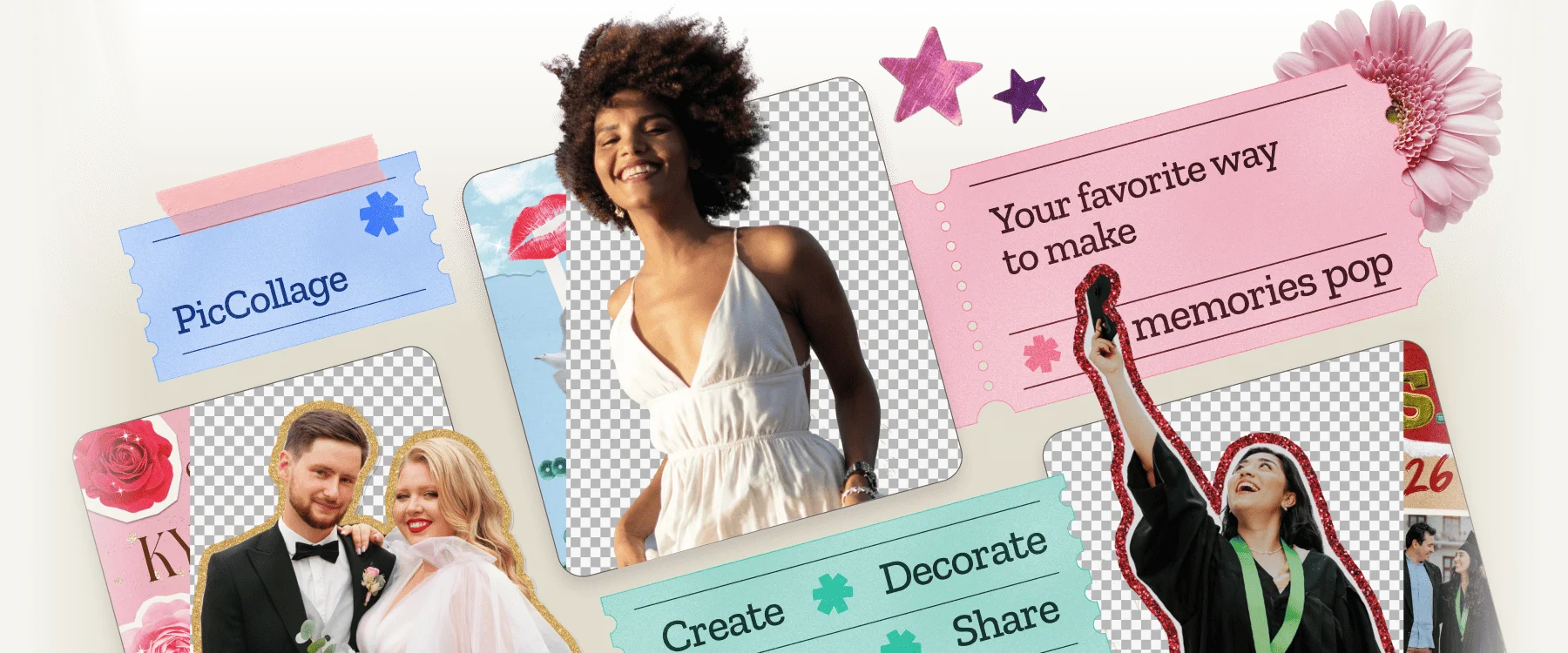
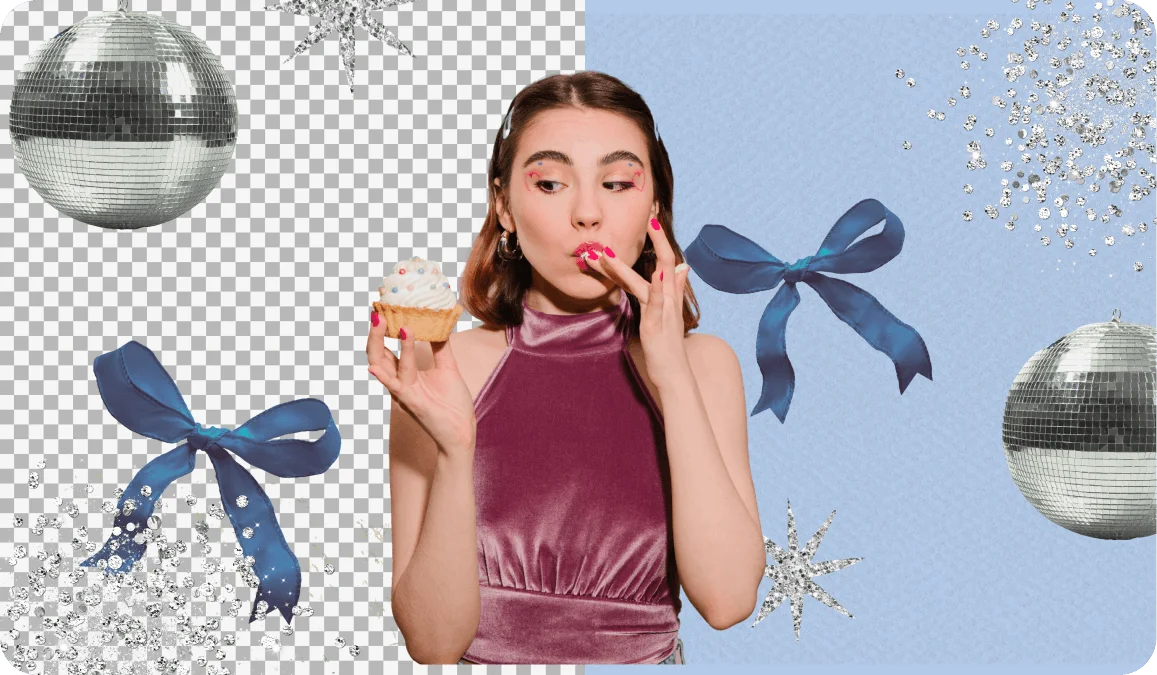
Lift your favorite people (or animals) out of any photo and place them on birthday cards, holiday collages, or memory pages.

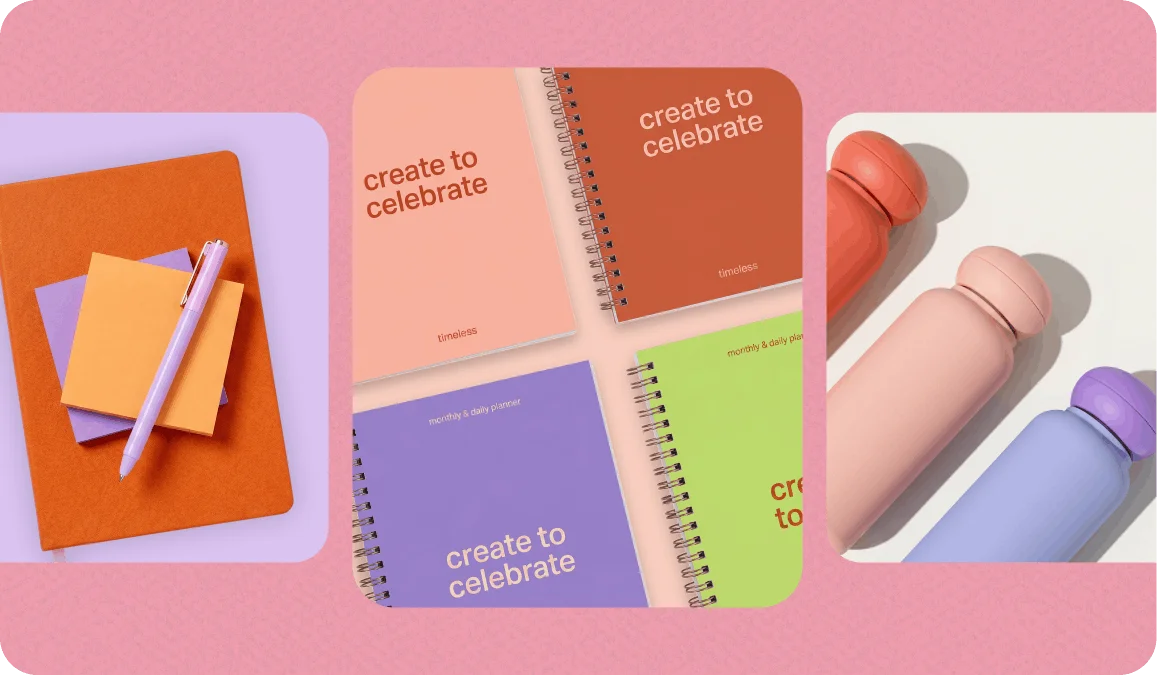
White background, transparent background, custom color. Make your product shots look clean and consistent across every listing.
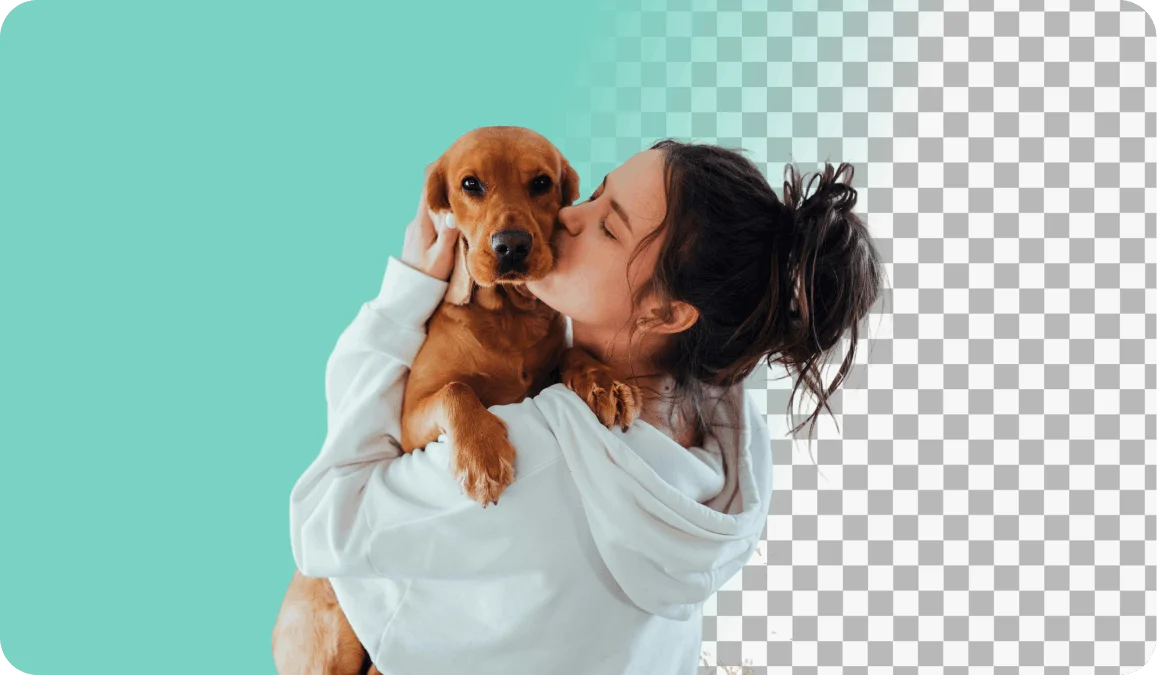
Photobomber in your vacation pic? Messy room behind your selfie? Remove whatever doesn't belong and replace it with something better.

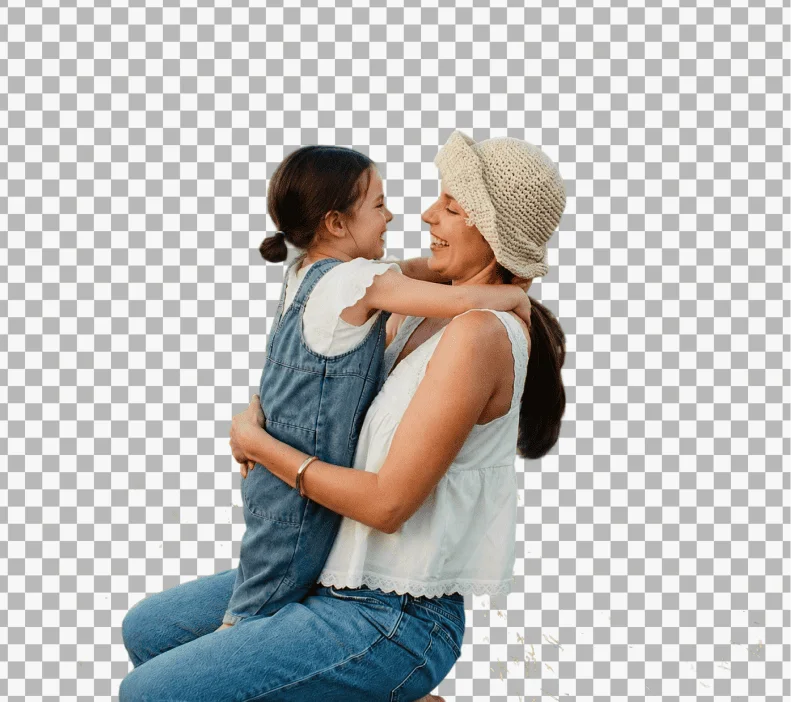
When you remove the background from an image, the most useful thing you can do is save it as a PNG with transparency. That means there's literally nothing behind your subject. No white box, no colored fill, just empty space that any other app or tool will treat as see-through.
A transparent PNG lets you layer your cutout onto a collage, a presentation slide, a website banner, or a print layout without any awkward edges showing up. It's the format that designers use, and now you can get the same result without opening a professional editing app.
You can also skip transparency entirely and pick a new background before saving. Solid white for a product listing. A gradient for a social media post. A photo of a beach because, honestly, why not. The tool gives you both options so you can go whichever direction makes sense for what you're working on.
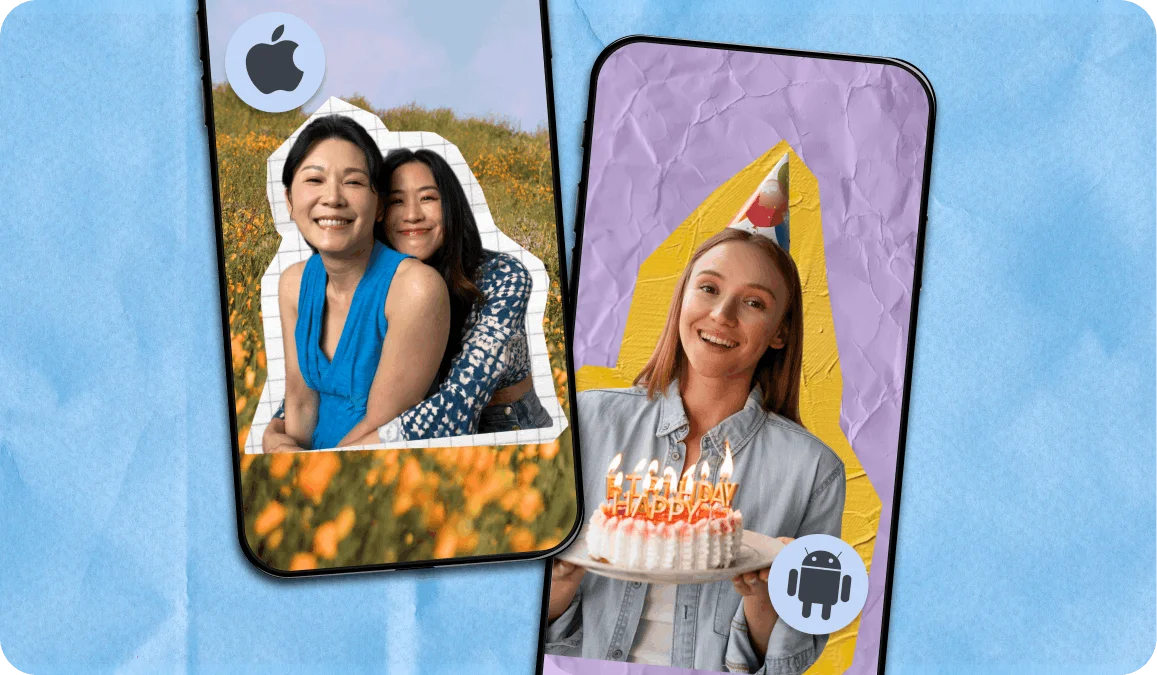
Everything runs in your mobile browser, so you can remove the background from any photo straight from your camera roll. No app install needed for the web version. The experience is designed to feel fast and native on both iPhone and Android.
For people who want more creative control after removing the background, check out our app PicCollage, available for free on Android and iOS. You can take your cutout and immediately turn it into a card, a sticker, or a layered collage without switching between apps.
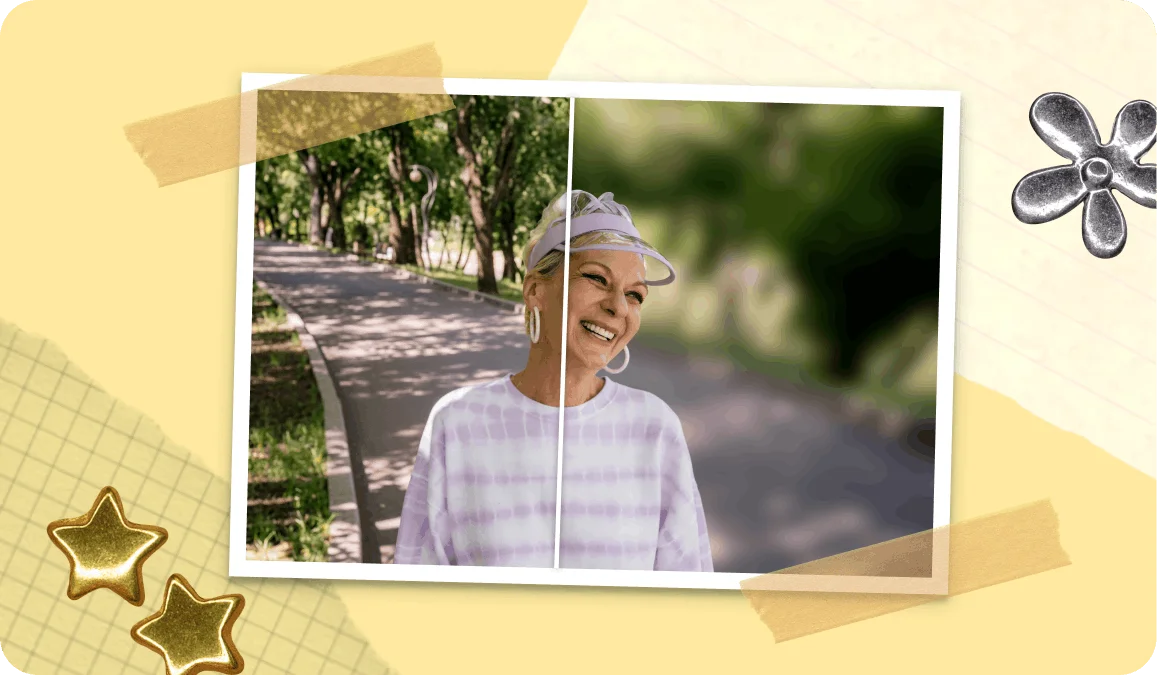
Sometimes you don't want the background gone entirely. You just want it softer. A blurred background creates that depth-of-field effect you see in professional portraits and food photography. Your subject stays sharp while everything else fades into a smooth, creamy wash.
This works well when the background adds context to the photo but competes too much for attention. A coffee shop, a city street, a living room at Christmas. Blurring keeps the scene but shifts the focus exactly where you want it, on the person or the object in front.
If you're not sure whether to remove or blur, here's a good rule of thumb. Remove the background when you're building something new with the cutout (a collage, a product listing, a design). Blur the background when the photo is already good and you just want it to feel more polished.
FEATURES
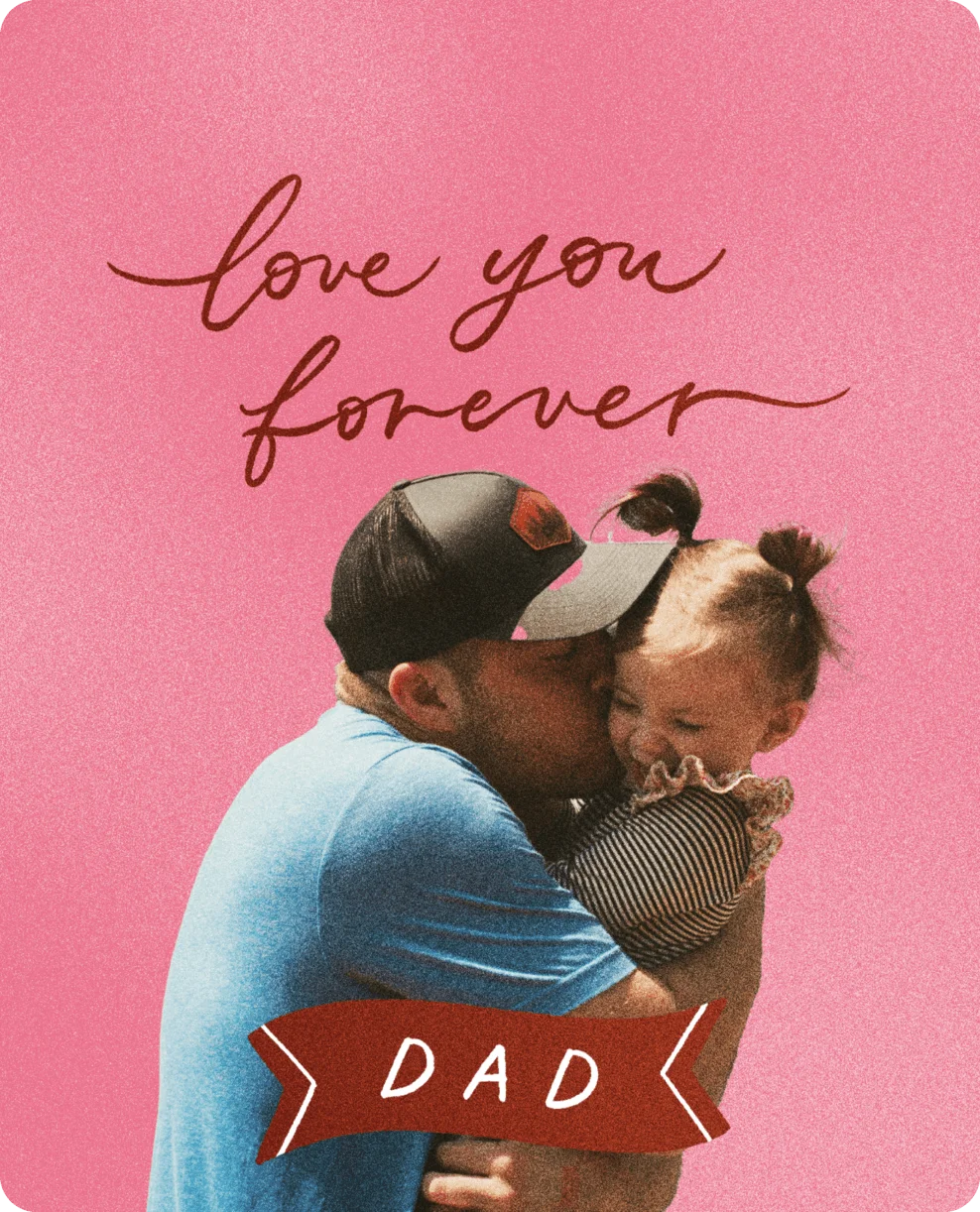
🎨 Transparent PNG or Custom Background
Keep transparency for maximum flexibility, pick a solid color, or blur the background right away.
🖼️ JPG, PNG, WEBP and HEIC Supported
Upload directly from your phone or computer. No conversion or extra steps on your side.
🪄 Free With No Sign-Up Required
No cost, no account, no hidden fees. Remove backgrounds and download results immediately.
✂️ Precise Edges on Hair, Fur, and Details
The AI handles the tricky parts that most free tools get wrong. Curly hair, fluffy pets, intricate outlines.
A background remover uses our magic technology to separate the main subject of a photo from everything behind it. It analyzes edges, colors, and depth to figure out what to keep and what to strip away. The result is a clean cutout you can save with a transparent background or place on a new one. The process takes a few seconds and doesn't require any manual tracing.
Yes. No account, no credit card, no trial period, no watermark on your download. Upload a photo, remove the background, and save the result.
JPG, PNG, WEBP and HEIC. These cover virtually every photo you'll have on your phone or computer. When saving your result, you can download it as a transparent PNG.
Yes. The tool works in Safari and any other mobile browser, so you can upload a photo directly from your camera roll and get a cutout in seconds. There's also our PicCollage app if you want additional editing features like collage layouts, stickers, and text.
Removing a background eliminates everything behind your subject, giving you a transparent or replaced result. Blurring keeps the original scene but softens it, creating a professional depth-of-field look. Use removal when you need a clean cutout for a design, product photo, or collage. Use blur when the photo already works and you just want a more polished feel.
Yes. Saving as a transparent PNG means your cutout works in any design tool, presentation software, social media platform, or document editor.
It does. Flat lays, packaged goods, handmade items, clothing... the AI handles objects with defined edges very well. Many online sellers use this tool to create consistent, clean product shots with white or transparent backgrounds across all their listings.
TESTIMONIALS