
Create Heartfelt
Holiday Cards
in Minutes
Make a personalized Mother's Day card in minutes. Add your own photos, write your message, and send it straight from your phone. No account needed. Free on iOS and Android.

Create Heartfelt
Holiday Cards
in Minutes
Make a personalized Mother's Day card in minutes. Add your own photos, write your message, and send it straight from your phone. No account needed. Free on iOS and Android.
Create Heartfelt
Holiday Cards
in Minutes
Make a personalized Mother's Day card in minutes. Add your own photos, write your message, and send it straight from your phone. No account needed. Free on iOS and Android.
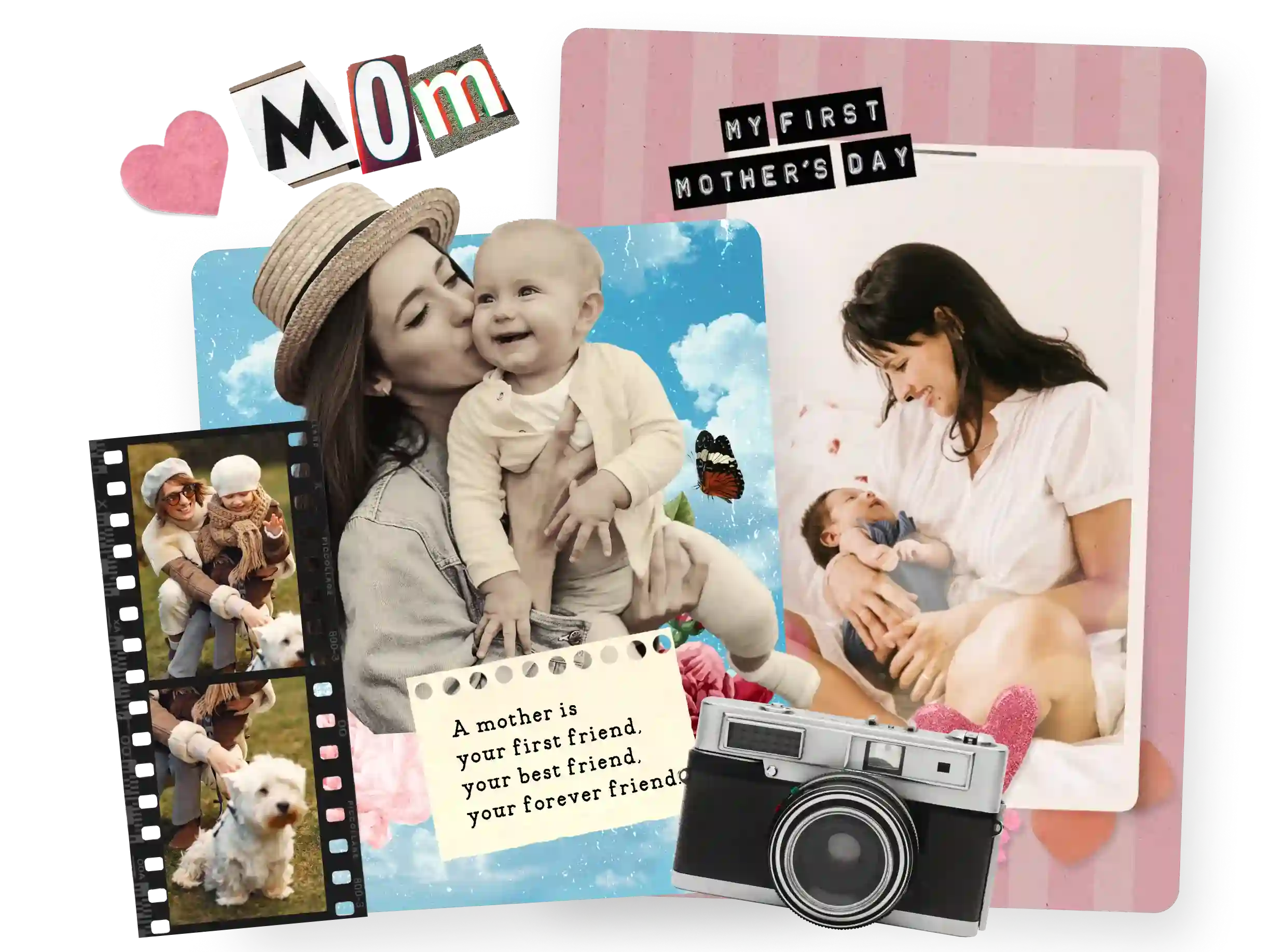
Why Make Mother's Day Cards in PicCollage?
Why Make Mother's Day Cards in PicCollage?

Her Photos, Her Card
Use photos of the two of you from your camera roll
Pick from Mother's Day card templates or start blank
Put together a card in a few minutes on your phone
Her Photos, Her Card
Use photos of the two of you from your camera roll
Pick from Mother's Day card templates or start blank
Put together a card in a few minutes on your phone
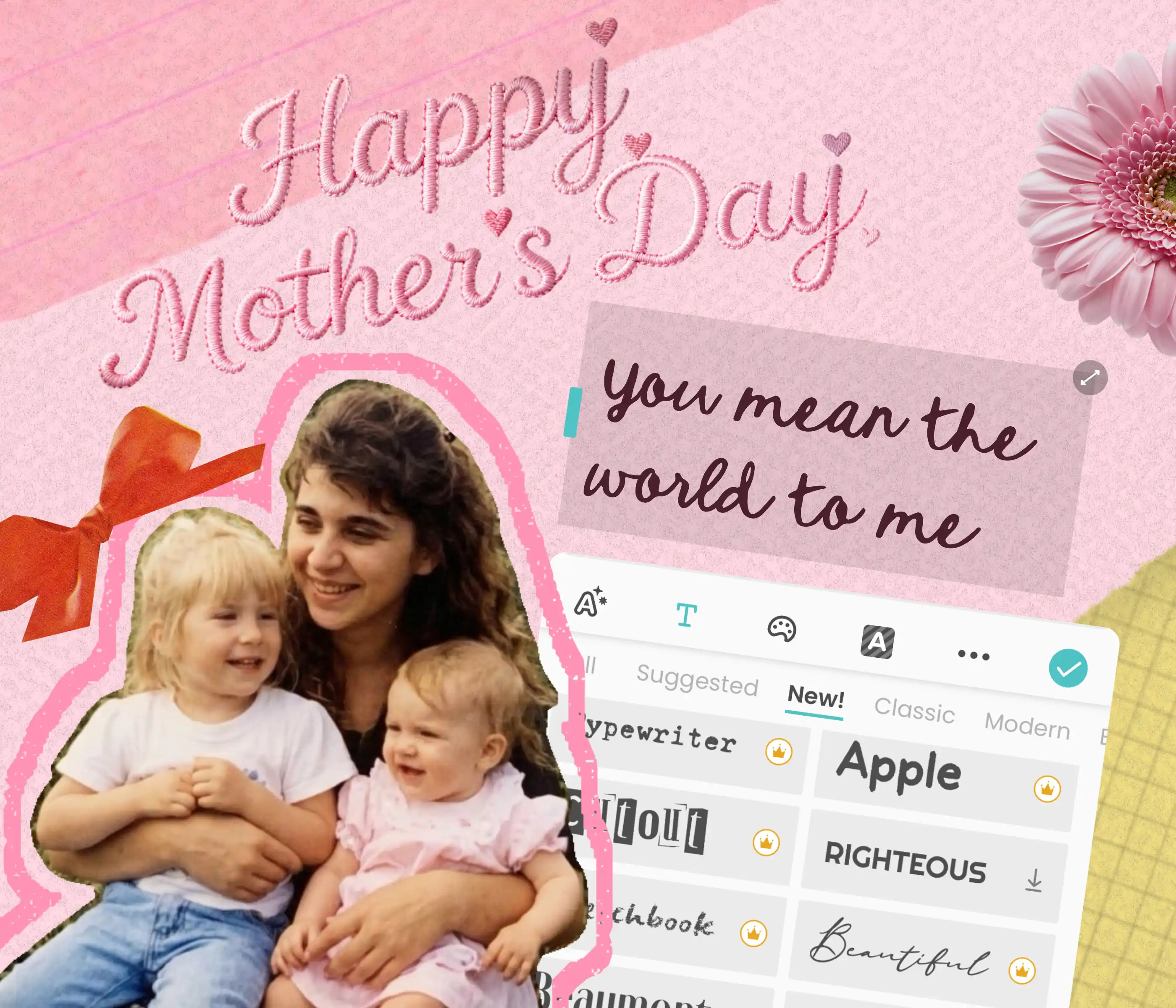
Say It Your Way
Write your own message instead of signing someone else's
Choose fonts, colors, and stickers that match her taste
Make a personalized Mother's Day card she'll actually keep
Say It Your Way
Write your own message instead of signing someone else's
Choose fonts, colors, and stickers that match her taste
Make a personalized Mother's Day card she'll actually keep
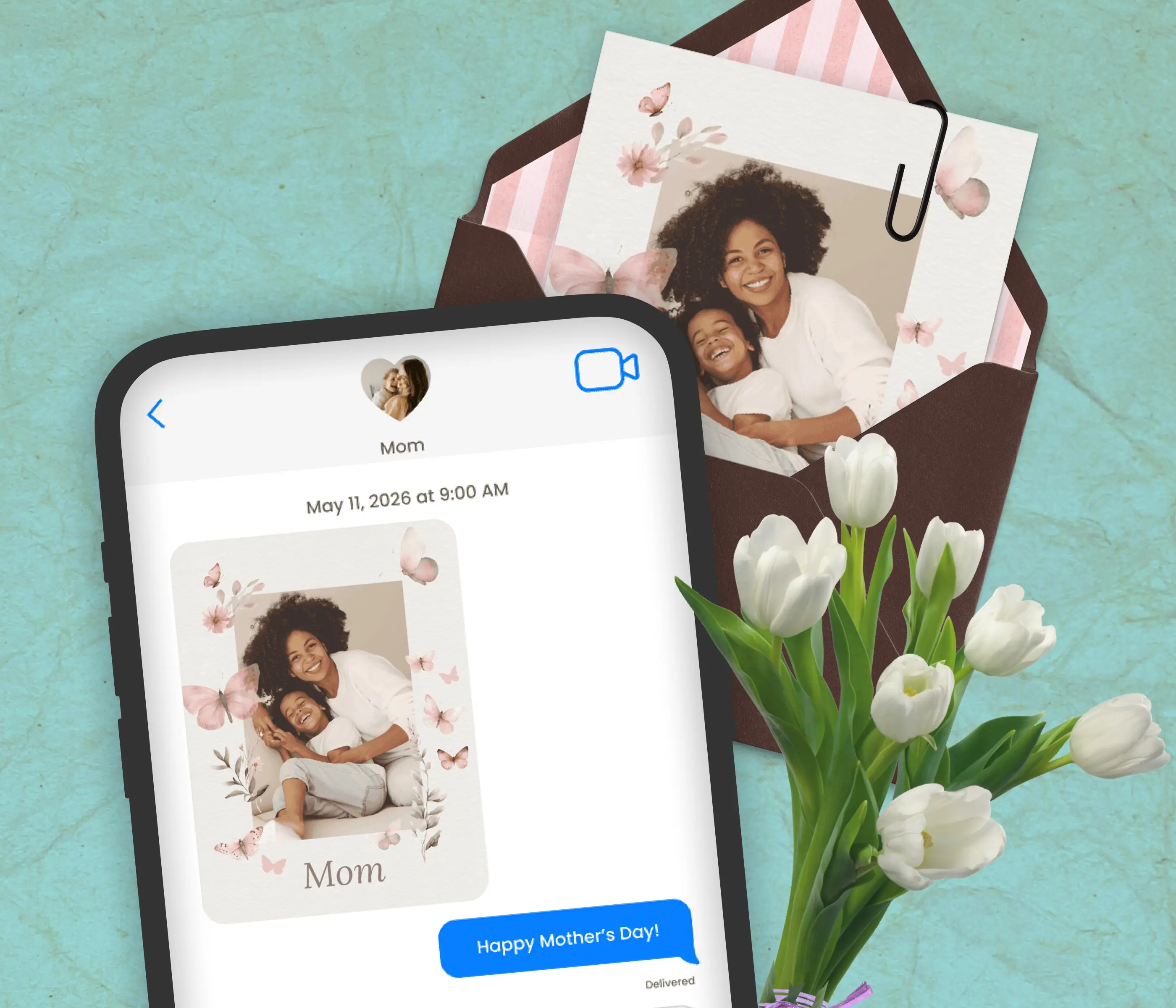
Send It or Hand It to Her
Send a digital Mother's Day card via text, WhatsApp, or email
Save in HD and print at home on cardstock for a physical card
Works whether she's across the table or across the country
Send It or Hand It to Her
Send a digital Mother's Day card via text, WhatsApp, or email
Save in HD and print at home on cardstock for a physical card
Works whether she's across the table or across the country
Mother's Day Card Templates for Every Mom
Mother's Day Card Templates for Every Mom
Whether she's sentimental, funny, or hard to shop for. Browse Mother's Day card templates, add the photos she loves, and write something that sounds like it came from you. Also see Greeting Cards and Birthday Cards.
Whether she's sentimental, funny, or hard to shop for. Browse Mother's Day card templates, add the photos she loves, and write something that sounds like it came from you. Also see Greeting Cards and Birthday Cards.

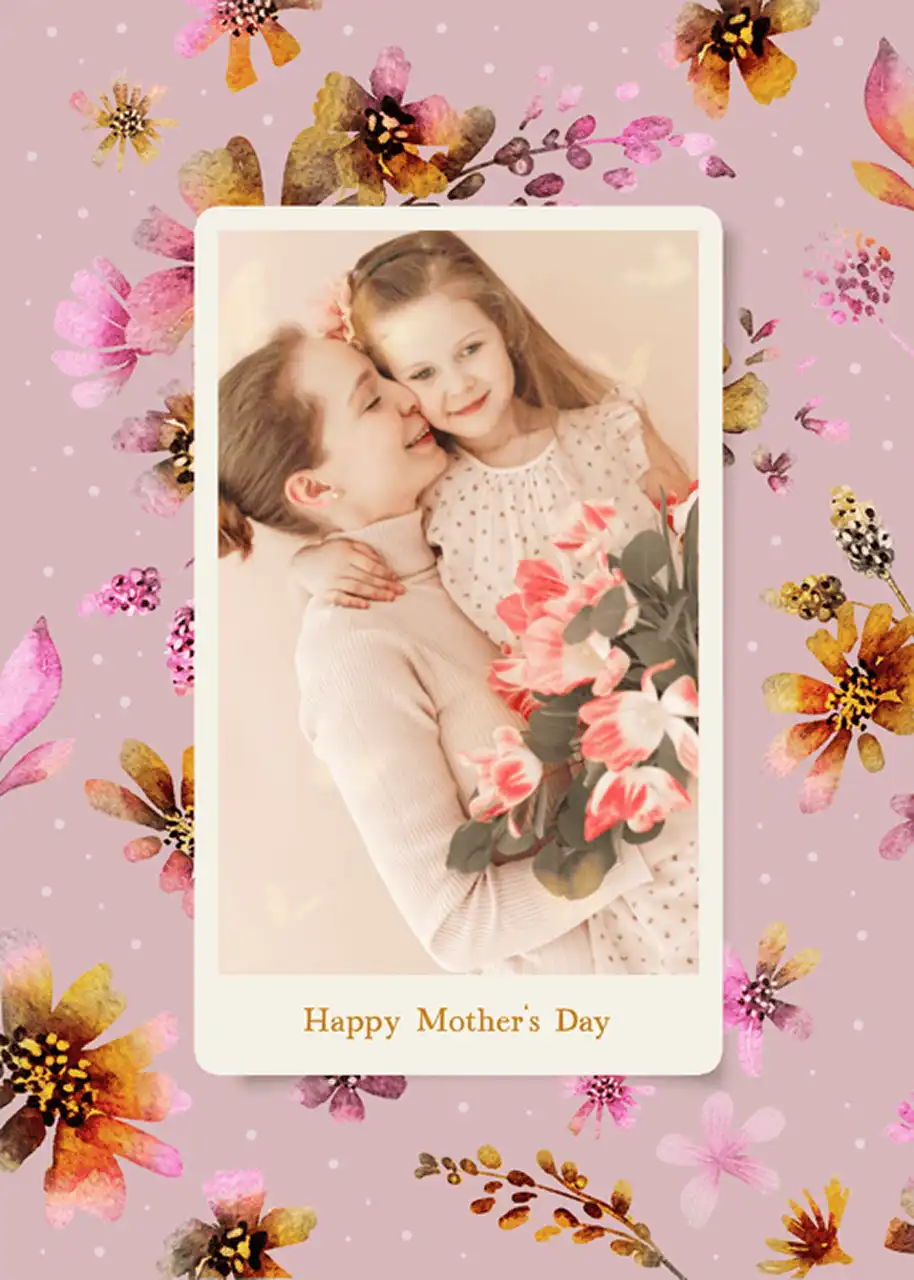


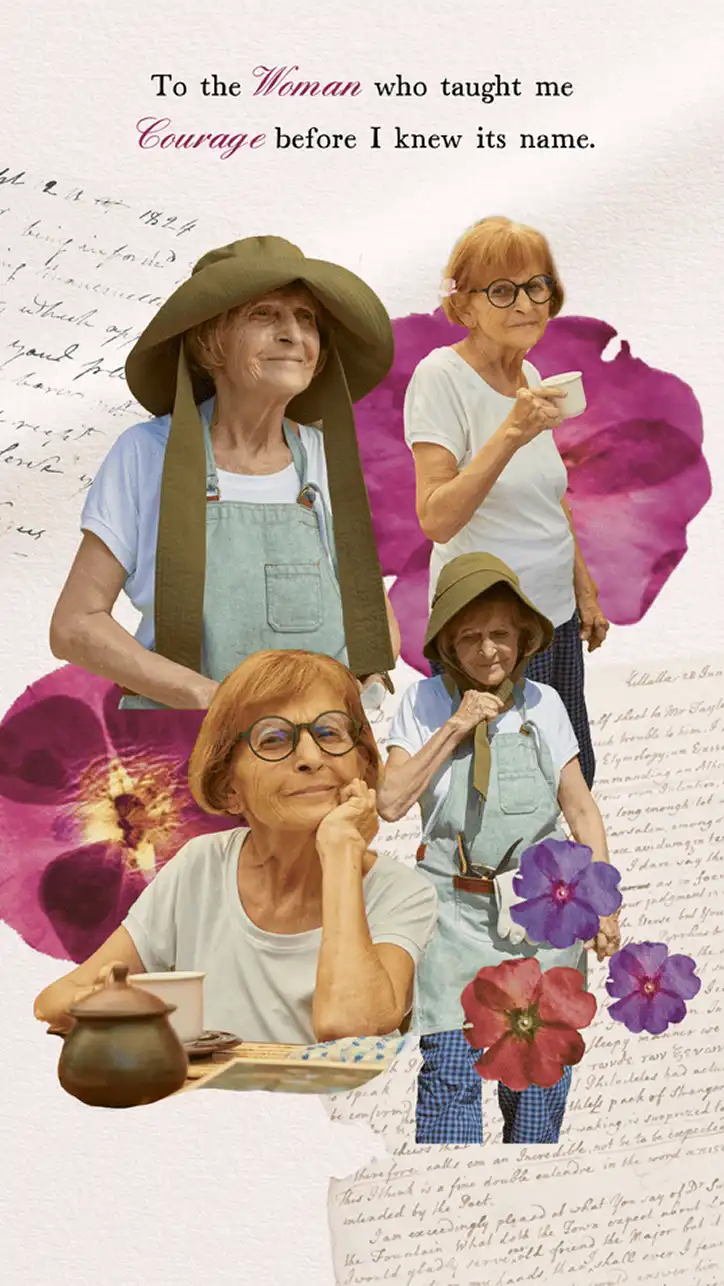


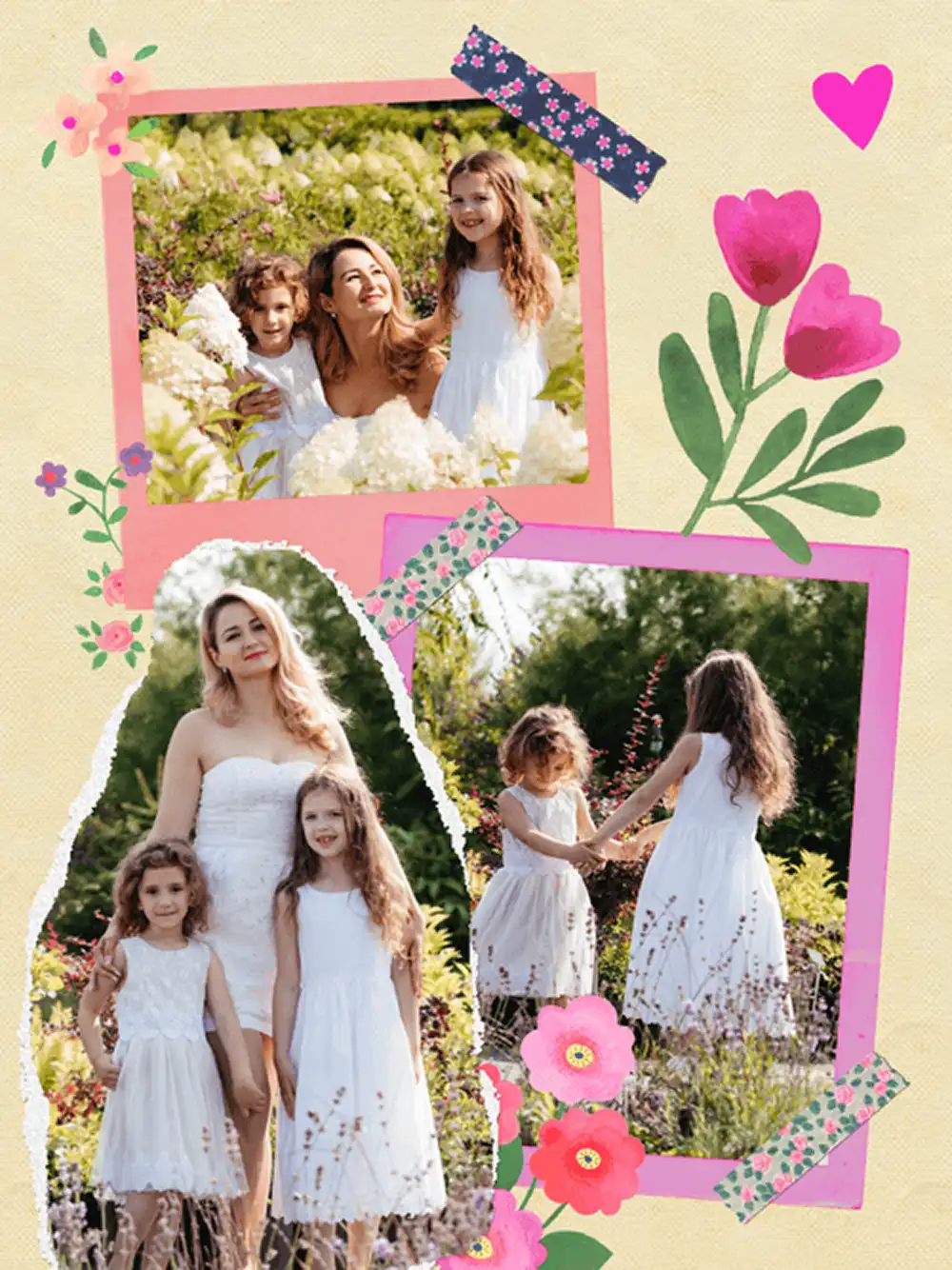

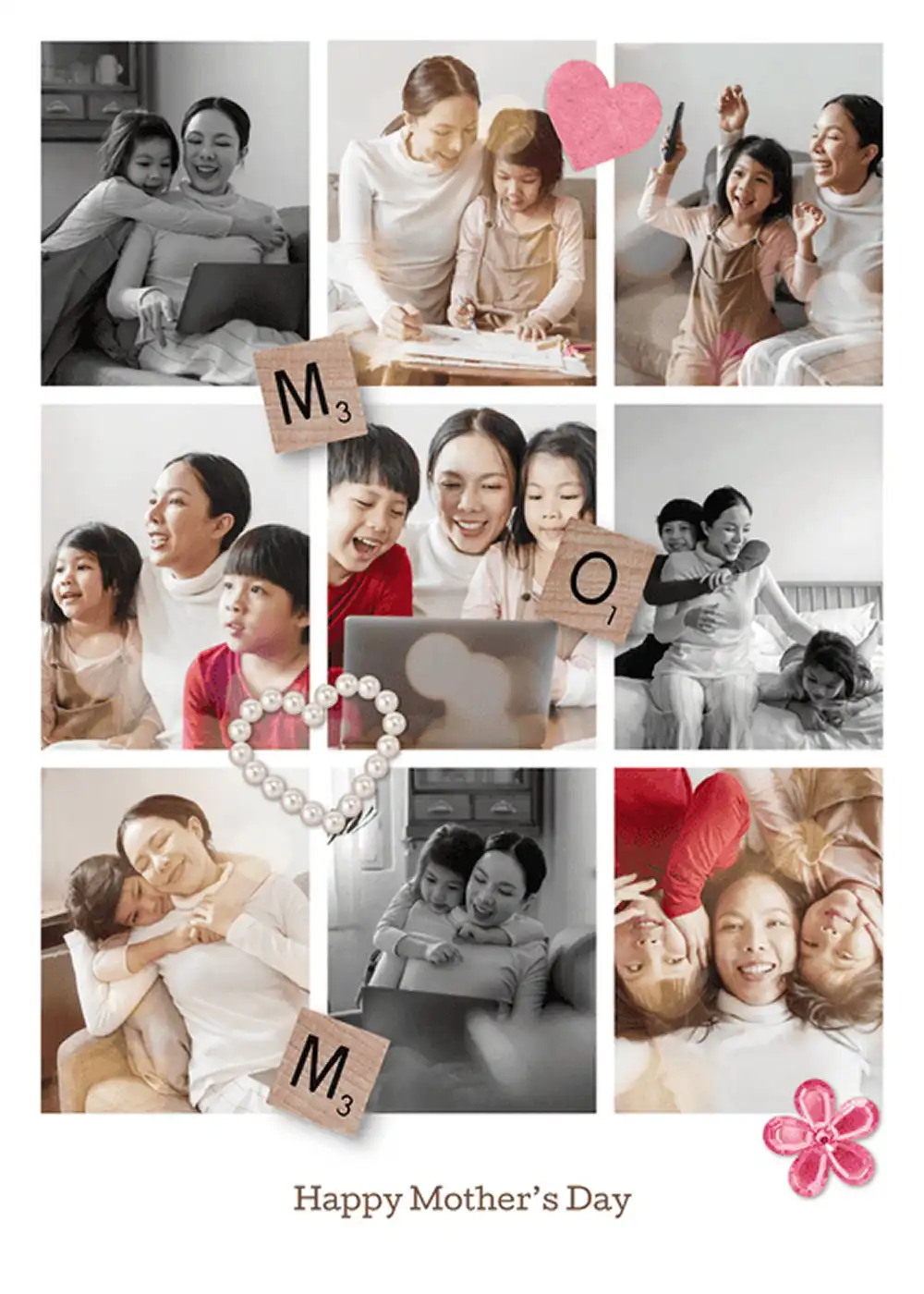

How to Make a Mother's Day Card in PicCollage
01
Pick a Template
Open PicCollage and browse Mother's Day card templates. You'll find templates for every style, from floral and soft to bold and colorful. Pick one that feels like something she'd love.
02
Add Your Photos and Write Your Message
Pull in photos from your camera roll. A photo of the two of you, a family shot, or even a throwback from when you were little. This is what makes the card yours.
03
Send It or Print It
Share through text, WhatsApp, or email. Or save in HD and print it at home on cardstock. Either way, it takes about five minutes.
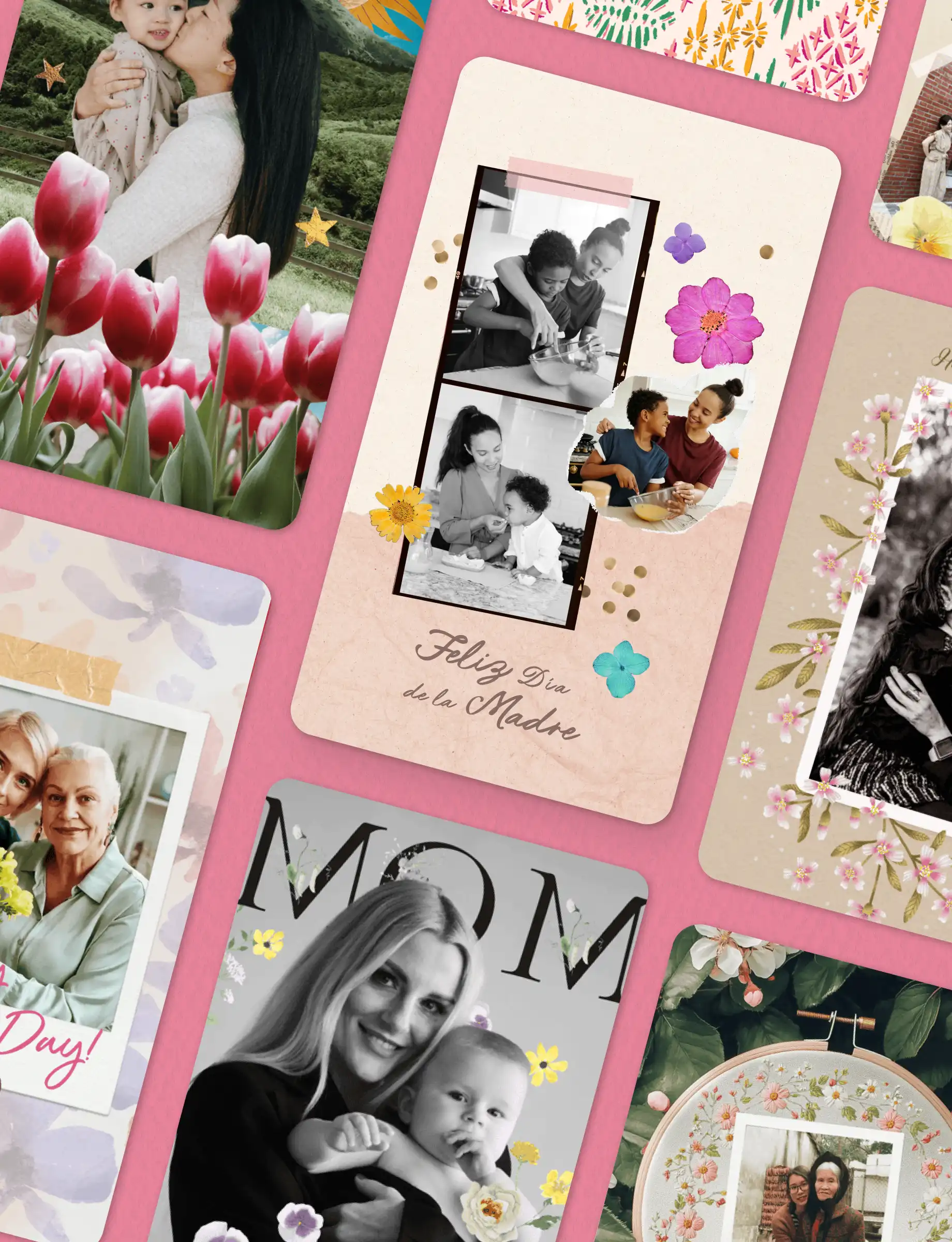
01
Pick a Template
Open PicCollage and browse Mother's Day card templates. You'll find templates for every style, from floral and soft to bold and colorful. Pick one that feels like something she'd love.
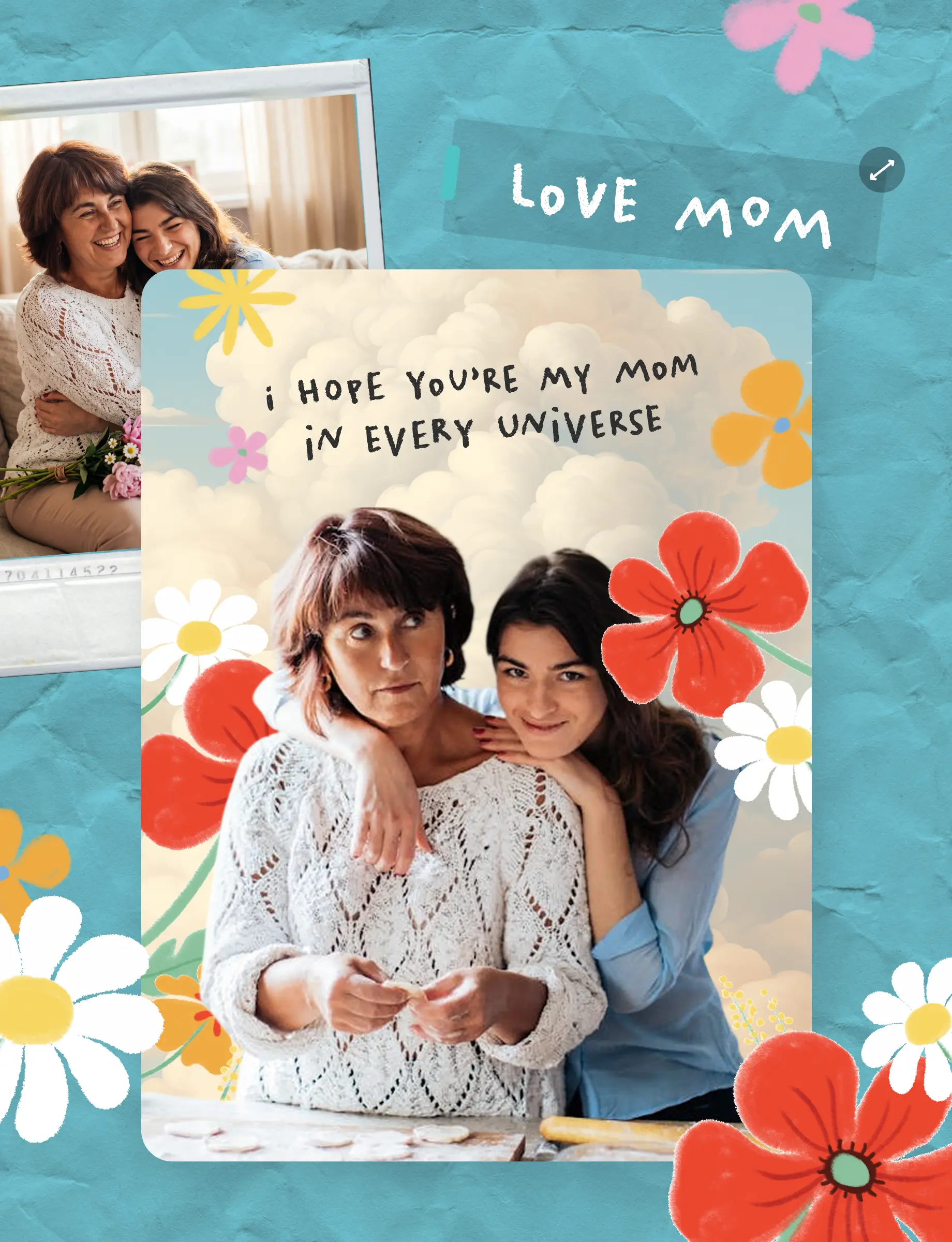
02
Add Your Photos and Write Your Message
Pull in photos from your camera roll. A photo of the two of you, a family shot, or even a throwback from when you were little. This is what makes the card yours.
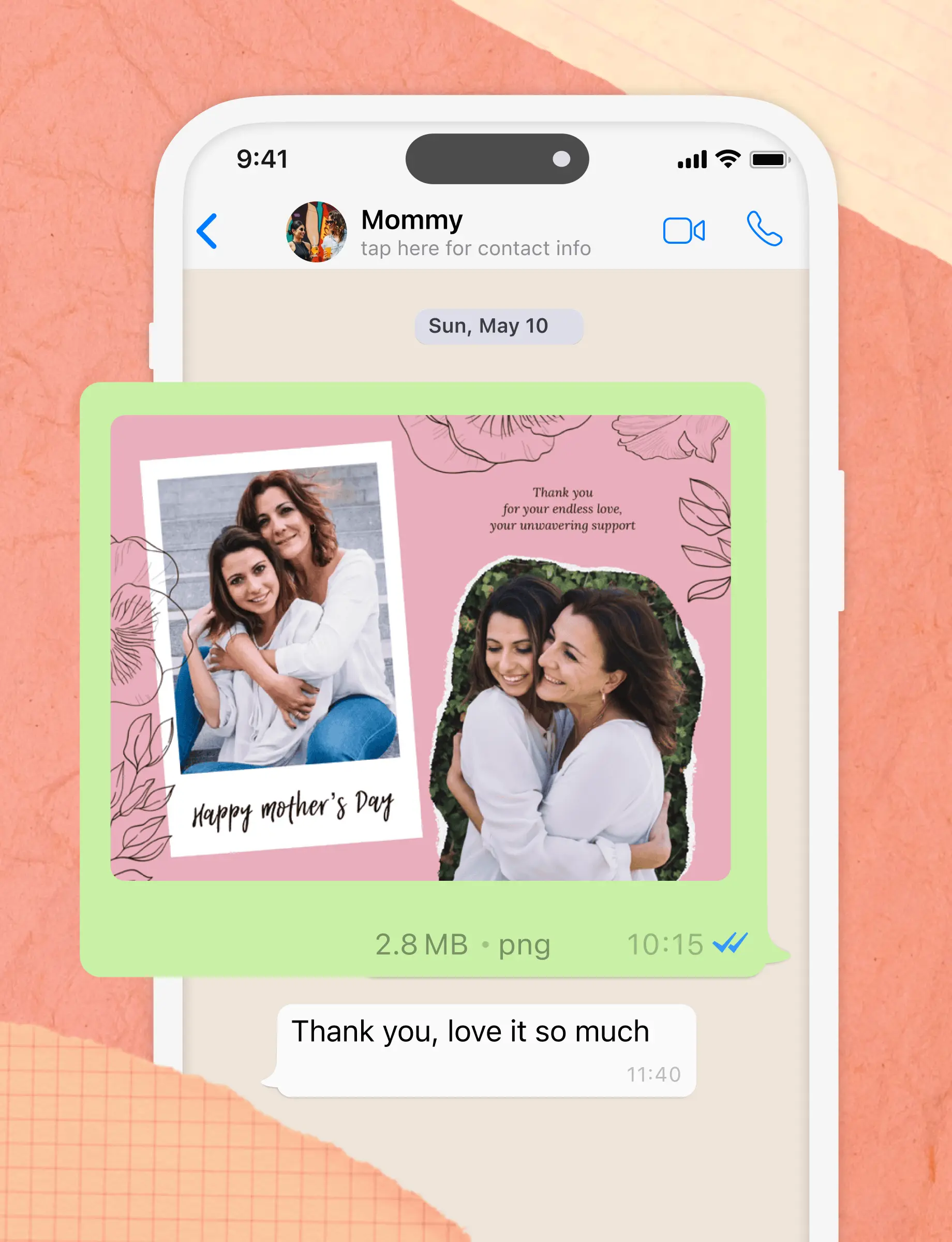
03
Send It or Print It
Share through text, WhatsApp, or email. Or save in HD and print it at home on cardstock. Either way, it takes about five minutes.
How to Make a Mother's Day Card in PicCollage
No design experience needed. If you can take a video, you can make a beautiful collage.
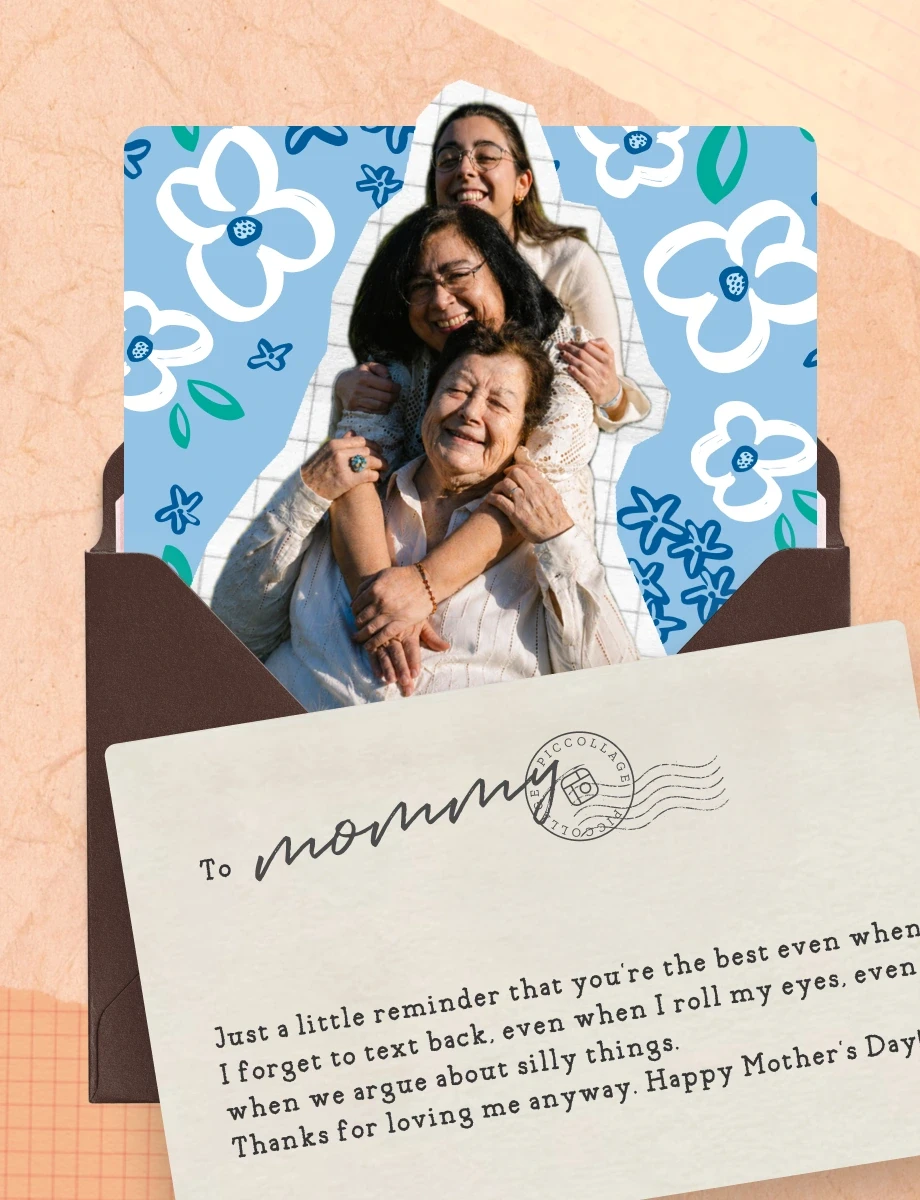
Mother's Day Card Ideas That Feel Personal
Personalized Mother's Day card ideas start with one specific photo. A vacation shot, a candid from Thanksgiving, a selfie from a random Tuesday. The photo does the heavy lifting. Add a short message about why that moment matters, and the card practically writes itself in PicCollage.
The best Mother's Day cards match her personality, not a template's default text. If she's sentimental, a throwback photo with a short note works. If she'd rather laugh, a funny caption on a candid does more than a long paragraph. Pick a layout, add your photos, and write something that sounds like you.
If you have a year of photos to work with, a digital scrapbook page is another option. Either way, five minutes and you're done.
Mother's Day Card Ideas That Feel Personal
Personalized Mother's Day card ideas start with one specific photo. A vacation shot, a candid from Thanksgiving, a selfie from a random Tuesday. The photo does the heavy lifting. Add a short message about why that moment matters, and the card practically writes itself in PicCollage.
The best Mother's Day cards match her personality, not a template's default text. If she's sentimental, a throwback photo with a short note works. If she'd rather laugh, a funny caption on a candid does more than a long paragraph. Pick a layout, add your photos, and write something that sounds like you.
If you have a year of photos to work with, a digital scrapbook page is another option. Either way, five minutes and you're done.
What to Write in a Mother's Day Card
Figuring out what to write in a Mother's Day card is the hardest part. You know you love her. Putting that into a sentence that doesn't sound generic is where people stall. The trick is picking one specific memory or detail and saying it directly.
If you want to say thank you: Focus on something specific. Not "thanks for everything" but "thanks for driving me to practice every Saturday for six years" or "thanks for always answering when I call, even when it's about something dumb." Specifics are what make a Mother's Day card feel real.
If you want to be funny: Go with what your mom actually finds funny. "I turned out okay, so you clearly did something right" or "You're the only person I'd answer a FaceTime call from without warning." She knows your voice. Write in it.
If you're not sure what to say: Keep it short. "Happy Mother's Day, Mom. I love you and I'm grateful for you." That's enough. The card with your photo on it already says most of what needs saying.
What to Write in a Mother's Day Card
Figuring out what to write in a Mother's Day card is the hardest part. You know you love her. Putting that into a sentence that doesn't sound generic is where people stall. The trick is picking one specific memory or detail and saying it directly.
If you want to say thank you: Focus on something specific. Not "thanks for everything" but "thanks for driving me to practice every Saturday for six years" or "thanks for always answering when I call, even when it's about something dumb." Specifics are what make a Mother's Day card feel real.
If you want to be funny: Go with what your mom actually finds funny. "I turned out okay, so you clearly did something right" or "You're the only person I'd answer a FaceTime call from without warning." She knows your voice. Write in it.
If you're not sure what to say: Keep it short. "Happy Mother's Day, Mom. I love you and I'm grateful for you." That's enough. The card with your photo on it already says most of what needs saying.
What to Write in a Mother's Day Card
Figuring out what to write in a Mother's Day card is the hardest part. You know you love her. Putting that into a sentence that doesn't sound generic is where people stall. The trick is picking one specific memory or detail and saying it directly.
If you want to say thank you: Focus on something specific. Not "thanks for everything" but "thanks for driving me to practice every Saturday for six years" or "thanks for always answering when I call, even when it's about something dumb." Specifics are what make a Mother's Day card feel real.
If you want to be funny: Go with what your mom actually finds funny. "I turned out okay, so you clearly did something right" or "You're the only person I'd answer a FaceTime call from without warning." She knows your voice. Write in it.
If you're not sure what to say: Keep it short. "Happy Mother's Day, Mom. I love you and I'm grateful for you." That's enough. The card with your photo on it already says most of what needs saying.
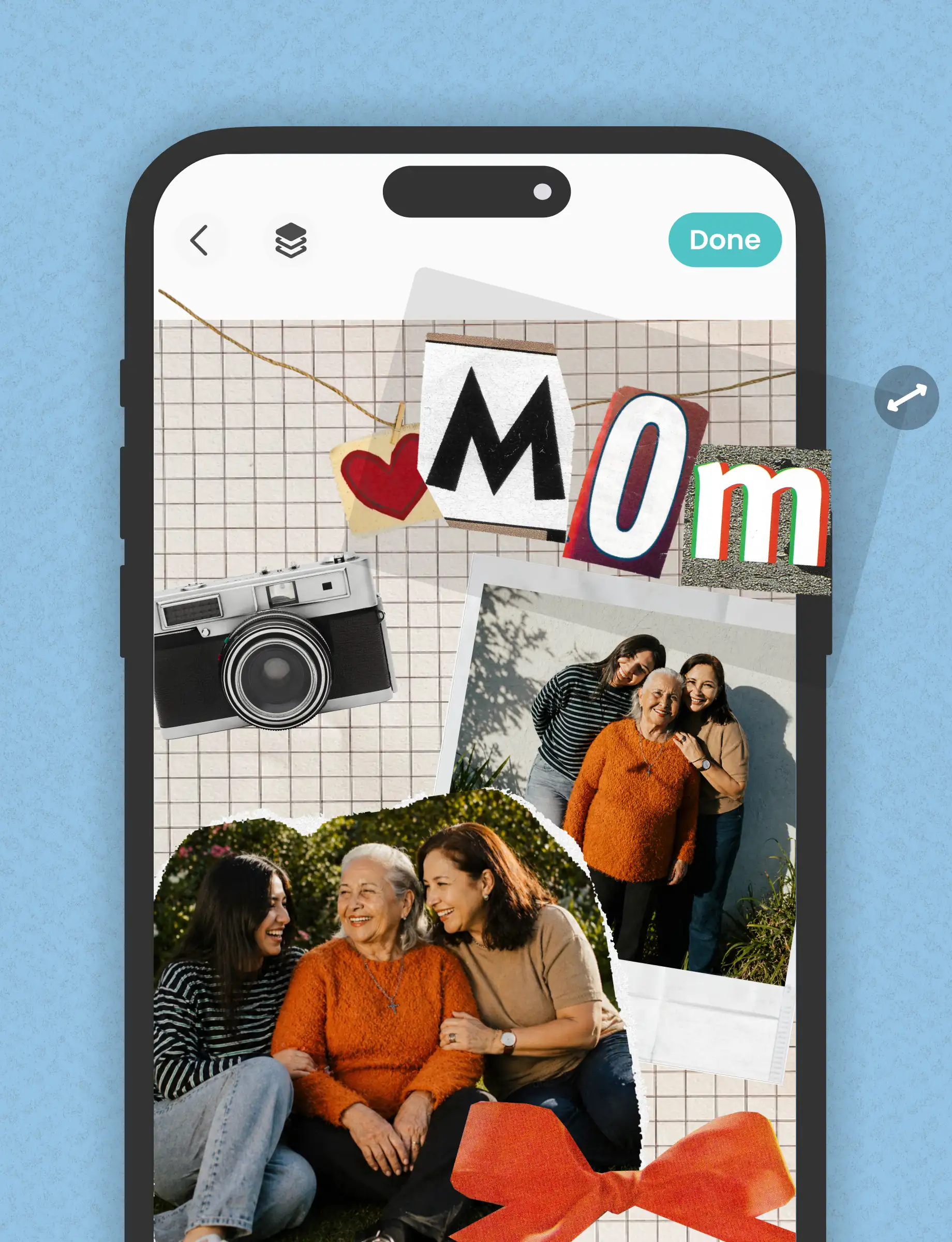
Make a Mother's Day Greeting Card on Your Phone
You can make a Mother's Day greeting card on your phone in about five minutes. PicCollage has templates built around photos, so the card starts personal from the first step. Pick a layout, swap in your photos, and write your message.
Mother's Day greeting card templates range from soft florals to bright, bold designs. Some are minimal with space for a big photo and a short message. Others have room for multiple photos and stickers. Pick one that matches her style, not yours.
If you want to go the extra mile, print it out. Save the card as a high-res image and print it on cardstock at home or at a local print shop. A physical card you made on your phone still counts as handmade. Because it is.
Make a Mother's Day Greeting Card on Your Phone
You can make a Mother's Day greeting card on your phone in about five minutes. PicCollage has templates built around photos, so the card starts personal from the first step. Pick a layout, swap in your photos, and write your message.
Mother's Day greeting card templates range from soft florals to bright, bold designs. Some are minimal with space for a big photo and a short message. Others have room for multiple photos and stickers. Pick one that matches her style, not yours.
If you want to go the extra mile, print it out. Save the card as a high-res image and print it on cardstock at home or at a local print shop. A physical card you made on your phone still counts as handmade. Because it is.
Mother's Day Cards for Every Recipient
Not every Mother's Day card is for your mom. You might be making one for your mother-in-law, your sister, your aunt, or a friend who just became a mom. PicCollage templates work for any recipient. Here's what to say.
For your mother-in-law: A Mother's Day card with a family photo goes a long way. Keep the message warm. "Thank you for raising the person I love. Happy Mother's Day."
For your daughter on her first Mother's Day: A card that says "You're doing a great job, and I'm so proud of you" with a photo of her and the baby will mean more than she'll be able to tell you.
For your sister: Keep it casual. "Happy Mother's Day to my sister, who somehow keeps tiny humans alive and still texts me back." A candid photo of her with her kids works perfectly.
For your aunt or a friend: A simple message is enough. "Happy Mother's Day to someone who's always felt like family" or "Watching you be a mom has been one of my favorite things."
Mother's Day Cards for Every Recipient
Not every Mother's Day card is for your mom. You might be making one for your mother-in-law, your sister, your aunt, or a friend who just became a mom. PicCollage templates work for any recipient. Here's what to say.
For your mother-in-law: A Mother's Day card with a family photo goes a long way. Keep the message warm. "Thank you for raising the person I love. Happy Mother's Day."
For your daughter on her first Mother's Day: A card that says "You're doing a great job, and I'm so proud of you" with a photo of her and the baby will mean more than she'll be able to tell you.
For your sister: Keep it casual. "Happy Mother's Day to my sister, who somehow keeps tiny humans alive and still texts me back." A candid photo of her with her kids works perfectly.
For your aunt or a friend: A simple message is enough. "Happy Mother's Day to someone who's always felt like family" or "Watching you be a mom has been one of my favorite things."

Frequently Asked Questions
Is PicCollage free for making Mother's Day cards?
Yes. PicCollage is free to download on iOS and Android. Pick a Mother's Day card template or start from scratch, add your photos, write your message, and send it. Make as many cards as you want. No credit card, no trial, no watermark on your finished card.
Can I print my Mother's Day card at home?
Absolutely. Save your finished Mother's Day card as a high-res image and print it on cardstock at home or at a local print shop. Works well for a physical card you can hand over in person or mail. Standard photo print sizes work with most home printers.
What should I write in a Mother's Day card?
Something specific. Not "thanks for everything" but "thanks for always picking up when I call." One real detail does more than a paragraph of generic wishes. If you're stuck, keep it short. The photo on the card already does half the work.
Can I make a card for my mother-in-law, grandma, or sister?
Of course. PicCollage Mother's Day card templates work for any recipient. Pick a template, swap in photos of whoever you're making it for, and change the message. People use PicCollage to make Mother's Day cards for their mother-in-law, grandma, daughter, sister, aunt, and friends.