
Create Heartfelt
Holiday Cards
in Minutes
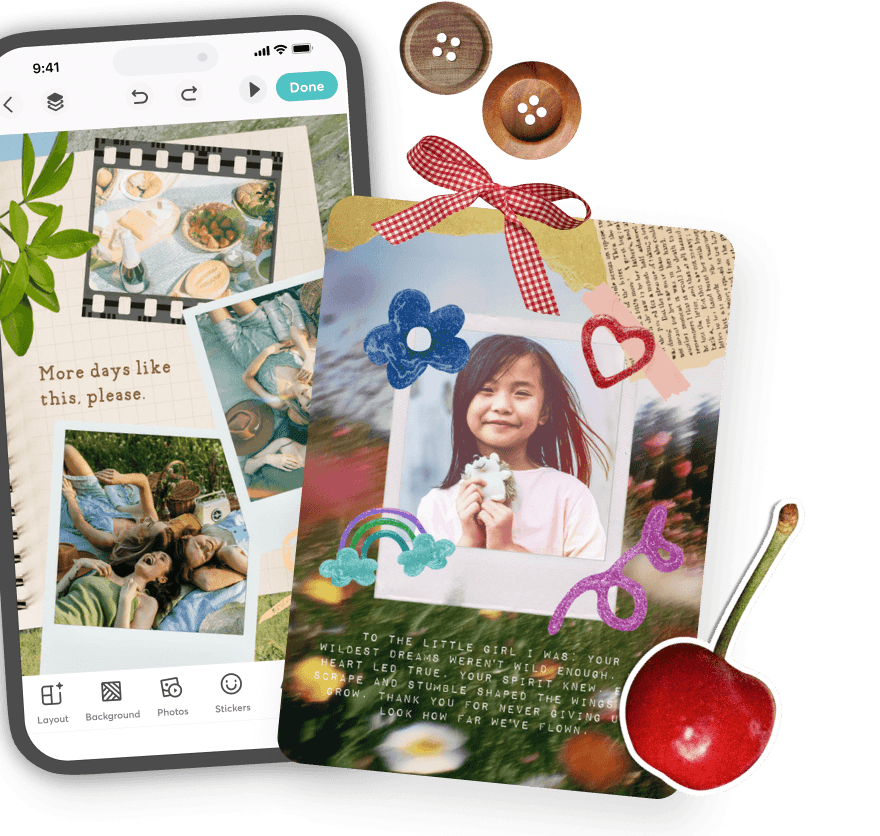
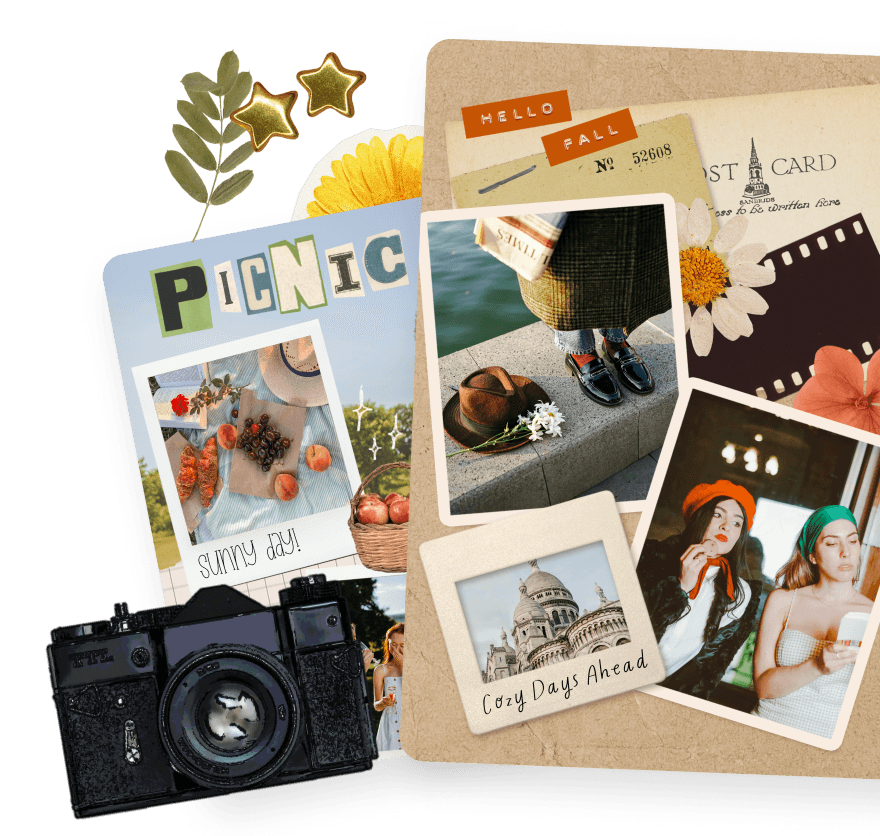
Turn your photos into digital scrapbook pages with free templates and magic tools. Add stickers, fonts, and textures. Share them or save your memories forever.

Create Heartfelt
Holiday Cards
in Minutes
Turn your photos into digital scrapbook pages with free templates and magic tools. Add stickers, fonts, and textures. Share them or save your memories forever.
Create Heartfelt
Holiday Cards
in Minutes
Turn your photos into digital scrapbook pages with free templates and magic tools. Add stickers, fonts, and textures. Share them or save your memories forever.
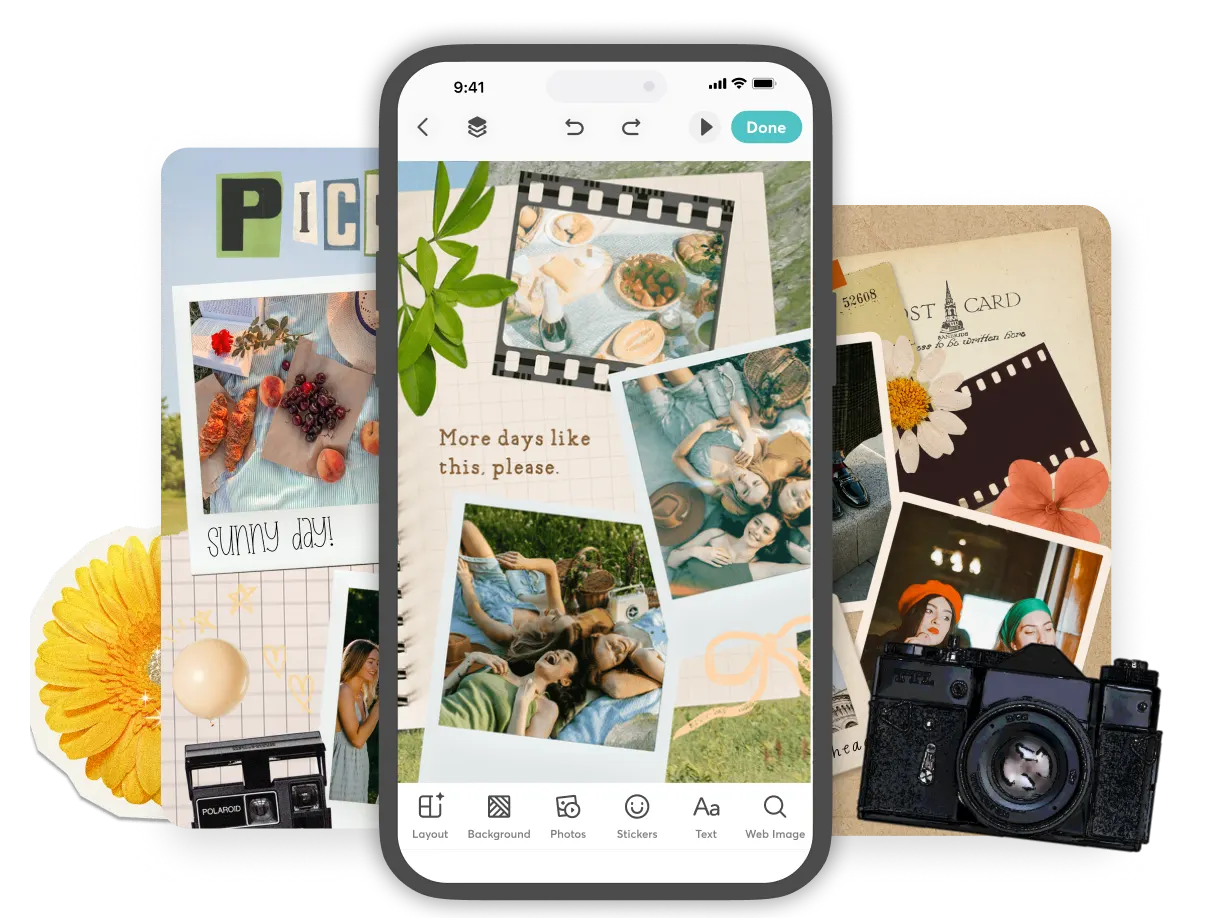
Why Make Digital Scrapbooks in PicCollage
Why Make Digital Scrapbooks in PicCollage
Scrapbook-Perfect Decorations
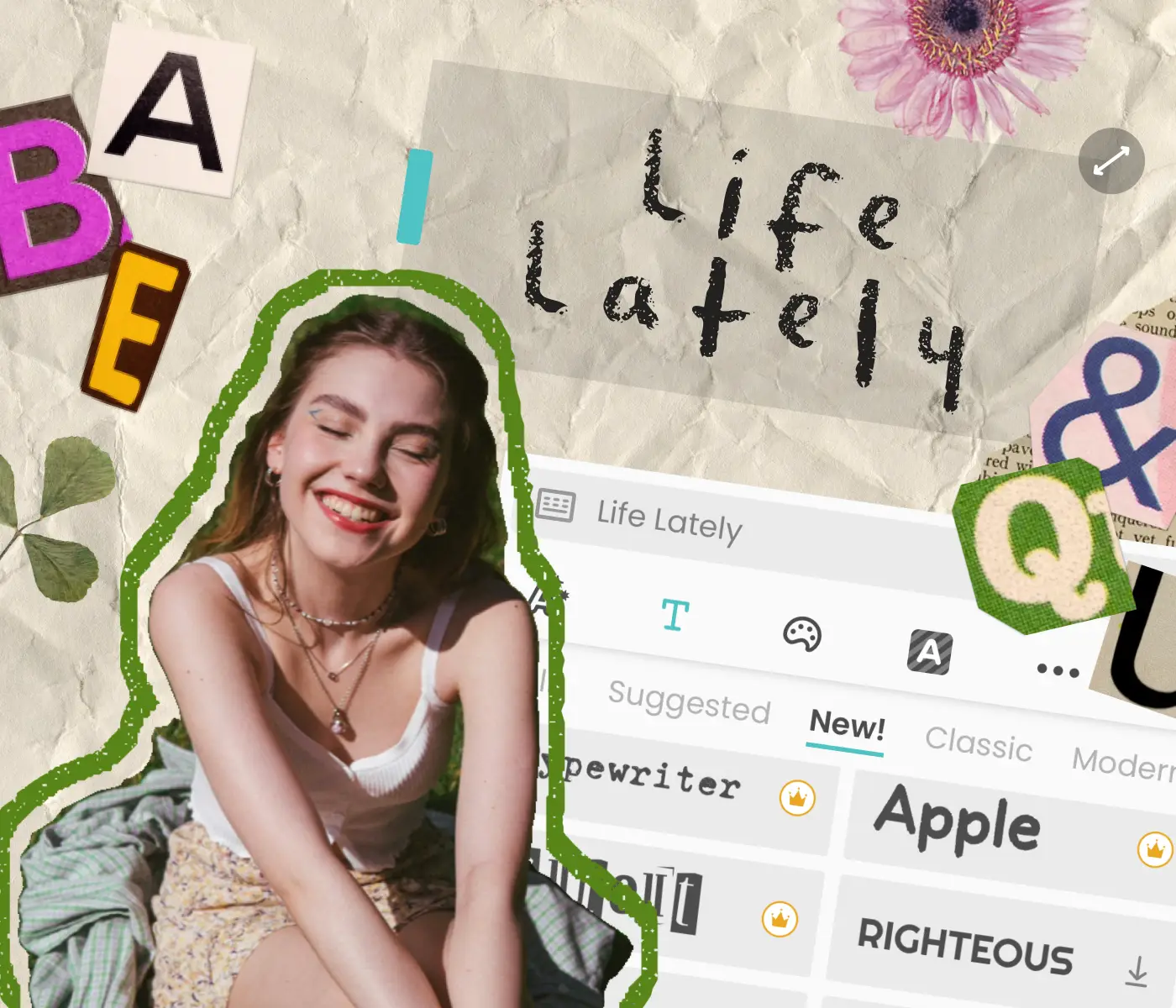
Paper textures, crayon & torn paper border
Handwritten fonts that feel personal
Ransom letters and alphabet stickers
Scrapbook-Perfect Decorations
Paper textures, crayon & torn paper border
Handwritten fonts that feel personal
Ransom letters and alphabet stickers
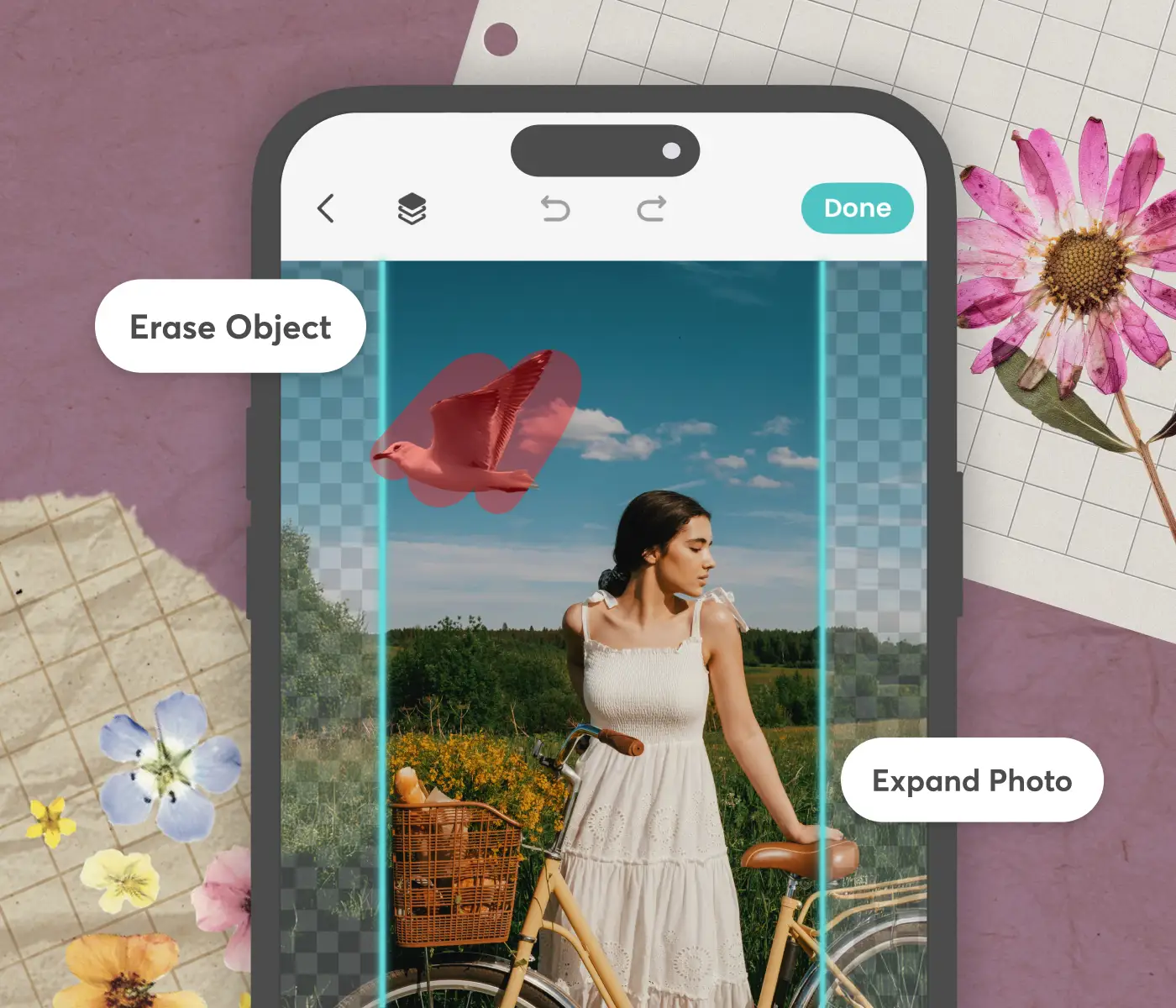
Magic Tools That Save You Time
Precision cutout for layering memories
Magic Erase removes distractions
Magic Expand fits any photo perfectly
Magic Tools That Save You Time
Precision cutout for layering memories
Magic Erase removes distractions
Magic Expand fits any photo perfectly
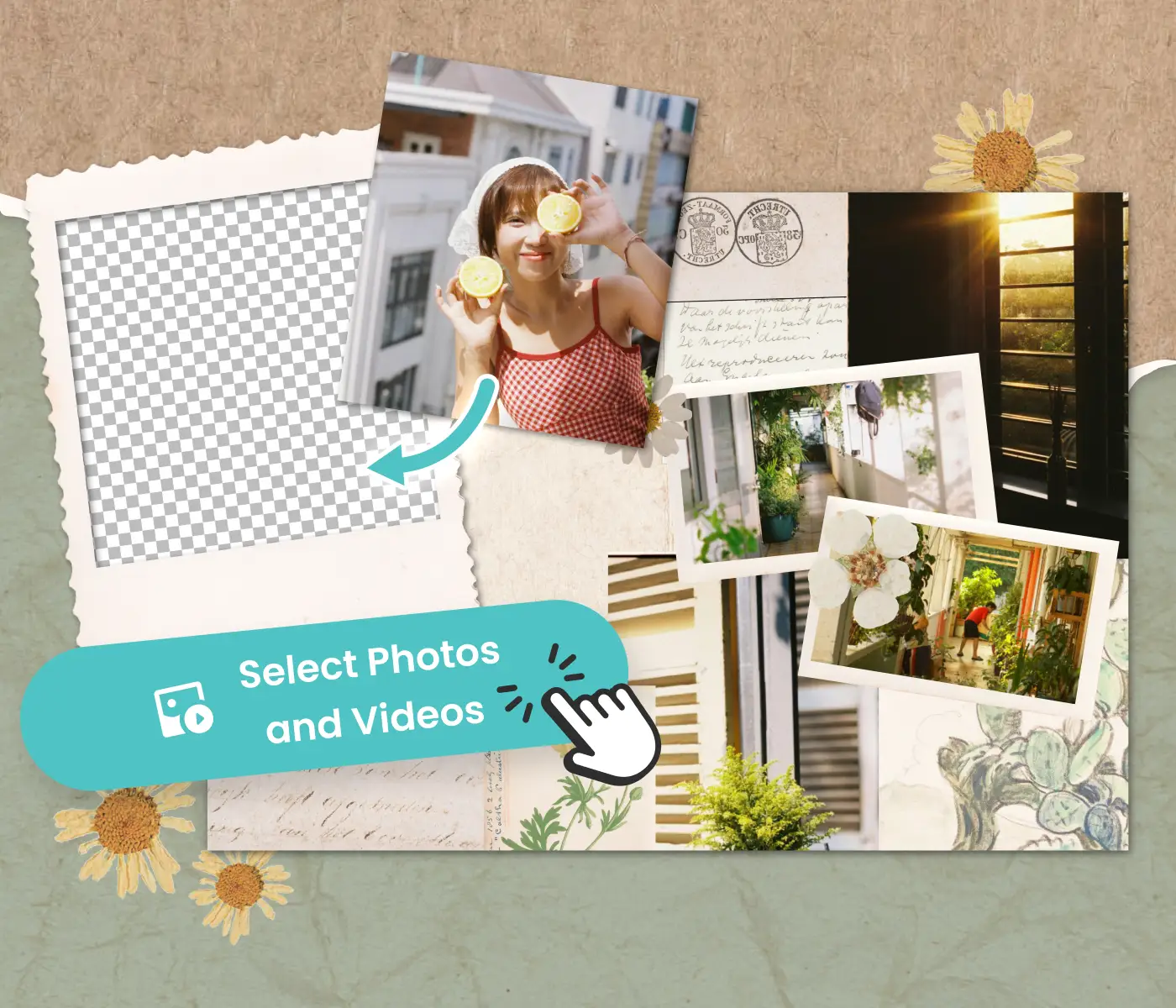
No Experience Required
Start from photos & video on your phone
Templates do the design work for you
Make your first scrapbook in minutes
No Experience Required
Start from photos & video on your phone
Templates do the design work for you
Make your first scrapbook in minutes
Digital Scrapbook Ideas for Every Moment
Digital Scrapbook Ideas for Every Moment
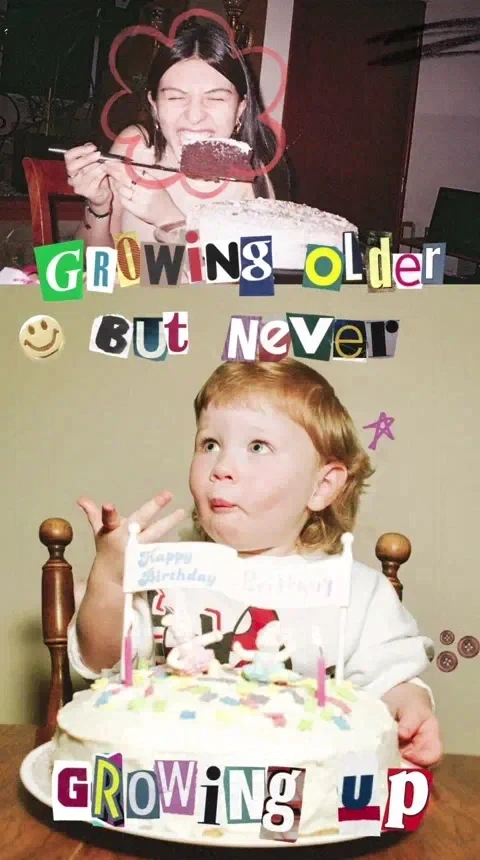
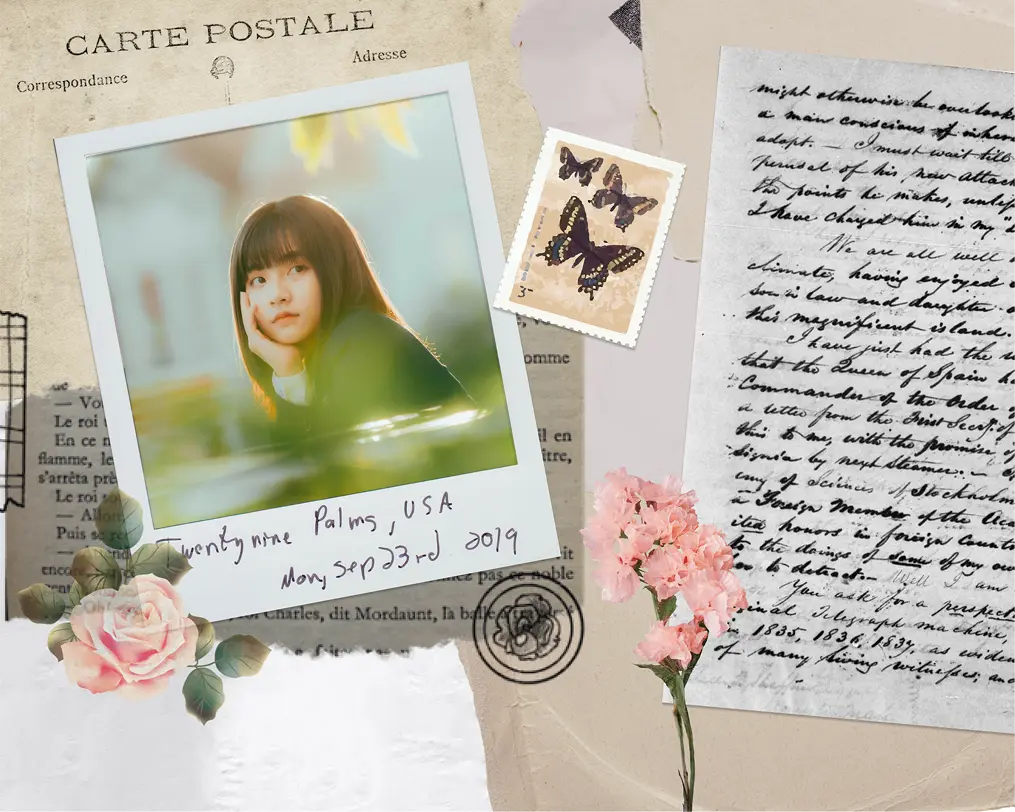
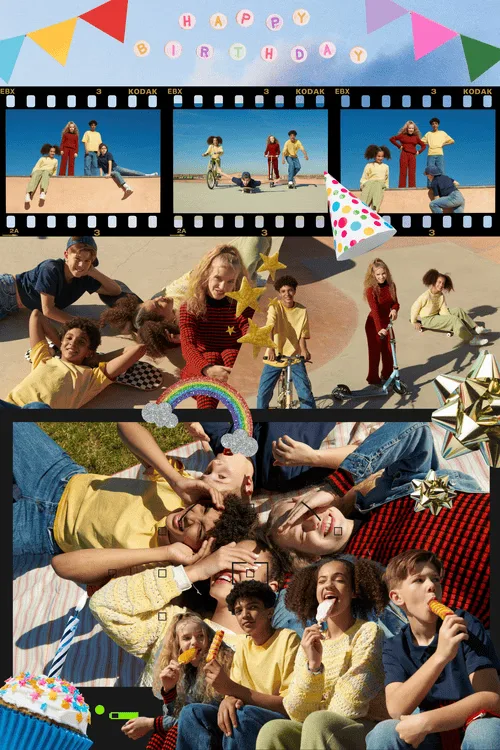
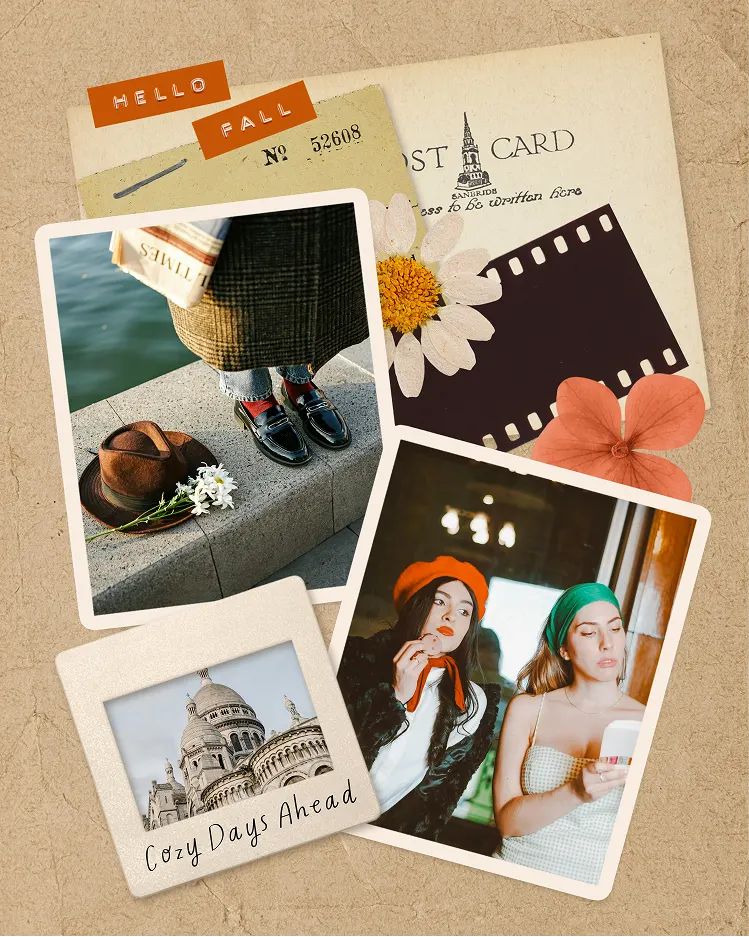
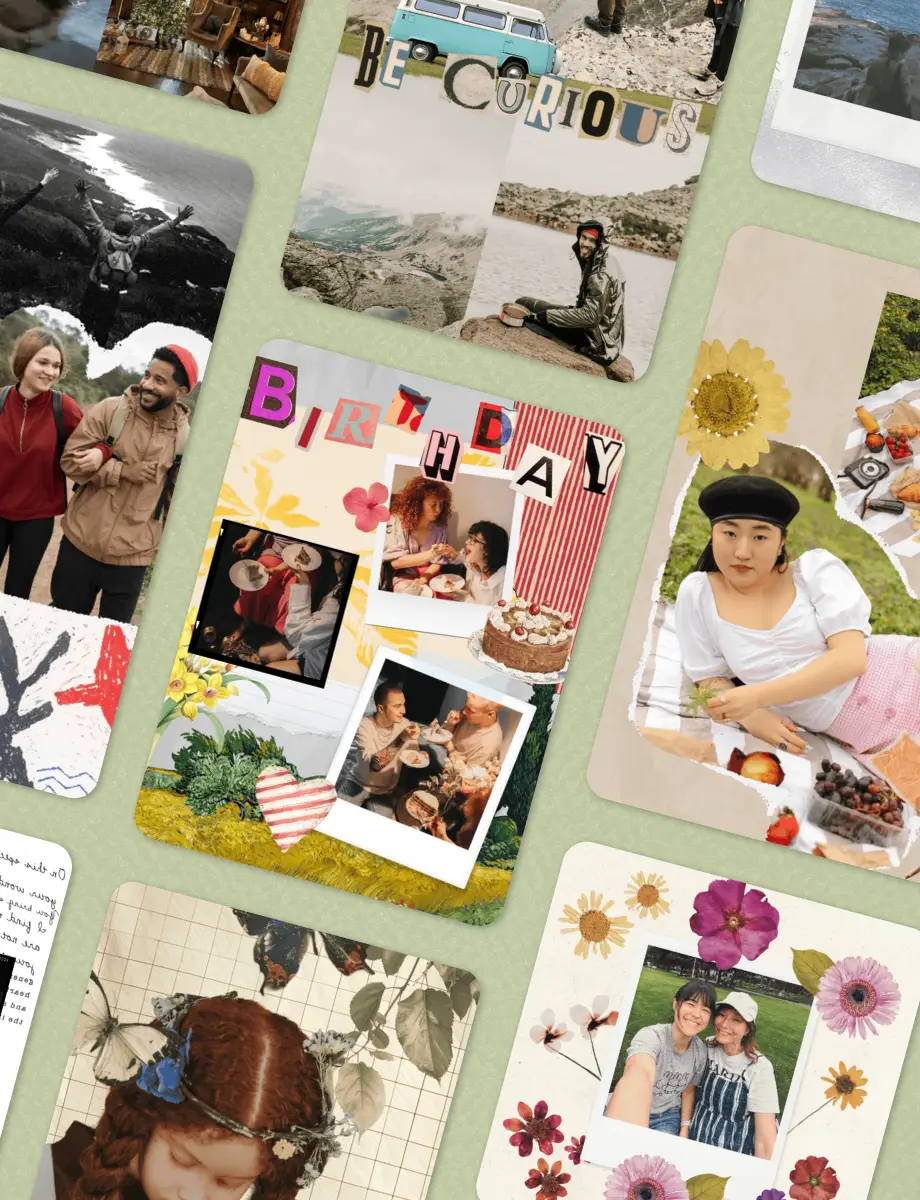
Digital scrapbook ideas work best when they're tied to a specific theme or routine. Pick one occasion per page, add your photos, and let the layout tell the story. Here are a few starting points for your first scrapbooking photo albums.
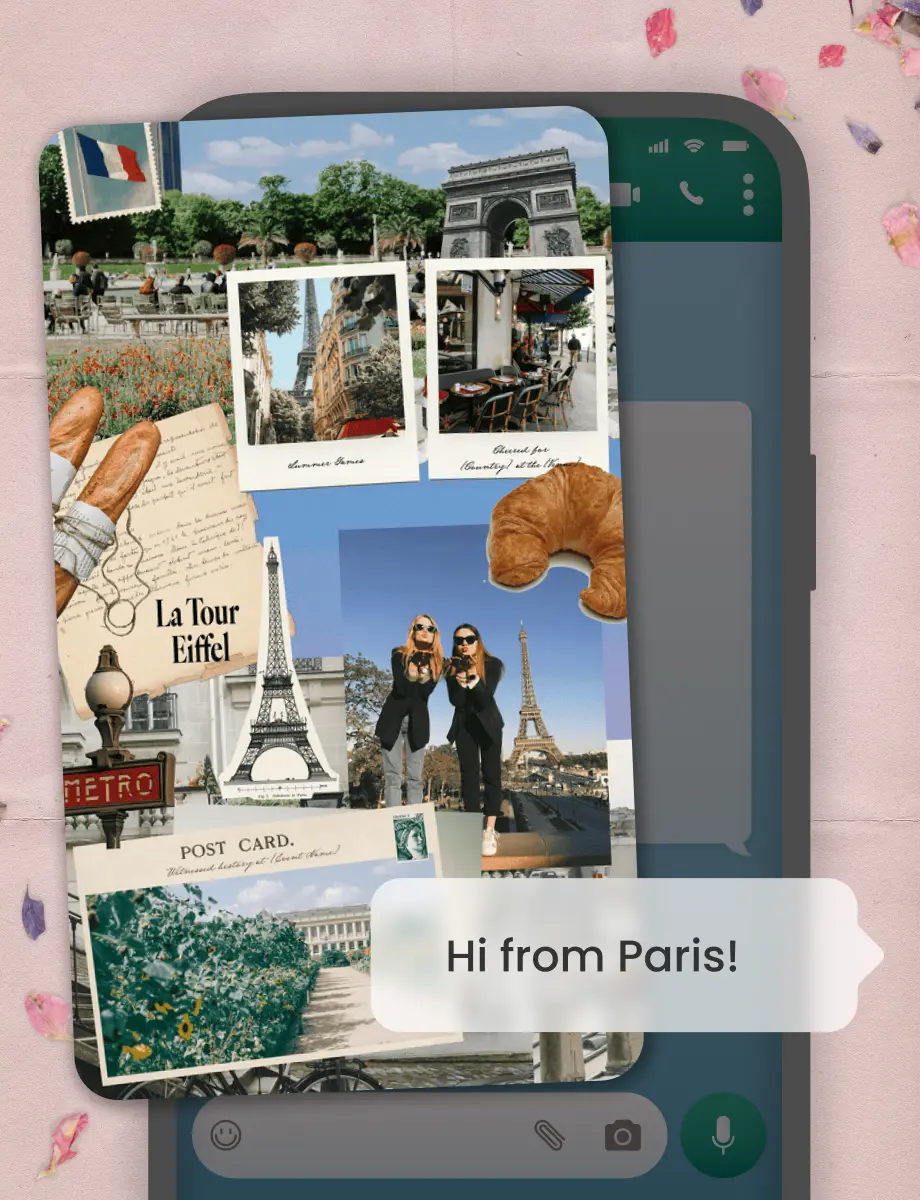
Monthly memory pages. Travel journals from family trips. Birthday scrapbooks from ages one through ten. Combine still photos with short clips using the video collage maker for scrapbooking albums that move.
Digital scrapbook ideas work best when they're tied to a specific theme or routine. Pick one occasion per page, add your photos, and let the layout tell the story. Here are a few starting points for your first scrapbooking photo albums.
Monthly memory pages. Travel journals from family trips. Birthday scrapbooks from ages one through ten. Combine still photos with short clips using the video collage maker for scrapbooking albums that move.

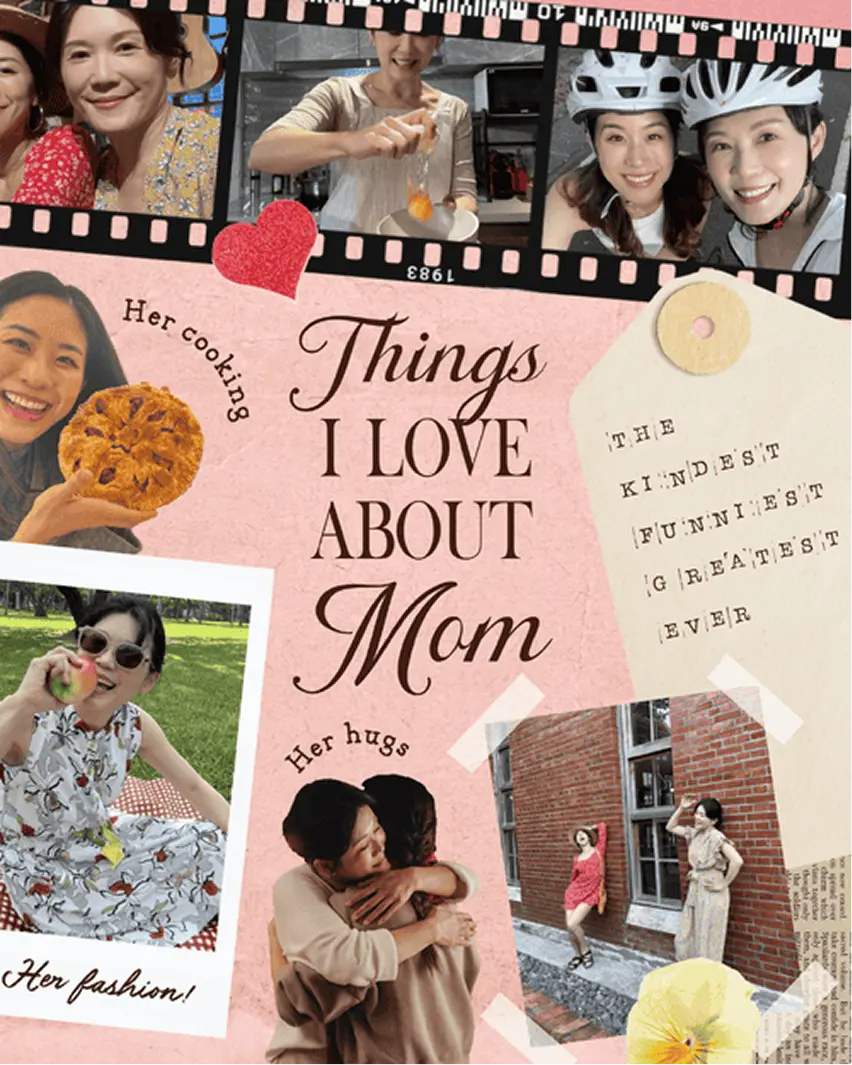
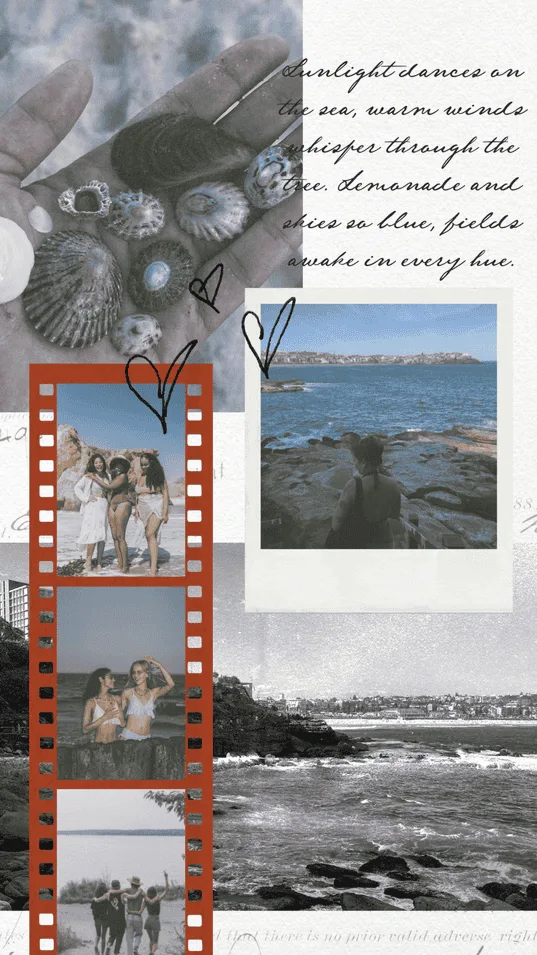
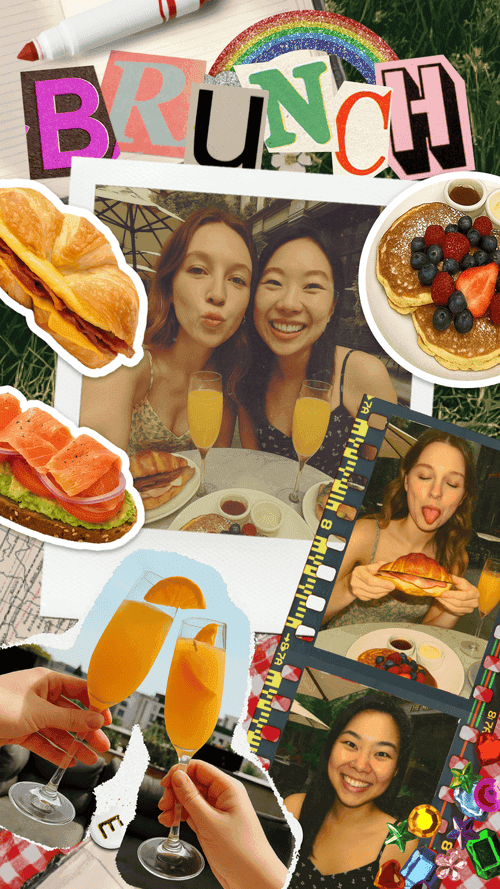
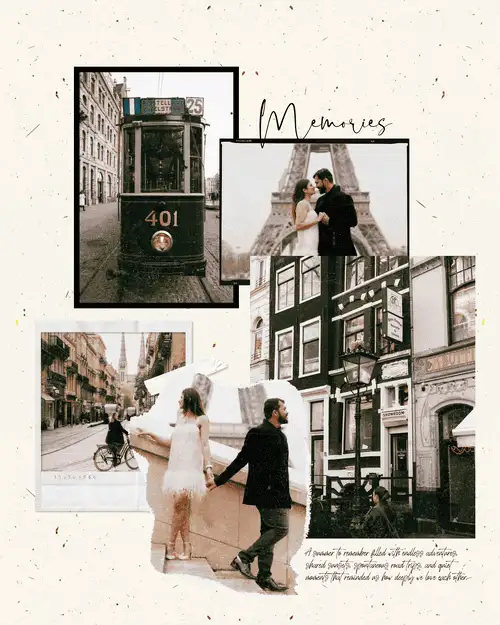
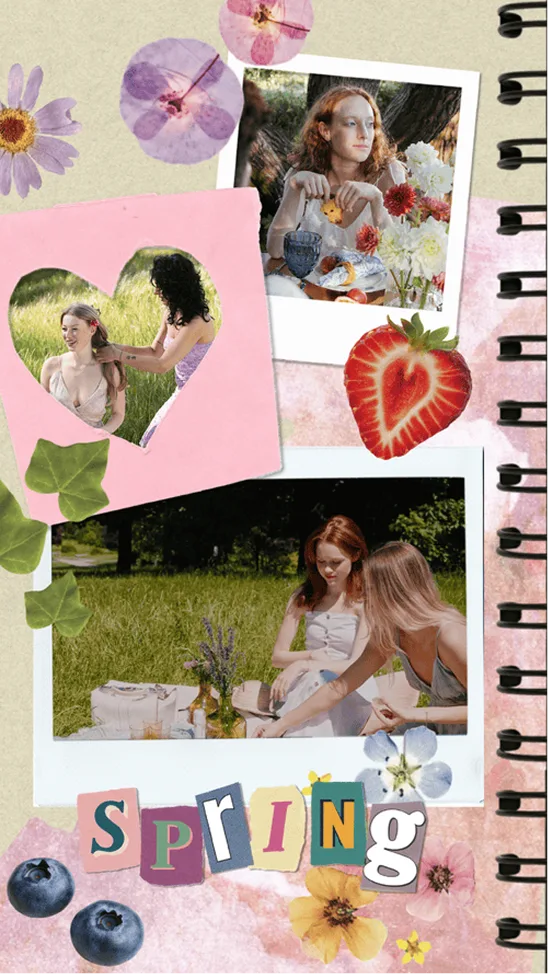
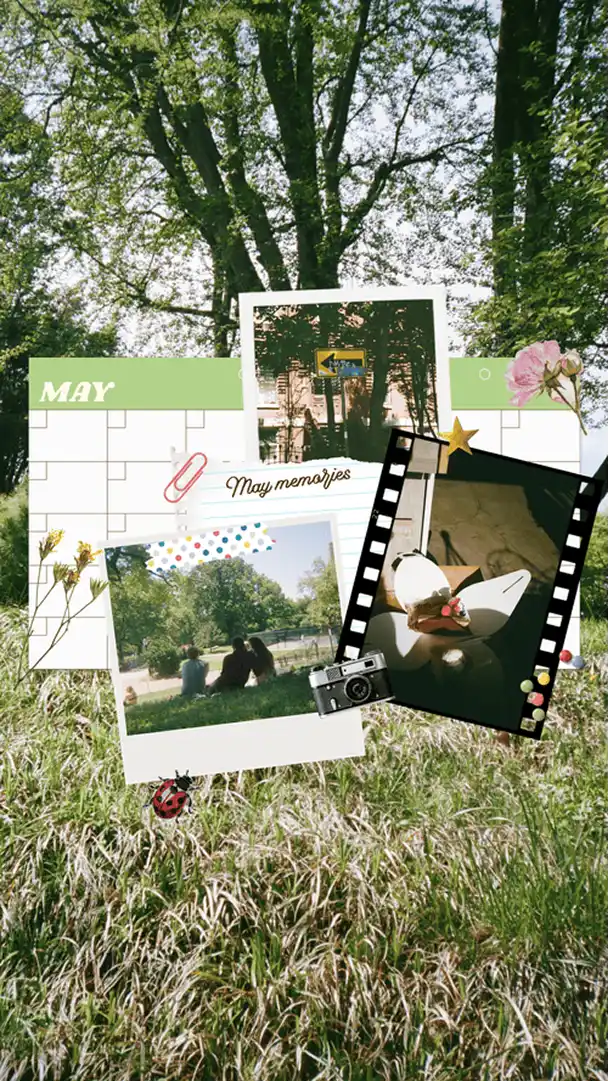
How to Make Digital Scrapbooks
01
Choose Digital Scrapbook Templates
Open PicCollage and browse hundreds of scrapbook templates. Pick the designs that you like.
02
Add Photos & Scrapbooking Decorations
Add photos and add your personal touch. Choose scrapbooking stickers, fonts, and paper textures. Layer photos with the cutout tool for authentic scrapbook style.
03
Save Your Digital Scrapbook Pages
Save pages in HD to your phone. Share with friends and family through text or keep them private. Your memories, your choice.
Digital Scrapbooking vs. Physical Scrapbooking
Physical scrapbooking kits for adults usually include cardstock, patterned paper, scrapbooking stamps, and scrapbooking photo corners. You also need scissors, glue, a large flat surface, and an afternoon with no interruptions. The finished scrapbooking albums look beautiful but they take real time to put together, and once a page is glued down, you cannot move things around.
A digital scrapbook maker like PicCollage replaces all of that with your phone. The scrapbooking background paper is built in. The scrapbooking stickers peel on and off with a tap. You can rearrange a layout five times before committing to anything, something physical scrapbooking albums never allow.
The other big difference is sharing. A physical scrapbook sits on a shelf. A digital scrapbook page can go to grandma's phone in seconds. You can text it, post it, or print it at home. Scrapbooking with photos stored on your phone also means you skip the printing step entirely unless you want a physical copy.
For people who miss the look of real paper and tape, PicCollage's scrapbooking backgrounds and torn-edge borders replicate that handmade feel. The pages look crafted, not digital. That is what makes it scrapbooking made simple rather than just another photo editor.
Building a Scrapbooking Journal or Album
Single pages are a great starting point, but the real payoff comes when you build a full scrapbooking journal or scrapbooking photo album over time.
A scrapbooking journal works like a visual diary. Make one page per week or one page per month. Include a few photos, a date, and a short note about what happened. After a year, you have 12 to 52 pages that capture what your life actually looked like. This is one of the most popular scrapbooking page ideas because it does not require a special occasion to start.
For a themed scrapbooking album, plan your pages around a single subject: a baby's first year, a trip to Europe, a school year from September to June. Use consistent scrapbooking backgrounds and scrapbooking designs across pages so the album feels cohesive. PicCollage's template sets are grouped by style, which makes this easier.
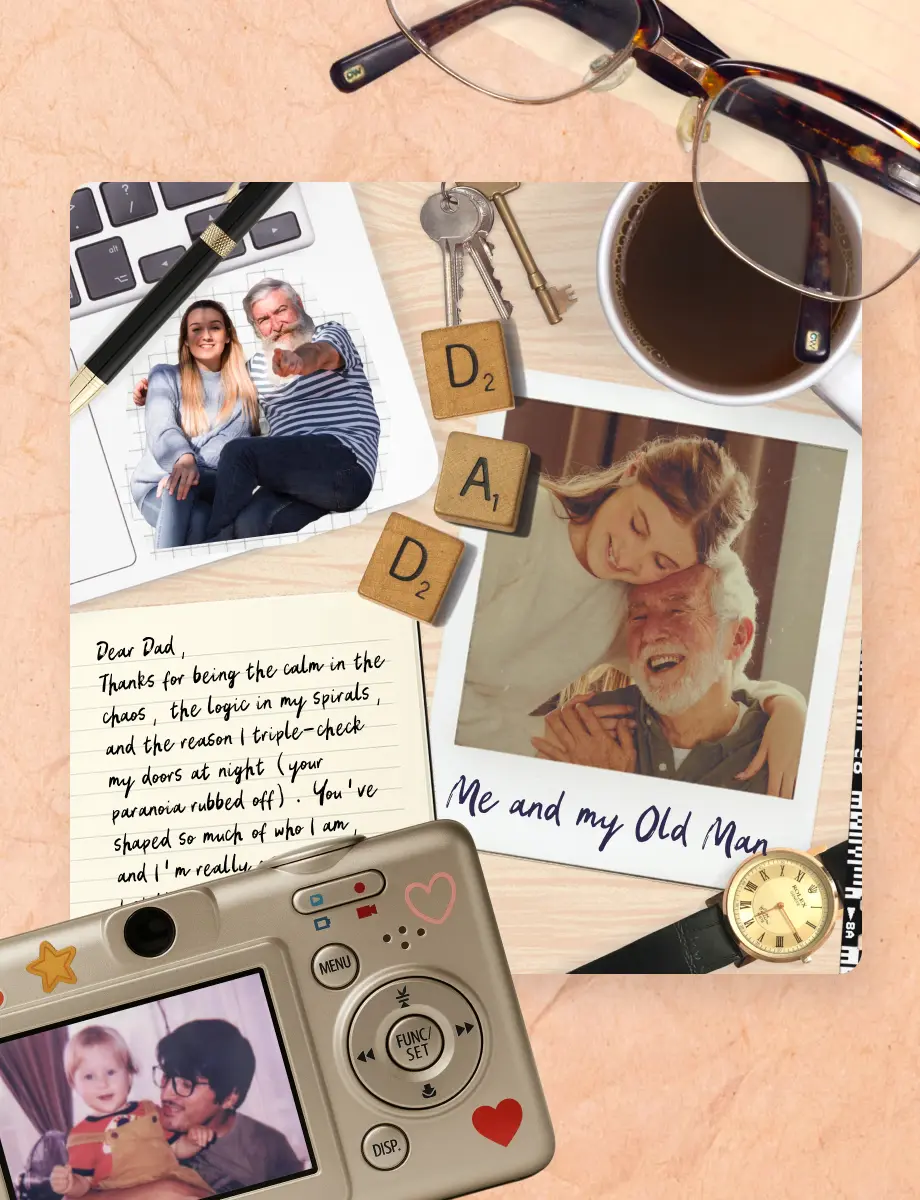
Scrapbooking ideas for couples work especially well as albums. Collect date nights, vacations, and milestones into one series. Add scrapbooking stickers and handwritten fonts that match your shared aesthetic. Anniversary gift, done.
Store finished pages in a dedicated photo album on your phone, or share them as a birthday slideshow. For moments that need sound and motion, try a video collage of the same photos instead.
Scrapbooking Layout Ideas and Design Approaches
Once you have your photos, the question becomes how to arrange them. Here are scrapbooking layout ideas organized by style rather than occasion.
The single-focus layout. One large photo takes up most of the page. Surround it with scrapbooking stickers, a title, and a short caption. This works for portraits, landscapes, and any photo strong enough to stand on its own.
The grid layout. Four to six photos arranged in a clean grid. Best for events with lots of equally good shots, like a holiday party or a day at the park. Use matching scrapbooking background paper behind the grid to tie it together.
The layered collage. Photos overlap at angles with torn paper edges and tape stickers between them. This is the classic scrapbook look. PicCollage's scrapbooking tools like cutout and Magic Erase make it easy to remove backgrounds and stack photos on top of each other.
The journal entry. One or two photos with a longer block of text. Good for scrapbooking memories you want to remember in detail, like a recipe, a conversation, or the story behind a trip photo. Handwritten fonts make the text feel personal rather than typed.
The minimalist page. Lots of white space, one or two photos, barely any decoration. Not every page needs to be full. Sometimes the simplest scrapbooking designs are the ones you come back to most.
Browse digital scrapbook free templates inside PicCollage to see these layouts in action. Each template includes coordinated scrapbooking backgrounds, scrapbooking stickers, and fonts, so you get scrapbooking inspiration just by scrolling through them. Also see greeting cards for single-card designs that use many of the same scrapbooking tools.
Birthday Card Ideas When You Don't Know Where to Start
Content
Digital Scrapbooking vs. Physical Scrapbooking
Physical scrapbooking kits for adults usually include cardstock, patterned paper, scrapbooking stamps, and scrapbooking photo corners. You also need scissors, glue, a large flat surface, and an afternoon with no interruptions. The finished scrapbooking albums look beautiful but they take real time to put together, and once a page is glued down, you cannot move things around.
A digital scrapbook maker like PicCollage replaces all of that with your phone. The scrapbooking background paper is built in. The scrapbooking stickers peel on and off with a tap. You can rearrange a layout five times before committing to anything, something physical scrapbooking albums never allow.
The other big difference is sharing. A physical scrapbook sits on a shelf. A digital scrapbook page can go to grandma's phone in seconds. You can text it, post it, or print it at home. Scrapbooking with photos stored on your phone also means you skip the printing step entirely unless you want a physical copy.
For people who miss the look of real paper and tape, PicCollage's scrapbooking backgrounds and torn-edge borders replicate that handmade feel. The pages look crafted, not digital. That is what makes it scrapbooking made simple rather than just another photo editor.
Sweet 16 Birthday Cards Made with Photos from the Year
Content
Building a Scrapbooking Journal or Album
Single pages are a great starting point, but the real payoff comes when you build a full scrapbooking journal or scrapbooking photo album over time.
A scrapbooking journal works like a visual diary. Make one page per week or one page per month. Include a few photos, a date, and a short note about what happened. After a year, you have 12 to 52 pages that capture what your life actually looked like. This is one of the most popular scrapbooking page ideas because it does not require a special occasion to start.
For a themed scrapbooking album, plan your pages around a single subject: a baby's first year, a trip to Europe, a school year from September to June. Use consistent scrapbooking backgrounds and scrapbooking designs across pages so the album feels cohesive. PicCollage's template sets are grouped by style, which makes this easier.
Scrapbooking ideas for couples work especially well as albums. Collect date nights, vacations, and milestones into one series. Add scrapbooking stickers and handwritten fonts that match your shared aesthetic. Anniversary gift, done.
Store finished pages in a dedicated photo album on your phone, or share them as a birthday slideshow. For moments that need sound and motion, try a video collage of the same photos instead.
What to Write in a Birthday Card
Content
Building a Scrapbooking Journal or Album
Single pages are a great starting point, but the real payoff comes when you build a full scrapbooking journal or scrapbooking photo album over time.
A scrapbooking journal works like a visual diary. Make one page per week or one page per month. Include a few photos, a date, and a short note about what happened. After a year, you have 12 to 52 pages that capture what your life actually looked like. This is one of the most popular scrapbooking page ideas because it does not require a special occasion to start.
For a themed scrapbooking album, plan your pages around a single subject: a baby's first year, a trip to Europe, a school year from September to June. Use consistent scrapbooking backgrounds and scrapbooking designs across pages so the album feels cohesive. PicCollage's template sets are grouped by style, which makes this easier.
Scrapbooking ideas for couples work especially well as albums. Collect date nights, vacations, and milestones into one series. Add scrapbooking stickers and handwritten fonts that match your shared aesthetic. Anniversary gift, done.
Store finished pages in a dedicated photo album on your phone, or share them as a birthday slideshow. For moments that need sound and motion, try a video collage of the same photos instead.

01
Choose Digital Scrapbook Templates
Open PicCollage and browse hundreds of scrapbook templates. Pick the designs that you like.
02
Add Photos & Scrapbooking Decorations
Add photos and add your personal touch. Choose scrapbooking stickers, fonts, and paper textures. Layer photos with the cutout tool for authentic scrapbook style.
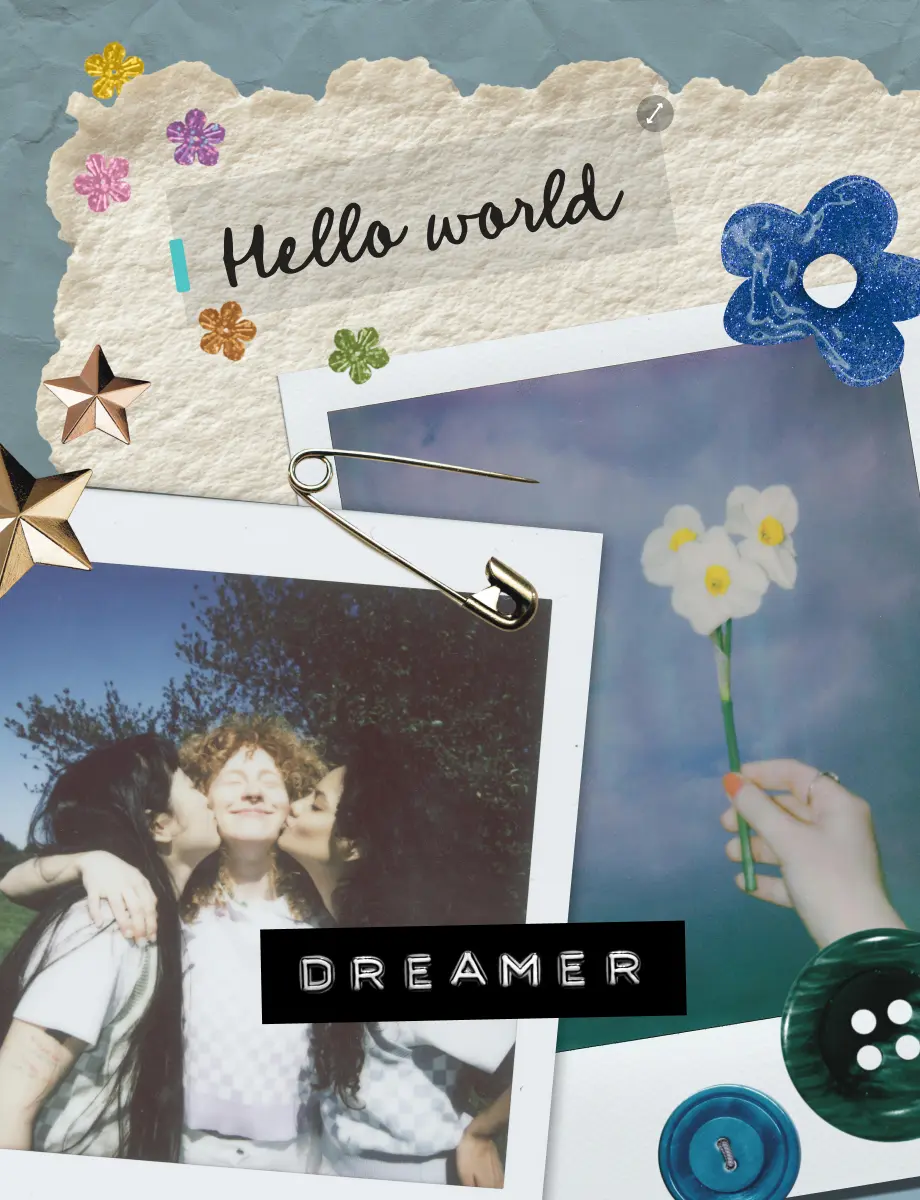
03
Save Your Digital Scrapbook Pages
Save pages in HD to your phone. Share with friends and family through text or keep them private. Your memories, your choice.
How to Make Digital Scrapbooks
Learn digital scrapbooking in minutes. No experience required.

Frequently Asked Questions
What is digital scrapbooking?
Digital scrapbooking means creating scrapbook pages and scrapbooking photo albums on your phone or computer instead of with paper and glue. You arrange photos, add decorations and text, then save or share your pages digitally. Same creativity, no mess.
Is PicCollage free for digital scrapbooking?
Yes! Create unlimited pages for free. Download in HD for free. Share for free. You can get started for free. Premium stickers and templates are available if you want them. PicCollage also makes greeting cards and collages with the same free tools.
Can I make video scrapbooks too?
Yes! Mix videos with photos on the same page. Perfect for capturing voices, first steps, or birthday songs. Share digitally to let family experience the full moment.
Do I need to be creative or artistic?
Not at all. If you can pick a photo, you can make a scrapbook. Templates handle the design. You just add your memories.