
Create Heartfelt
Holiday Cards
in Minutes
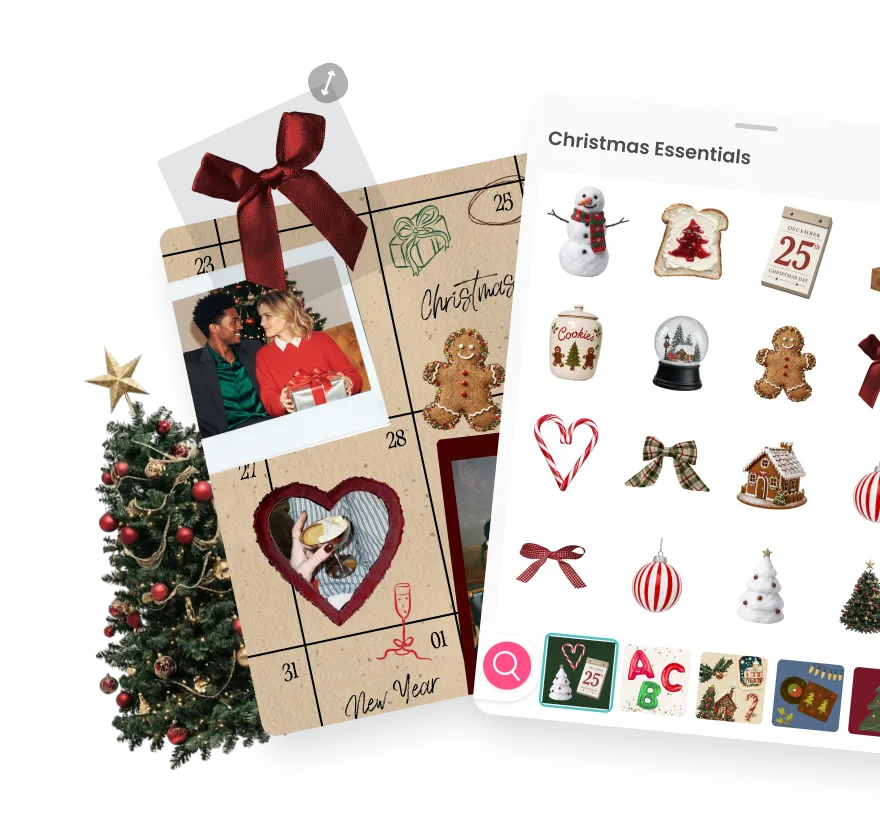
A library of thousands, from tiny hearts to full-blown chaos. Decorate your collages and social posts with stickers that actually match the vibe. Free on iOS and Android.


Create Heartfelt
Holiday Cards
in Minutes
A library of thousands, from tiny hearts to full-blown chaos. Decorate your collages and social posts with stickers that actually match the vibe. Free on iOS and Android.
Create Heartfelt
Holiday Cards
in Minutes
A library of thousands, from tiny hearts to full-blown chaos. Decorate your collages and social posts with stickers that actually match the vibe. Free on iOS and Android.

Why Make Photo Grids in PicCollage
Why Make Photo Grids in PicCollage
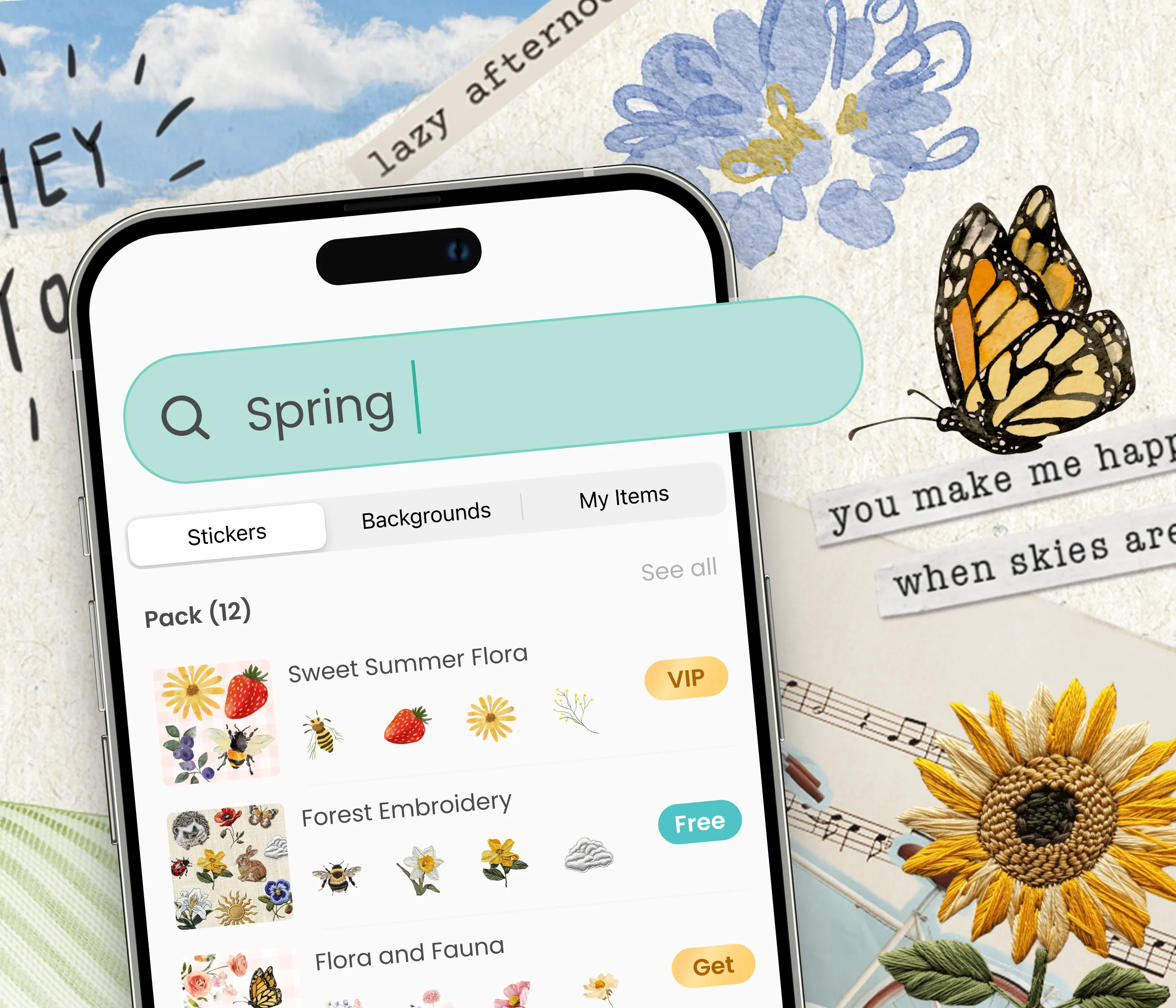
Find the Best Stickers Easily
Thousands of stickers sorted into themes you can actually navigate
Search by keyword when you already know you want a star, a heart, a cat
Preview it on your collage before you commit, no guesswork
Find the Best Stickers Easily
Thousands of stickers sorted into themes you can actually navigate
Search by keyword when you already know you want a star, a heart, a cat
Preview it on your collage before you commit, no guesswork
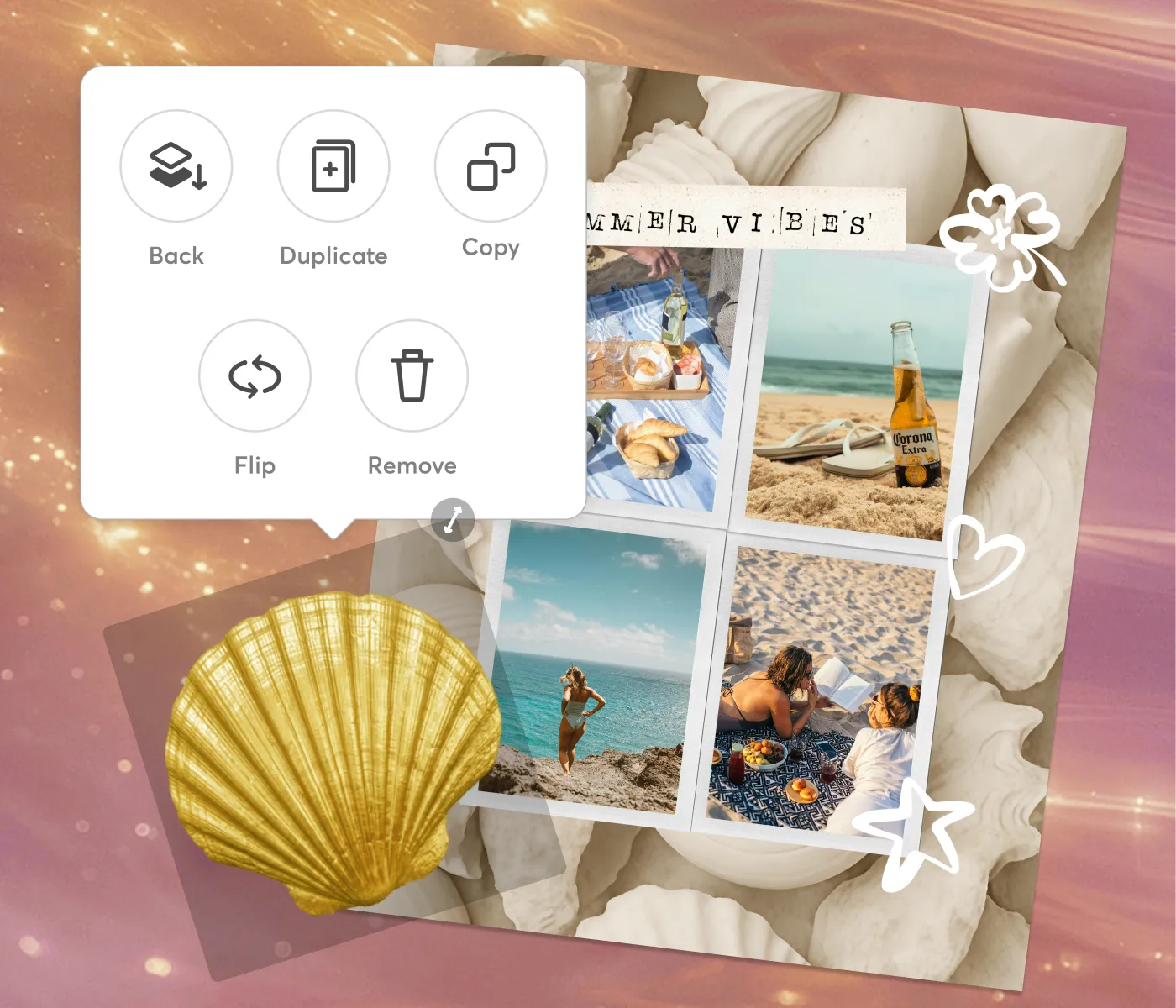
Stack, Scale, and Play
Resize from a tiny corner accent to a full-canvas statement
Rotate and layer stickers over photos, text, and backgrounds
Pile on a dozen or place a single one, the collage bends to you
Stack, Scale, and Play
Resize from a tiny corner accent to a full-canvas statement
Rotate and layer stickers over photos, text, and backgrounds
Pile on a dozen or place a single one, the collage bends to you
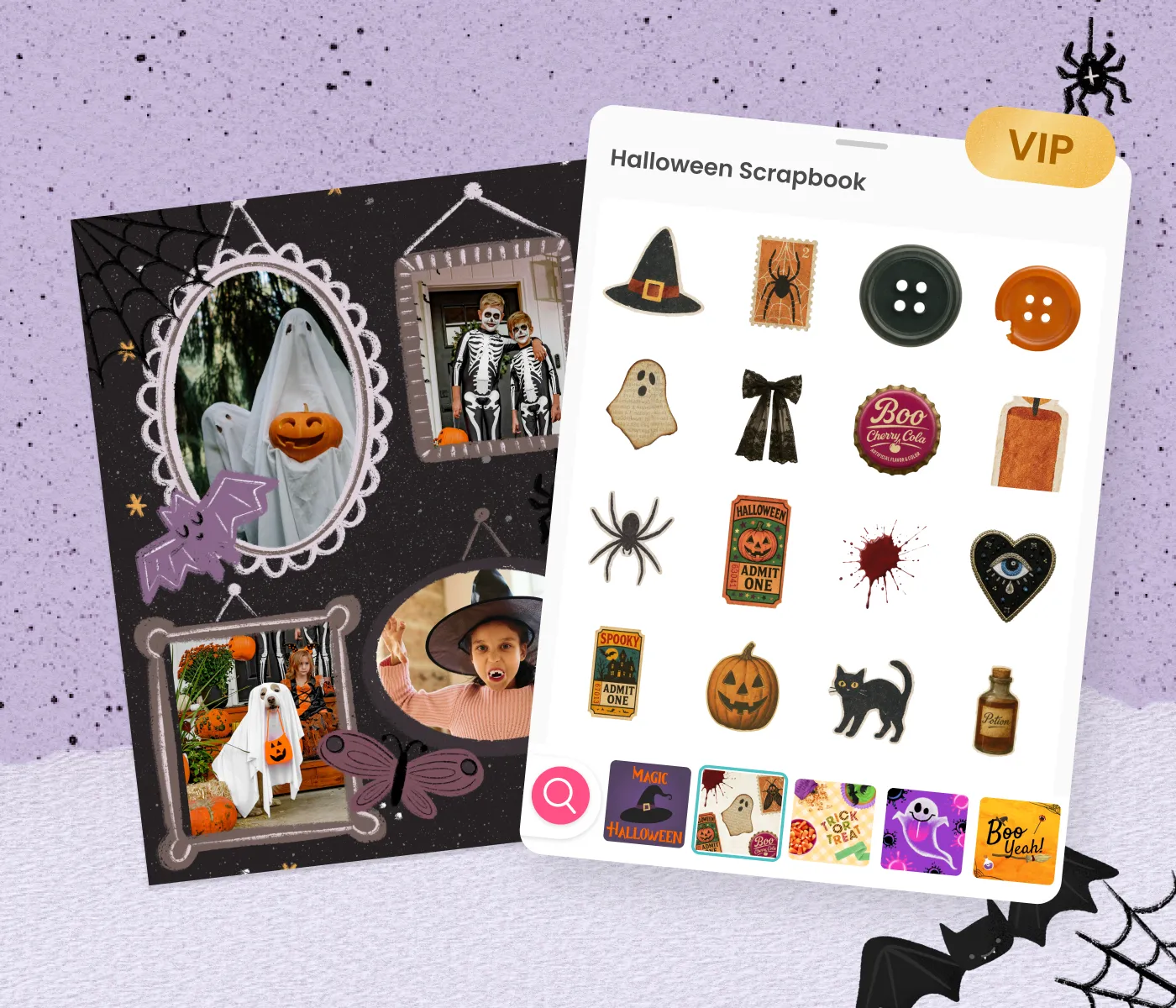
Free to Start, VIP to Go Deeper
A massive free set that handles almost anything you'll make
VIP packs for the designs your friends won't have
Seasonal drops that land right when the holiday hits
Free to Start, VIP to Go Deeper
A massive free set that handles almost anything you'll make
VIP packs for the designs your friends won't have
Seasonal drops that land right when the holiday hits
The Photo Grid App That Actually Gives You Control
The Photo Grid App That Actually Gives You Control
Most photo grid apps lock you into rigid templates. You pick the layout, fill in the boxes, and that's it. If the proportions feel off or the spacing is wrong, too bad. PicCollage works differently.
In PicCollage, the photo grid is a starting point, not a cage. Drag photos to resize them inside the grid. Adjust the spacing between cells until it feels right. Add a colored background or a custom border. Swap photos around without restarting. The grid bends to what you want, not the other way around.
People come for a photo grid maker and stay because the app does everything else too. Collages, cards, invitations, social media graphics, wall art. The grid is one feature in a creative toolkit that handles the rest of your visual projects in the same place.
Most photo grid apps lock you into rigid templates. You pick the layout, fill in the boxes, and that's it. If the proportions feel off or the spacing is wrong, too bad. PicCollage works differently.
In PicCollage, the photo grid is a starting point, not a cage. Drag photos to resize them inside the grid. Adjust the spacing between cells until it feels right. Add a colored background or a custom border. Swap photos around without restarting. The grid bends to what you want, not the other way around.
People come for a photo grid maker and stay because the app does everything else too. Collages, cards, invitations, social media graphics, wall art. The grid is one feature in a creative toolkit that handles the rest of your visual projects in the same place.


Why a Good Sticker Beats a Good Caption
You can write the perfect caption under a collage, or you can drop a single sticker that says the same thing louder and faster. A heart on the photo of your best friend. A little crown on the birthday person. An arrow pointing at the disaster in the background nobody noticed yet. Stickers carry meaning the way words do, except they land instantly and they look good doing it.
That's the whole reason the PicCollage library runs into the thousands. It's not padding a number, it's covering the actual range of things people want to say with a collage. There's the soft stuff: hearts, bows, flowers, sparkles, pastel doodles. The loud stuff: reaction faces, bold graphics, meme-ready cutouts. The useful stuff: frames, tape, labels, speech bubbles, and arrows that turn a plain grid into something that reads like a page from a scrapbook. And the specific stuff: a tiny coffee cup, a paw print, a plane, a rain cloud, whatever the moment happens to need.
The trick isn't having thousands of stickers. It's being able to find the right one before you lose the thread of what you were making. So the library is built to be dug through, by theme when you're browsing for ideas and by keyword when you already know exactly what you're picturing.

Stickers for the Stuff You Post
Not every collage stays private. A lot of them are headed straight for a story, a feed, a group chat. And content that's going public benefits from a little polish, which is exactly where stickers earn their keep.
The built-in tools on social apps give you a handful of generic options that everyone else is using too. Pull your collage together in PicCollage first and you've got thousands of aesthetic and cute IG stickers to work with instead. Layer a few over your photos, keep the palette consistent, and the post reads as intentional rather than dashed off. By the time it hits your story, the stickers are baked into the image, so it looks exactly the way you designed it, no re-decorating inside another app.
Funny IG stickers work the same way for the group chat, and custom-looking accents pull a themed post together. The point is that the decorating happens once, in one place, on a canvas where you can actually see the whole composition, before it goes anywhere.
Birthday Card Ideas When You Don't Know Where to Start
Content
Digital Scrapbooking vs. Physical Scrapbooking
You can write the perfect caption under a collage, or you can drop a single sticker that says the same thing louder and faster. A heart on the photo of your best friend. A little crown on the birthday person. An arrow pointing at the disaster in the background nobody noticed yet. Stickers carry meaning the way words do, except they land instantly and they look good doing it.
That's the whole reason the PicCollage library runs into the thousands. It's not padding a number, it's covering the actual range of things people want to say with a collage. There's the soft stuff: hearts, bows, flowers, sparkles, pastel doodles. The loud stuff: reaction faces, bold graphics, meme-ready cutouts. The useful stuff: frames, tape, labels, speech bubbles, and arrows that turn a plain grid into something that reads like a page from a scrapbook. And the specific stuff: a tiny coffee cup, a paw print, a plane, a rain cloud, whatever the moment happens to need.
The trick isn't having thousands of stickers. It's being able to find the right one before you lose the thread of what you were making. So the library is built to be dug through, by theme when you're browsing for ideas and by keyword when you already know exactly what you're picturing.
Why a Good Sticker Beats a Good Caption
You can write the perfect caption under a collage, or you can drop a single sticker that says the same thing louder and faster. A heart on the photo of your best friend. A little crown on the birthday person. An arrow pointing at the disaster in the background nobody noticed yet. Stickers carry meaning the way words do, except they land instantly and they look good doing it.
That's the whole reason the PicCollage library runs into the thousands. It's not padding a number, it's covering the actual range of things people want to say with a collage. There's the soft stuff: hearts, bows, flowers, sparkles, pastel doodles. The loud stuff: reaction faces, bold graphics, meme-ready cutouts. The useful stuff: frames, tape, labels, speech bubbles, and arrows that turn a plain grid into something that reads like a page from a scrapbook. And the specific stuff: a tiny coffee cup, a paw print, a plane, a rain cloud, whatever the moment happens to need.
The trick isn't having thousands of stickers. It's being able to find the right one before you lose the thread of what you were making. So the library is built to be dug through, by theme when you're browsing for ideas and by keyword when you already know exactly what you're picturing.
Sweet 16 Birthday Cards Made with Photos from the Year
Content
Stickers for the Stuff You Post
Not every collage stays private. A lot of them are headed straight for a story, a feed, a group chat. And content that's going public benefits from a little polish, which is exactly where stickers earn their keep.
The built-in tools on social apps give you a handful of generic options that everyone else is using too. Pull your collage together in PicCollage first and you've got thousands of aesthetic and cute IG stickers to work with instead. Layer a few over your photos, keep the palette consistent, and the post reads as intentional rather than dashed off. By the time it hits your story, the stickers are baked into the image, so it looks exactly the way you designed it, no re-decorating inside another app.
Funny IG stickers work the same way for the group chat, and custom-looking accents pull a themed post together. The point is that the decorating happens once, in one place, on a canvas where you can actually see the whole composition, before it goes anywhere.
What to Write in a Birthday Card
Content
Stickers for the Stuff You Post
Not every collage stays private. A lot of them are headed straight for a story, a feed, a group chat. And content that's going public benefits from a little polish, which is exactly where stickers earn their keep.
The built-in tools on social apps give you a handful of generic options that everyone else is using too. Pull your collage together in PicCollage first and you've got thousands of aesthetic and cute IG stickers to work with instead. Layer a few over your photos, keep the palette consistent, and the post reads as intentional rather than dashed off. By the time it hits your story, the stickers are baked into the image, so it looks exactly the way you designed it, no re-decorating inside another app.
Funny IG stickers work the same way for the group chat, and custom-looking accents pull a themed post together. The point is that the decorating happens once, in one place, on a canvas where you can actually see the whole composition, before it goes anywhere.
01
📱 Download PicCollage
Get the app free from the App Store or Google Play. No account, no credit card, no sign-up. The whole grid maker opens the moment you tap to start.
02
📸 Select Your Photos
Pick a few photos from your camera roll. The app suggests grid layouts based on how many you select. Two photos get side-by-side options. Nine photos suggest a 3×3 grid. The math is handled for you.
03
🎨 Adjust the Grid and Save
Tap a layout to apply it, then customize. Change spacing, swap photos, adjust borders, add color, drop in text or stickers. When it looks right, save in high resolution. Post it, print it, or send it. The whole process takes under five minutes.
How to Make a Photo Grid in PicCollage
Learn how to create grids in minutes. No experience required.
Frequently Asked Questions
Roughly how many stickers are we talking?
Thousands, spread across cute, funny, aesthetic, seasonal, and functional themes, plus the small essentials like hearts, stars, arrows, frames, and speech bubbles. Fresh packs get added throughout the year, so the count keeps climbing.
Is the sticker library free?
Yes, and it's not a token-free tier. The core library is huge and covers most of what you'll ever reach for. VIP adds exclusive and seasonal packs on top, bundled into PicCollage membership with premium backgrounds, fonts, and templates.
What do VIP stickers get me that free doesn't?
The packs with more detail, the exclusive designs, and the extra seasonal collections that go beyond the free set. If you've started caring about the specifics of how your collages look, that's who VIP is for.
Will these work on my Instagram content?
Yes, in the sense that matters: decorate your collage or photo inside PicCollage, then save it and post the finished image to your story, feed, or anywhere. The stickers are part of the exported image, so what you designed is what gets posted.
Do new stickers actually keep coming, or is it a fixed set?
They keep coming. New packs land throughout the year and the seasonal collections show up ahead of the holidays. The library you scroll today isn't the one you'll scroll in a few months.