
Create Heartfelt
Holiday Cards
in Minutes
Choose a wedding invitation template, add your photos and details, and create something that looks and feels like you as a couple!

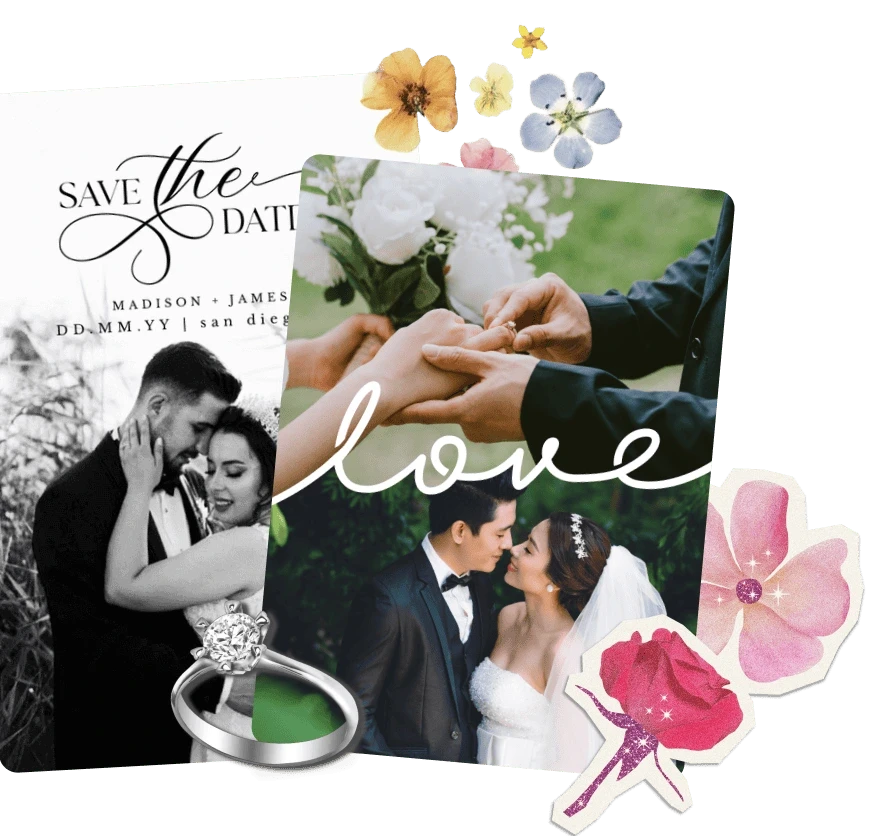

Free Wedding Invitations Made with Your Photos
Choose a wedding invitation template, add your photos and details, and create something that looks and feels like you as a couple!
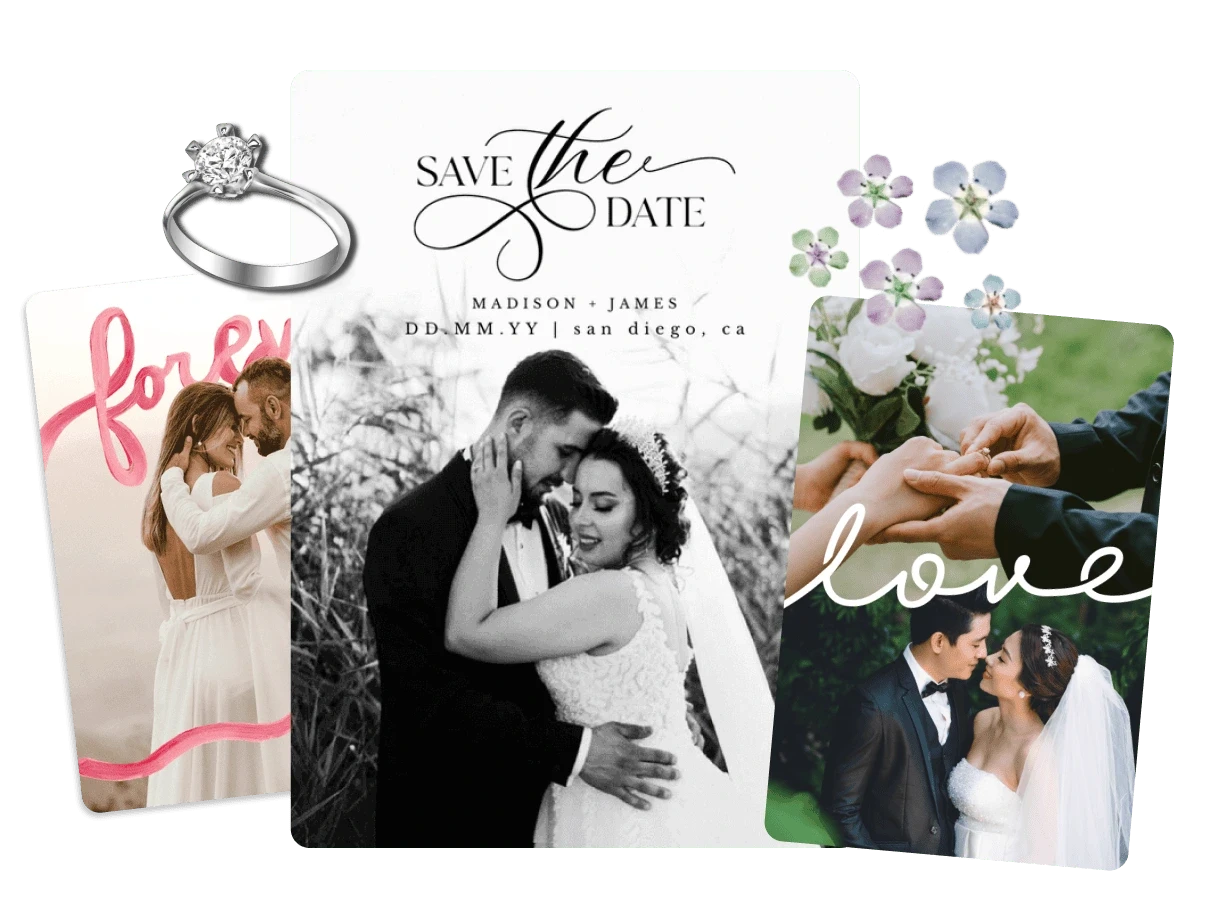
Create Heartfelt
Holiday Cards
in Minutes
Choose a wedding invitation template, add your photos and details, and create something that looks and feels like you as a couple!
Why Make Wedding Invitations in PicCollage?
Why Make Wedding Invitations in PicCollage?
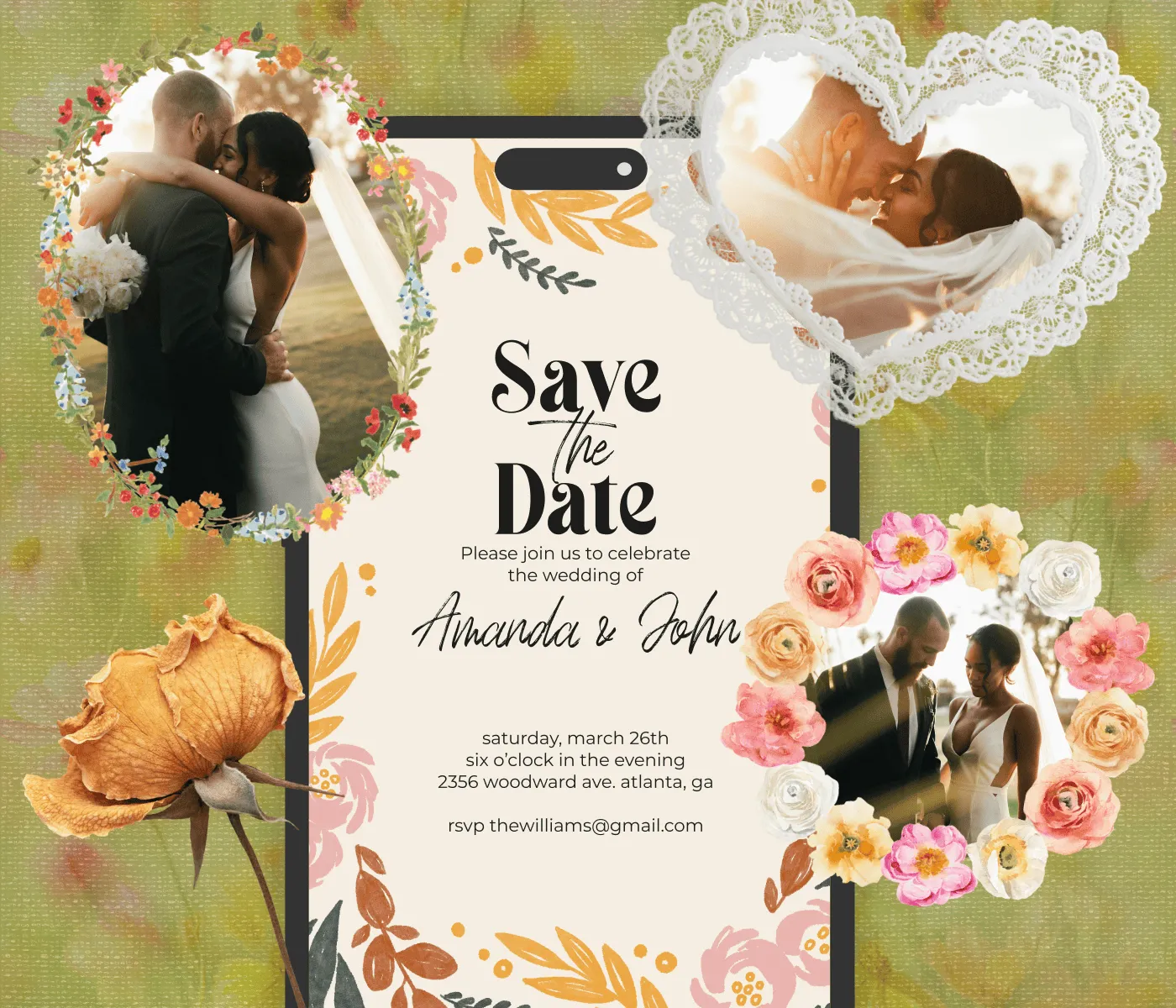
Designed to Match Your Day
Build around your color palette: Rustic, minimalist, or floral
Layer engagement photos with frames and overlays
Move, resize, and rearrange anything
Designed to Match Your Day
Build around your color palette: Rustic, minimalist, or floral
Layer engagement photos with frames and overlays
Move, resize, and rearrange anything

Make Every Detail Yours
Write your own wording, not a generic announcement
Browse hundreds of fonts and stickers
Keep date, venue, and dress code easy to read at a glance
Make Every Detail Yours
Write your own wording, not a generic announcement
Browse hundreds of fonts and stickers
Keep date, venue, and dress code easy to read at a glance
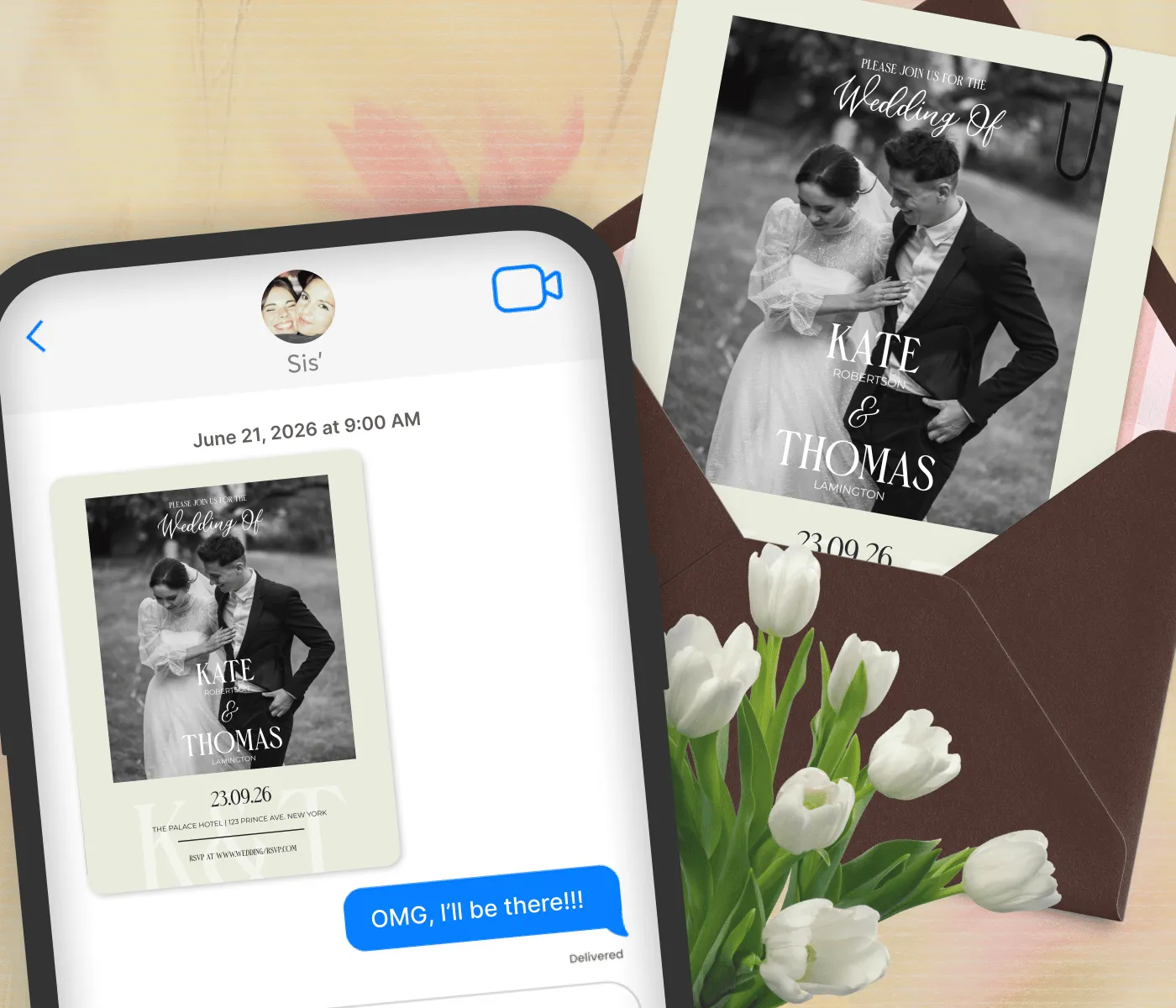
From Screen to Mailbox
Send invites by text or email
Export print-ready HD for cards to mail or hand out
Reuse the design for save-the-dates, RSVPs, and thank-you notes
From Screen to Mailbox
Send invites by text or email
Export print-ready HD for cards to mail or hand out
Reuse the design for save-the-dates, RSVPs, and thank-you notes
Custom Wedding Invitations Built Around Your Own Photos
Custom Wedding Invitations Built Around Your Own Photos
A custom wedding invitation sets the tone for the whole day. Pick a wedding invitation template, add a photo you love, and customize the details: names, date, venue, RSVP info. Change the fonts, adjust the colors, move things around. No design experience required, just your photos, your details, and a layout that feels like the two of you.
A custom wedding invitation sets the tone for the whole day. Pick a wedding invitation template, add a photo you love, and customize the details: names, date, venue, RSVP info. Change the fonts, adjust the colors, move things around. No design experience required, just your photos, your details, and a layout that feels like the two of you.

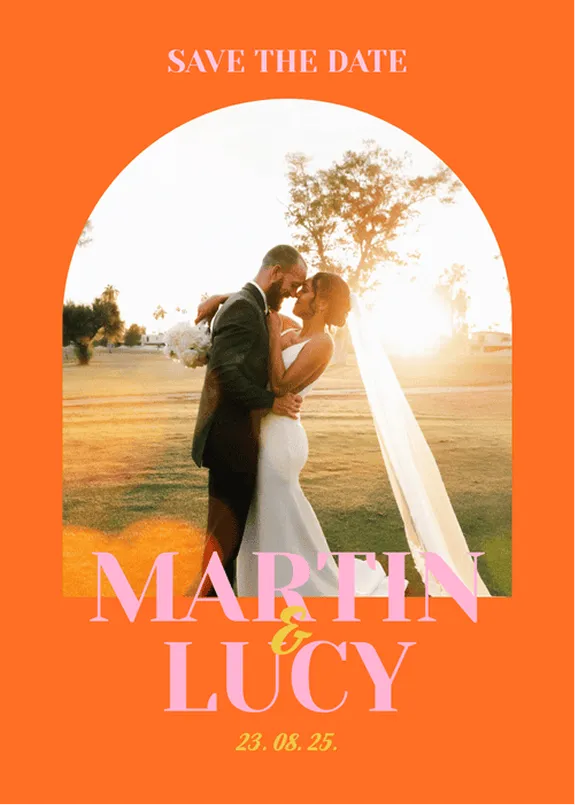
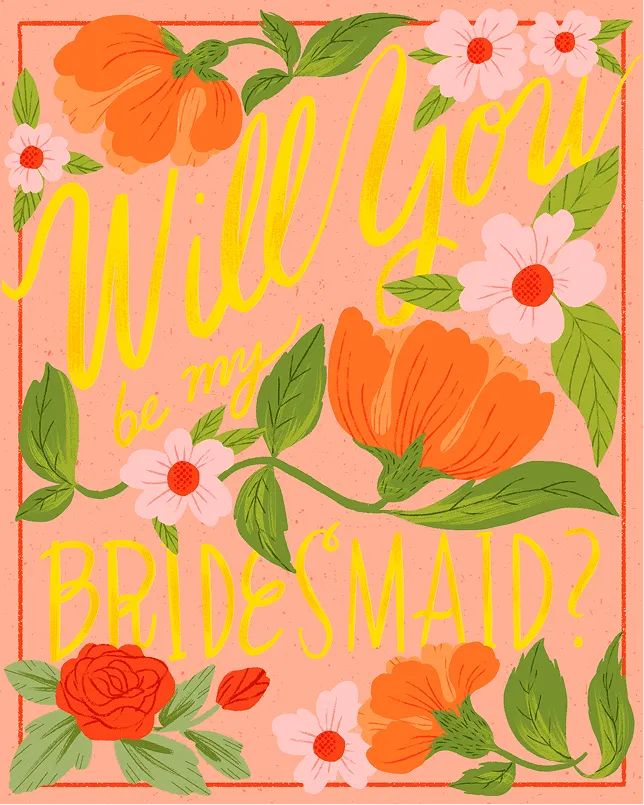





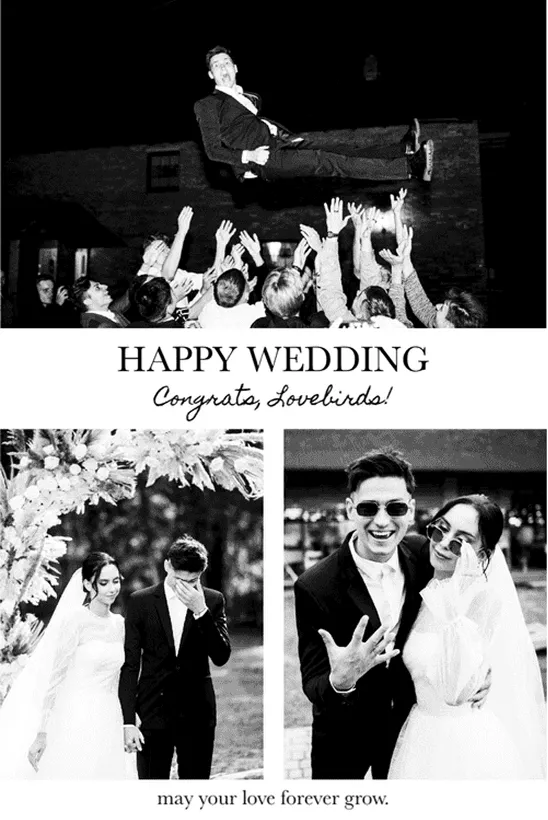
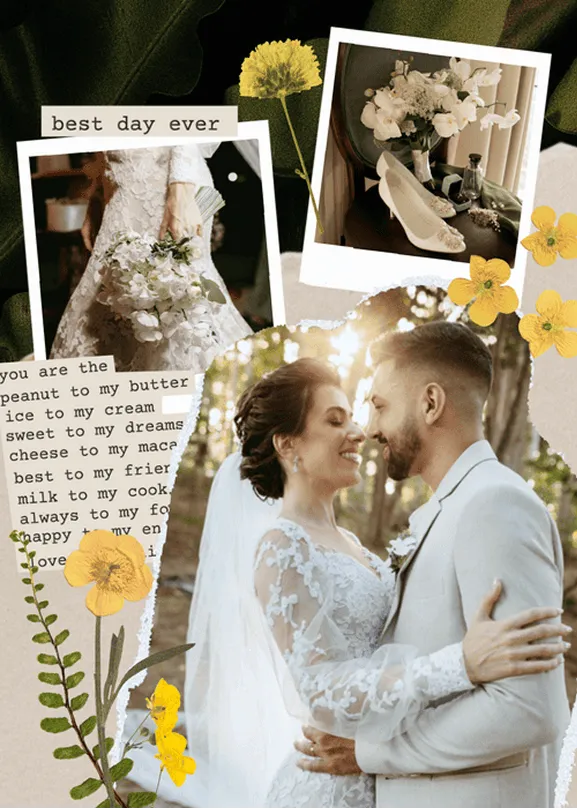
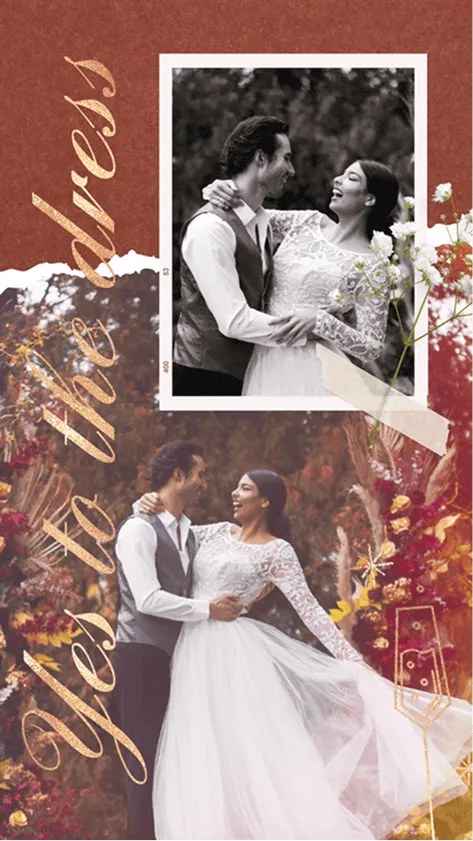
How to Design a Wedding Invitation with PicCollage
01
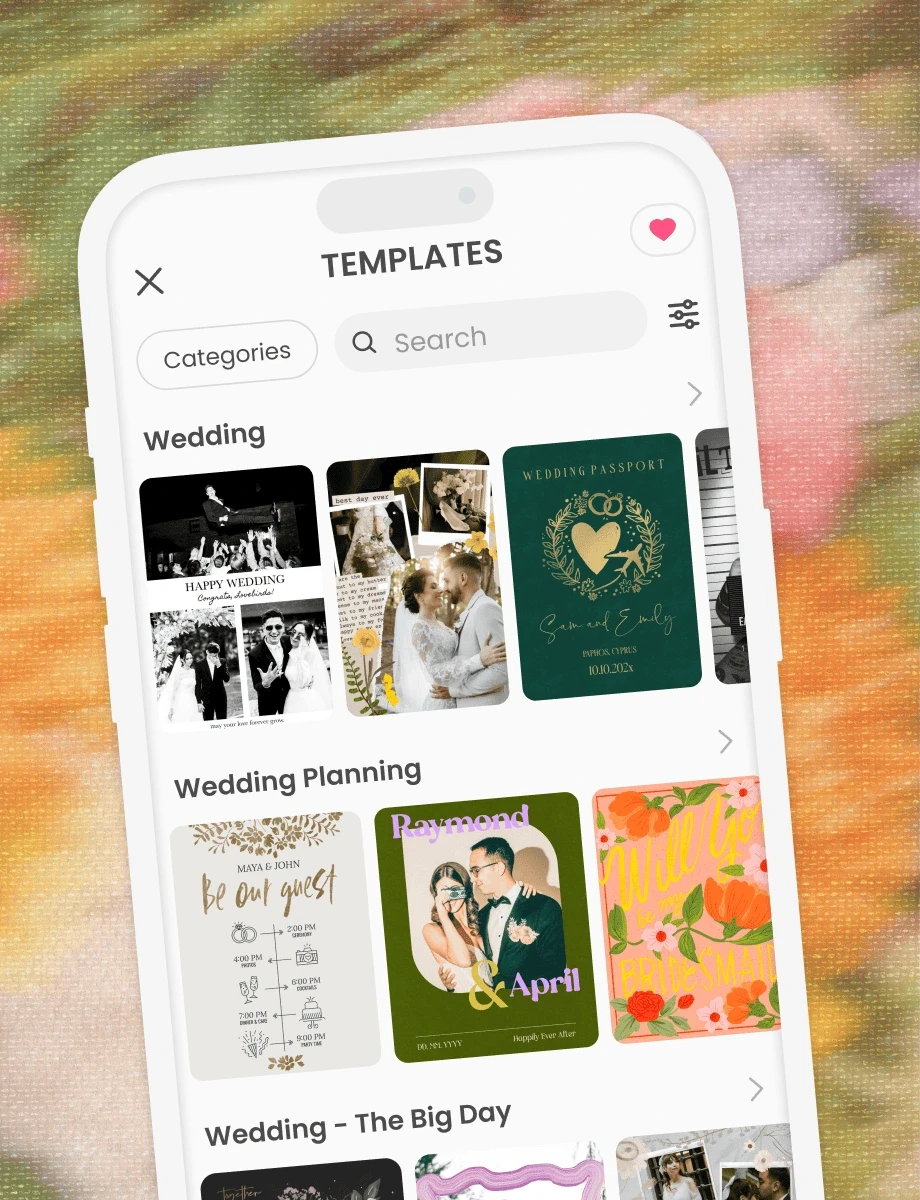
Pick a Wedding Invitation Template
Browse wedding invitation templates in PicCollage and find one that fits your style. Elegant, minimal, floral, rustic, modern. Choose the starting point that feels right and make it yours from there.
02
Add Your Photos and Details
Drop in a photo of you two, then add your names, date, venue, and everything your guests need to know. Adjust the layout, the fonts, and the colors until it looks like something you'd actually want to send.
03
Save, Share, or Print
Download your finished invitation in high resolution. Send it digitally through WhatsApp, text, or email. Or save it to print at home! Your call.
01
Pick a Wedding Invitation Template
Browse wedding invitation templates in PicCollage and find one that fits your style. Elegant, minimal, floral, rustic, modern. Choose the starting point that feels right and make it yours from there.
02
Add Your Photos and Details
Drop in a photo of you two, then add your names, date, venue, and everything your guests need to know. Adjust the layout, the fonts, and the colors until it looks like something you'd actually want to send.

03
Save, Share, or Print
Download your finished invitation in high resolution. Send it digitally through WhatsApp, text, or email. Or save it to print at home! Your call.
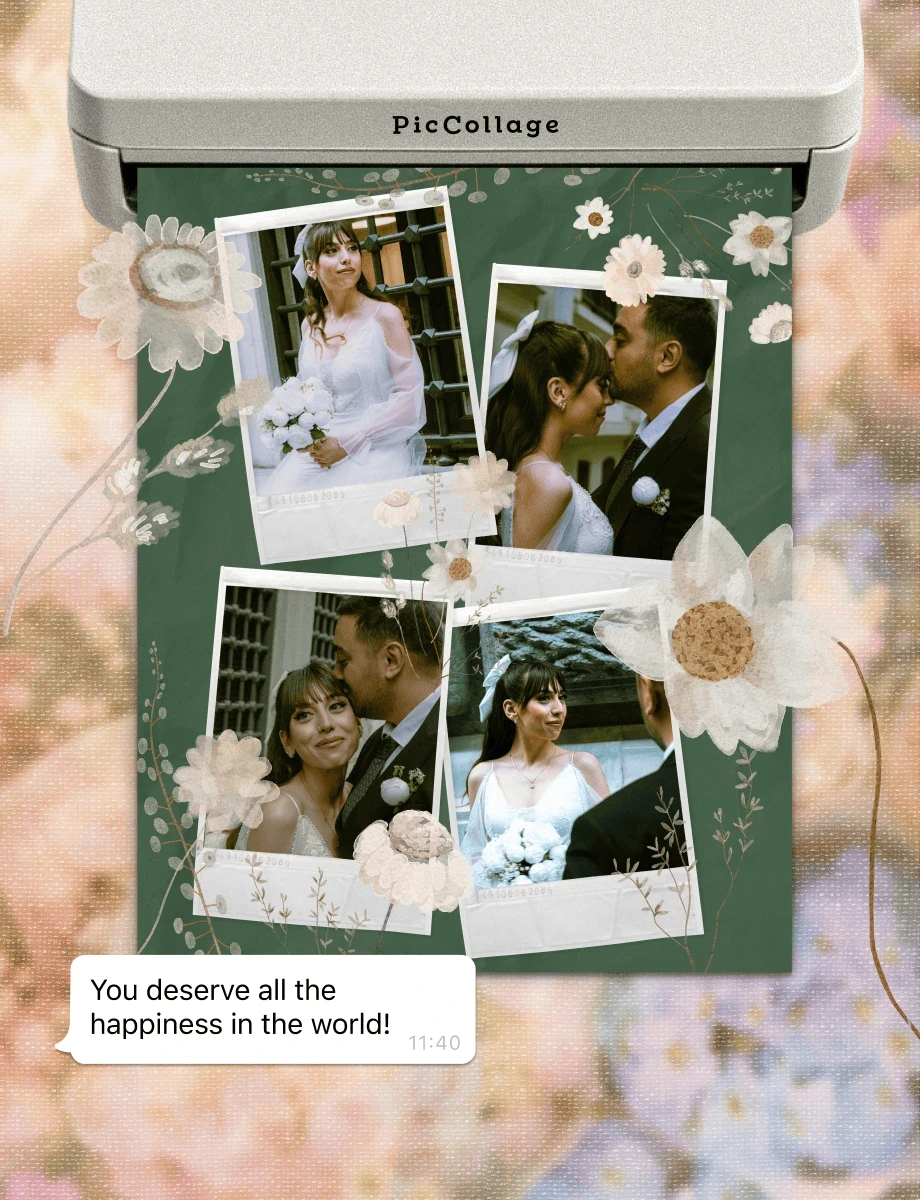
How to Design a Wedding Invitation with PicCollage


Digital Wedding Invitations You Can Send Today
Printed wedding invitations are beautiful, but they take weeks. You order them, you wait, you stuff envelopes, you buy stamps, you stand in line at the post office. A digital wedding invitation skips all of that.
With our PicCollage app, you design your wedding invitation on your phone and share it the same day. Send it through WhatsApp, iMessage, email, or post it in a group chat. Your guests get it instantly, and they can save the details right on their phone.
Digital invitations work especially well for destination weddings, smaller ceremonies, or when you need to send updates fast. Change the venue? Update the time? Just edit your design and send the new version!
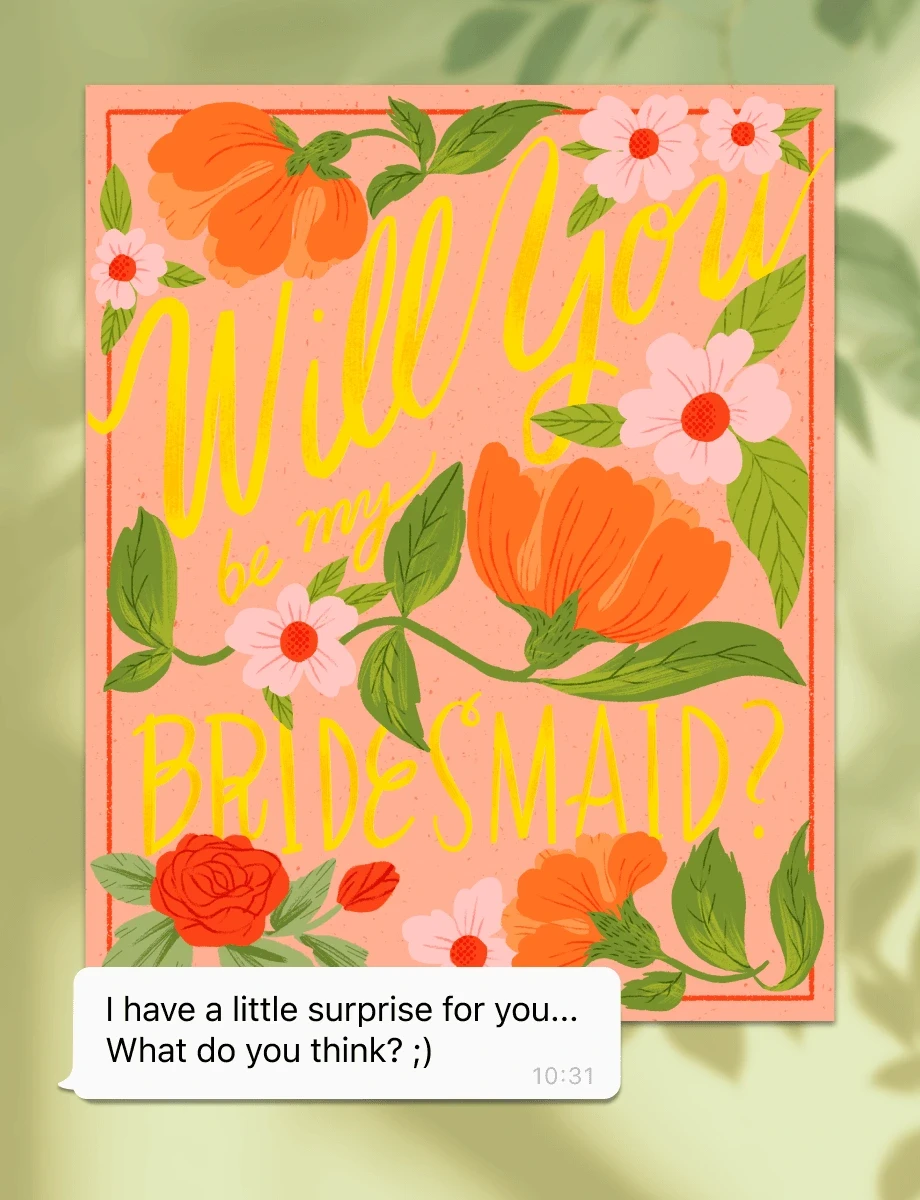
Wedding Invitations on a Budget (Without Looking Like It)
Weddings are expensive. The invitations don't have to be. Custom wedding stationery from a designer can cost hundreds, sometimes thousands of dollars.
That doesn't mean the result looks cheap. Templates are designed with real attention to typography, spacing, and layout. Add your photos, and the invitation looks like something you paid someone to make. The secret is that you didn't!
If you need to print, save your invitation in high resolution and take it to a local print shop or print it at home on good paper. If you're going fully digital, even better. Digital wedding invitations cost nothing to send and arrive the moment you hit share.

What to Include on Your Wedding Invitation?
A good wedding invitation answers every question your guests will have before they think to ask it. Here's what belongs on it.
Start with both of your names, written the way you want them to appear on the day. Then the date and time, as specific as you can make it.
Include the venue with its full name and address. If it's a place people might not know, a quick note about parking or directions goes a long way. Add your RSVP details so guests know how to respond and by when, whether that's a phone number, an email, a wedding website, or a QR code. One clear way to say yes is all they need.
If you have a dress code, say so. "Black tie," "cocktail attire," "come as you are," whatever makes sense for your day. And if the reception is at a separate location, include that too. If it's in the same spot, a simple "Reception to follow" covers it!
Digital Wedding Invitations You Can Send Today
Printed wedding invitations are beautiful, but they take weeks. You order them, you wait, you stuff envelopes, you buy stamps, you stand in line at the post office. A digital wedding invitation skips all of that.
With our PicCollage app, you design your wedding invitation on your phone and share it the same day. Send it through WhatsApp, iMessage, email, or post it in a group chat. Your guests get it instantly, and they can save the details right on their phone.
Digital invitations work especially well for destination weddings, smaller ceremonies, or when you need to send updates fast. Change the venue? Update the time? Just edit your design and send the new version!
What to Include on Your Wedding Invitation?
A good wedding invitation answers every question your guests will have before they think to ask it. Here's what belongs on it.
Start with both of your names, written the way you want them to appear on the day. Then the date and time, as specific as you can make it.
Include the venue with its full name and address. If it's a place people might not know, a quick note about parking or directions goes a long way. Add your RSVP details so guests know how to respond and by when, whether that's a phone number, an email, a wedding website, or a QR code. One clear way to say yes is all they need.
If you have a dress code, say so. "Black tie," "cocktail attire," "come as you are," whatever makes sense for your day. And if the reception is at a separate location, include that too. If it's in the same spot, a simple "Reception to follow" covers it!
Wedding Invitations on a Budget (Without Looking Like It)
Weddings are expensive. The invitations don't have to be. Custom wedding stationery from a designer can cost hundreds, sometimes thousands of dollars.
That doesn't mean the result looks cheap. Templates are designed with real attention to typography, spacing, and layout. Add your photos, and the invitation looks like something you paid someone to make. The secret is that you didn't!
If you need to print, save your invitation in high resolution and take it to a local print shop or print it at home on good paper. If you're going fully digital, even better. Digital wedding invitations cost nothing to send and arrive the moment you hit share.
Wedding Invitations on a Budget (Without Looking Like It)
Weddings are expensive. The invitations don't have to be. Custom wedding stationery from a designer can cost hundreds, sometimes thousands of dollars.
That doesn't mean the result looks cheap. Templates are designed with real attention to typography, spacing, and layout. Add your photos, and the invitation looks like something you paid someone to make. The secret is that you didn't!
If you need to print, save your invitation in high resolution and take it to a local print shop or print it at home on good paper. If you're going fully digital, even better. Digital wedding invitations cost nothing to send and arrive the moment you hit share.
What to Include on Your Wedding Invitation?
A good wedding invitation answers every question your guests will have before they think to ask it. Here's what belongs on it.
Start with both of your names, written the way you want them to appear on the day. Then the date and time, as specific as you can make it.
Include the venue with its full name and address. If it's a place people might not know, a quick note about parking or directions goes a long way. Add your RSVP details so guests know how to respond and by when, whether that's a phone number, an email, a wedding website, or a QR code. One clear way to say yes is all they need.
If you have a dress code, say so. "Black tie," "cocktail attire," "come as you are," whatever makes sense for your day. And if the reception is at a separate location, include that too. If it's in the same spot, a simple "Reception to follow" covers it!
Wedding Invitations on a Budget (Without Looking Like It)
Weddings are expensive. The invitations don't have to be. Custom wedding stationery from a designer can cost hundreds, sometimes thousands of dollars.
That doesn't mean the result looks cheap. Templates are designed with real attention to typography, spacing, and layout. Add your photos, and the invitation looks like something you paid someone to make. The secret is that you didn't!
If you need to print, save your invitation in high resolution and take it to a local print shop or print it at home on good paper. If you're going fully digital, even better. Digital wedding invitations cost nothing to send and arrive the moment you hit share.

Frequently Asked Questions
Is PicCollage really free for making wedding invitations?
Yes. Download the app on iOS or Android, pick a template or start from scratch, and design your wedding invitation for free. No credit card, no trial period. Some premium templates and stickers are available with a subscription, but you can make a beautiful wedding invitation with the free options.
Can I design a digital wedding invitation with PicCollage?
Yes. Design your invitation in the app and share it directly through WhatsApp, text, email, or any messaging app. Your guests receive it instantly on their phone. No envelope, no postage, no waiting.
Can I print my wedding invitation at home?
No problem with that! Save your finished design in high resolution and print it at home on quality cardstock. You can also take the file to a local print shop for a more polished finish. PicCollage handles the design, you handle the printing however you prefer.
What size should a wedding invitation be?
Standard wedding invitation sizes are 5×7 inches and 4.25×5.5 inches. PicCollage lets you save your design in custom dimensions, so you can match whatever size works best for your printing or digital sharing needs.