Create Heartfelt
Holiday Cards
in Minutes
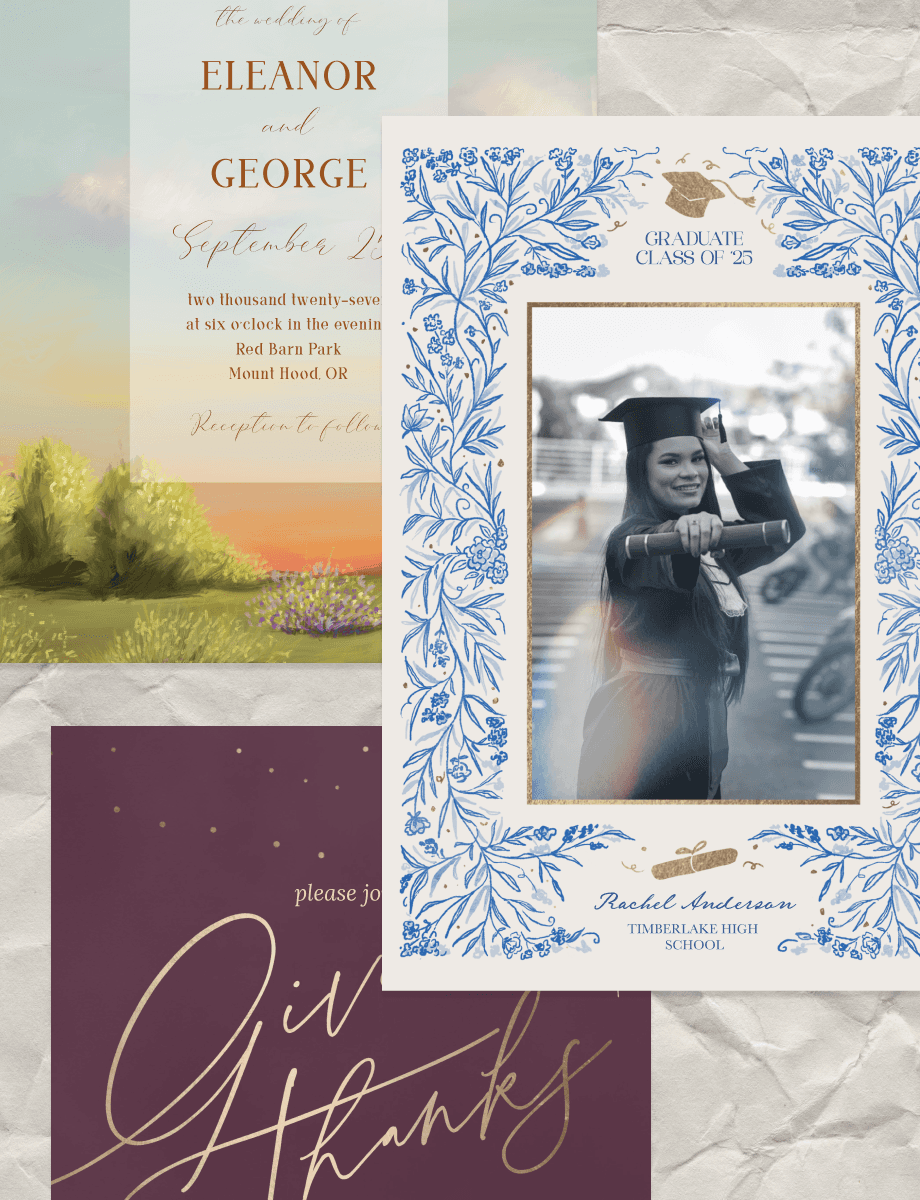
Pick a template, add your own photos and event details, and send a custom invitation in minutes. For birthdays, weddings, holidays, and anything worth celebrating.


Create Heartfelt
Holiday Cards
in Minutes
Pick a template, add your own photos and event details, and send a custom invitation in minutes. For birthdays, weddings, holidays, and anything worth celebrating.


Create Heartfelt
Holiday Cards
in Minutes
Pick a template, add your own photos and event details, and send a custom invitation in minutes. For birthdays, weddings, holidays, and anything worth celebrating.

Why Make Holiday Cards in PicCollage?

Make Invitations Fast on Your Phone
Start with photos from your camera roll
Pick a card invitation template you love
Done and ready to send in minutes, no design skills needed

Make Invitations Fast on Your Phone
Start with photos from your camera roll
Pick a card invitation template you love
Done and ready to send in minutes, no design skills needed

Personalize Every Detail
Swap fonts, colors, and layouts until it feels like you
Add stickers and decorations that match the event
Write the date, time, location, and your own message

Personalize Every Detail
Swap fonts, colors, and layouts until it feels like you
Add stickers and decorations that match the event
Write the date, time, location, and your own message

Send Digitally or Print at Home
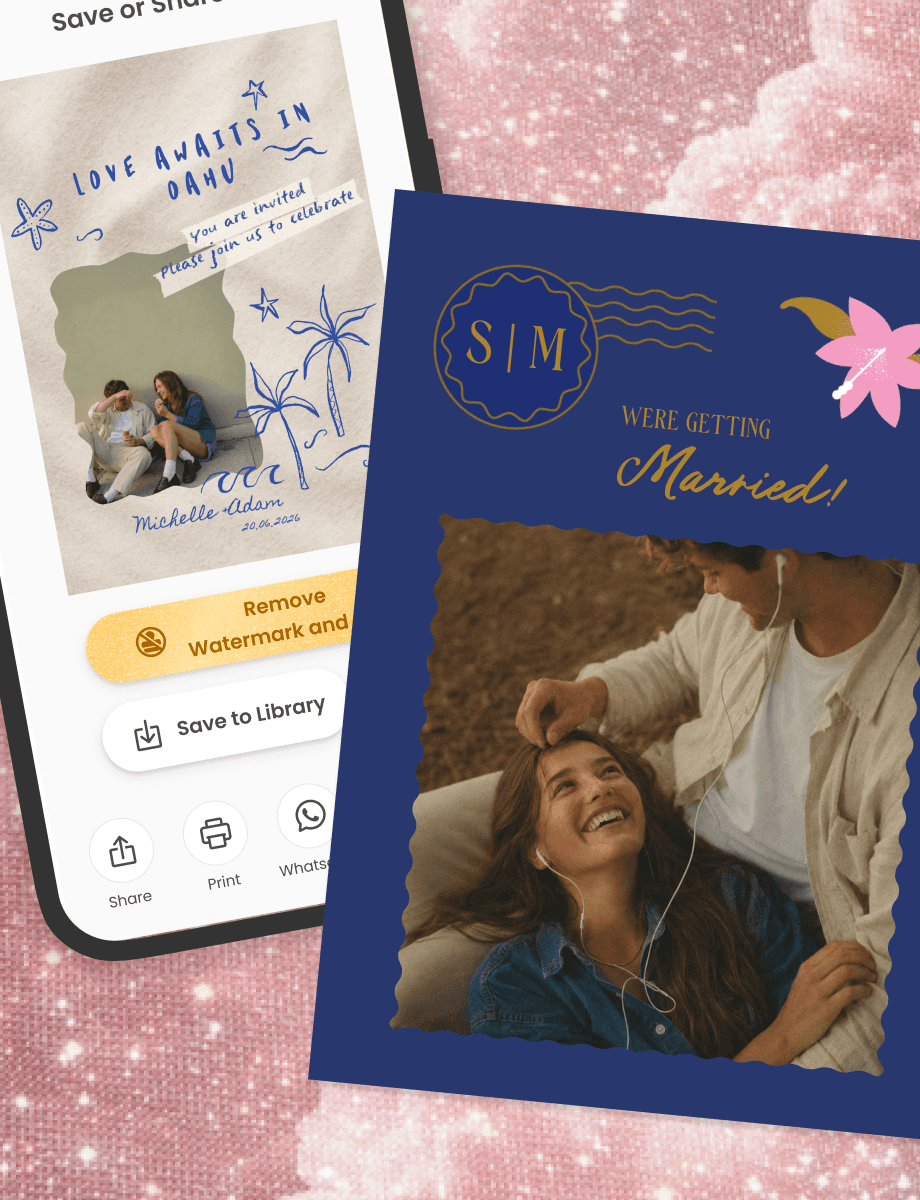
Share virtual invitations through WhatsApp, text, email, or social
Download a free HD file to print at home or a local shop
Save now, send or print whenever you are ready

Send Digitally or Print at Home
Share virtual invitations through WhatsApp, text, email, or social
Download a free HD file to print at home or a local shop
Save now, send or print whenever you are ready
Holiday Card Ideas for Every Celebration and Style
From birthday parties and weddings to baby showers, baptisms, and holiday gatherings, you'll find card invitation ideas for every event and every style. Browse birthday card invitation designs, elegant wedding layouts, and playful templates you can personalize with your own photos.
How to Make an Invitation Card with PicCollage
01
Pick an Invitation Template
Open PicCollage and browse invitation templates for your event. Birthdays, weddings, baby showers, holiday parties, dinner gatherings, and more. Find a layout that matches the mood and make it yours.
02
Add Your Photos and Event Details
Drop in a photo that sets the tone. A photo of the guest of honor, a snapshot from last year's party, or something that gives your guests a preview of what's coming. Then add the date, time, location, and anything else they need to know.
03
Send It or Print It
Share your invitation through WhatsApp, text, email, or social media. Or save it in high resolution to print at home and hand out in person. Either way, it takes minutes.

How to Make an Invitation Card with PicCollage
01
Pick an Invitation Template
Open PicCollage and browse invitation templates for your event. Birthdays, weddings, baby showers, holiday parties, dinner gatherings, and more. Find a layout that matches the mood and make it yours.
02
Add Your Photos and Event Details
Drop in a photo that sets the tone. A photo of the guest of honor, a snapshot from last year's party, or something that gives your guests a preview of what's coming. Then add the date, time, location, and anything else they need to know.
03
Send It or Print It
Share your invitation through WhatsApp, text, email, or social media. Or save it in high resolution to print at home and hand out in person. Either way, it takes minutes.


Invitation Cards That Look Like You Made Them (Because You Did)
Every invitation starts with your own photos. That's what separates it from a fill-in-the-blank ecard or a plain text message with the details pasted in. A birthday invitation with an actual photo of the birthday person on it feels different from one with a generic cake icon. A holiday party invite with a photo from last year's gathering tells your guests exactly what kind of night they're in for.
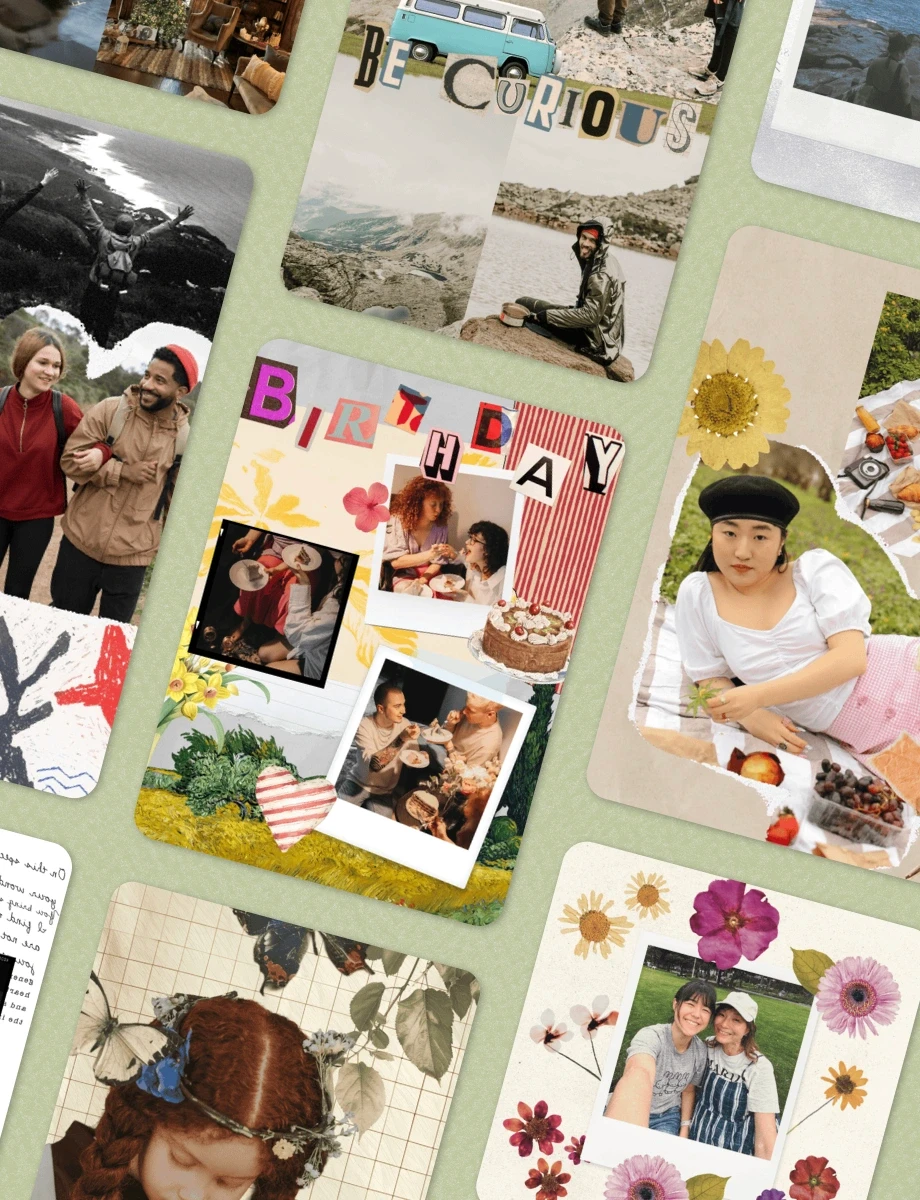
You pick the template, the photos, the fonts, and the message. Rearrange the layout until it looks right. Add stickers or decorations if the occasion calls for it, or keep it clean and simple. The card ends up looking like something a designer made, except the designer was you, on your couch, in about five minutes.

Invitation Cards That Look Like You Made Them (Because You Did)
Every invitation starts with your own photos. That's what separates it from a fill-in-the-blank ecard or a plain text message with the details pasted in. A birthday invitation with an actual photo of the birthday person on it feels different from one with a generic cake icon. A holiday party invite with a photo from last year's gathering tells your guests exactly what kind of night they're in for.
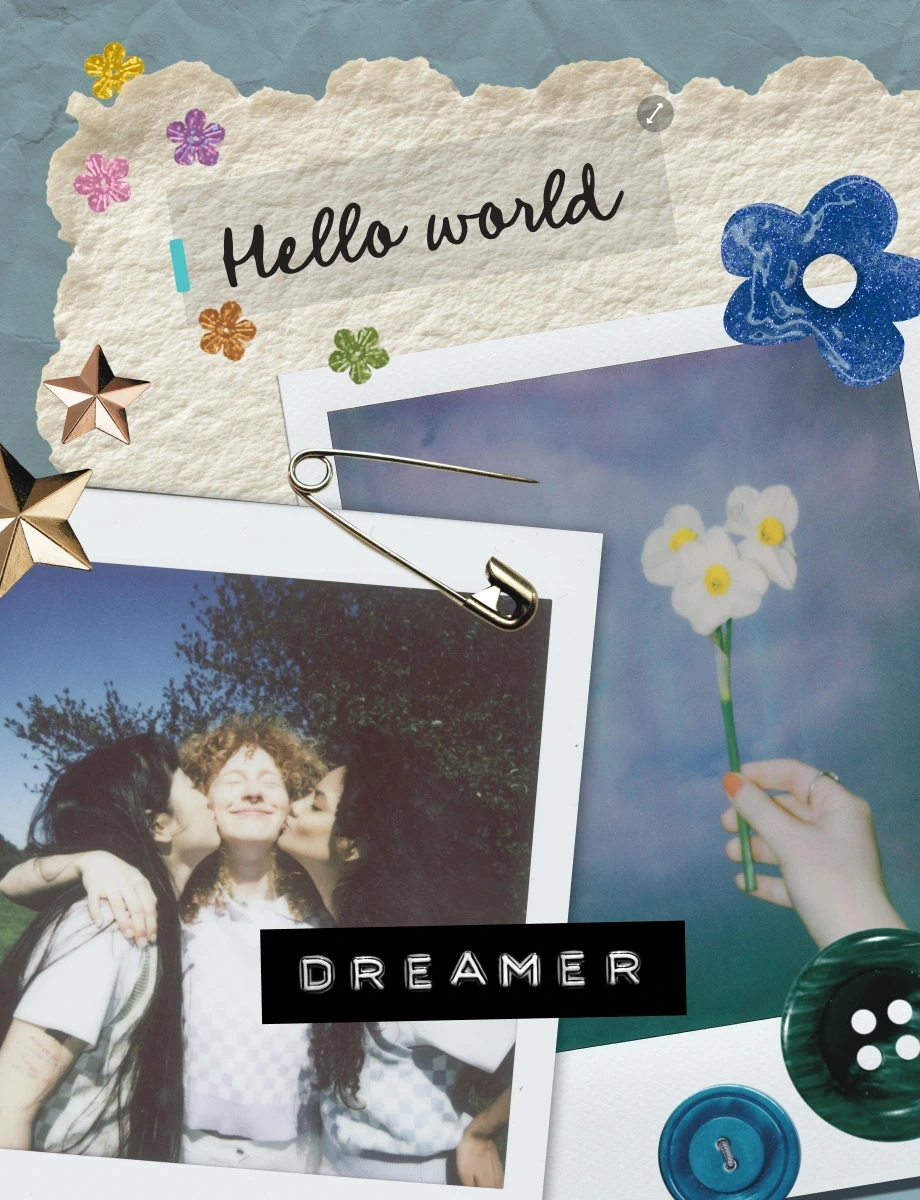
You pick the template, the photos, the fonts, and the message. Rearrange the layout until it looks right. Add stickers or decorations if the occasion calls for it, or keep it clean and simple. The card ends up looking like something a designer made, except the designer was you, on your couch, in about five minutes.

Digital Invitation Cards You Can Send Instantly
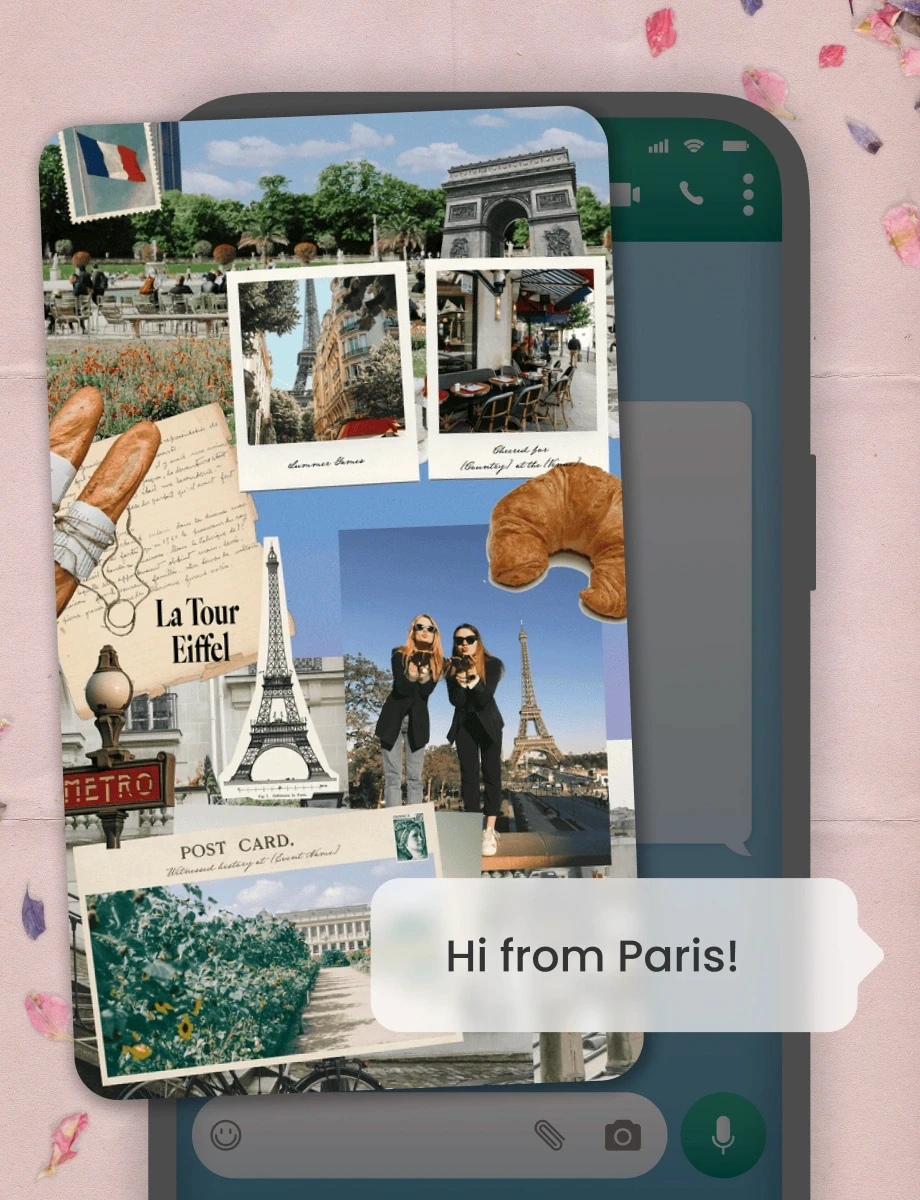
A digital invitation card does everything a paper one does, except faster, cheaper, and without the post office. You design it on your phone, send it through Messenger, text, email, or social media, and your guests get it the same minute you finish it.
Virtual invitations work especially well when your guest list is scattered across different cities or countries. No envelopes to stuff, no stamps to buy, no wondering if it got lost in the mail. Everyone gets the same card with the same details, and they can save it directly to their phone so they don't lose the date.
Most ecard invitation services use stock images and pre-written templates that look like they came from a website in 2008. PicCollage invitations use your own photos. That's the difference between something that feels mass-produced and something that feels like it came from you. The person opening it can tell immediately.

Digital Invitation Cards You Can Send Instantly
A digital invitation card does everything a paper one does, except faster, cheaper, and without the post office. You design it on your phone, send it through Messenger, text, email, or social media, and your guests get it the same minute you finish it.
Virtual invitations work especially well when your guest list is scattered across different cities or countries. No envelopes to stuff, no stamps to buy, no wondering if it got lost in the mail. Everyone gets the same card with the same details, and they can save it directly to their phone so they don't lose the date.
Most ecard invitation services use stock images and pre-written templates that look like they came from a website in 2008. PicCollage invitations use your own photos. That's the difference between something that feels mass-produced and something that feels like it came from you. The person opening it can tell immediately.

Free Invitation Card Templates for Any Event
Starting from a blank canvas can be overwhelming, especially when you're planning an event and the invitation is just one item on a long list. That's where templates help.
PicCollage has free invitation card templates designed for specific occasions. Birthday parties, weddings, baby showers, graduation celebrations, bridal showers, holiday gatherings, dinner parties, and more. Each template handles the layout, the colors, and the overall feel so you can focus on adding your photos, writing the details, and making it yours.
Every template is a starting point, not a final product. Change the fonts, swap the colors, adjust the layout, add stickers or decorations. You can also start from a completely blank canvas if you'd rather build the whole thing from scratch. Both approaches work, and both produce an invitation card that looks like you designed it yourself.

Free Invitation Card Templates for Any Event
Starting from a blank canvas can be overwhelming, especially when you're planning an event and the invitation is just one item on a long list. That's where templates help.
PicCollage has free invitation card templates designed for specific occasions. Birthday parties, weddings, baby showers, graduation celebrations, bridal showers, holiday gatherings, dinner parties, and more. Each template handles the layout, the colors, and the overall feel so you can focus on adding your photos, writing the details, and making it yours.
Every template is a starting point, not a final product. Change the fonts, swap the colors, adjust the layout, add stickers or decorations. You can also start from a completely blank canvas if you'd rather build the whole thing from scratch. Both approaches work, and both produce an invitation card that looks like you designed it yourself.

Make and Print Invitation Cards from Your Phone
PicCollage works as an online invitation card maker that runs entirely on your phone. Open the app, pick a template, add your photos and details, and your invitation is ready. No computer required, no design software to learn.
When it's done, you have two options. Send it digitally by sharing it straight from the app to WhatsApp, text, email, or any platform your guests use. Or print it by saving the invitation in high resolution and printing it at home on cardstock, or taking the file to a local print shop for a more polished finish.
Most people end up doing a mix. Digital for the friends and family who live on their phones. Printed for the people who appreciate holding something in their hands. PicCollage handles both because the final product is your image, saved at whatever resolution and size you need.

Make and Print Invitation Cards from Your Phone
PicCollage works as an online invitation card maker that runs entirely on your phone. Open the app, pick a template, add your photos and details, and your invitation is ready. No computer required, no design software to learn.
When it's done, you have two options. Send it digitally by sharing it straight from the app to WhatsApp, text, email, or any platform your guests use. Or print it by saving the invitation in high resolution and printing it at home on cardstock, or taking the file to a local print shop for a more polished finish.
Most people end up doing a mix. Digital for the friends and family who live on their phones. Printed for the people who appreciate holding something in their hands. PicCollage handles both because the final product is your image, saved at whatever resolution and size you need.
01
Choose Digital Scrapbook Templates
Open PicCollage and browse hundreds of scrapbook templates. Pick the designs that you like.

02
Add Photos & Scrapbooking Decorations
Upload photos and add your personal touch. Choose stickers, fonts, and paper textures. Layer photos with the cutout tool for authentic scrapbook style.

03
Save Your Digital Scrapbook Pages
Save pages in HD to your phone. Share with friends and family through text or keep them private. Your memories, your choice.

How to Make Digital Scrapbooks
Frequently Asked Questions
Is PicCollage free for making invitation cards?
Yes. Download the app on iOS or Android, pick a template or start from scratch, and design as many invitation cards as you want. No credit card, no trial period, no watermark. Some premium stickers and templates are available with a subscription, but the free options cover most occasions well.
What is a digital invitation card?
A digital invitation card is an invitation you create and send on your phone instead of ordering printed ones. With PicCollage, you build it using your own photos and a template, then share it through WhatsApp, text, email, or social media. Your guests receive it instantly and can save the details to their phone.
Can I print my invitation cards at home?
Yes. Save your finished invitation in high resolution and print it on your own printer. Cardstock works best for a polished feel. You can also take the file to a local print shop. PicCollage handles the design and gives you the file at whatever size you need.
What events can I make invitation cards for?
Birthdays, weddings, baby showers, bridal showers, graduation parties, holiday gatherings, dinner parties, gender reveals, baptisms, anniversaries, and more. If there's an event worth inviting people to, PicCollage has templates for it.