
Backgrounds That Make Your Collages Pop
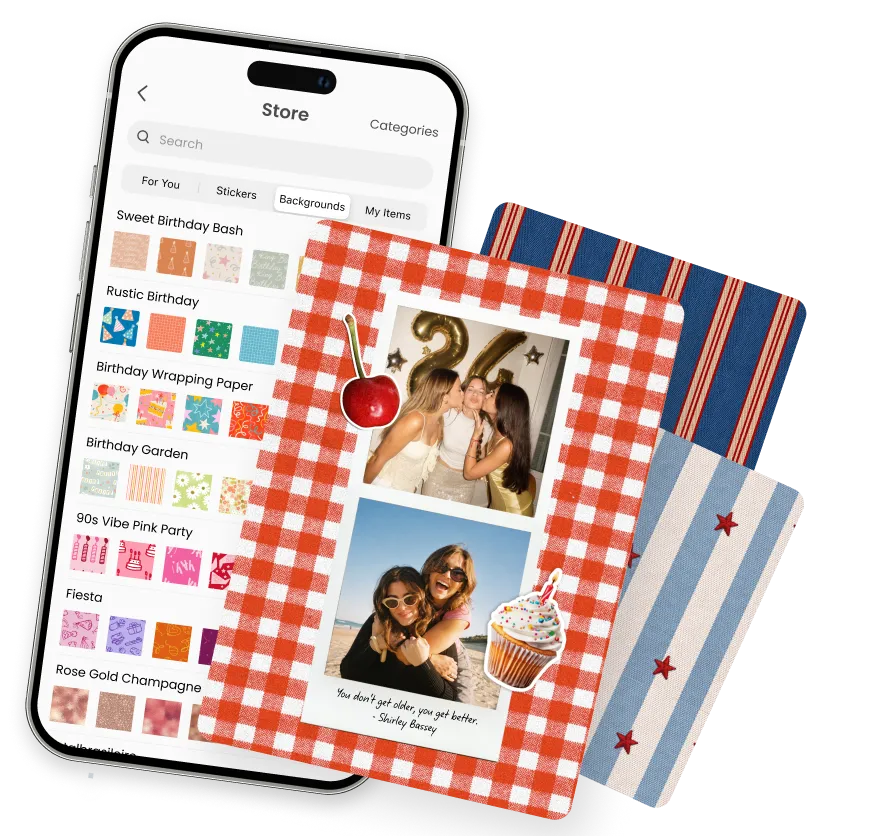
Cute, aesthetic, pastel, seasonal, and everything in between. Pick the perfect background for your photo collage from a library that keeps growing. Free download on iOS and Android.


Backgrounds That Make Your Collages Pop
Cute, aesthetic, pastel, seasonal, and everything in between. Pick the perfect background for your photo collage from a library that keeps growing. Free download on iOS and Android.
Backgrounds That Make Your Collages Pop
Cute, aesthetic, pastel, seasonal, and everything in between. Pick the perfect background for your photo collage from a library that keeps growing. Free download on iOS and Android.
Why Change Your Collage Background in PicCollage
Why Change Your Collage Background in PicCollage

A Background for Every Mood
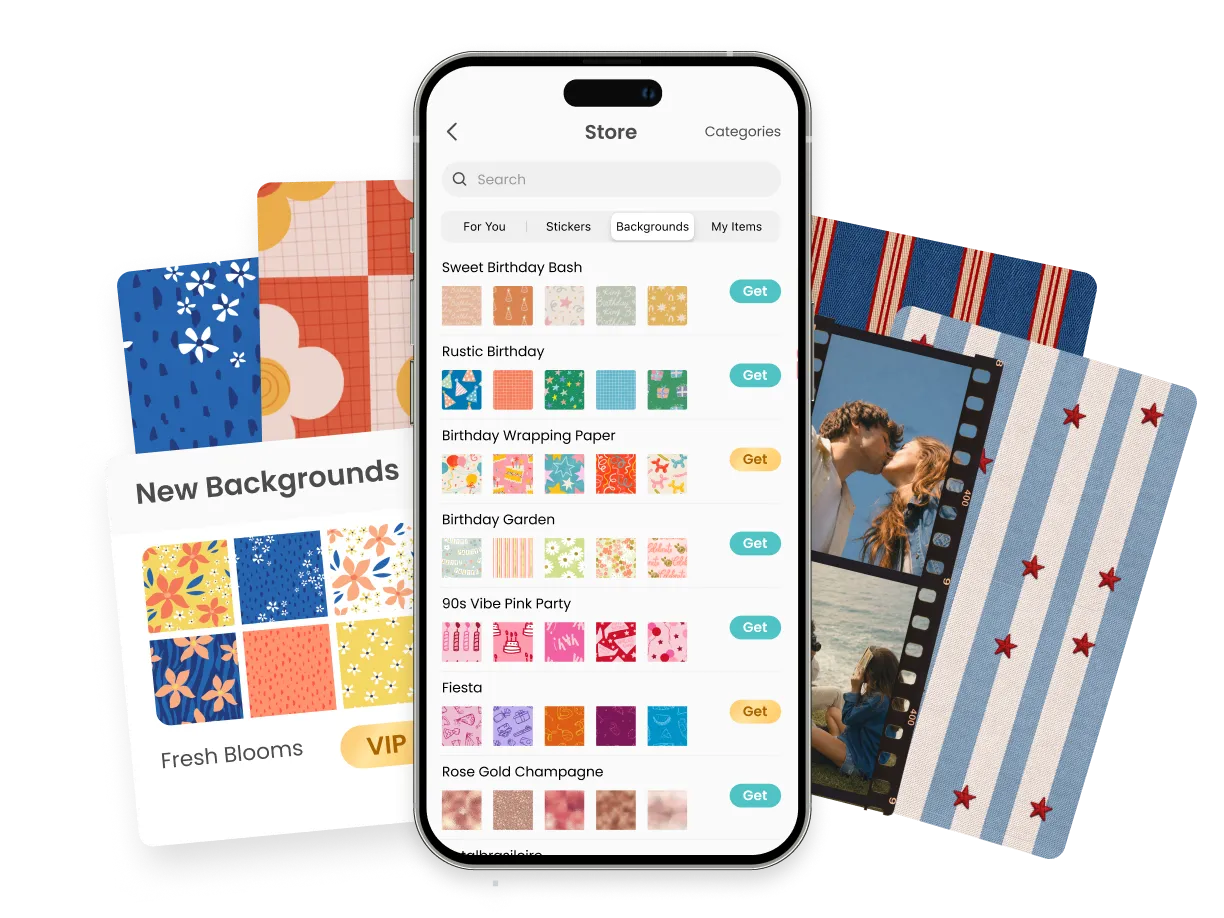
Hundreds of backgrounds: cute, aesthetic, pastel, kawaii, girly, minimal, and more
Solid colors, gradients, patterns, and illustrated designs all in one place
Preview any background live behind your collage and switch with a tap
A Background for Every Mood
Hundreds of backgrounds: cute, aesthetic, pastel, kawaii, girly, minimal, and more
Solid colors, gradients, patterns, and illustrated designs all in one place
Preview any background live behind your collage and switch with a tap

Free and VIP Backgrounds
A large free library that covers most styles and occasions
Exclusive VIP background packs for members who want more variety
Fresh designs and seasonal collections added throughout the year
Free and VIP Backgrounds
A large free library that covers most styles and occasions
Exclusive VIP background packs for members who want more variety
Fresh designs and seasonal collections added throughout the year

Made for Collages and Photo Montages
Set the mood behind your photos before you add them
Match the background to a theme: birthdays, holidays, aesthetics, seasons
Save in full resolution with your background baked right in
Made for Collages and Photo Montages
Set the mood behind your photos before you add them
Match the background to a theme: birthdays, holidays, aesthetics, seasons
Save in full resolution with your background baked right in
The Photo Grid App That Actually Gives You Control
The Photo Grid App That Actually Gives You Control
Most photo grid apps lock you into rigid templates. You pick the layout, fill in the boxes, and that's it. If the proportions feel off or the spacing is wrong, too bad. PicCollage works differently.
In PicCollage, the photo grid is a starting point, not a cage. Drag photos to resize them inside the grid. Adjust the spacing between cells until it feels right. Add a colored background or a custom border. Swap photos around without restarting. The grid bends to what you want, not the other way around.
People come for a photo grid maker and stay because the app does everything else too. Collages, cards, invitations, social media graphics, wall art. The grid is one feature in a creative toolkit that handles the rest of your visual projects in the same place.
Most photo grid apps lock you into rigid templates. You pick the layout, fill in the boxes, and that's it. If the proportions feel off or the spacing is wrong, too bad. PicCollage works differently.
In PicCollage, the photo grid is a starting point, not a cage. Drag photos to resize them inside the grid. Adjust the spacing between cells until it feels right. Add a colored background or a custom border. Swap photos around without restarting. The grid bends to what you want, not the other way around.
People come for a photo grid maker and stay because the app does everything else too. Collages, cards, invitations, social media graphics, wall art. The grid is one feature in a creative toolkit that handles the rest of your visual projects in the same place.


The PicCollage Backgrounds Library
The background is the part of a collage most people overlook, and it's the part that pulls everything together. A busy grid of photos looks scattered on plain white. Drop a soft pastel gradient or a cute pattern behind it and suddenly the whole thing feels intentional. PicCollage gives you hundreds of backgrounds to make that happen, right inside the app.
The library spans every style you might reach for. Cute and aesthetic designs for personal, feed-worthy collages. Pastel and soft-tone backgrounds for something gentle. Girly and kawaii styles full of personality. Clean solid colors and smooth gradients for a minimal look. Bold patterns for something with more energy. Whatever mood your collage is going for, there's a background that sets it, and you can preview each one live behind your photos before you commit.
Because the backgrounds are built into the app, there's no importing files or searching the web for something that fits. You browse, you tap, you see it applied instantly. Swap between options as many times as you want until the collage looks exactly right.
Free Backgrounds, Plus a Whole Lot More with VIP
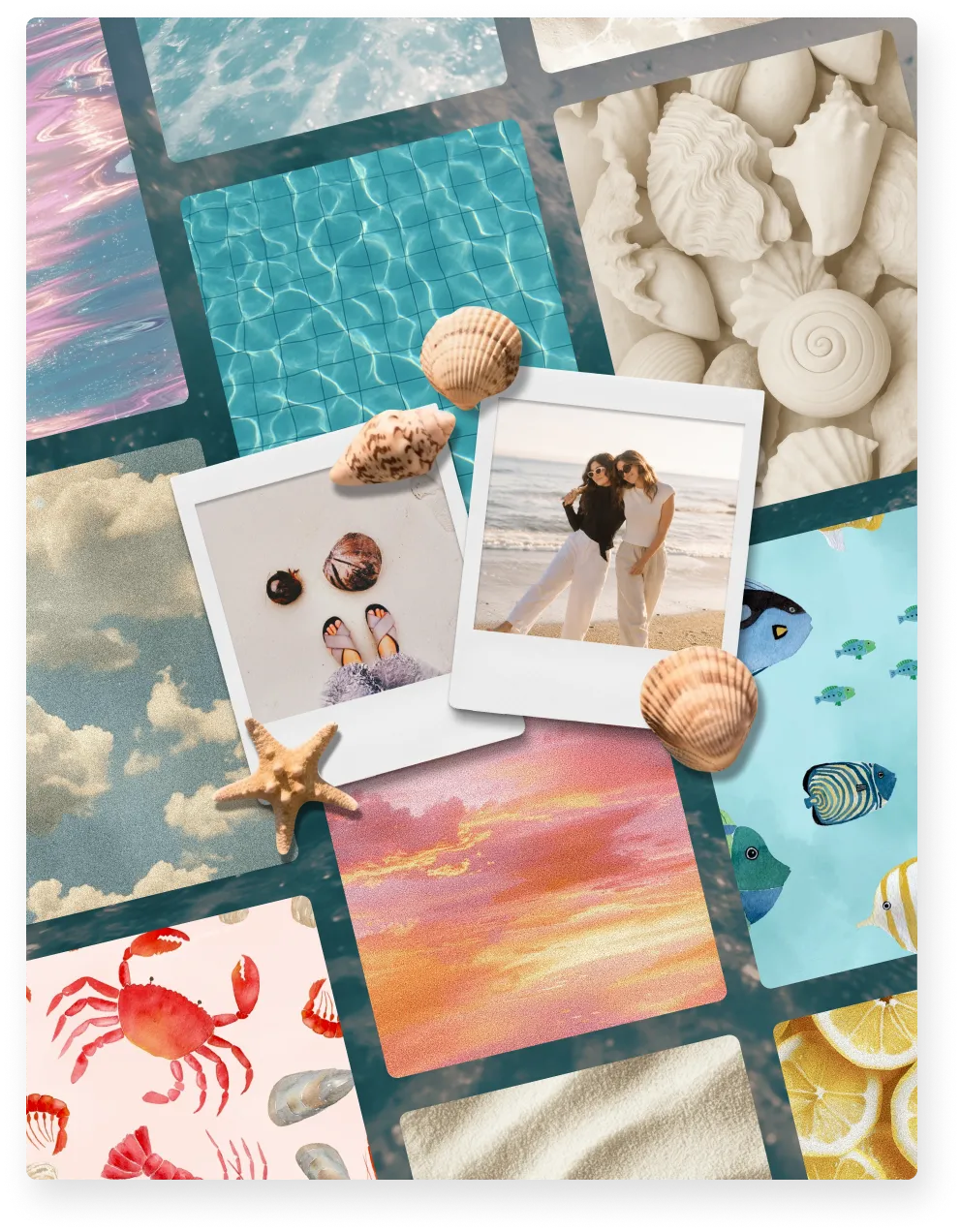
Here's the honest version: you can make a genuinely great collage without paying for anything. The free backgrounds in PicCollage aren't the leftovers, they're a real library. Solid colors, gradients, patterns, cute designs, aesthetic tones, the seasonal staples. Plenty of people have been making collages here for years and never touched the paid stuff.
VIP is for when you've fallen down the rabbit hole. You've made forty collages, you've got a look you love, and you want the backgrounds nobody else is using. That's what the VIP collection is: the exclusive packs, the extra seasonal drops, the more detailed illustrated styles that go a step beyond the free set. It comes bundled with the rest of PicCollage membership, so the same upgrade that unlocks these backgrounds also opens up premium stickers, templates, and fonts.
The part that matters either way: this isn't a library that sits still. New backgrounds land throughout the year, and the seasonal ones show up right when you need them, so you're not scrambling for a Christmas background on December 23rd. Free or VIP, what you're browsing next month won't be the same as what you're browsing today.
Set the Scene, on iPhone and Android
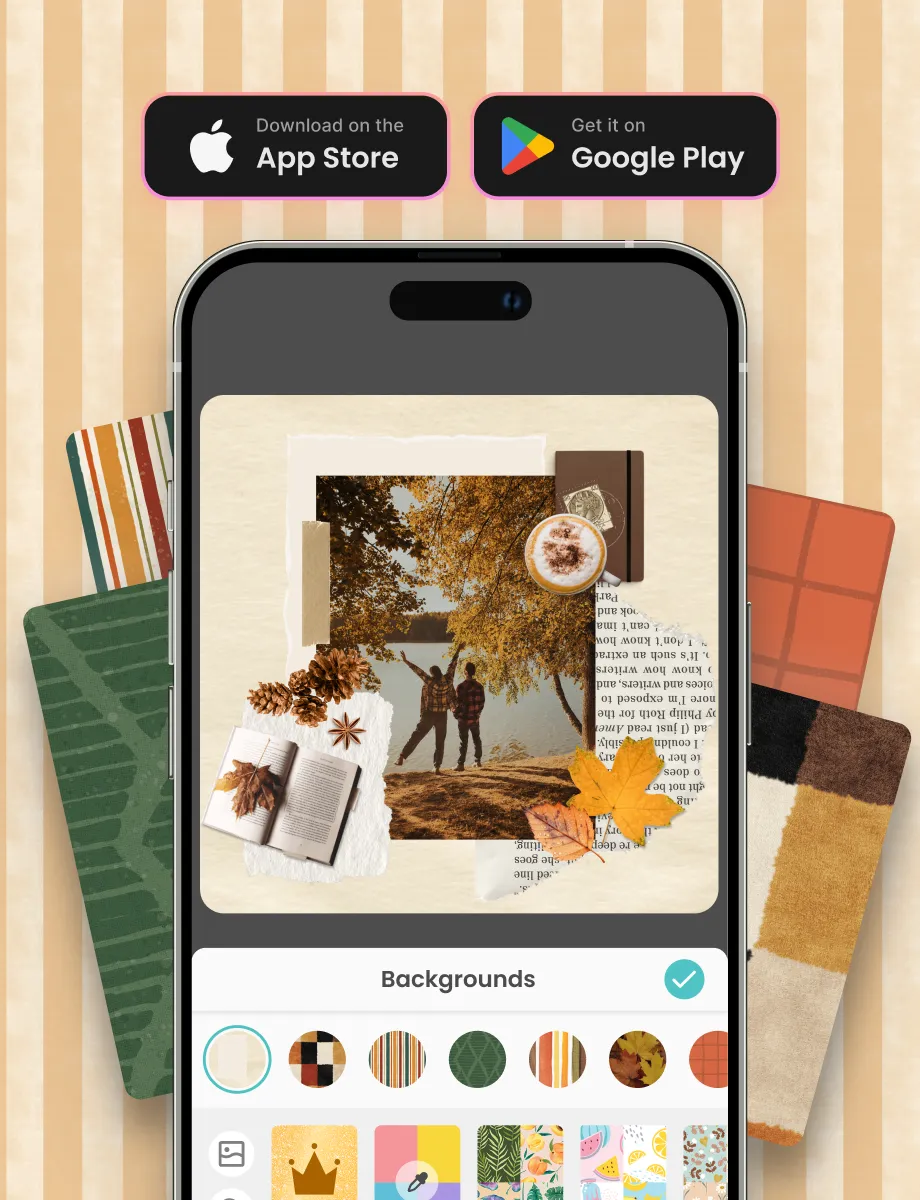
Think about the last collage you saw that actually looked good. Odds are it wasn't the photos alone doing the work. It was the thing behind them, tying the colors together and giving the whole layout somewhere to sit. That's the background, and it's the fastest way to make a collage look like you meant it.
In PicCollage, choosing one takes a few taps. Open your collage, pull up the backgrounds, and start trying things on. A warm pastel behind a set of summer photos. A dark, moody tone under a night-out grid. A holiday pattern that instantly reads as December. You see each one applied live, so you're reacting to the actual collage instead of guessing from a thumbnail.
Birthday Card Ideas When You Don't Know Where to Start
Content
Digital Scrapbooking vs. Physical Scrapbooking
The background is the part of a collage most people overlook, and it's the part that pulls everything together. A busy grid of photos looks scattered on plain white. Drop a soft pastel gradient or a cute pattern behind it and suddenly the whole thing feels intentional. PicCollage gives you hundreds of backgrounds to make that happen, right inside the app.
The library spans every style you might reach for. Cute and aesthetic designs for personal, feed-worthy collages. Pastel and soft-tone backgrounds for something gentle. Girly and kawaii styles full of personality. Clean solid colors and smooth gradients for a minimal look. Bold patterns for something with more energy. Whatever mood your collage is going for, there's a background that sets it, and you can preview each one live behind your photos before you commit.
Because the backgrounds are built into the app, there's no importing files or searching the web for something that fits. You browse, you tap, you see it applied instantly. Swap between options as many times as you want until the collage looks exactly right.
The PicCollage Backgrounds Library
The background is the part of a collage most people overlook, and it's the part that pulls everything together. A busy grid of photos looks scattered on plain white. Drop a soft pastel gradient or a cute pattern behind it and suddenly the whole thing feels intentional. PicCollage gives you hundreds of backgrounds to make that happen, right inside the app.
The library spans every style you might reach for. Cute and aesthetic designs for personal, feed-worthy collages. Pastel and soft-tone backgrounds for something gentle. Girly and kawaii styles full of personality. Clean solid colors and smooth gradients for a minimal look. Bold patterns for something with more energy. Whatever mood your collage is going for, there's a background that sets it, and you can preview each one live behind your photos before you commit.
Because the backgrounds are built into the app, there's no importing files or searching the web for something that fits. You browse, you tap, you see it applied instantly. Swap between options as many times as you want until the collage looks exactly right.
Sweet 16 Birthday Cards Made with Photos from the Year
Content
Free Backgrounds, Plus a Whole Lot More with VIP
Here's the honest version: you can make a genuinely great collage without paying for anything. The free backgrounds in PicCollage aren't the leftovers, they're a real library. Solid colors, gradients, patterns, cute designs, aesthetic tones, the seasonal staples. Plenty of people have been making collages here for years and never touched the paid stuff.
VIP is for when you've fallen down the rabbit hole. You've made forty collages, you've got a look you love, and you want the backgrounds nobody else is using. That's what the VIP collection is: the exclusive packs, the extra seasonal drops, the more detailed illustrated styles that go a step beyond the free set. It comes bundled with the rest of PicCollage membership, so the same upgrade that unlocks these backgrounds also opens up premium stickers, templates, and fonts.
The part that matters either way: this isn't a library that sits still. New backgrounds land throughout the year, and the seasonal ones show up right when you need them, so you're not scrambling for a Christmas background on December 23rd. Free or VIP, what you're browsing next month won't be the same as what you're browsing today.
What to Write in a Birthday Card
Content
Free Backgrounds, Plus a Whole Lot More with VIP
Here's the honest version: you can make a genuinely great collage without paying for anything. The free backgrounds in PicCollage aren't the leftovers, they're a real library. Solid colors, gradients, patterns, cute designs, aesthetic tones, the seasonal staples. Plenty of people have been making collages here for years and never touched the paid stuff.
VIP is for when you've fallen down the rabbit hole. You've made forty collages, you've got a look you love, and you want the backgrounds nobody else is using. That's what the VIP collection is: the exclusive packs, the extra seasonal drops, the more detailed illustrated styles that go a step beyond the free set. It comes bundled with the rest of PicCollage membership, so the same upgrade that unlocks these backgrounds also opens up premium stickers, templates, and fonts.
The part that matters either way: this isn't a library that sits still. New backgrounds land throughout the year, and the seasonal ones show up right when you need them, so you're not scrambling for a Christmas background on December 23rd. Free or VIP, what you're browsing next month won't be the same as what you're browsing today.
01
📱 Download PicCollage
Get the app free from the App Store or Google Play. No account, no credit card, no sign-up. The whole grid maker opens the moment you tap to start.
02
📸 Select Your Photos
Pick a few photos from your camera roll. The app suggests grid layouts based on how many you select. Two photos get side-by-side options. Nine photos suggest a 3×3 grid. The math is handled for you.
03
🎨 Adjust the Grid and Save
Tap a layout to apply it, then customize. Change spacing, swap photos, adjust borders, add color, drop in text or stickers. When it looks right, save in high resolution. Post it, print it, or send it. The whole process takes under five minutes.
How to Make a Photo Grid in PicCollage
Learn how to create grids in minutes. No experience required.
Frequently Asked Questions
Frequently Asked Questions
How many backgrounds does PicCollage have?
The PicCollage backgrounds library includes thousands of designs across every common style: cute, aesthetic, pastel, girly, kawaii, minimal, seasonal, and more, plus solid colors, gradients, and patterns. New backgrounds are added throughout the year.
Are the backgrounds free?
The core backgrounds library is free and covers most styles and occasions. An expanded VIP collection with exclusive and seasonal packs is available through PicCollage membership. Solid colors, gradients, and a wide range of designs are free for everyone.
What are VIP backgrounds?
VIP backgrounds are an expanded set of exclusive and premium designs available to PicCollage members, on top of the free library. They include additional seasonal collections and illustrated styles. VIP membership also includes premium stickers, templates, fonts, and other extras.
Can I add a cute or aesthetic background to a collage on iPhone or Android?
Yes. PicCollage has a large library of cute and aesthetic backgrounds you can apply to any collage on iPhone and Android. Start a collage, open the backgrounds collection, pick a design, and add your photos on top.
Can I use a solid color or gradient instead of a design?
Yes. Alongside illustrated and patterned backgrounds, you can choose any solid color or a smooth gradient. This is ideal for minimal collages where you want the photos to stand out against a clean, simple base.